Free trial
New accounts receive 30 free credits, enough for one 20 second video at 540p, with output restricted to personal, non commercial use.
Learn moreTurn one photo into a lip synced talking or singing video
Own AvatarCraft AI? Verify ownership to get a dofollow link

AvatarCraft AI is an image to video tool that turns one photo into a lip synced talking or singing video. AvatarCraft AI animates a single photo into a lip synced talking or singing video.
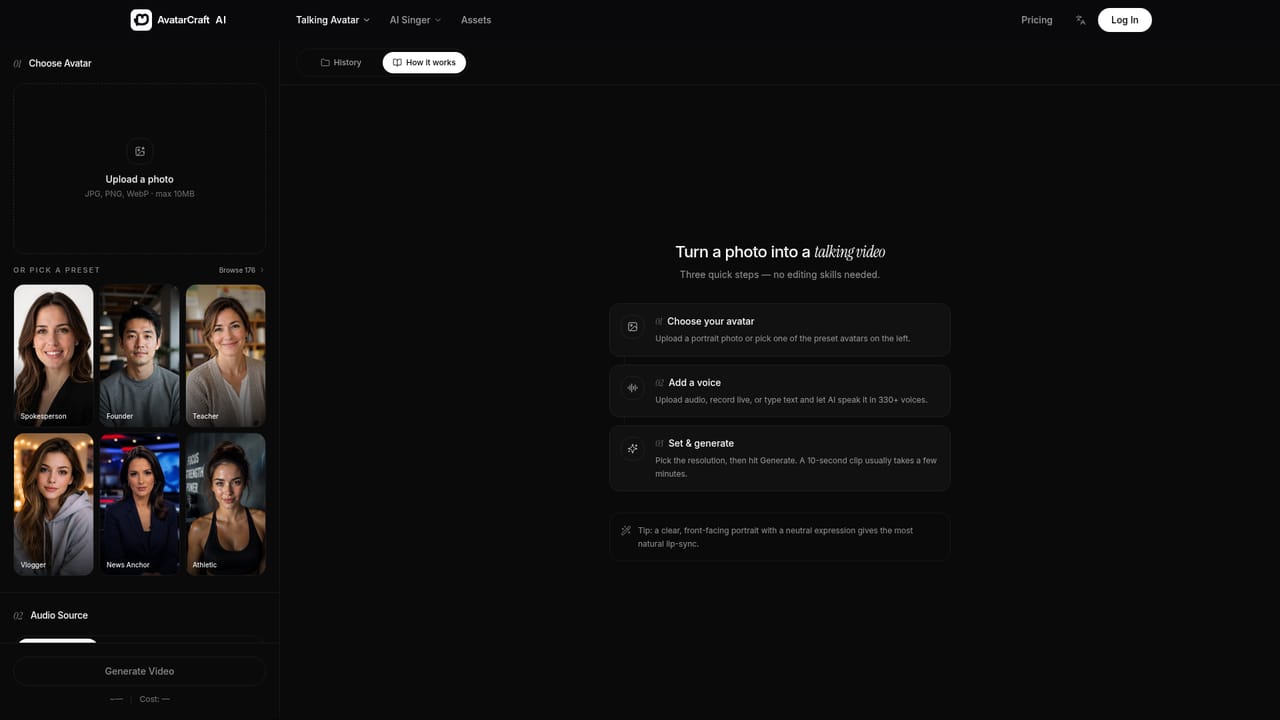
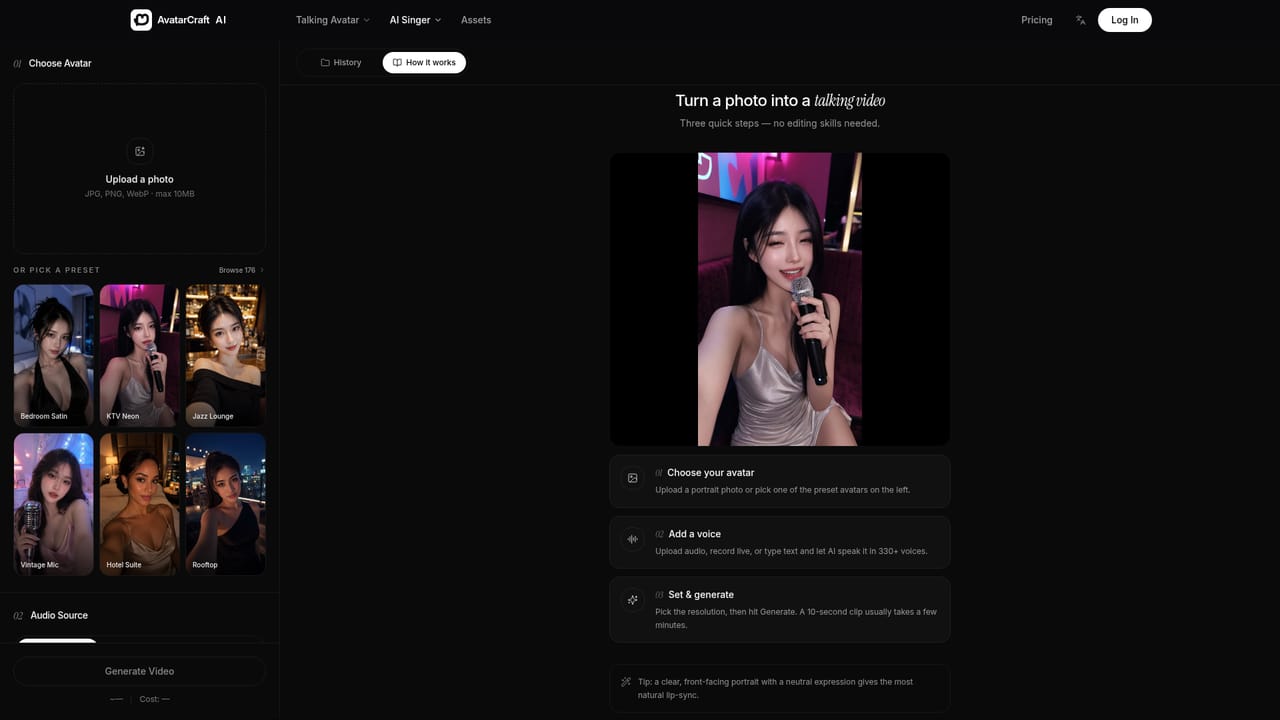
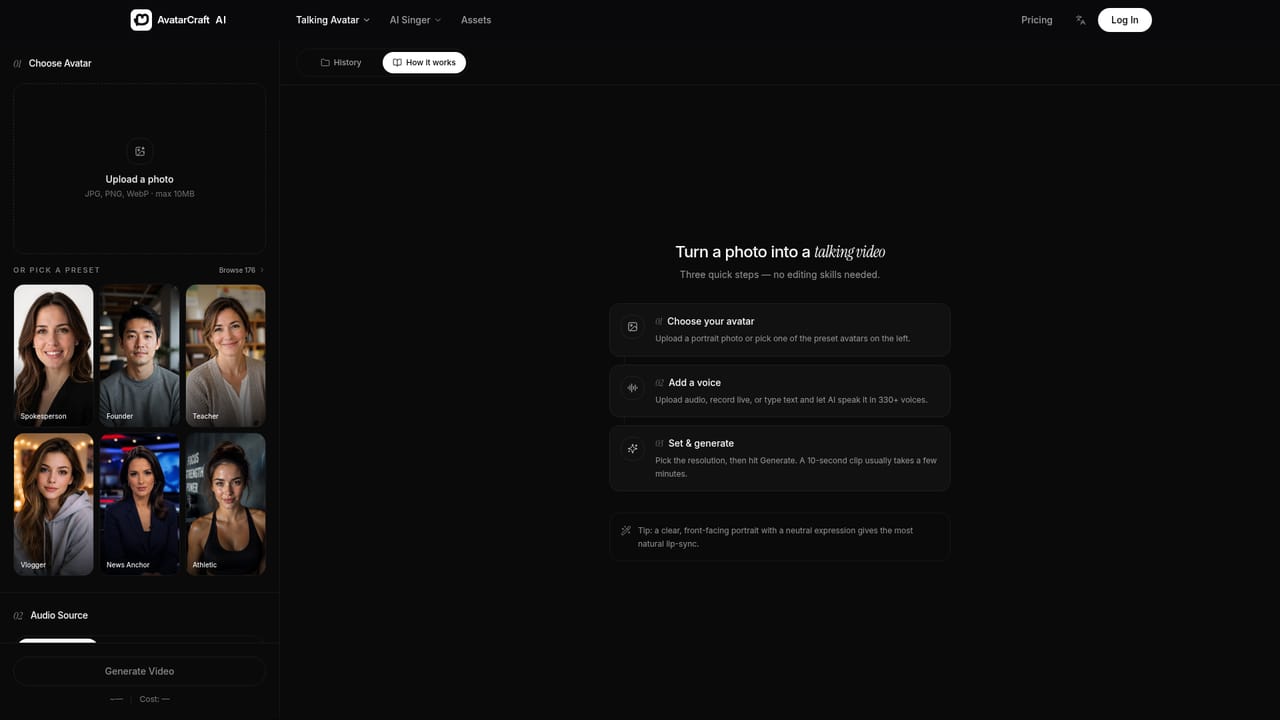
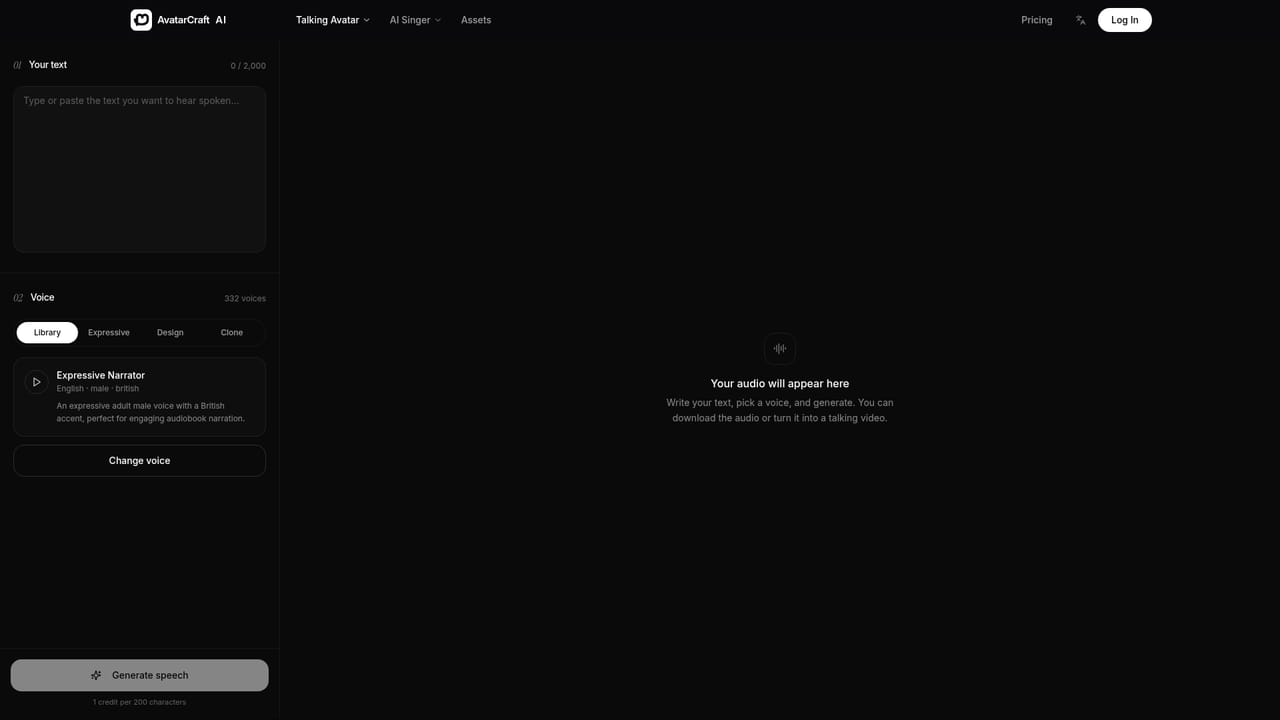
AvatarCraft AI is a talking photo generator that takes a single still image and animates the face so it speaks a written script or sings a supplied song, with the lips matched to the audio. It handles portraits, illustrations, cartoon characters and pet photos, provided the image shows one clear, front facing face with an unobstructed mouth. Files can be JPG, PNG or WebP up to 10MB. The workflow is deliberately narrow. You either upload your own photo or start from one of 160+ preset avatars (professional presenter, marketing spokesperson, educator, YouTube host, social media influencer), then supply the audio in one of three ways: type a script and let text to speech read it with one of 330+ voices across 20+ languages, upload or record your own audio in any language, or clone your own voice on the Clone tab. Each clip runs between 3 and 60 seconds of audio, and a 10 second video typically renders in a few minutes. A separate lip sync mode re-dubs an existing video to a new audio track, and singing photos work the same way with a song you own or have licensed. It suits solo creators and small teams who need spokesperson style footage without a camera or studio: faceless YouTube channels, course and training material, product promos, and short form social clips. The character reference feature keeps the same avatar consistent across a series so a channel looks coherent. Compared with full video suites, AvatarCraft AI is a focused single purpose tool. It does not attempt multi speaker scenes, batch generation, video translation or dubbing, and it exposes no sliders for speaking speed, pitch or emotion, so variety comes from switching voices rather than tuning delivery. Downloads are 540p, with 720p reserved for paid plans. New accounts get 30 free credits, which covers one 20 second video at 540p; free output is restricted to personal, non commercial use.
New accounts receive 30 free credits, enough for one 20 second video at 540p, with output restricted to personal, non commercial use.
Learn moreVideos are charged by credit: 1 credit per second at 540p and 2 credits per second at 720p, the latter requiring a paid plan. New accounts get 30 free credits, which covers one 20 second video at 540p. Commercial use is allowed on paid plans only; free accounts are limited to personal, non commercial use.
Learn moreSingle photo animation with accurate lip sync, 160+ preset avatars, text to avatar video from a typed script, 330+ AI voices in 20+ languages, voice cloning, audio upload or recording in any language, character reference for consistent avatars, lip sync re-dubbing of existing video, singing photos, and downloads at 540p (720p on paid plans).
Learn more AI Angels400+ customizable AI girlfriends for NSFW chat, voice calls, and roleplay
 Candy AIExperience the future of companionship with AI friends who chat, role-play, and connect with you on a human level.
 ourdream.aiA vast AI roleplay platform with millions of characters for chat, images, video and voiceAI Angels400+ customizable AI girlfriends for NSFW chat, voice calls, and roleplayCandy AIExperience the future of companionship with AI friends who chat, role-play, and connect with you on a human level.ourdream.aiA vast AI roleplay platform with millions of characters for chat, images, video and voice