Support
Support is available via email at support@bitesyzed.com. The homepage also lists a phone number and social media links, but contact details appear to be placeholders.
Learn moreAI repurposing tool that turns long videos into short clips.

BiteSyzed uses AI to automatically extract short, viral-ready clips from long videos. It analyzes footage, generates subtitles, and exports with AI-written descriptions and hashtags for social media.
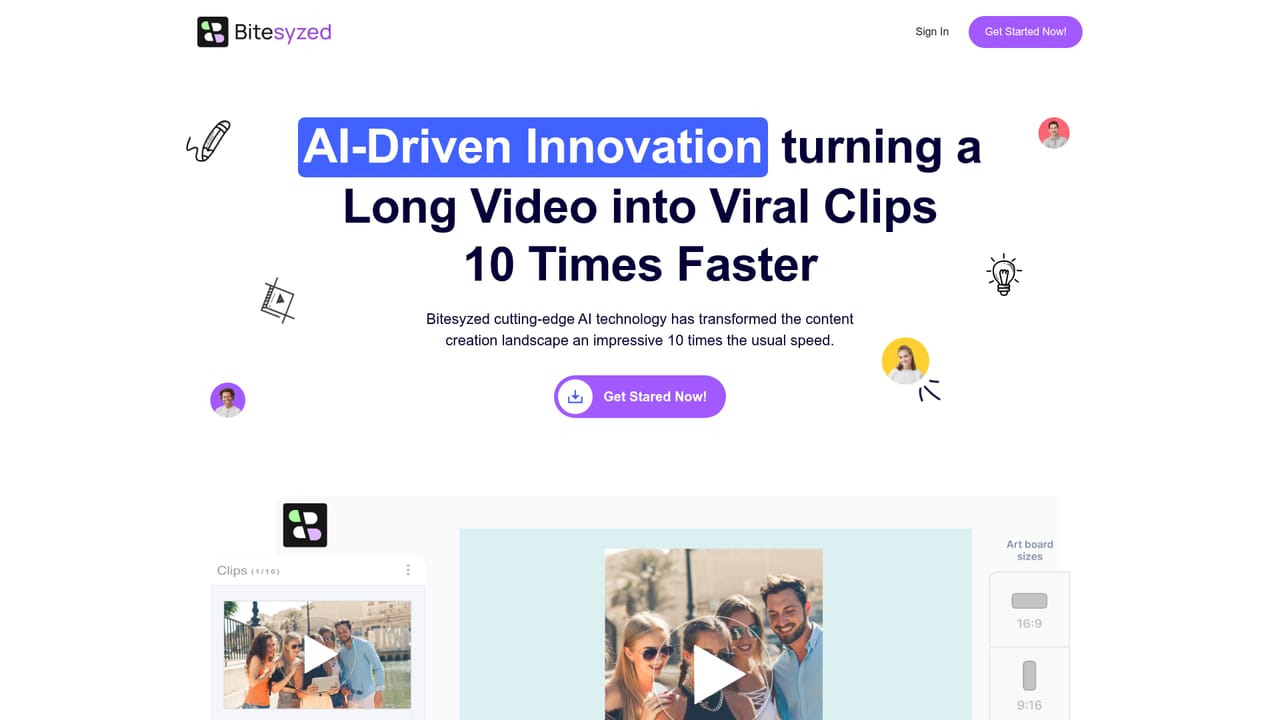
BiteSyzed is an AI video repurposing platform designed to convert long videos into short, shareable clips. It targets content creators, social media managers, and marketers who need to produce a steady stream of short-form video without spending hours in editing software. The core promise is speed: the site claims clips can be generated 10 times faster than manual editing. The workflow centers on a Creative Studio where users upload videos or pull them from YouTube. BiteSyzed's AI then analyzes the footage, using transcription to understand context, and automatically extracts the most engaging moments. These moments are assembled into short clips. From there, users can add AI-generated subtitles and captions, render clips in various aspect ratios for different social platforms, and export with AI-written descriptions and hashtags. The entire process is presented as largely automated, requiring minimal input once the source is loaded. In practice, BiteSyzed competes with other video repurposing tools that emphasize AI-driven clip selection. Its distinguishing points are the contextual clipping approach (which uses transcription to identify relevant segments) and the built-in generation of descriptive text and hashtags for each clip. The platform is web-based and accessible via login, and the homepage indicates a user base in the thousands. It is positioned as a tool for those who want to maintain a social media presence without mastering complex editing suites. A note: at the time of writing, the site displays a maintenance notice, so some features may be temporarily unavailable. Pricing and free trial details are not specified on the homepage; interested users should check the site directly.
Support is available via email at support@bitesyzed.com. The homepage also lists a phone number and social media links, but contact details appear to be placeholders.
Learn moreYouTube is the only integration explicitly mentioned for importing videos. Other integrations are not detailed on the homepage.
BiteSyzed's core features include AI-powered video analysis that extracts engaging moments, automatic transcription for contextual clipping, AI-generated subtitles and captions in multiple languages, rendering in various aspect ratios for social media, and AI-generated descriptions and hashtags for each clip. The platform also supports direct import from YouTube.
 AI Angels400+ customizable AI girlfriends for NSFW chat, voice calls, and roleplay
 Candy AIExperience the future of companionship with AI friends who chat, role-play, and connect with you on a human level.
 ourdream.aiA vast AI roleplay platform with millions of characters for chat, images, video and voiceAI Angels400+ customizable AI girlfriends for NSFW chat, voice calls, and roleplayCandy AIExperience the future of companionship with AI friends who chat, role-play, and connect with you on a human level.ourdream.aiA vast AI roleplay platform with millions of characters for chat, images, video and voice


