Integrations
Connects to databases and data warehouses in one place, with Postgres, MySQL, Snowflake and BigQuery named on the homepage and further sources listed on the integrations page.
Learn moreChat with your database and turn raw tables into reports

Brewit is a graph explainer tool that chats with your database and turn raw tables into reports. Brewit is an AI data analyst for Postgres, MySQL, Snowflake and BigQuery. Users ask questions in plain language, get generated SQL and recommended charts, and build reports in a Notion-style notebook with a semantic layer for consistent answers.
Brewit is an AI data analyst that sits on top of the databases and warehouses a company already uses. Instead of waiting on a specialist to write queries, a team member can ask a question in plain language and get back an answer built from live business data. The product covers the full path from connection to presentation: it links to the source, writes the SQL, suggests the chart, and then lets the user assemble the result into a shareable report. The workflow starts with integrations. Postgres, MySQL, Snowflake, BigQuery and other sources are connected in one place, so analysis runs against production data rather than an exported copy. From there the chat interface handles the querying. Brewit generates SQL on the user's behalf, recommends chart types for the data returned, and supports drill-down when an initial answer raises a follow-up question. This makes the tool most useful for operators, analysts and founders who know the questions they need answered but do not want to hand-write joins every time. Accuracy is addressed through a built-in data catalog. Brewit describes this as an automated semantic layer that encodes business logic, alongside a data dictionary the team can curate, so recurring questions resolve the same way each time. Reporting is handled by a Notion-style notebook editor, where data, narrative and dashboards sit in the same document, aimed at people who would otherwise paste charts into a slide deck. Brewit competes with natural language BI add-ons from the major warehouses and with standalone analytics copilots. Its pitch is the combination of chat querying, a managed semantic layer and a document style report builder in one product, backed by Y Combinator. It suits small and mid-sized teams that want self-service answers without running a separate BI stack, though organisations with heavy governance requirements should check how the catalog keeps models current before committing.
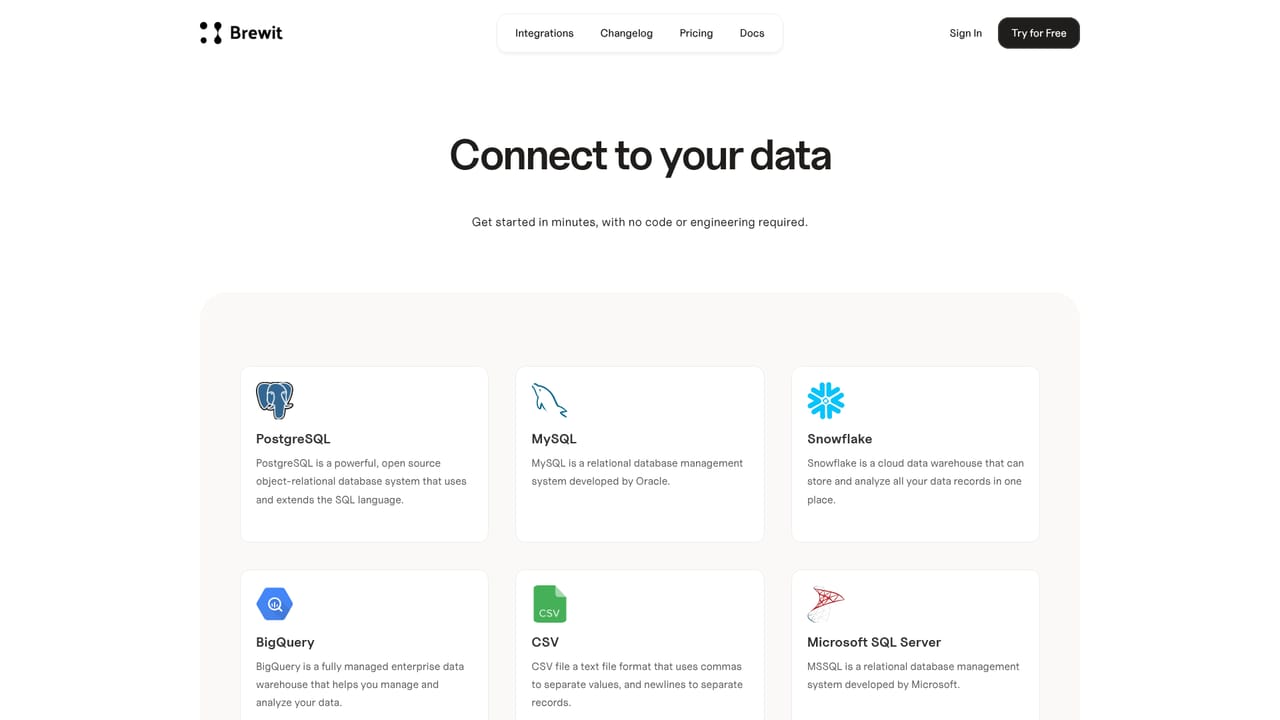
Connects to databases and data warehouses in one place, with Postgres, MySQL, Snowflake and BigQuery named on the homepage and further sources listed on the integrations page.
Learn morePlain language querying that generates SQL and recommends charts, drill-down on results, a built-in data catalog described as an automated semantic layer with a manage able data dictionary, and a Notion-style notebook editor for turning analysis into reports and dashboards.
 AI Angels400+ customizable AI girlfriends for NSFW chat, voice calls, and roleplay
 Candy AIExperience the future of companionship with AI friends who chat, role-play, and connect with you on a human level.
 ourdream.aiA vast AI roleplay platform with millions of characters for chat, images, video and voiceAI Angels400+ customizable AI girlfriends for NSFW chat, voice calls, and roleplayCandy AIExperience the future of companionship with AI friends who chat, role-play, and connect with you on a human level.ourdream.aiA vast AI roleplay platform with millions of characters for chat, images, video and voice