What these tools do and who they are for
Full body gender swap AI takes an ordinary photo or video of a person and returns the same scene with the subject presented as another gender. The good tools keep the framing, the pose, the lighting and often the clothes, then alter the face and the body so the result reads as a different person rather than a face pasted onto a stranger's torso. That is the difference between a convincing full body gender swap and a crude filter.
The audience is broad. Some people use these tools for a light curiosity check about how they might look. Others are creators who need a character variant for a story, a thumbnail or a short clip, and a few use them for before and after content on social. It replaces manual retouching in an editor: no painting, no clone stamping, no hours of warping. The tool does the heavy work and the user judges the result.
How to choose one
The main question is whether the output needs to move. A still image is far easier and most web tools handle it. A video clip with a walking or turning body is harder because the tool has to keep the swap stable frame by frame.
Look at the input limits next. Portrait crops are forgiving, but a full length shot exposes bad body handling immediately, so check whether the tool accepts full body photos or only tight headshots. Consider what you get back: a single image, a short clip, or a batch export. Price and free trial matter if the use is occasional, and watermarks on free tiers change the decision for anyone posting publicly.
Finally, think about content. Some tools lean toward clothed portraits and social edits. Others allow broader material. Match the tool to the job rather than assuming every editor accepts every image.
Notable tools
DeepSwap is an online application for face swap videos and pictures in seconds. It is the most video oriented of the three and suits users who want a moving clip rather than a still.
HeyPhoto offers AI face tuning for selfies and group shots with no brushes required, and it is free on the web. That makes it a low risk first stop for anyone testing a portrait edit.
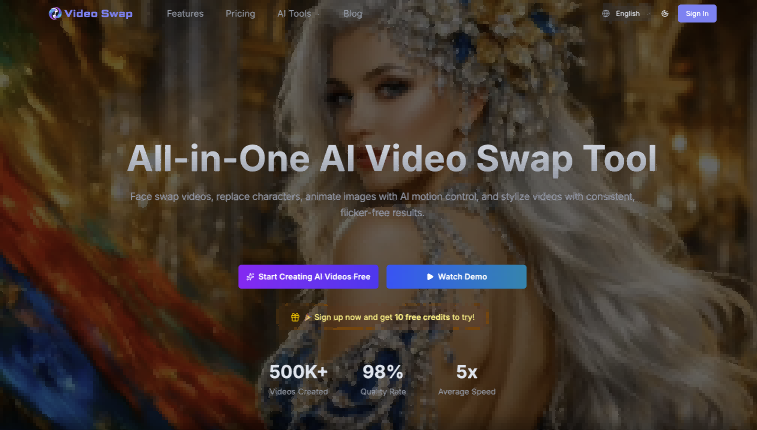
VideoSwap.app handles AI video face swap, character replacement and motion control in the browser, under a freemium and subscription model. It fits creators who want to swap a character inside a clip without installing desktop software.
Common questions
What is full body gender swap AI?
It is an image or video tool that changes the perceived gender of a whole person in a scene, not just the face. The software detects the body, generates a new version and blends it back into the original framing. Results vary with pose, clothing and image quality.
Can I do a full body gender swap with these tools?
Yes, but expect differences between them. HeyPhoto is built around face tuning for portraits and group shots, so a full length body edit may be outside its strongest case. DeepSwap and VideoSwap.app are the better starting points when the body and motion have to hold up.
Do these tools produce a nude gender swap?
Policies differ by product, and adult content is usually restricted on mainstream web apps. Check each tool's terms before uploading anything sensitive. For a clothed portrait, the standard editing flow is the safer and more reliable route.
Which is easiest to try first?
A free web option is the obvious first test, since it costs nothing to see how a photo comes back. Move to a video capable tool only when a still is not enough.
When to look elsewhere
If only the face needs changing and the body stays as it is, the Face Swap category is a closer match. For edits where the goal is new clothing rather than a new body, see Change Clothes.