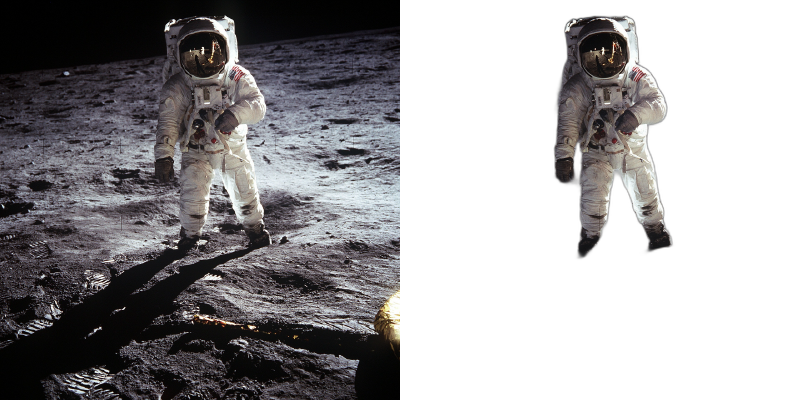
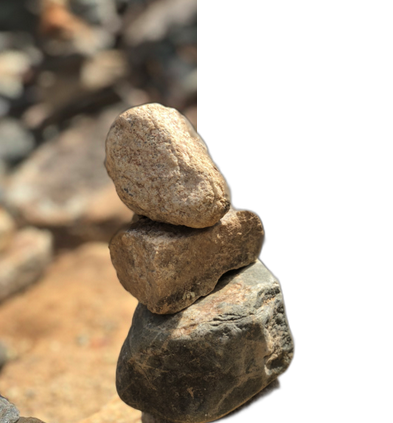
What these tools do
Removing the background from an animated GIF is harder than doing it once on a still photo, because the mask has to hold across every frame or the subject flickers. These tools automate that tracking with AI segmentation, so a moving figure keeps its edges while the background drops away. The audience is broad: social media editors building sticker style loops, designers placing a subject on a brand color, streamers and creators who want a clean overlay, and anyone who needs a transparent GIF for a site or slide deck. What they replace is manual rotoscoping and chroma keying, frame after frame, in a video editor. For many short loops, that work is no longer worth doing by hand.
How to choose one
Start with the file type you actually have. Some tools are built for video and treat GIFs as a secondary input, while others handle GIF and image export directly, so check that animated output is supported rather than a single still. Next, look at how the background is removed. AI segmentation needs no green screen and copes with messy real world footage, while keying tools assume a controlled shot. Consider the output format: a transparent GIF, a video with an alpha channel, or a still cutout are different deliverables, and only some tools offer all three. Pricing model matters too, since per second billing suits one off clips while a subscription makes sense for steady volume. Finally, weigh sign up friction and whether browser only processing fits your privacy and file size needs.
Notable tools
AdWorker offers free browser tools for GIF and image background removal, which makes it a sensible first stop when the source is a GIF rather than a video.
Unscreen Pro is browser based AI video background removal with no green screen required, so it fits footage that was never shot for keying and can export a clean cutout.
Video Upscaler provides browser based AI face swapping for photos, videos and GIFs with no sign up, useful when the job is swapping a face inside a loop rather than cutting out the backdrop.
Swap Me In bills pay per second for AI face swap on videos and GIFs with no subscription, a good fit for short clips where a flat monthly fee would be wasted.
Common questions
How do I remove the background from an animated GIF?
Upload the GIF to a tool that supports animated input, let the AI segment the subject, then export with a transparent or replaced background. The key is checking that the export keeps the animation rather than flattening it to one frame. Tools built around video often handle this well because they already process motion across time.
Can I remove a background from an animated GIF without a green screen?
Yes. AI segmentation methods look at the subject itself rather than a color, so plain or busy backgrounds can be removed. A green screen still helps with tricky edges like hair or motion blur, but it is no longer required for a clean result. Unscreen Pro is built around exactly this no green screen approach.
Will the edges stay clean across every frame?
Quality varies. Good tools track the mask over time so edges stay stable, but fast motion, transparent objects and fine hair can still show artifacts. Review a few frames in motion before committing, since a still frame can look perfect while the loop flickers.
When to look elsewhere
If the source is a still image rather than an animation, a general cutout tool is simpler. If the loop is low resolution and you want it sharper before or after background work, see the GIF Upscaler category. For swapping the person inside the clip rather than the backdrop, the Face Swap category covers that job.