Free trial
A free plan with starting credits lets you generate images and videos without a subscription and without entering card details.
Learn moreAccess the major Chinese image and video models through one shared account
Own Chinese AI Tools? Verify ownership to get a dofollow link

Chinese AI Tools is a generative image tool. A single web workspace for Kling, Seedance, Seedream, Wan and competing models from Google, OpenAI and Black Forest Labs, covering text to image, text to video, image to image and image to video generation with prompting, motion control and watermark-free downloads.
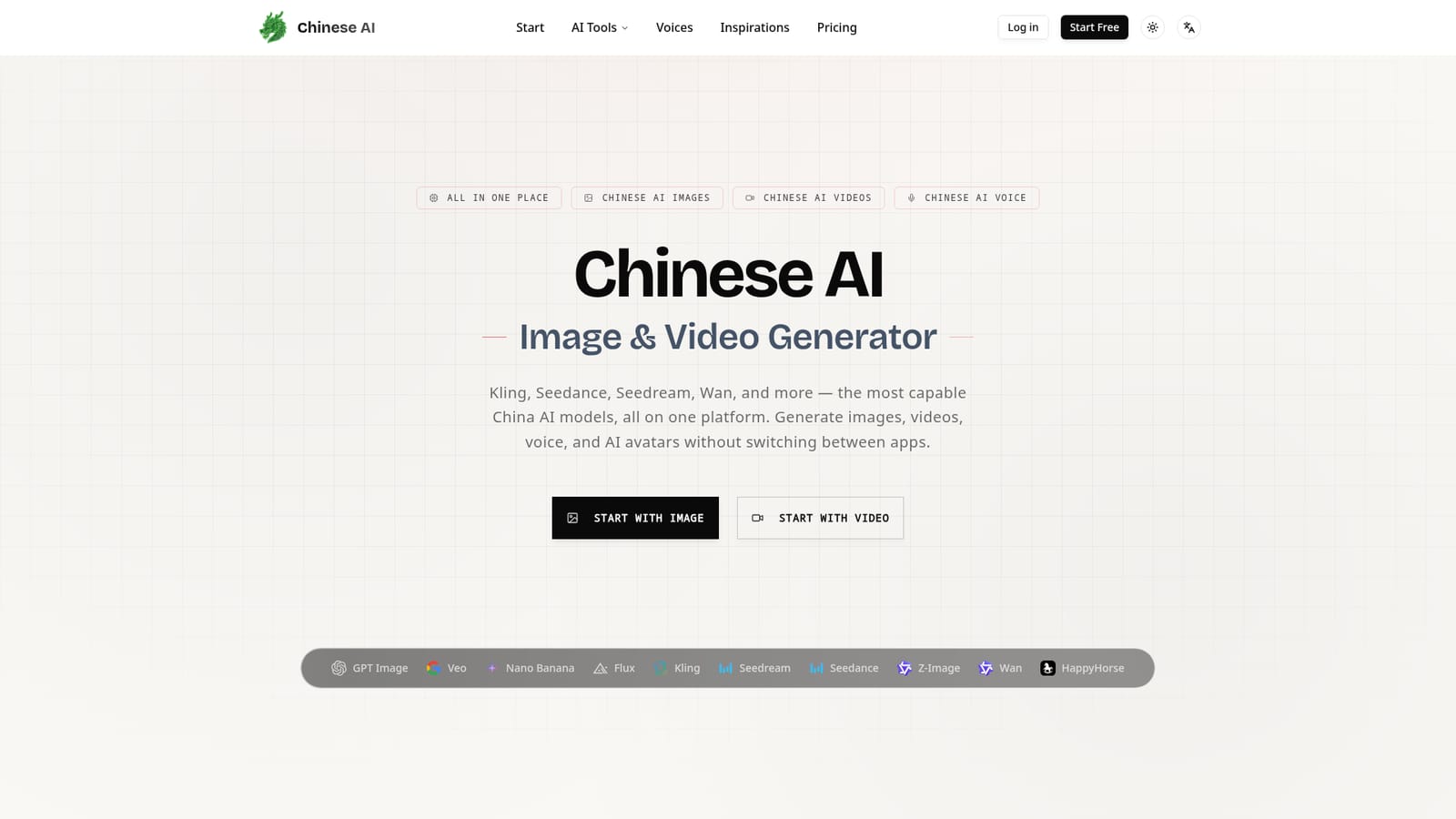
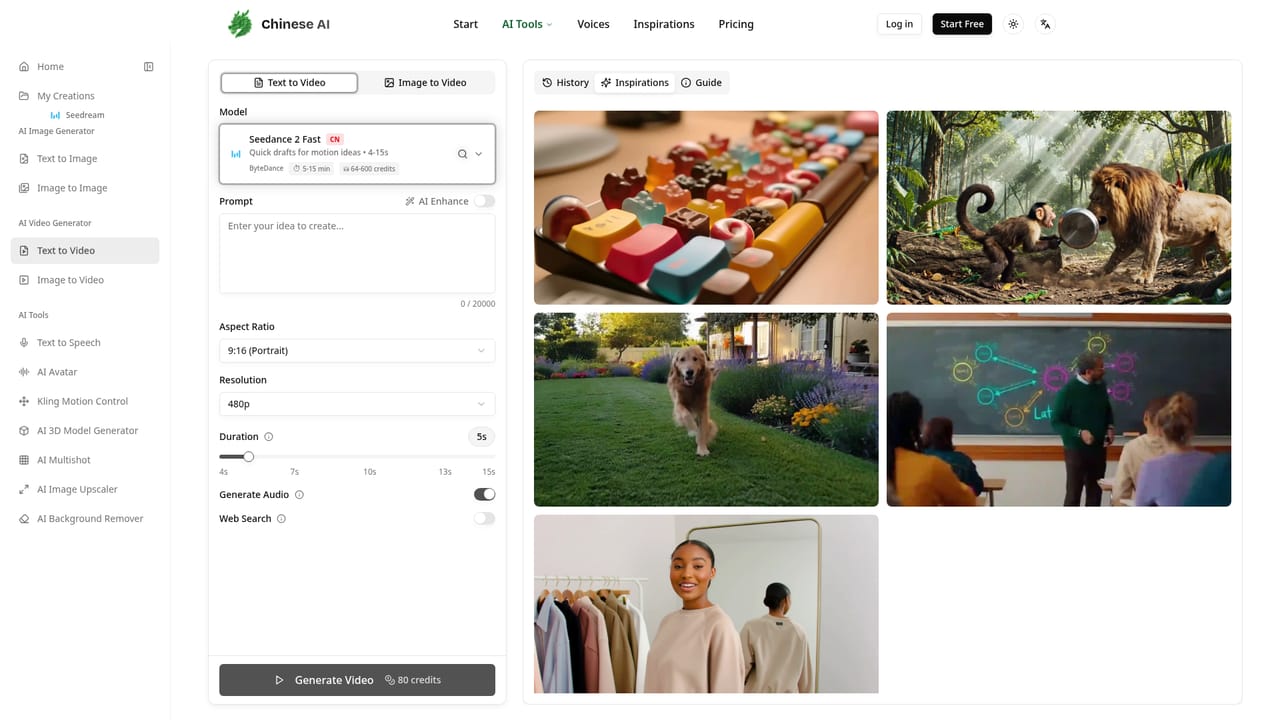
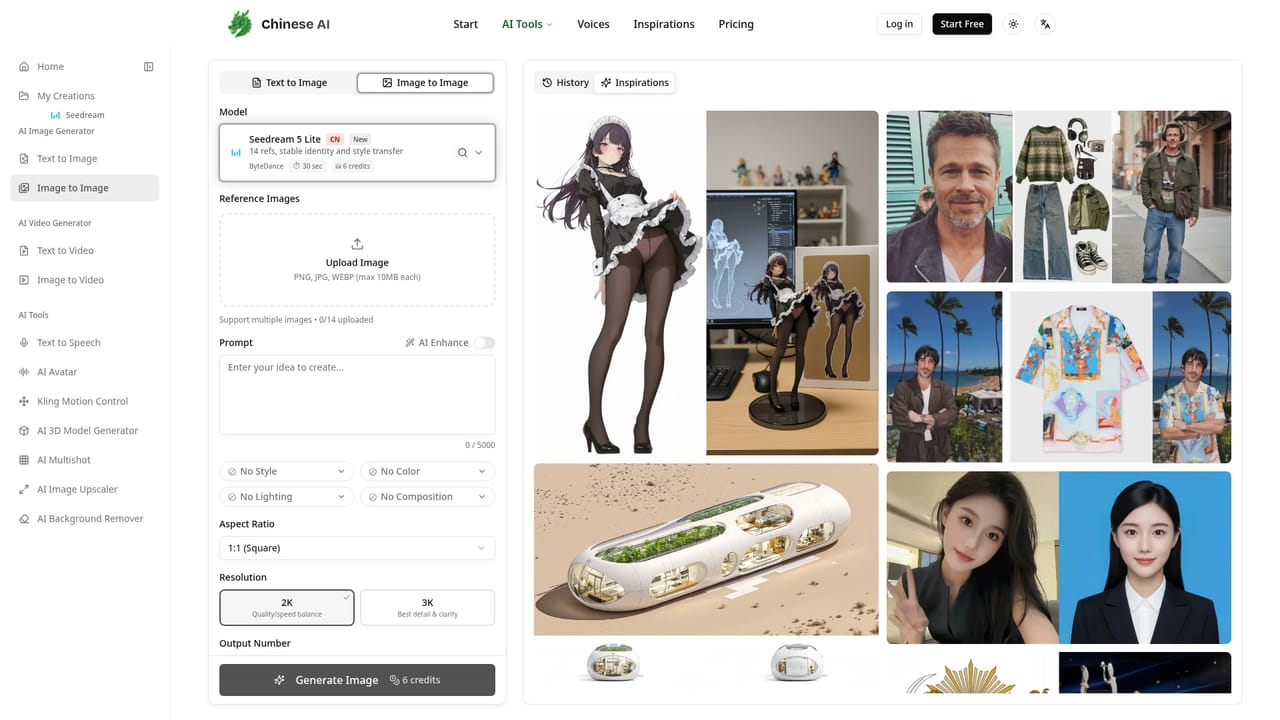
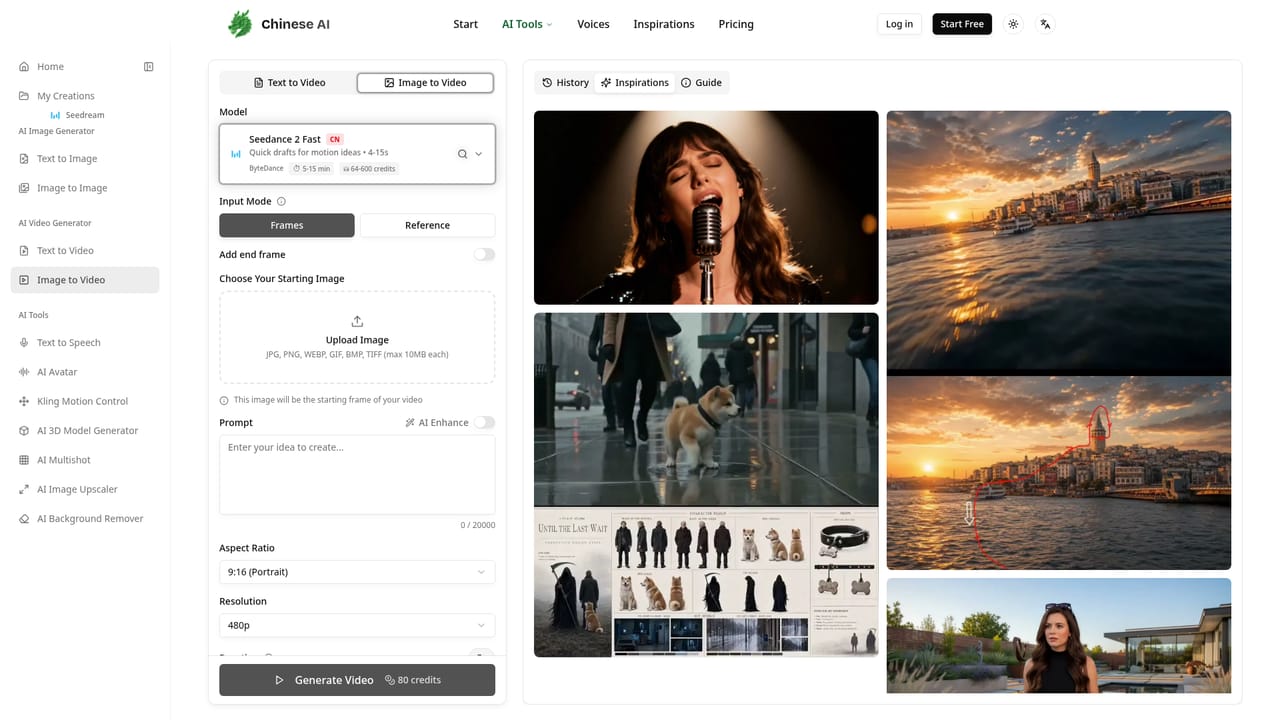
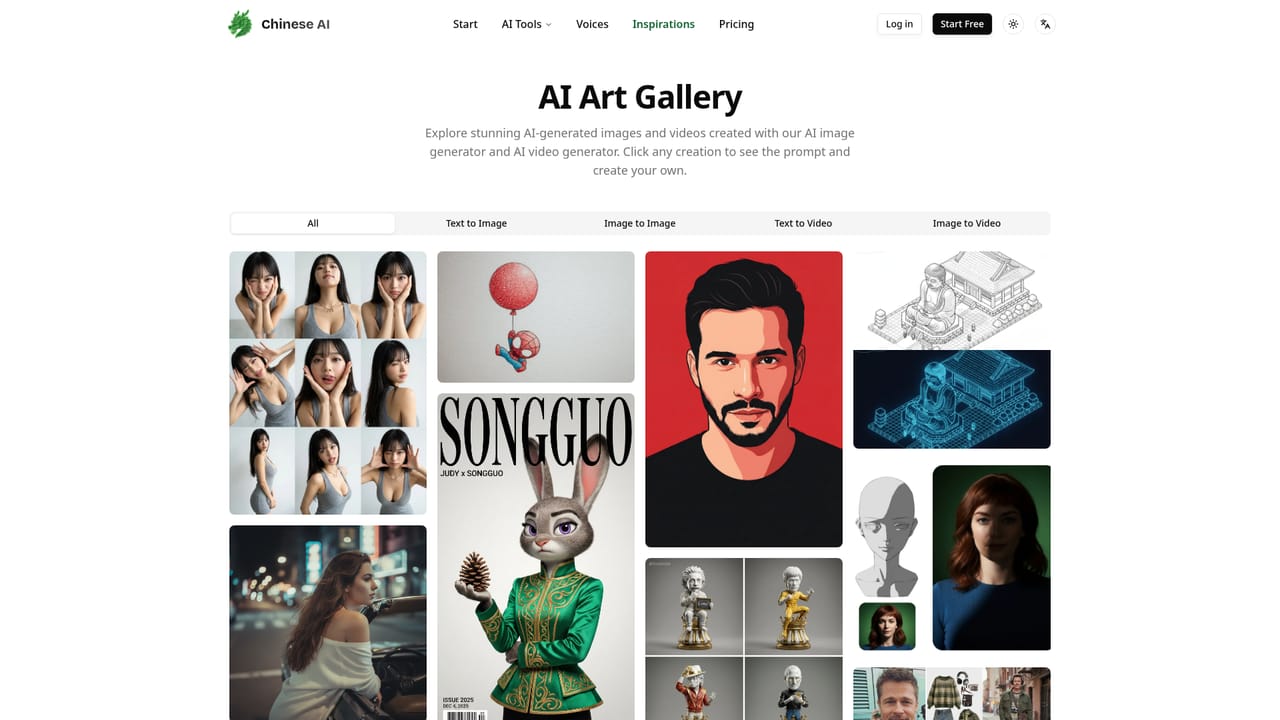
Chinese AI is a web platform that gathers the leading Chinese generative models into a single workspace. Kling and Seedance handle video, Seedream covers image creation up to 4K, and Wan targets animation and smooth transitions. The lineup is not limited to Chinese providers: Google's Veo and Nano Banana, OpenAI's GPT Image and Black Forest Labs' Flux sit alongside them, so a project can move between model families without opening new accounts or managing API credentials. The product is organised around four workflows rather than model names. Text to image, text to video, image to image and image to video each open a generation screen where a model is picked from a dropdown, a prompt is typed, and output settings such as aspect ratio, resolution and output count are configured. Video work adds options for motion prompts, single or multi-shot sequences and optional AI sound effects. The platform also lists AI avatar creation with lip sync, multi-speaker voice synthesis and AI video editing as part of the same account. The intended audience is creators, marketers and small production teams who want Chinese model output without dealing with provider signups or developer tooling. The interface is prompt-driven and the help content explains model strengths in plain language, which suits people coming from Midjourney, ChatGPT or standalone video generators. Commercial rights are included on paid plans and files download at full resolution without watermarks. Compared with going direct to Kuaishou or ByteDance, the tradeoff is abstraction: you get one dashboard and one credit balance, but you work through this platform's interface and its model roster rather than the vendors' own latest releases and controls.
A free plan with starting credits lets you generate images and videos without a subscription and without entering card details.
Learn moreGeneration runs on credits: the Seedream 5 Lite image example on the homepage costs 6 credits per image. A free plan includes credits with no card required, and paid plans add commercial usage rights. The homepage does not publish plan prices or credit bundles.
Learn moreText to image, image to image, text to video and image to video generation across Kling, Seedance, Seedream, Wan, Veo, Nano Banana, GPT Image and Flux. Includes reference image uploads (up to 14), AI prompt enhancement, resolution and aspect ratio controls, motion prompts, multi-shot video, AI sound effects, plus avatar, voice synthesis and video editing workflows.
Learn more AI Angels400+ customizable AI girlfriends for NSFW chat, voice calls, and roleplay
 Candy AIExperience the future of companionship with AI friends who chat, role-play, and connect with you on a human level.
 ourdream.aiA vast AI roleplay platform with millions of characters for chat, images, video and voiceAI Angels400+ customizable AI girlfriends for NSFW chat, voice calls, and roleplayCandy AIExperience the future of companionship with AI friends who chat, role-play, and connect with you on a human level.ourdream.aiA vast AI roleplay platform with millions of characters for chat, images, video and voice


