Pricing
The homepage advertises simple, pay-as-you-go API pricing with no commitment, and links to a Stripe billing portal for subscription management. Specific credit rates and plan tiers are not listed on the homepage.
Learn morePrecision and creative upscalers for images and video, up to 1.5 gigapixel.

Clarity AI upscales images and video with two model families: Crystal for faithful, artifact-free precision up to 1.5 gigapixel, and Clarity or Clarity Pro for controlled creative detail up to 8K. A REST API and ComfyUI integration cover production workflows, and extra tools include an image converter and description generator.
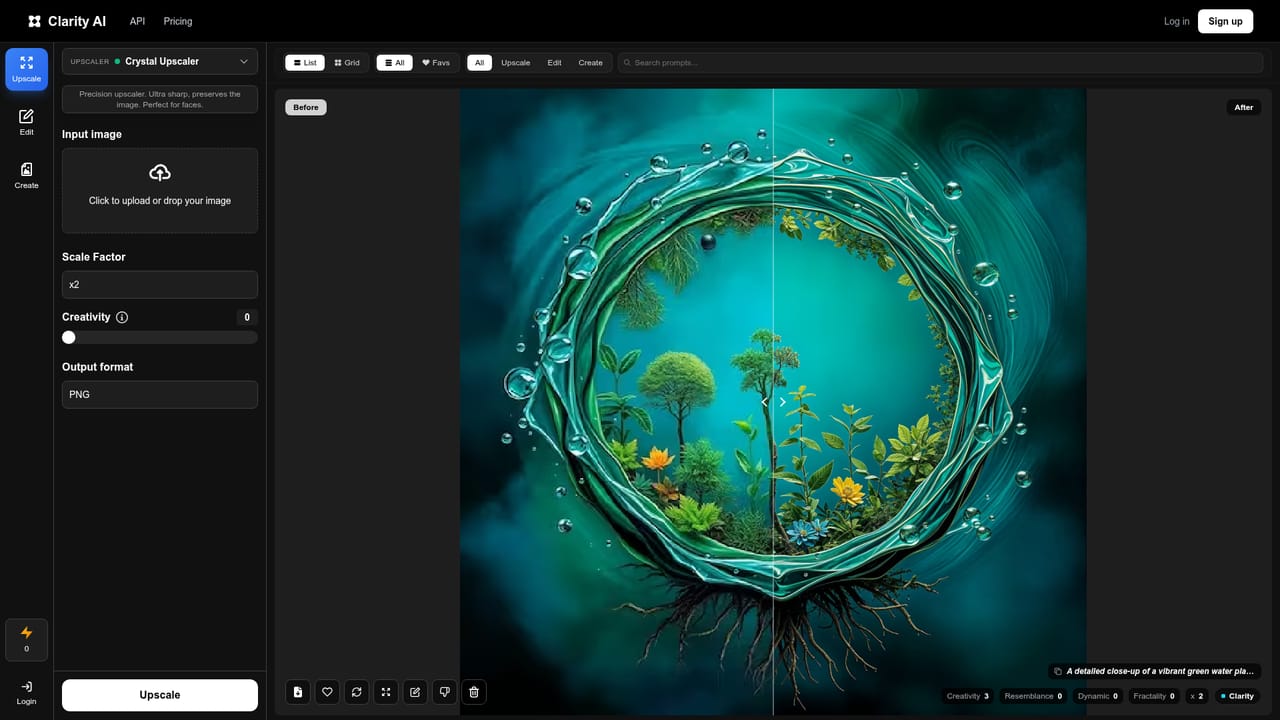
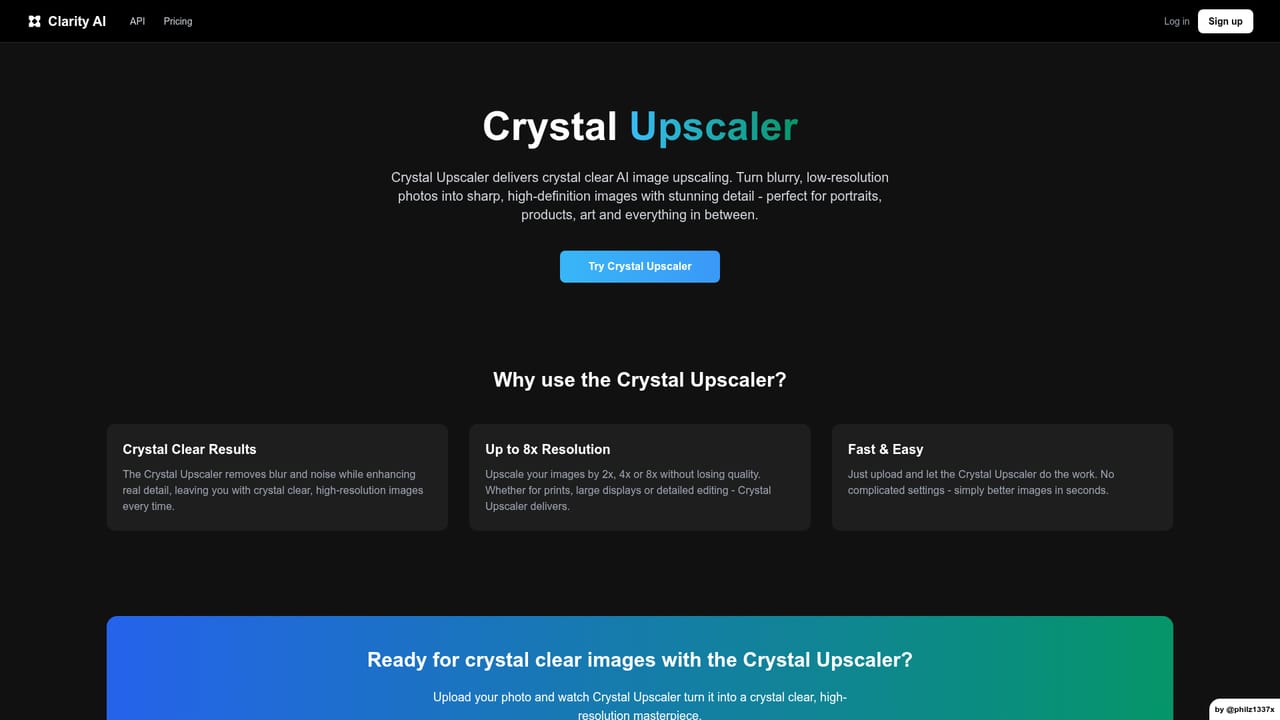
Clarity AI is an image and video upscaling platform built around a small family of models, each aimed at a different kind of job. Crystal is the precision model: it preserves real detail and adds nothing invented, which makes it the sensible pick for faces, skin, portraits, product shots, architecture and any frame where a shifted color or a smeared label would be a problem. It reaches up to 1.5 gigapixel, enough for a small preview to print crisp at 300 DPI on a poster or billboard. Crystal Video applies the same engine to footage, frame by frame. On the creative side sit Clarity and Clarity Pro. Clarity is described as the open-source classic, with fine-grained control over detail, style and creativity so users can dial in a specific look. Clarity Pro targets portraits and skin at up to 8K, adding plausible detail while staying close to the source. The homepage shows before and after pairs across fashion, product, architecture and text-heavy images, with legible logos and fine print as the headline claim. The platform is aimed at creators, agencies and product teams, and a REST API is offered for companies that want upscaling inside their own products. The API is pitched at production load, with pay-as-you-go pricing and no commitment. Extra tools include an image converter, an image description generator, a Flux upscaler, a ComfyUI integration and a dedicated anime upscaling page. The site reports more than 32 million images upscaled and lists Figma and Photo AI among the brands using it. Among alternatives, Clarity AI sits between single-model upscalers that trade fidelity for sharpness and creative enhancers that redraw content freely; the split between Crystal and Clarity is the main reason to choose it. The site does not publish per-image credit rates on the homepage, so cost planning needs a look at billing before committing.
The homepage advertises simple, pay-as-you-go API pricing with no commitment, and links to a Stripe billing portal for subscription management. Specific credit rates and plan tiers are not listed on the homepage.
Learn moreContact is by email at hello@clarityai.co, with a subprocessors page for data handling details. No response times or ticketing system are published.
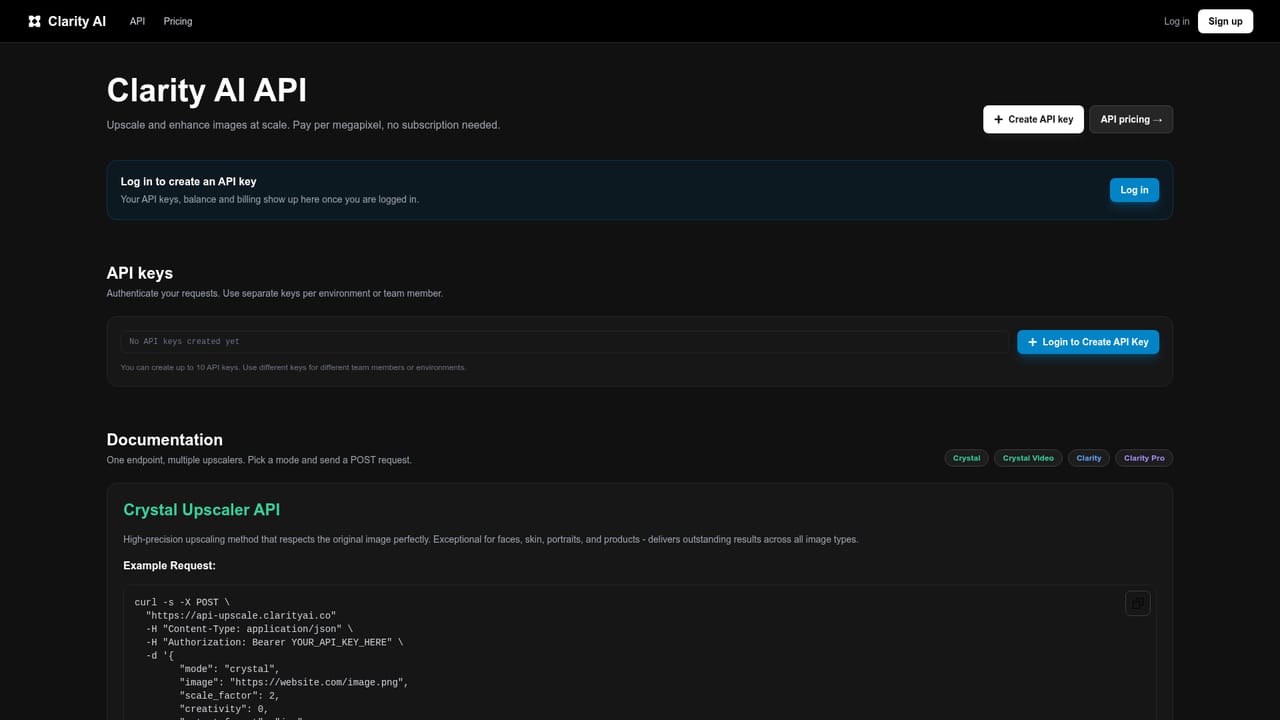
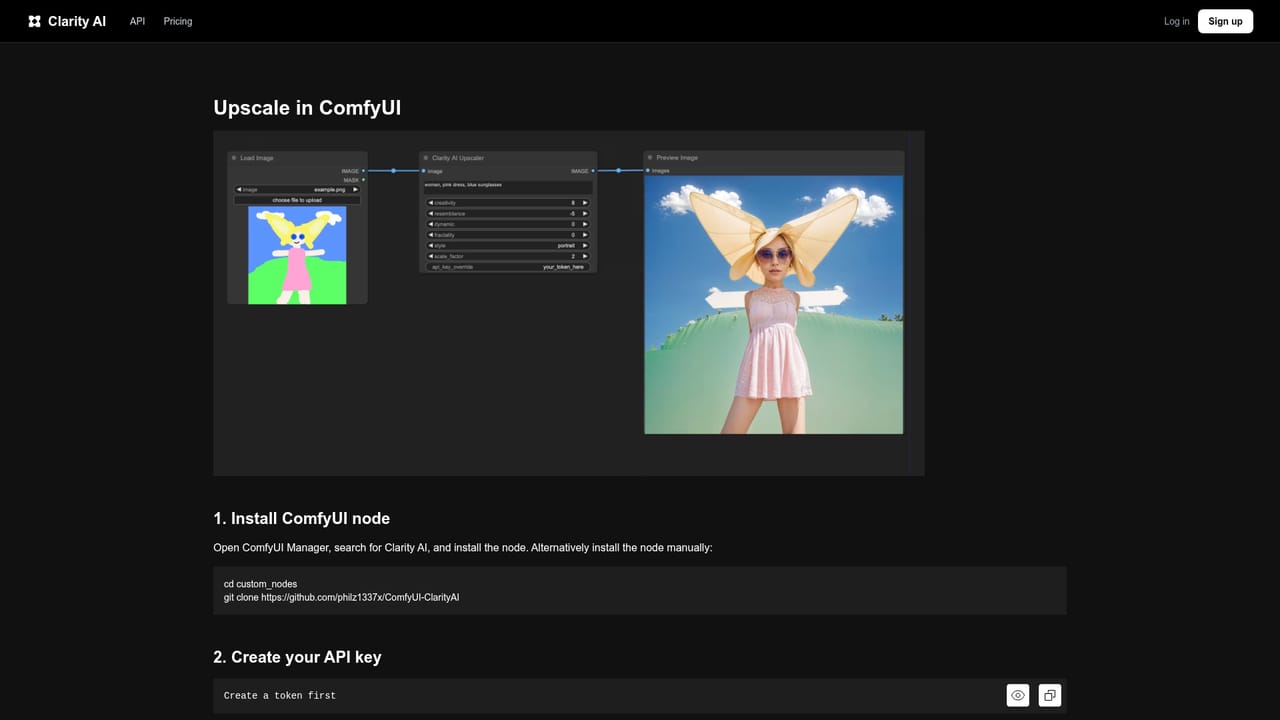
Learn moreA REST API for embedding upscaling in your own product, plus a ComfyUI integration and a Flux upscaler route for existing generation workflows.
Learn moreCrystal precision upscaling up to 1.5 gigapixel for faces, skin, products and architecture; Crystal Video for frame-perfect footage; Clarity and Clarity Pro creative upscalers up to 8K; an image converter and image description generator; a Flux upscaler; ComfyUI support; anime upscaling; and a REST API built for production load.
 AI Angels400+ customizable AI girlfriends for NSFW chat, voice calls, and roleplay
 Candy AIExperience the future of companionship with AI friends who chat, role-play, and connect with you on a human level.
 ourdream.aiA vast AI roleplay platform with millions of characters for chat, images, video and voiceAI Angels400+ customizable AI girlfriends for NSFW chat, voice calls, and roleplayCandy AIExperience the future of companionship with AI friends who chat, role-play, and connect with you on a human level.ourdream.aiA vast AI roleplay platform with millions of characters for chat, images, video and voice