Free trial
The homepage invites visitors to start for free, which indicates free usage to test the renderer before committing to a plan. The length and limits of that free access are not specified.
Learn moreAI rendering suite for architecture and interior teams

Vibe3D is a browser based AI rendering suite for architects and interior designers. It renders 3D scenes without prompts, turns stills into cinematic walkthroughs, upscales and denoises existing renders, and accepts typed edits to finished images. It works alongside Archicad, Revit, SketchUp, Rhino, Blender, 3ds Max, Vectorworks and Chief Architect.
Vibe3D is a rendering suite built specifically for architecture and interior design work. Rather than asking users to craft prompts, it accepts 3D scenes from common modelling tools and auto detects the architectural context before producing a photorealistic image, with the company quoting an average render time of around 30 seconds. The pitch is design accuracy: geometry, materials and textures stay as authored, while the AI supplies lighting, shadow and surface detail. Three capabilities sit at the core. The render engine handles interiors, exteriors and site plans, with controls for time of day, lighting, material and landscape. Walkthrough videos turn existing still renders into smooth, stabilized camera paths with auto matched music, so a flythrough can be produced without a video editor or manual scene stitching. A separate enhancement pass upscales low resolution output, denoises it and produces HDR results, which is useful for older work or quick draft renders that need to look presentable. Editing is conversational. A user types an instruction such as changing a sofa to teal blue and the model applies it to the render, which suits the iteration loop between designer and client better than rebuilding a scene. The homepage lists compatibility with Archicad, Rhino, Vectorworks, Chief Architect, 3ds Max, Blender, SketchUp and Revit. The tool targets practicing architects, interior designers, 3D visualizers and visualization studios, plus smaller practices that cannot justify a dedicated render farm. Vibe3D reports 120,000+ users across 180+ countries and a 4.6 rating on G2, and testimonials reference switching from Enscape. It is a browser based app, so the comparison set is real time engines and traditional offline renderers rather than general text-to-image generators.
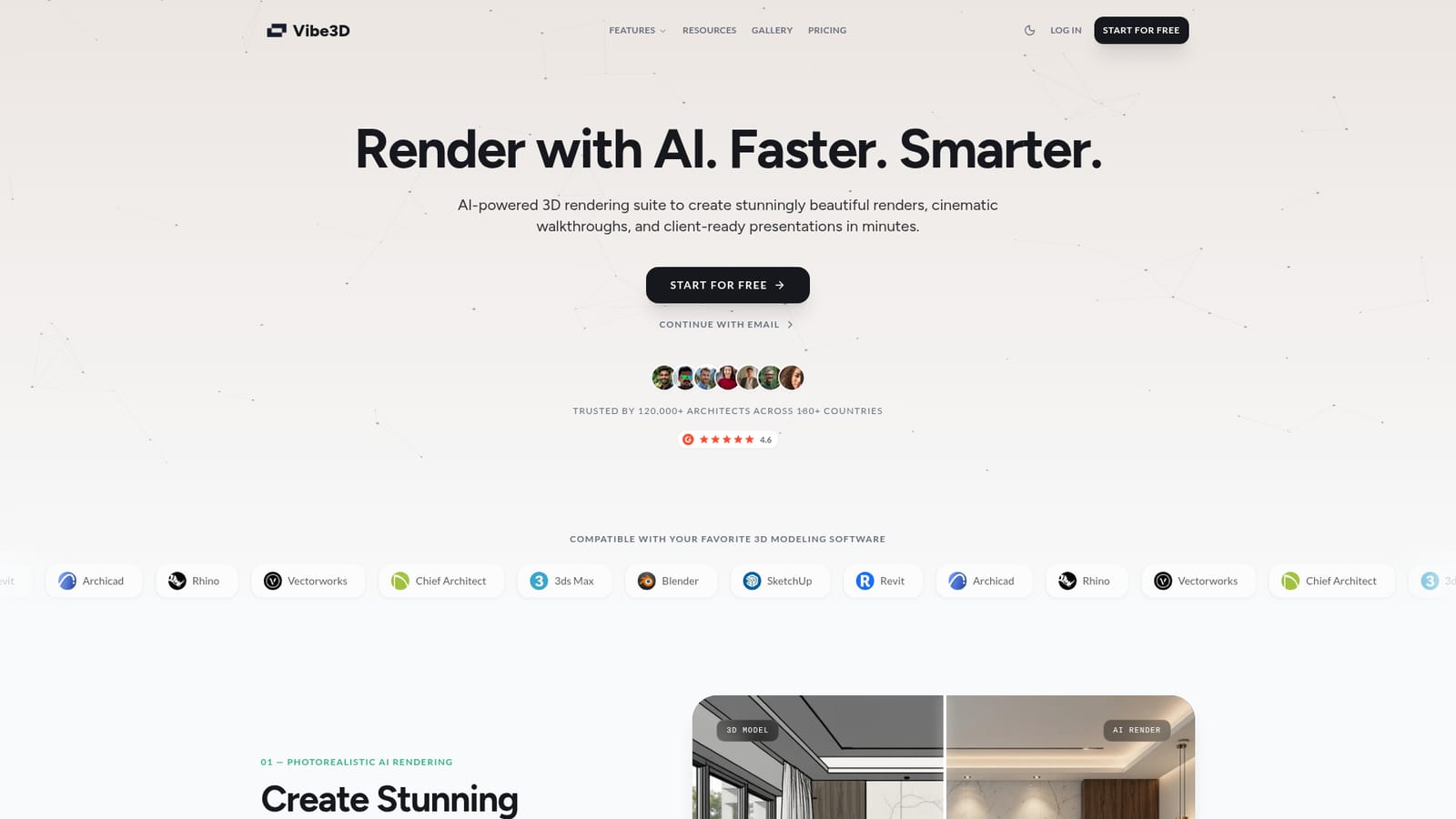
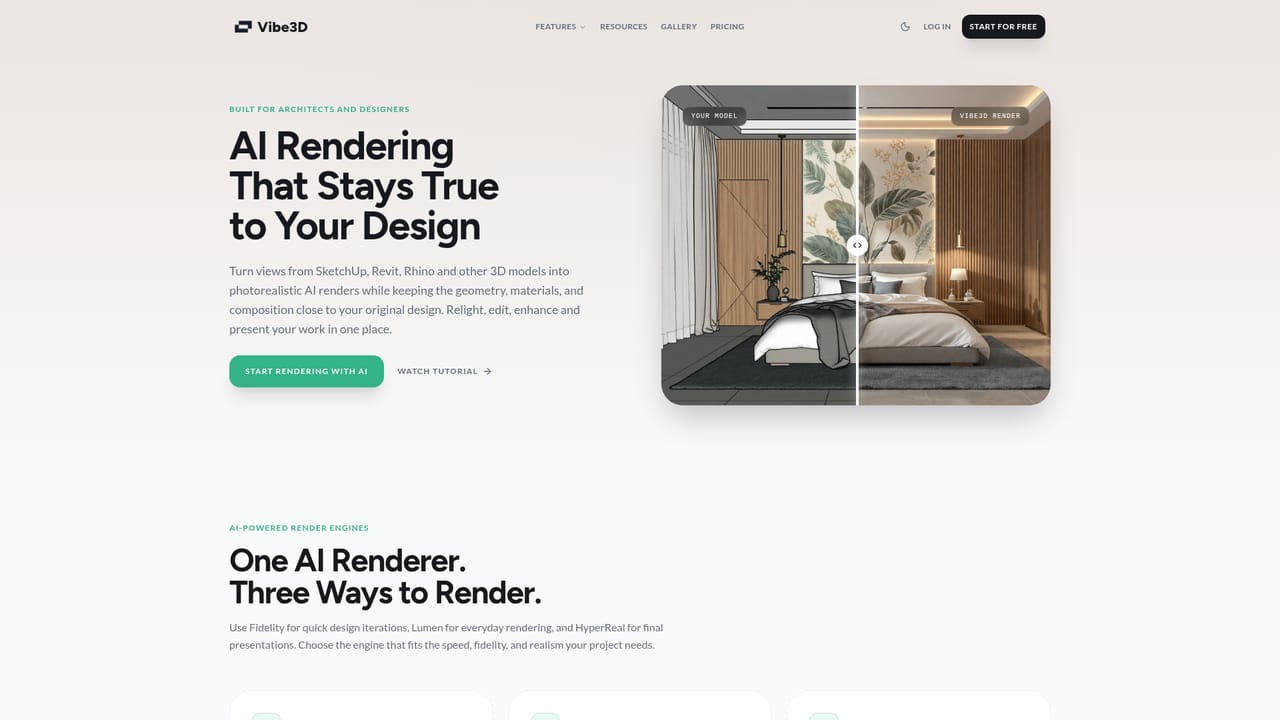
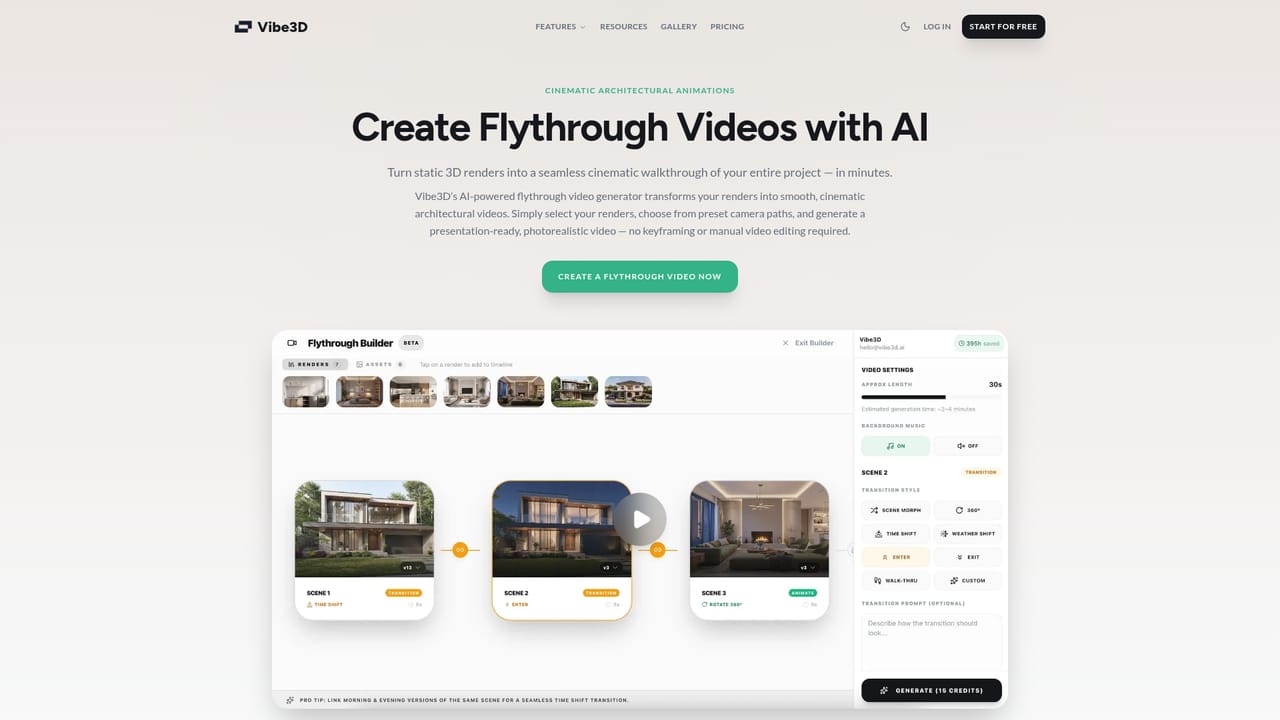
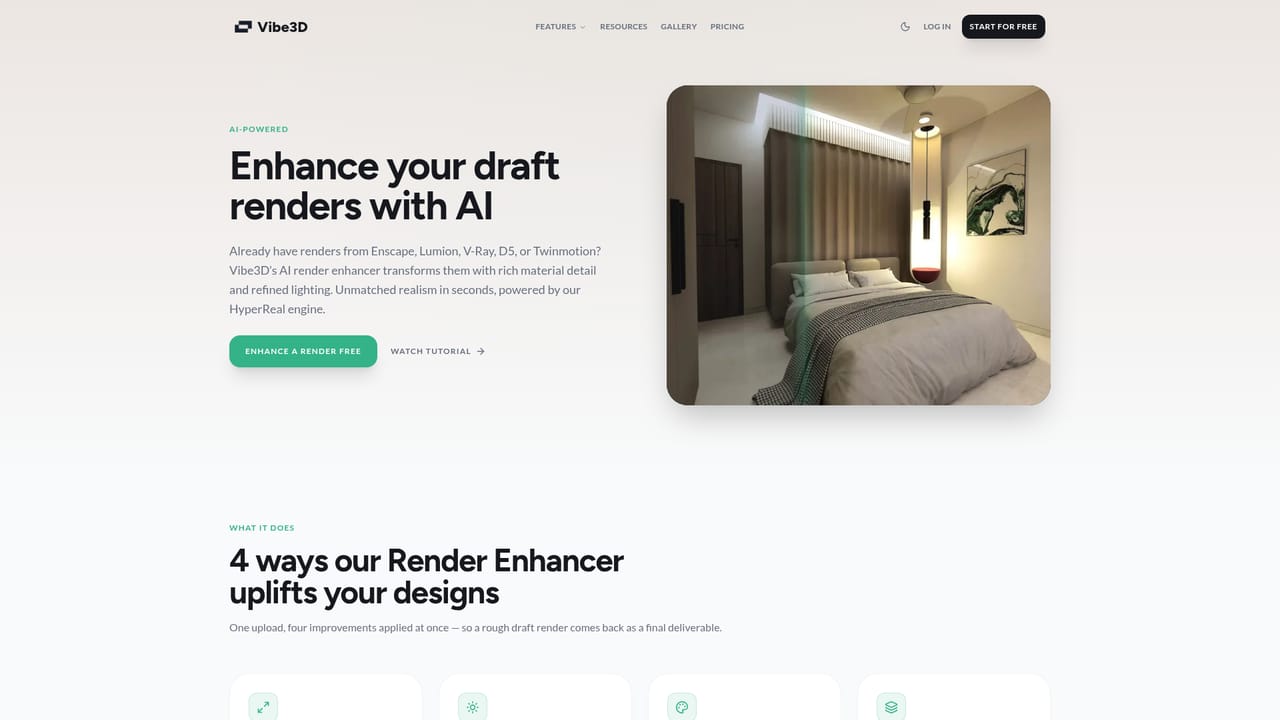
The homepage invites visitors to start for free, which indicates free usage to test the renderer before committing to a plan. The length and limits of that free access are not specified.
Learn moreMonthly plans and one-time credit purchases are both offered, and the homepage points to pay as you go as an option. Specific plan prices, credit amounts and what each tier includes are not stated on the homepage and need to be confirmed on the pricing page.
Learn moreCustomer testimonials single out the support team as responsive, but the homepage publishes no help centre, documentation link, contact channel or service level details.
Scenes from Archicad, Rhino, Vectorworks, Chief Architect, 3ds Max, Blender, SketchUp and Revit are listed as compatible. No plugins, cloud storage connectors or API access are described on the homepage.
Photorealistic AI rendering that preserves geometry, materials and textures, with an average render time of about 30 seconds. Covers interior, exterior and site plan visualization with controls for time of day, lighting, material and landscape. Includes cinematic flythrough videos generated from still renders, one click enhancement with intelligent upscaling, denoising and HDR output, and typed prompt edits applied directly to a finished render.
Learn more AI Angels400+ customizable AI girlfriends for NSFW chat, voice calls, and roleplay
 Candy AIExperience the future of companionship with AI friends who chat, role-play, and connect with you on a human level.
 ourdream.aiA vast AI roleplay platform with millions of characters for chat, images, video and voiceAI Angels400+ customizable AI girlfriends for NSFW chat, voice calls, and roleplayCandy AIExperience the future of companionship with AI friends who chat, role-play, and connect with you on a human level.ourdream.aiA vast AI roleplay platform with millions of characters for chat, images, video and voice