Free trial
Transcription can be tried without creating an account, and new signups receive a 500 credit bonus according to the homepage banner.
Learn moreAI transcription for audio, video and social links in 50+ languages

DeVoice converts audio, video and public social media links into timestamped transcripts in 50+ languages, with speaker separation, noise reduction, AI summaries and SRT, VTT, DOCX or CSV export.
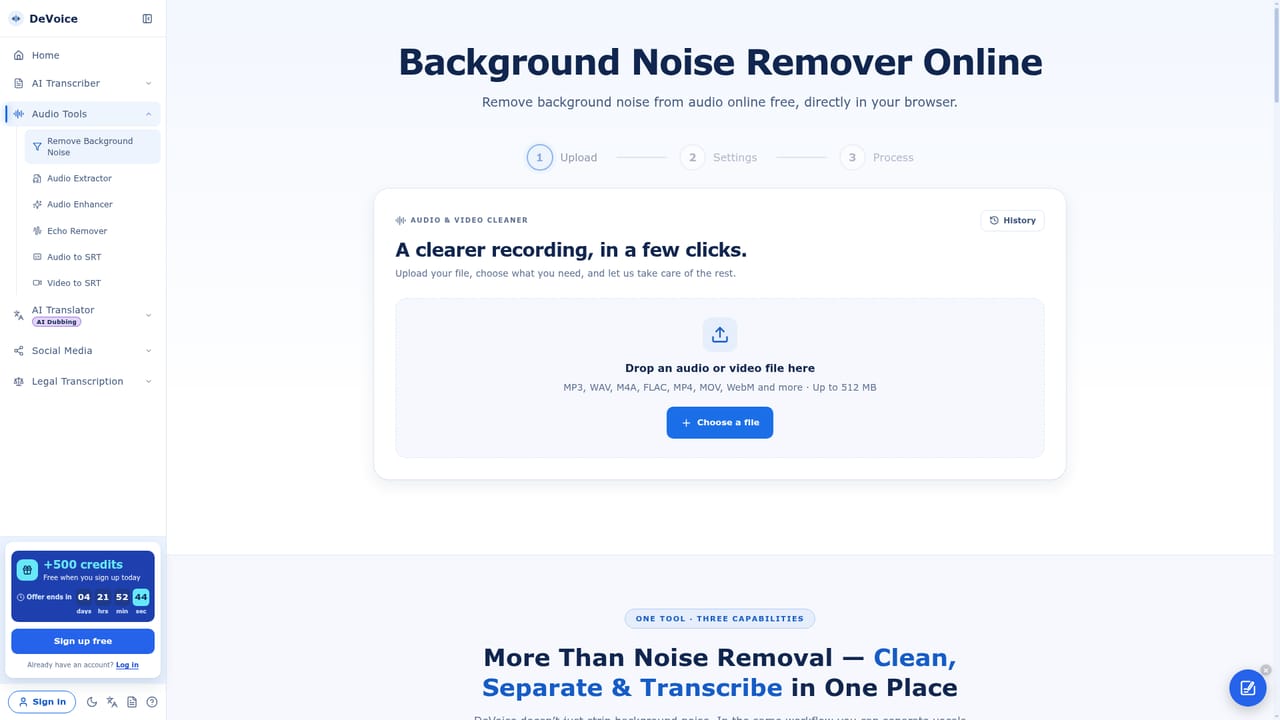
DeVoice is a browser based transcription service that turns audio files, video files and public media links into editable, time coded text. Paste a YouTube, TikTok, Instagram, X or Facebook URL, or drag in a recording, and the platform returns a transcript with speaker labels and word level timestamps. An auto detect option covers the language, and the interface lists more than fifty choices, including Mandarin, Cantonese, Spanish, Arabic, Hindi, Vietnamese and Ukrainian. A built in noise reduction step runs before recognition, which matters for interviews recorded on a phone or for call recordings with background hiss. Speaker diarization separates each voice, and clicking any line jumps to that second of the source media. The tool also produces summaries, with presets for chapter breakdowns, core points, study notes, meeting minutes, court summaries, evidence organization and podcast show notes, so the output can match the task rather than a generic abstract. The workflow fits creators repurposing long videos, researchers working through interview archives, and teams that need searchable meeting records. Transcripts and summaries are editable inside the browser with changes auto saved, and finished work exports as SRT, VTT, DOCX, CSV or plain text. Past transcripts stay in a searchable history. The site states files are not used to train models and are deleted after processing. Compared with heavier transcription suites, DeVoice leans on multi purpose coverage (social links, legal work, live recording, translation, dubbing and audio cleanup) rather than a single niche. Its own positioning stresses that you can try transcription without an account, which lowers the barrier for occasional users who only need a few files per month. The tradeoff is transparency around credits. The homepage shows credit counters and a signup bonus but does not publish per minute rates, so anyone with steady volume needs to check the pricing table before committing.
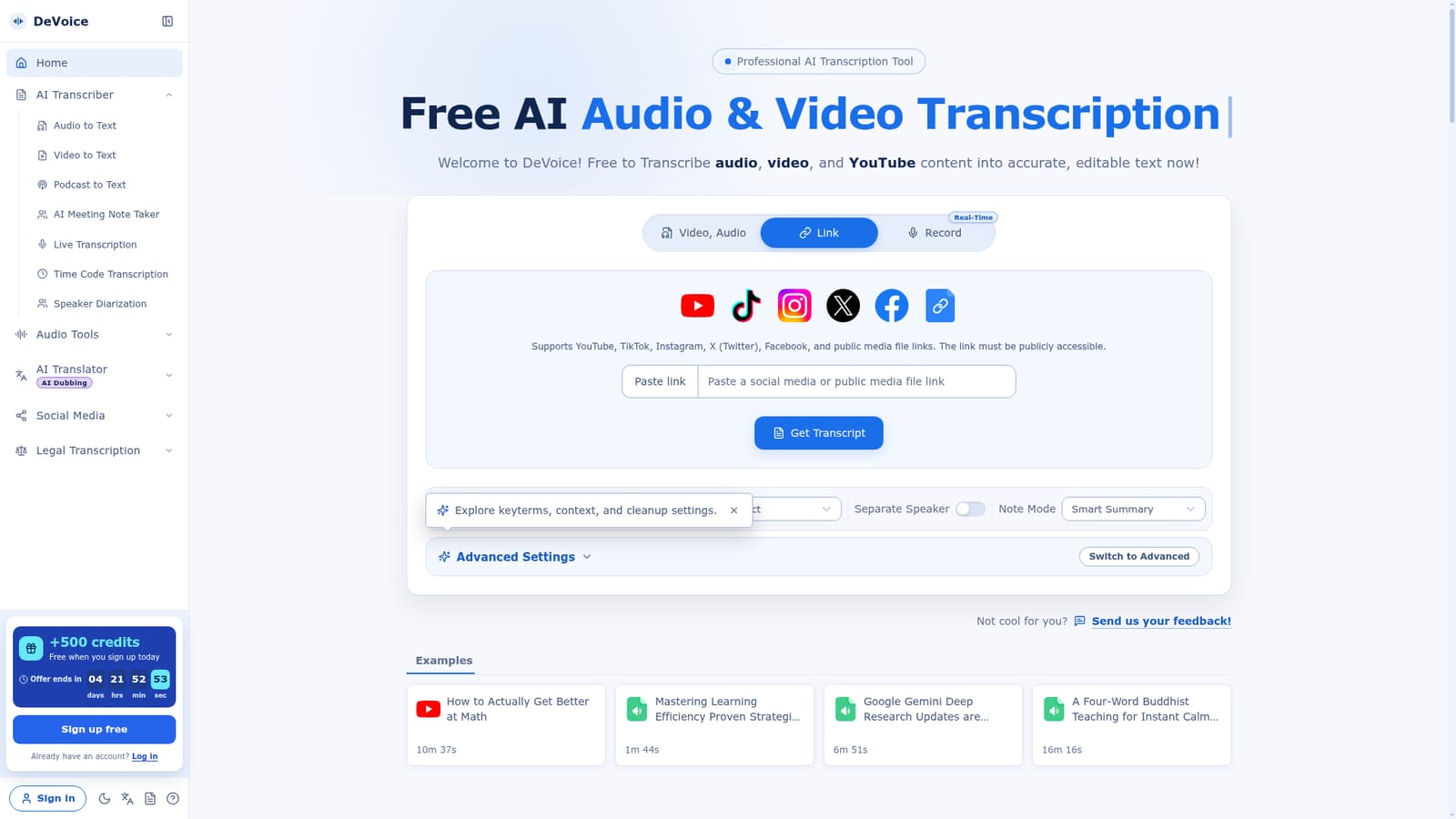
Transcription can be tried without creating an account, and new signups receive a 500 credit bonus according to the homepage banner.
Learn moreThe homepage shows a credit system with daily free credits resetting at 00:00 UTC, one time and subscription credits, and a signup bonus of 500 credits. Specific plan prices and per minute credit rates are not published on the homepage.
Learn moreA feedback portal is linked from the homepage for sending product feedback. No help centre, email address or knowledge base is listed.
Transcription from files and public social links, auto language detection across 50+ languages, speaker diarization, word level timestamps, pre transcription noise reduction, summary presets (meetings, chapters, study notes, court, podcast show notes), inline editing, searchable history, and export to SRT, VTT, DOCX, CSV and TXT.
 AI Angels400+ customizable AI girlfriends for NSFW chat, voice calls, and roleplay
 Candy AIExperience the future of companionship with AI friends who chat, role-play, and connect with you on a human level.
 ourdream.aiA vast AI roleplay platform with millions of characters for chat, images, video and voiceAI Angels400+ customizable AI girlfriends for NSFW chat, voice calls, and roleplayCandy AIExperience the future of companionship with AI friends who chat, role-play, and connect with you on a human level.ourdream.aiA vast AI roleplay platform with millions of characters for chat, images, video and voice


