Free trial
Loading the built-in example edit is free, letting users see the sample before committing credits to their own image.
Learn moreAI editor that swaps words in flattened images while matching font and background.
Own Edit Text in Image Pro? Verify ownership to get a dofollow link

Edit Text in Image Pro is an edit number on image tool. AI-powered editor that replaces specific words inside flattened JPG, PNG or WebP images while attempting to preserve the original font, spacing, colors and background, aimed at quick edits to posters, labels and menus.
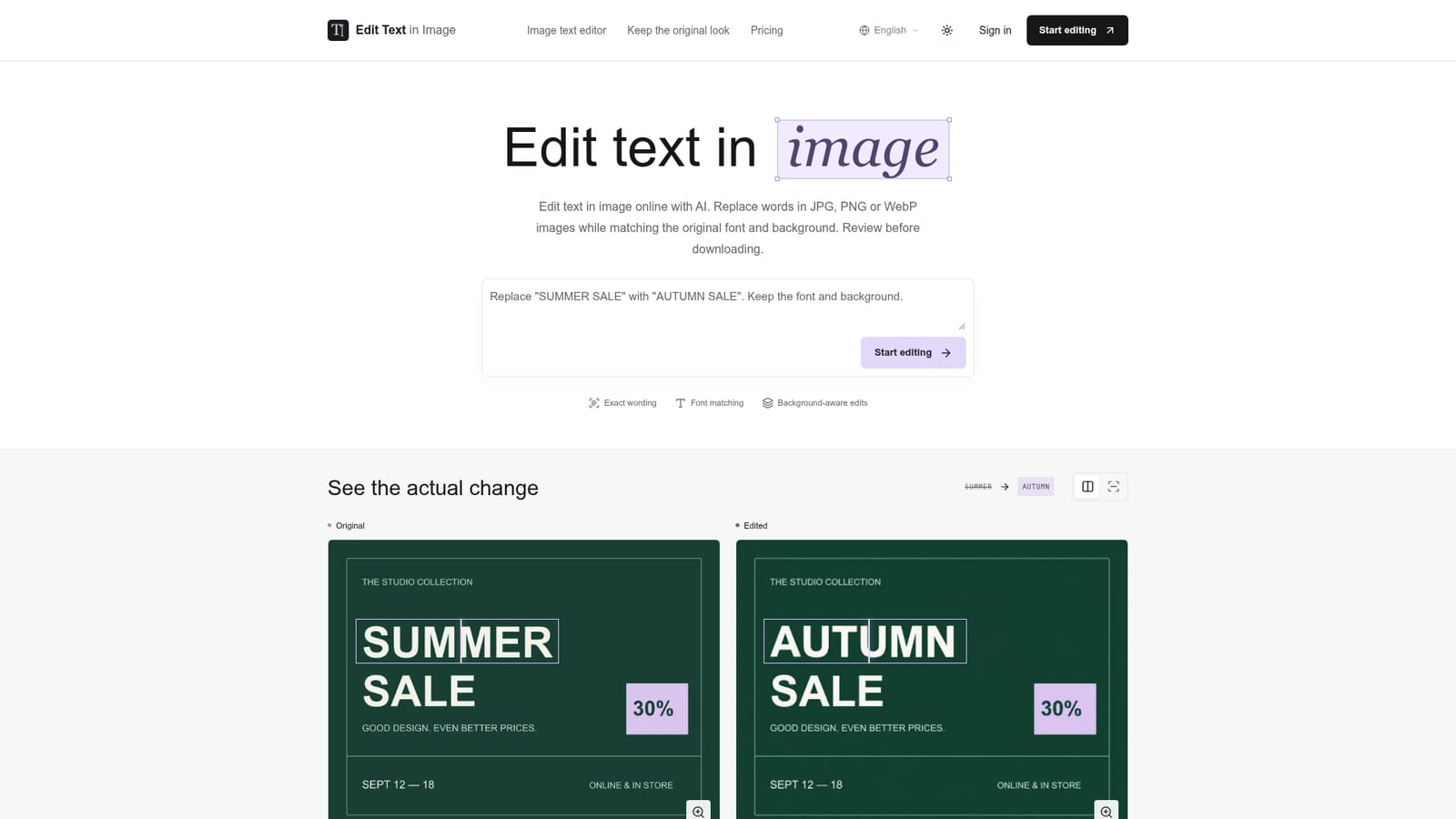
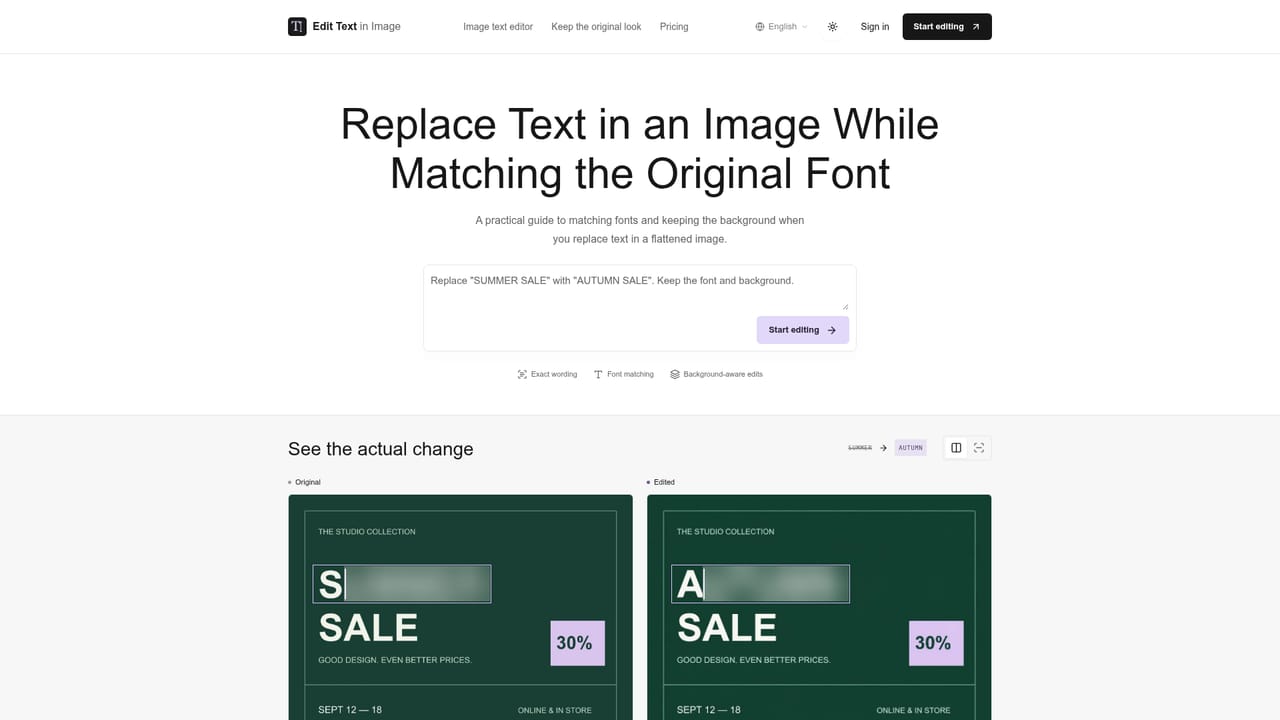
Edit Text in Image Pro is a web-based tool for changing wording inside flattened JPG, PNG or WebP images without access to the original layered design file. Users draw a box around the words that need replacing, type the new wording, and the underlying model attempts to reproduce the existing typeface, spacing, color, perspective and surrounding artwork while swapping only the marked text. The output is a new image, not an editable text layer, so any further changes require another edit pass rather than direct manipulation of text objects. The tool targets people who need quick wording changes on visual assets that were never built with editable text: seasonal posters, product labels, restaurant menus, and similar flattened graphics. Typical use cases shown on the site include swapping a promotional date, changing a product label from "daily" to "nightly", or updating a menu day, all while keeping layout, colors and unrelated text untouched. It also supports replacement wording in another language, provided the user supplies the exact translation. In practice, the workflow is upload, select and replace, then review. The site is explicit that exact preservation is not guaranteed: AI can alter letters, spacing or nearby details, and it cites OpenAI's own documented limitations around text placement and clarity for image generation models. This makes the tool best suited as a fast first pass for minor text swaps rather than a guaranteed pixel-perfect production tool. Compared with manual retouching in a full image editor, Edit Text in Image Pro trades precision and control for speed, letting users skip manual font-matching and background reconstruction at the cost of needing to visually verify every result before use.
Loading the built-in example edit is free, letting users see the sample before committing credits to their own image.
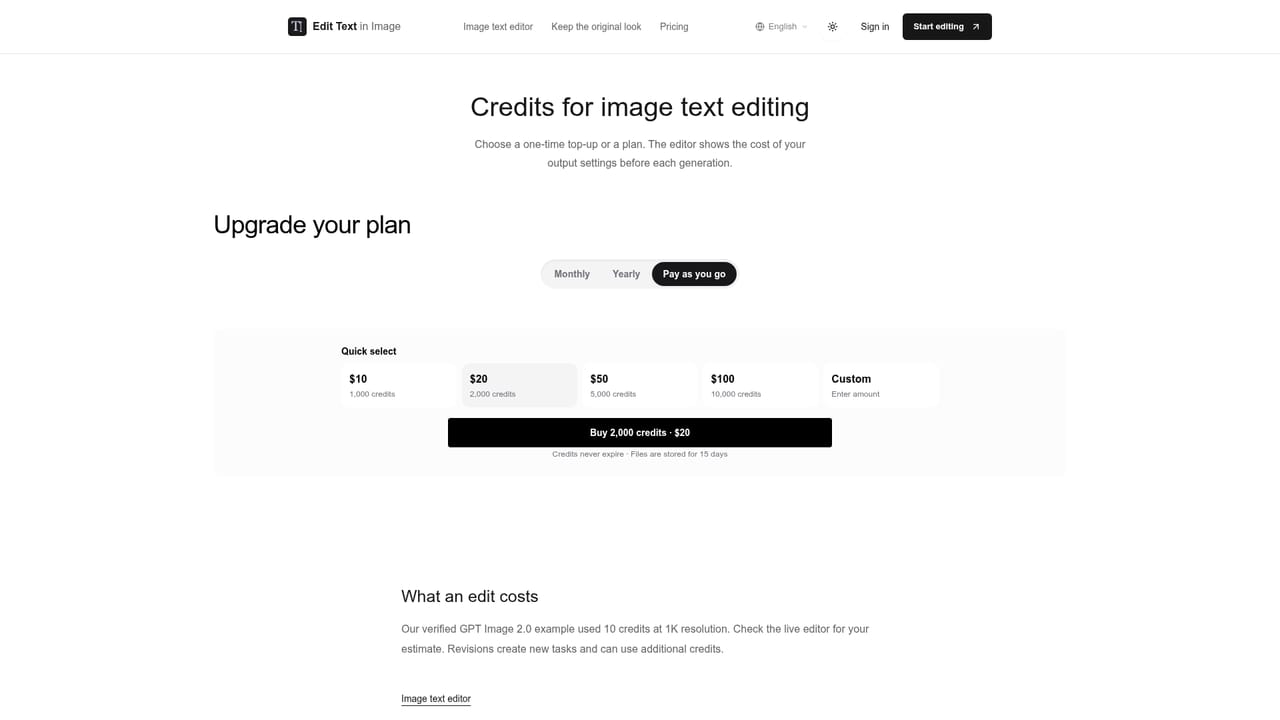
Learn moreCredits-based pricing with one-time top-ups rather than a recurring plan; a 1K edit is estimated at around 10 credits, with exact costs shown live before generating.
Learn moreSupport is available through a dedicated contact page, alongside an about page detailing evidence and limitations, and a separate refund policy page.
Learn moreAI-driven text replacement in flattened images, region selection tool, live credit cost estimate, attempts to match original typeface, spacing, color and background, support for translated replacement wording.
Learn more AI Angels400+ customizable AI girlfriends for NSFW chat, voice calls, and roleplay
 Candy AIExperience the future of companionship with AI friends who chat, role-play, and connect with you on a human level.
 ourdream.aiA vast AI roleplay platform with millions of characters for chat, images, video and voiceAI Angels400+ customizable AI girlfriends for NSFW chat, voice calls, and roleplayCandy AIExperience the future of companionship with AI friends who chat, role-play, and connect with you on a human level.ourdream.aiA vast AI roleplay platform with millions of characters for chat, images, video and voice


