Free trial
A free first run is advertised directly on the homepage, described as taking about one minute and requiring no payment details in the copy shown.
Learn moreGenerative AI that takes an existing track and builds it further

Extend music is an audio editing tool. A browser based generative music tool that continues and develops music you upload, aimed at composers and producers who want to extend a sketch or motif rather than generate a track from a text prompt.
ExtendMusic.AI is a web tool built around a single, focused job: taking a piece of music you already have and letting a generative model continue it. You upload your own composition, the AI produces new material that carries the same idea forward, and the result is a longer or richer piece than the one you brought in. The product is positioned for music creators who want to develop sketches, add sections to short ideas, or explore where a motif could go without writing every bar by hand. The workflow is deliberately short. The site invites visitors to start creating directly in the browser app, and it advertises a free run that takes about a minute, so the first experiment costs nothing and does not require a download or a production setup. A public example built on Für Elise shows the intended use: a well known piano piece fed in, a generated continuation coming out. That framing says a lot about the audience, which spans hobbyist composers, students and producers who want a fast second opinion on where a theme might lead. In practice the tool sits closer to an idea generator than to a full digital audio workstation. It handles the generative step, and the surrounding work (arranging, mixing, deciding what to keep) stays with the user. Compared with broad music generation platforms that start from a text prompt and produce a whole track from scratch, ExtendMusic is narrower and more collaborative: your audio is the starting point and the model builds on it rather than replacing it. That makes it useful for people who already have material and want momentum, less so for anyone hoping for a complete song from a one line description. The homepage is thin on specifics. It does not list output formats, length limits, model versions, or the price of paid use, so those details need checking inside the app before committing. No API or third party integration is advertised. Platforms: web only.
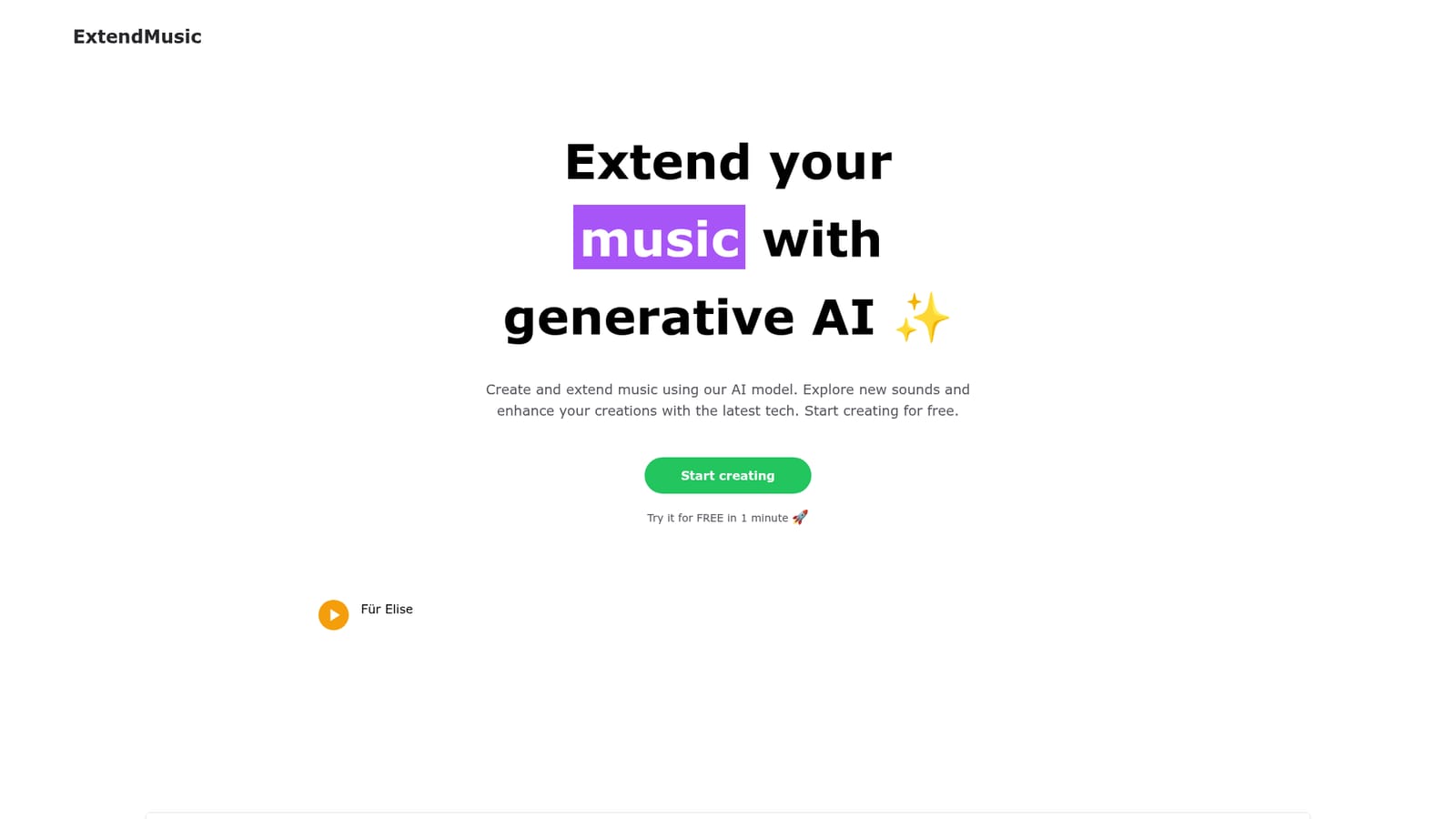

A free first run is advertised directly on the homepage, described as taking about one minute and requiring no payment details in the copy shown.
Learn moreThe homepage states that you can start creating for free and try the tool at no cost in about a minute, but it does not publish paid plan prices, tiers or what a paid subscription includes.
Learn moreUpload your own music and let a generative model extend it into new material. The tool is designed to develop existing compositions rather than build tracks from text prompts, with a browser app that runs generation on your audio and returns a continuation.
 AI Angels400+ customizable AI girlfriends for NSFW chat, voice calls, and roleplay
 Candy AIExperience the future of companionship with AI friends who chat, role-play, and connect with you on a human level.
 ourdream.aiA vast AI roleplay platform with millions of characters for chat, images, video and voiceAI Angels400+ customizable AI girlfriends for NSFW chat, voice calls, and roleplayCandy AIExperience the future of companionship with AI friends who chat, role-play, and connect with you on a human level.ourdream.aiA vast AI roleplay platform with millions of characters for chat, images, video and voice


