Integrations
Automations and agents can be triggered from Make.com, Zapier, n8n and IFTTT, and the extension runs alongside Google Search, Gmail and common e-commerce sites.
Learn moreA browser extension that puts every major AI model on any web page

Harpa is a ChatGPT overlay tool. Browser extension that runs GPT, Claude, Gemini, DeepSeek, Perplexity and Llama on any web page, with page summarization, Gmail drafting, writing assistance, SEO audits, page monitoring, price alerts and no-code web automation.
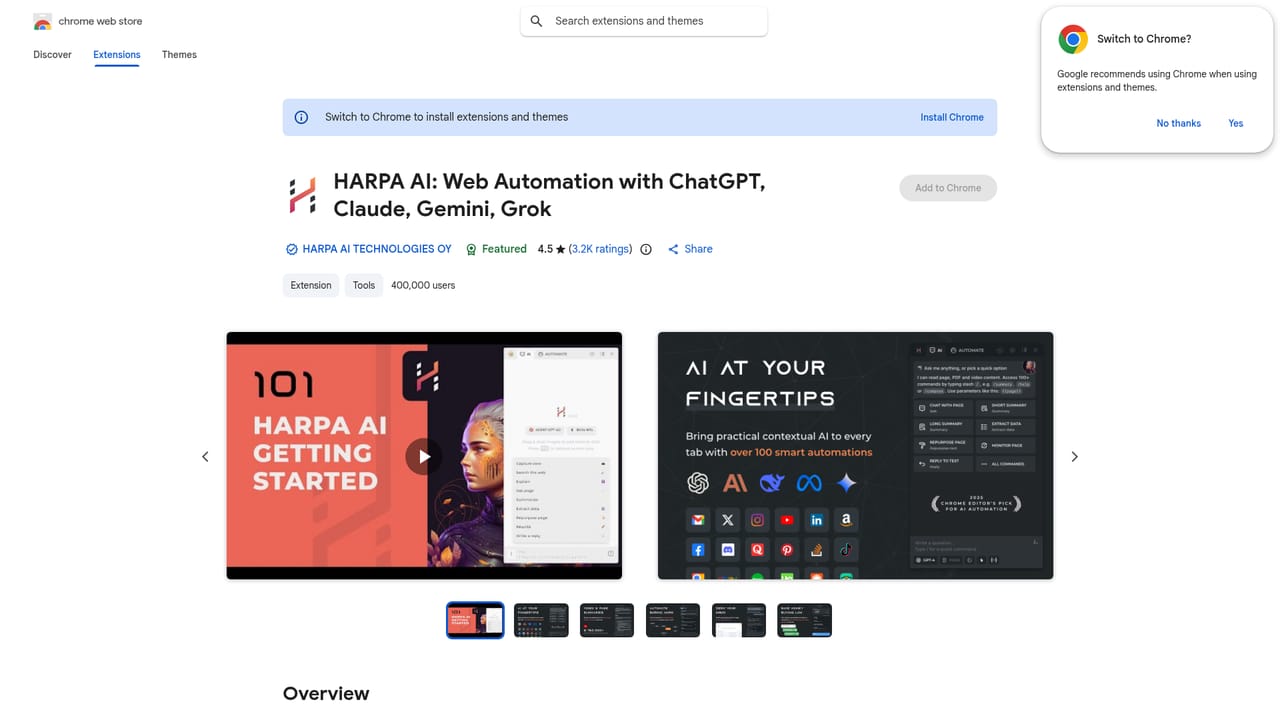
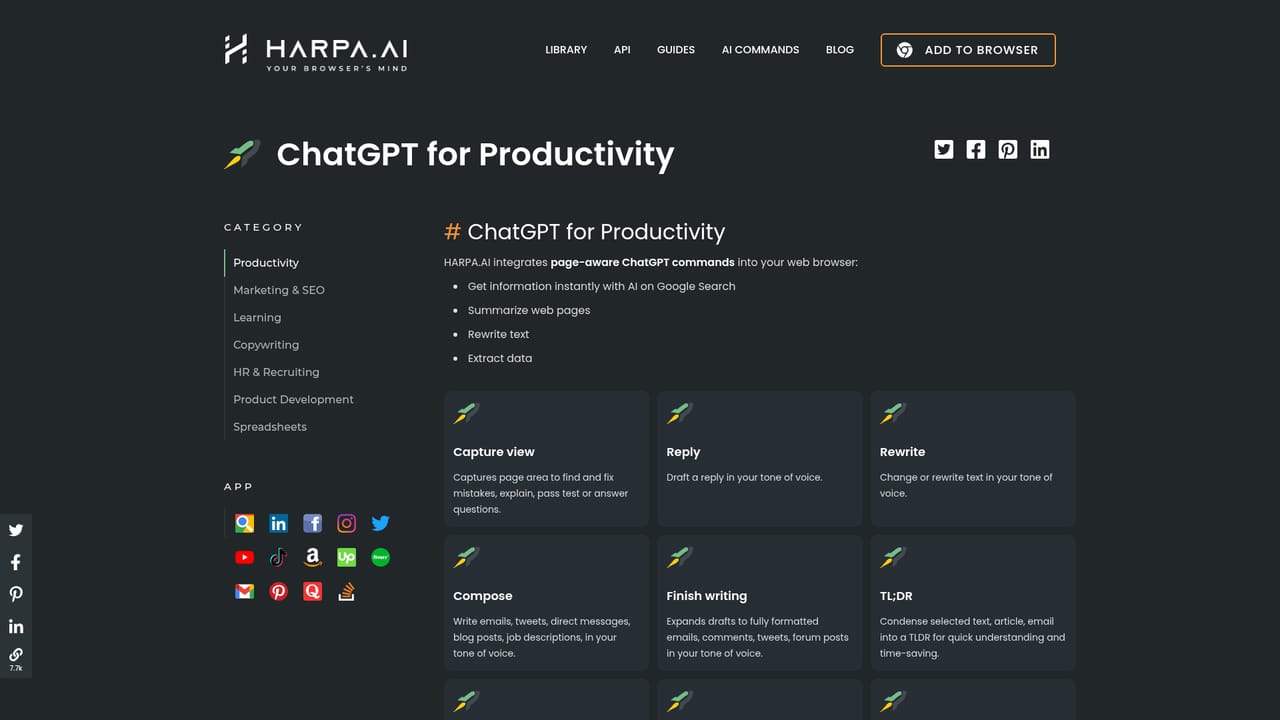
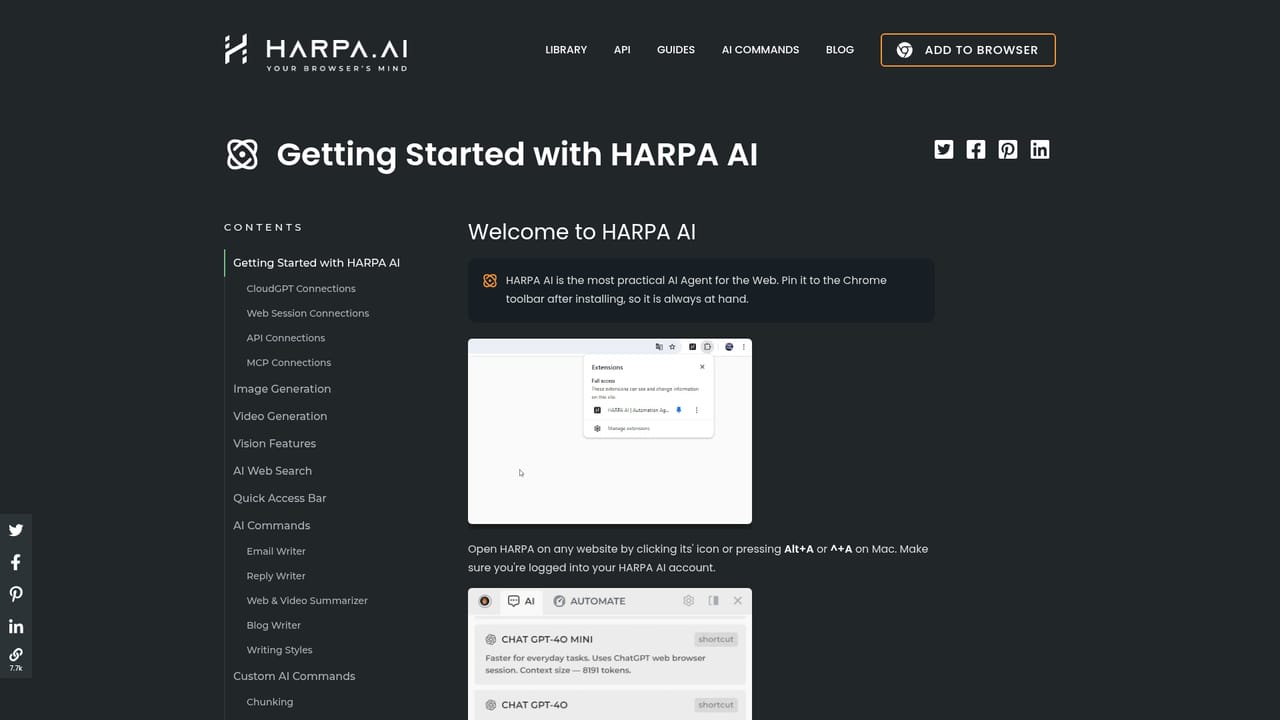
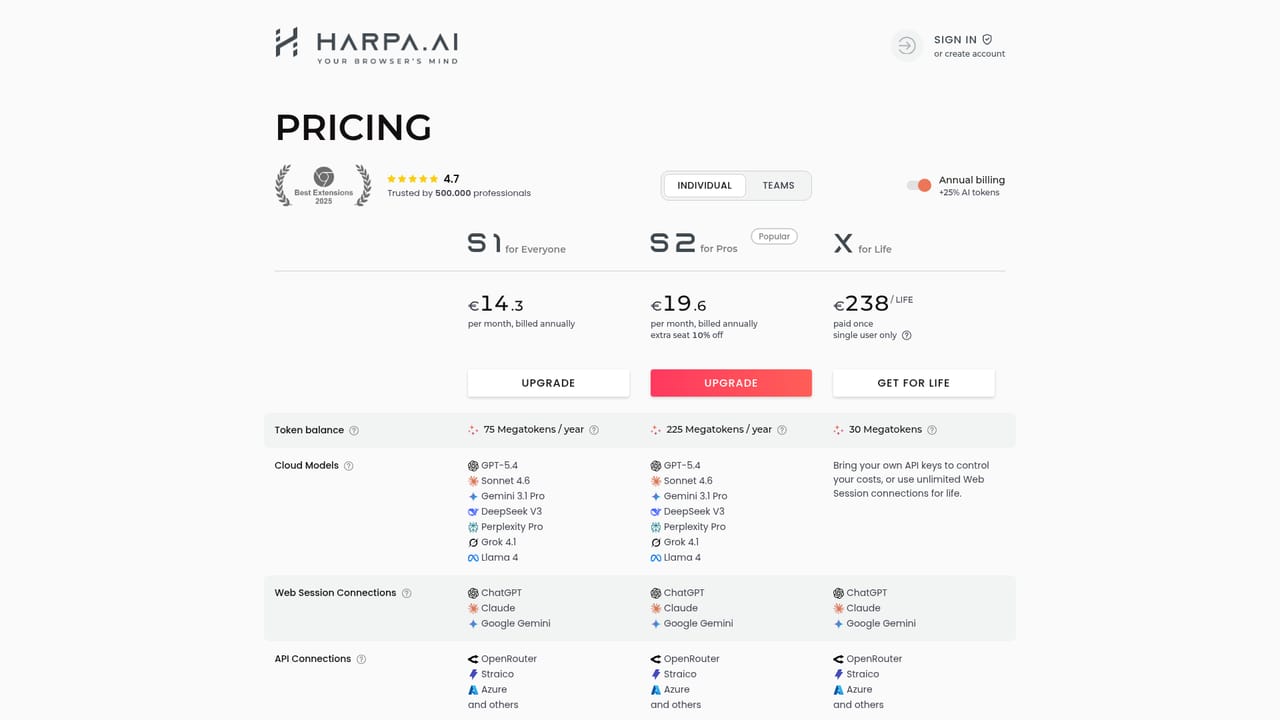
Harpa is a Chrome extension that turns the browser into a working surface for AI. Instead of copying text into a separate chat window, you press Alt + A (or the // shortcut) on whatever page you are reading and reach OpenAI GPT, Anthropic Claude, Google Gemini, DeepSeek, Perplexity, Grok and Meta Llama from the same panel. The extension reads the page you are on, so prompts arrive with context already attached. Day to day, that context is the point. Harpa summarizes YouTube videos and jumps to the relevant timestamp, condenses long PDFs and blogs, answers Google searches with cited sources, and drafts Gmail replies that match the writer's tone. A Writer feature imitates your own style across emails, tweets, LinkedIn cover letters and long SEO articles, and a library of over 100 ready-made page-aware prompts covers marketing, e-commerce, charting, recruiting and study. Beyond text, the tool automates the browser itself. It can monitor pages for changes, watch product prices on Amazon, AliExpress, Walmart and eBay, scrape listings and prospects from any site, and run automations that click, fill forms and navigate. A hybrid automation and AI engine sits behind this, and custom agents built from your own GPTs can be given access to page content, search and automation functions. Chains can be triggered from Make.com, Zapier, n8n or IFTTT. It suits marketers, SEO specialists, recruiters, copywriters, developers and students who spend the day in a browser and want AI without tab switching. Privacy is handled locally with no logging of conversations, GDPR compliance and support for local models. The pitch is breadth: one extension instead of a stack of single-purpose add-ons. The trade-off is that the feature list is enormous, and the free tier is not the same as the paid one.
Automations and agents can be triggered from Make.com, Zapier, n8n and IFTTT, and the extension runs alongside Google Search, Gmail and common e-commerce sites.
Learn morePage-aware chat with GPT, Claude, Gemini, DeepSeek, Perplexity, Grok and Llama; YouTube, PDF and article summarization; Gmail drafting and inbox triage; a writing mode that copies your style; 25,000+ word article generation in 25 frameworks; SEO audits and keyword extraction; page change monitoring; price drop alerts; Midjourney and DALL-E prompt building; custom browser agents and web automation.
Learn more AI Angels400+ customizable AI girlfriends for NSFW chat, voice calls, and roleplay
 Candy AIExperience the future of companionship with AI friends who chat, role-play, and connect with you on a human level.
 ourdream.aiA vast AI roleplay platform with millions of characters for chat, images, video and voiceAI Angels400+ customizable AI girlfriends for NSFW chat, voice calls, and roleplayCandy AIExperience the future of companionship with AI friends who chat, role-play, and connect with you on a human level.ourdream.aiA vast AI roleplay platform with millions of characters for chat, images, video and voice


