Free trial
A free trial download is offered for Windows and Mac, along with free mobile apps and an online version, but the homepage does not specify export limits or watermarks for trial output.
Learn moreAI video upscaling and restoration up to 8K
Own HitPaw VikPea? Verify ownership to get a dofollow link

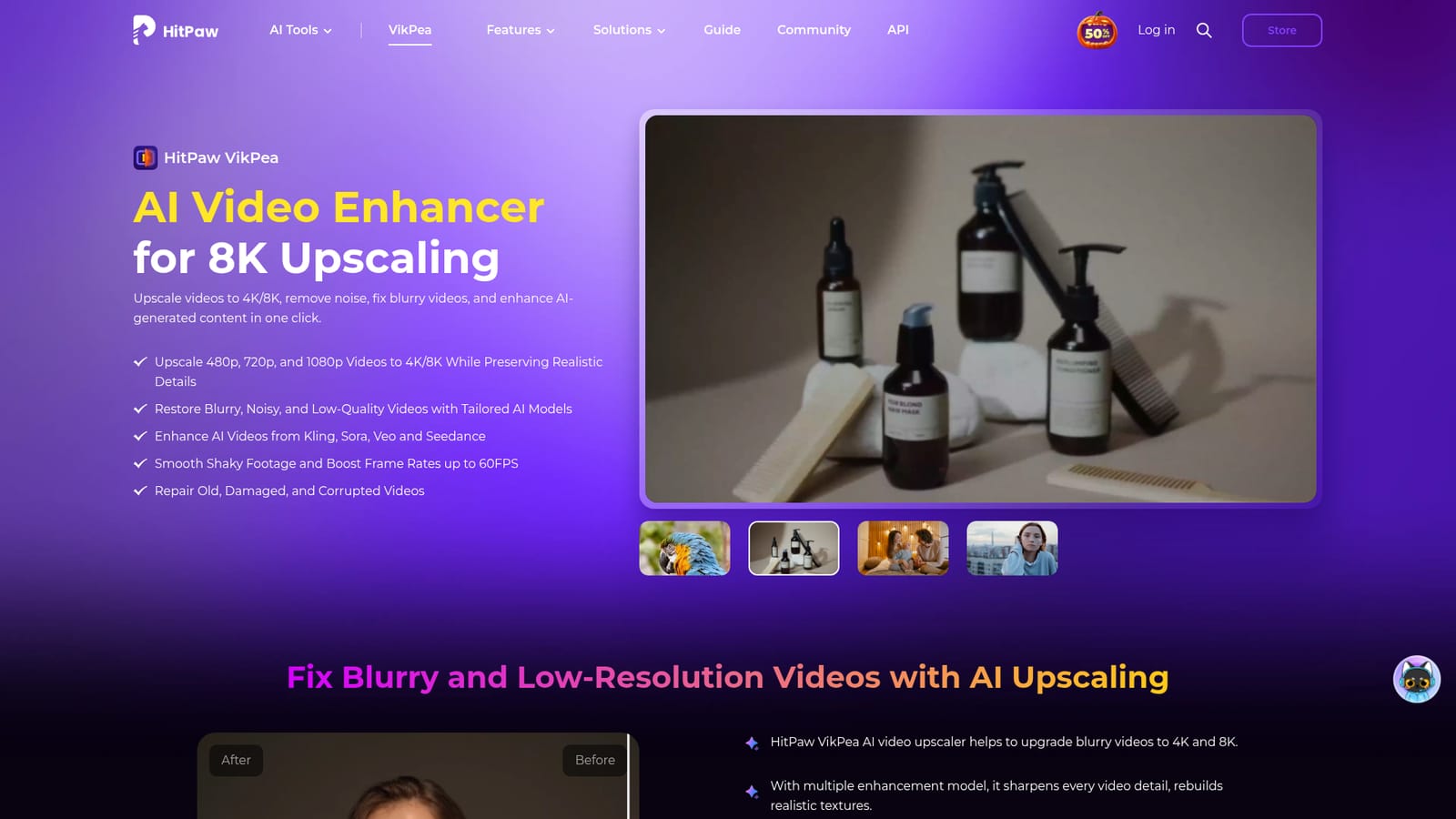
HitPaw VikPea is AI video enhancement software for Windows and Mac that upscales footage to 4K and 8K, sharpens blurry or compressed clips, stabilizes shaky shots, boosts frame rates to 60FPS, colorizes black-and-white video and sharpens AI-generated video from Kling, Sora, Veo and Seedance.
HitPaw VikPea (formerly HitPaw Video Enhancer) is a desktop application for repairing and upgrading video footage with AI models. It takes low-resolution clips from 480p, 720p or 1080p and rebuilds them at 4K or 8K, and it applies separate models tuned for specific problems: HD/fast sharpening, portraits, quality repair, UHD restoration, frame interpolation, stabilization, color enhancement, low-light lifting, SDR to HDR conversion and AI colorization of black-and-white material. It runs on Windows and Mac, with companion apps for iPhone, iPad and Android and a browser based online version. The workflow suits people who already have footage they cannot reshoot. Family archivists digitizing camcorder tapes can batch process old recordings and reduce noise while keeping the original look. E-commerce sellers dealing with compressed product clips can recover texture detail. Photographers and videographers can push a soft portrait shot or shaky travel footage toward something usable. VikPea also leans on the boom in generative video, offering enhancement of AI clips from Kling, Sora, Veo and Seedance, where the goal is sharper detail and smoother motion rather than true-to-life restoration. In practice, a project is model driven. You import a file (MP4, MOV, MKV, AVI, FLV, WMV and other formats are accepted without pre-conversion), pick an enhancement model, preview the result and export. Scene detection can pick a model automatically for underwater, animation or landscape footage, and cloud accelerated rendering is available for users whose local CPU or GPU cannot carry the load, with the site quoting a wide gap between single GPU and four GPU render times. A developer API extends the same processing to custom pipelines. Extra tools sit alongside the enhancer: video background removal, a text or image to video generator, watermark removal and universal repair for corrupted files. Compared with general NLE suites, VikPea is a single-purpose utility: it does one thing thoroughly and assumes little editing knowledge. Compared with Topaz Video AI, which the site addresses directly in a comparison piece, the pitch is accessibility and breadth of bundled extras rather than deep manual control. Buyers who need frame-accurate grading or multicam editing should pair it with a full editor.
A free trial download is offered for Windows and Mac, along with free mobile apps and an online version, but the homepage does not specify export limits or watermarks for trial output.
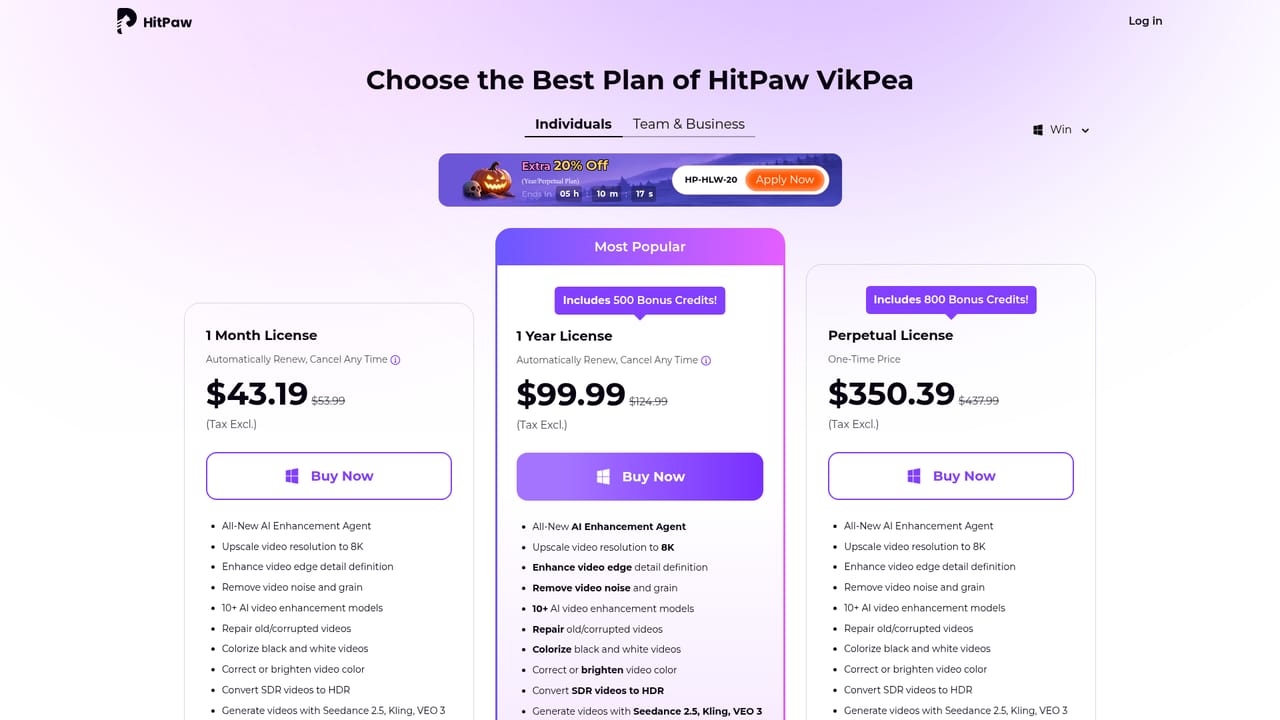
Learn moreThe homepage promotes a limited time 35% discount for VikPea V6.0.0 and points to separate Windows and Mac purchase pages. Exact plan prices, license terms and renewal details are not stated on the product page, so check the buy page before committing.
Learn moreA Video Enhancer API lets developers add the enhancement models to their own workflows, and cloud accelerated rendering offloads processing from local hardware. No other third party integrations are listed.
Learn moreCore features include AI upscaling from 480p, 720p and 1080p to 4K and 8K, blur and noise repair, portrait and UHD restoration models, colorization of black-and-white video, SDR to HDR conversion, low-light enhancement, stabilization, frame interpolation to 60FPS, enhancement of AI-generated clips from Kling, Sora, Veo and Seedance, and bundled background removal, AI video generation, watermark removal and video repair tools.
 AI Angels400+ customizable AI girlfriends for NSFW chat, voice calls, and roleplay
 Candy AIExperience the future of companionship with AI friends who chat, role-play, and connect with you on a human level.
 ourdream.aiA vast AI roleplay platform with millions of characters for chat, images, video and voiceAI Angels400+ customizable AI girlfriends for NSFW chat, voice calls, and roleplayCandy AIExperience the future of companionship with AI friends who chat, role-play, and connect with you on a human level.ourdream.aiA vast AI roleplay platform with millions of characters for chat, images, video and voice


