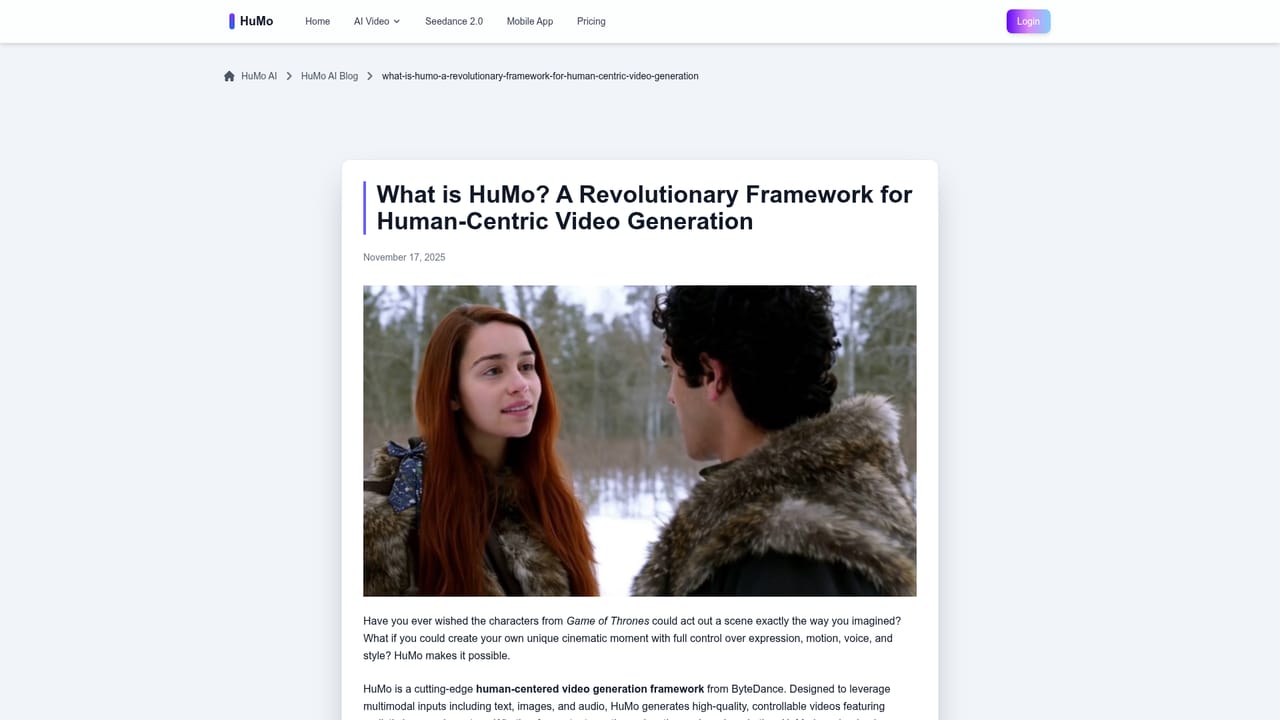
HuMo AI is a ByteDance video generation model for human-centric clips. It combines text, reference images and audio so a subject keeps the same identity while lip motion and expression follow the supplied speech, with a separate text control mode for switching outfits and scenes.
HuMo AI is a video generation model built by ByteDance's Intelligent Creation Team in collaboration with Tsinghua University. It is designed around people rather than landscapes or abstract visuals: the emphasis is on keeping a recognizable person or character stable across a clip while syncing mouth movement and expression to an audio track. Generation runs through a browser based interface on server hardware, so no local GPU is required.
The model works through multimodal conditioning. Text plus image (TI) takes a written prompt and a reference image and animates the subject while following the description. Text plus audio (TA) drives lip motion and facial expression from a speech clip. Text plus image plus audio (TIA) combines all three so identity, text alignment and audio-visual sync are balanced in one generation. A separate text control workflow changes outfits, hairstyle, accessories and scene through prompts while holding the same identity, which is the feature most creators will use to build a recurring character or a consistent series of clips.
Practical uses listed by the team include virtual influencers and talking avatars, concept drafts and narrative prototypes, dubbing and voiceover work, branded social clips, lesson content and product demo scenarios. Output is currently short form, aimed at previews and storytelling rather than long-form production.
Compared with general text-to-video services, HuMo trades breadth for control over human performance: identity preservation and audio sync are the selling points, not artistic camera exploration. Pricing is credit based and sold as one-time packs rather than a monthly subscription. Commercial use terms depend on the deployment, so check the license attached to the plan or API host you choose.
Accessibility wise, the interface is a form driven generator, so beginners can produce a first clip quickly, though prompt quality and clean source audio strongly affect how good the result looks.