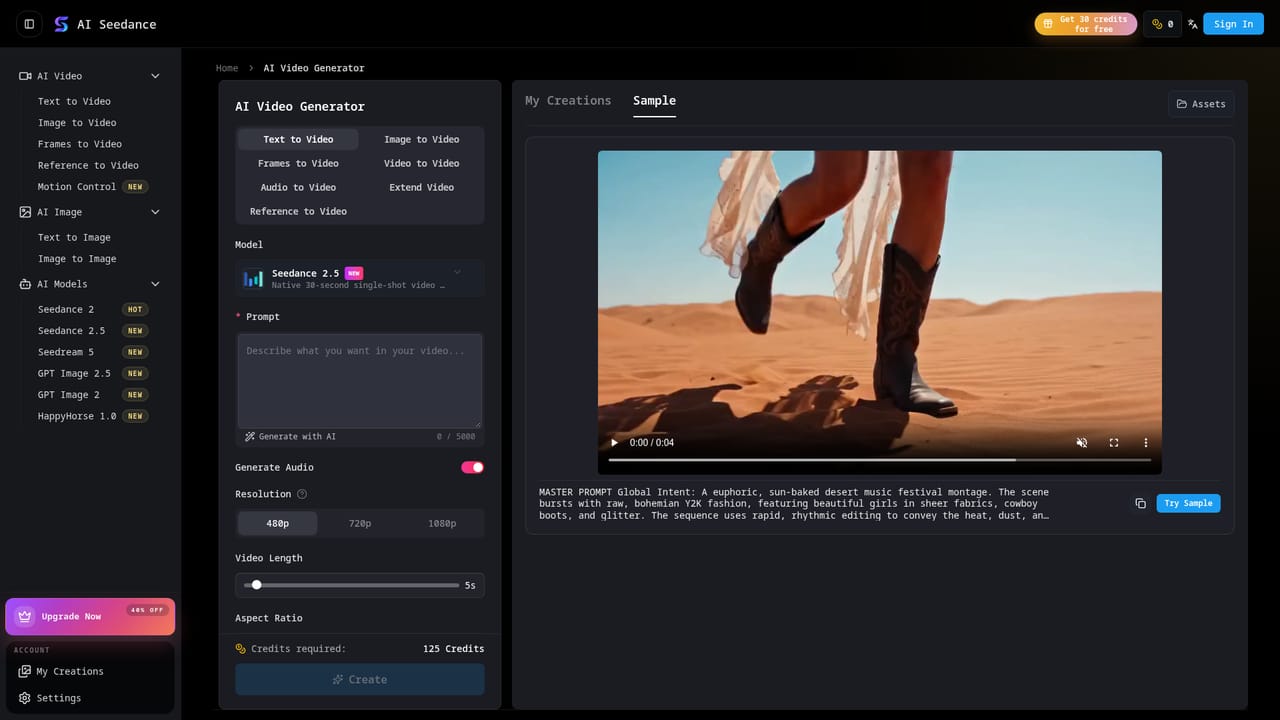
Seedance 2.0 AI

Turn text and images into 15-second cinematic AI video with synced audio

Beginner API
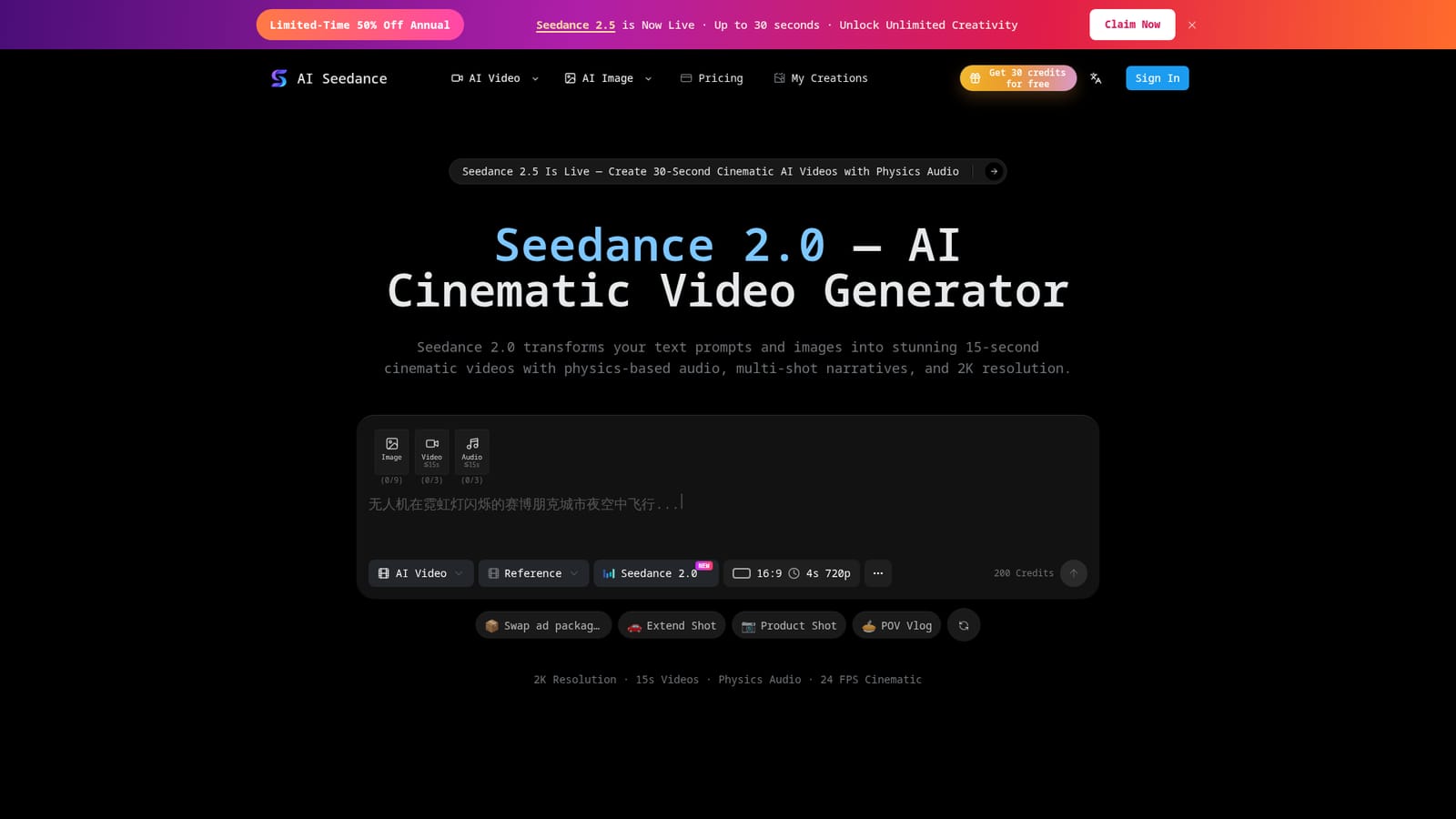
Screenshot of Seedance 2.0 AI, Turn text and images into 15-second cinematic AI video with synced audio

What is Seedance 2.0 AI?

Seedance 2.0 AI is an audio to video tool that turns text and images into 15-second cinematic AI video with synced audio. Seedance 2.0 generates 15-second cinematic videos from text, images, video or audio inputs, with physics-driven sound, character consistency across shots, multi-shot narratives and 2K output at 24 FPS.

Seedance 2.0 is a browser-based AI video generator built on ByteDance's Seedance model family, positioned here as an AI director that converts text prompts or static images into short cinematic clips. A single prompt can run up to 800 characters and be accompanied by up to 12 reference files, including images, video and audio. Output tops out at 2K resolution, 24 FPS and 15 seconds, with six aspect ratios covering widescreen, vertical and square formats. The technical pitch rests on three ideas. World-MMDiT adds physics priors so motion respects gravity, collision and inertia. World ID locks a character's face, outfit and proportions across every frame and shot, which is the usual weak point of AI video in longer narratives. Acoustic Physics Fields generate sound as part of the scene rather than as a layer added afterward, so footsteps or dialogue change with the environment. Multi-shot decomposition breaks one prompt into establishing shots, close-ups and reveals with transitions built in. Practical uses line up with that feature set: recurring characters across a TikTok or YouTube series, several ad variants from one product photo, pre-visualization for filmmakers, explainer videos for educators and product showcase clips for e-commerce stores. Editing tools cover extend, in-paint, character swap and audio remix, so a clip can be pushed further after the first pass. The competitive picture is crowded. Kling 3, Wan 2.6 and 2.7, and earlier Seedance builds are all selectable in the same workspace, which helps for side-by-side testing but makes model choice part of the job. Credits are shared across models, so heavier experimentation burns budget faster. Anyone needing clips beyond 15 seconds must lean on the extend tool or wait for the advertised Seedance 2.5 upgrade, which pushes to 30 seconds.

How do you use Seedance 2.0 AI?

  1. 1Write your prompt or upload reference material
    Describe characters, action, mood, lighting and camera movement in up to 800 characters, or upload an image, video or audio clip as a reference.
    Seedance 2.0 AI — Write your prompt or upload reference material
  2. 2Pick a generation mode
    Choose text to video, image to video, frames to video, reference to video, video to video or extend video depending on what you are starting from.
    Seedance 2.0 AI — Pick a generation mode
  3. 3Set resolution, ratio and duration
    Select from the six aspect ratios and set duration between 4 and 15 seconds at up to 2K resolution, then confirm the credit cost before generating.
  4. 4Generate and review the first pass
    Run the generation, then check character consistency and audio sync across the shots before deciding what to refine.
  5. 5Refine with editing tools
    Use extend, in-paint, character swap or audio remix to adjust a shot without regenerating the whole clip.
  6. 6Export the finished MP4
    Download the watermark-free file and publish to TikTok, Instagram or YouTube, or drop it into your marketing workflow.

Pros and cons

Pros

  • Character identity holds across frames and shots via World ID, which suits episodic contentAI
  • Audio is generated with the scene rather than dubbed on top, cutting post-production sound workAI
  • Accepts up to 12 reference files across image, video and audio for multimodal promptingAI
  • Outputs up to 2K at 24 FPS with six aspect ratios and watermark-free downloadsAI
  • Multiple models (Kling 3, Wan 2.6 and 2.7, Seedance 2.5) sit in the same credit poolAI

Cons

  • Clips cap at 15 seconds, so anything longer needs the extend tool or the newer 2.5 modelAI
  • Credits are shared across every model, and the annual plans quote small monthly video counts on cheaper tiersAI
  • Parallel task limits of 2 to 5 on paid plans can bottleneck batch ad productionAI
  • Pricing is credit-based and the real cost per finished clip is hard to judge before testingAI
  • No free tier is described on the homepage, so evaluation means committing to a paid planAI

How much does Seedance 2.0 AI cost?

Pricing

Credit-based subscriptions billed yearly: Basic at $9.9 per month (1,800 credits, roughly 27 Seedance 2 Mini videos), Standard at $19.9 (4,800 credits), and Pro at $39.9 (14,400 credits). All tiers include every model, commercial licensing, watermark-free output and private visibility.

Learn more

Support

Support is handled by email at support@ai-seedance.org. Payments run through Mastercard, Visa, PayPal, Apple Pay, Google Pay, American Express, JCB, UnionPay, Alipay and WeChat Pay.

Integrations

A RESTful API is described for developers, with auto-scaling cloud compute and connections to n8n and CapCut for automated workflows.

Features

Text to video, image to video, frames to video, reference to video and video to video modes with up to 12 reference files. Output reaches 2K at 24 FPS for 4 to 15 seconds across six aspect ratios. World ID maintains character consistency, World-MMDiT adds physics-based motion, Acoustic Physics Fields sync sound to the scene, and multi-shot decomposition builds narrative sequences from one prompt.

Frequently asked questions about Seedance 2.0 AI

  • How much does Seedance 2.0 AI cost?
    Credit-based subscriptions billed yearly: Basic at $9.9 per month (1,800 credits, roughly 27 Seedance 2 Mini videos), Standard at $19.9 (4,800 credits), and Pro at $39.9 (14,400 credits). All tiers include every model, commercial licensing, watermark-free output and private visibility.
  • Does Seedance 2.0 AI have an API?
    Yes, Seedance 2.0 AI offers an API.
  • How do you use Seedance 2.0 AI?
    The walkthrough on this page covers 6 steps: 1. Write your prompt or upload reference material 2. Pick a generation mode 3. Set resolution, ratio and duration 4. Generate and review the first pass 5. Refine with editing tools 6. Export the finished MP4.
  • What platforms does Seedance 2.0 AI support?
    Seedance 2.0 AI is available on Web App.
  • What does Seedance 2.0 AI integrate with?
    A RESTful API is described for developers, with auto-scaling cloud compute and connections to n8n and CapCut for automated workflows.
  • What are the limitations of Seedance 2.0 AI?
    Clips cap at 15 seconds, so anything longer needs the extend tool or the newer 2.5 model. Credits are shared across every model, and the annual plans quote small monthly video counts on cheaper tiers. Parallel task limits of 2 to 5 on paid plans can bottleneck batch ad production.

Status

StatusActive
Views0
Outbound clicks0
Added11/3/2026

Platforms

Web App

Pricing

SubscriptionPaid