Free trial
The homepage invites users to try ltx 2.3 Pro free, but does not state a trial length, credit allowance or card requirement.
Learn morePhysics-aware AI video generation for text, image, audio and video inputs

ltx 2.3 is an audio to video tool. A cloud AI video generator that accepts text, reference images, audio and video together, with a physics-aware motion engine, 4K output at up to 60fps, frame-to-frame character consistency and a post-generation editor for extending clips and inpainting.
ltx 2.3 is a cloud-based AI video generator built around a unified multimodal audio-video architecture. Instead of accepting only a text prompt, it ingests text, up to nine reference images, custom audio and existing footage at the same time, then analyses how those assets relate to each other to interpret the creative intent behind a shot. The result is a generator aimed at people who need more control than a single prompt box offers. The differentiating claim is the physics-aware motion core. The model is trained on real-world biomechanics so that movement respects gravity and inertia, which the vendor positions against the floating characters and uncanny motion common in earlier generation tools. A consistency layer locks faces and clothing across frames to reduce the morphing problem, and output can reach 4K at 60fps for smooth action and sports sequences. Stereo audio is synthesised alongside the visuals and synced to them, and a smart editor lets users extend clips, inpaint specific elements and adjust camera movement after generation rather than re-rolling from scratch. In practice the workflow is three stages: describe or upload your references, set director parameters such as aspect ratio (16:9, 9:16, 1:1), duration, camera motion and motion strength, then generate and download a watermark-free file. Rendering runs on distributed GPUs in the cloud, so no local hardware is required. The product is pitched at filmmakers building animatics and pitch decks, marketers producing product and ad creative for A/B testing, social creators, and game developers needing cutscenes. Compared with general text-to-video services, ltx 2.3 leans on controllability and post-generation editing rather than prompt simplicity, and it sits alongside its own 2.5 and Fast variants in the same catalogue. All subscription tiers carry a commercial licence. Editorial note: the vendor states that all subscription plans include a full commercial licence giving ownership of created content. Confirm current terms on the pricing page before committing to client work.
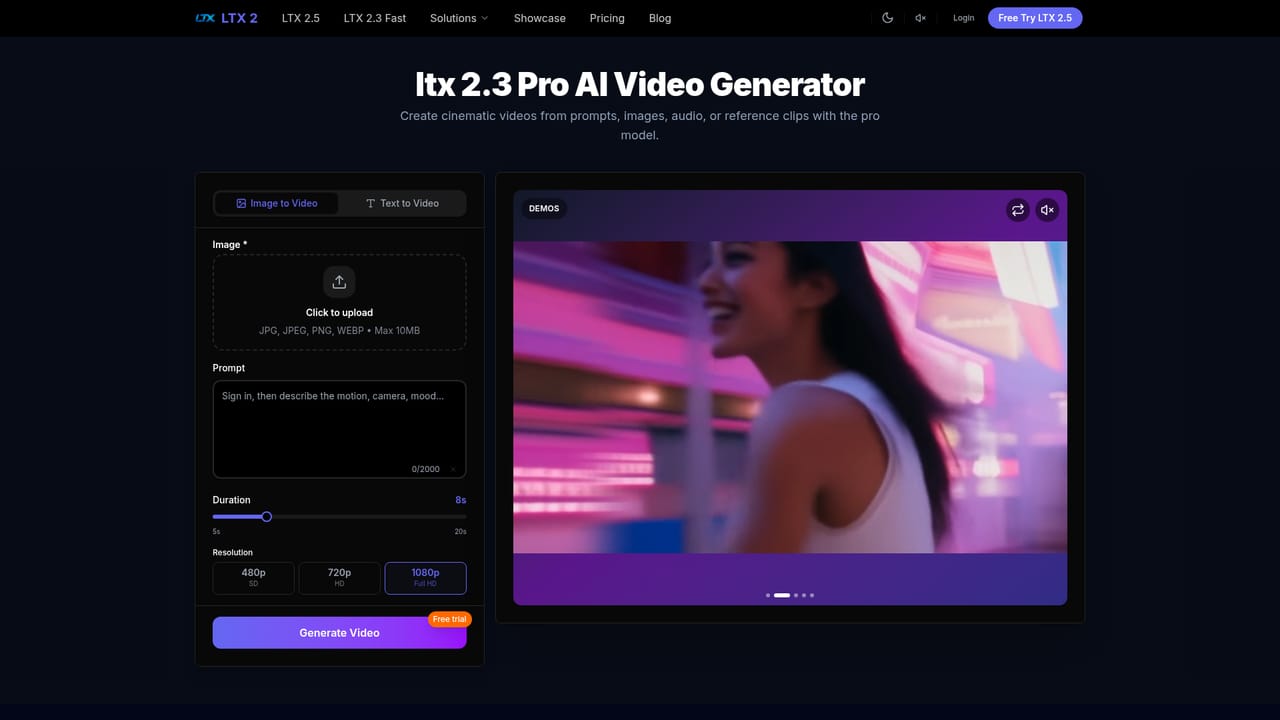


The homepage invites users to try ltx 2.3 Pro free, but does not state a trial length, credit allowance or card requirement.
Learn moreThree credit-based tiers: Basic at $19.90 for 400 credits ($0.050 per credit), Pro at $49.90 for 1,150 credits ($0.043 per credit) with priority generation, and Elite at $99.90 for 2,500 credits ($0.040 per credit) with maximum render priority. All include 480p, 720p and 1080p output and a commercial licence.
Learn morePriority support is offered as a plan benefit, with a support email address listed on the pricing page alongside a 7 day refund policy. The site documents no other support channels.
Learn moreMultimodal input engine combining text, images, audio and video; physics-aware motion core trained on real-world biomechanics; consistency algorithms that lock faces and clothing across frames; a smart editor for clip extension, inpainting and camera control; automatic stereo sound synthesis synced to visuals; 4K resolution support at up to 60fps; and cloud-native GPU rendering with encrypted processing.
Learn more AI Angels400+ customizable AI girlfriends for NSFW chat, voice calls, and roleplay
 Candy AIExperience the future of companionship with AI friends who chat, role-play, and connect with you on a human level.
 ourdream.aiA vast AI roleplay platform with millions of characters for chat, images, video and voiceAI Angels400+ customizable AI girlfriends for NSFW chat, voice calls, and roleplayCandy AIExperience the future of companionship with AI friends who chat, role-play, and connect with you on a human level.ourdream.aiA vast AI roleplay platform with millions of characters for chat, images, video and voice


