Free trial
The free download requires no credit card, but the homepage does not describe a time-limited trial of the paid assistance features.
Learn moreReal-time coding help for live technical interviews, built to stay off screen shares.
Own Interview Coder? Verify ownership to get a dofollow link

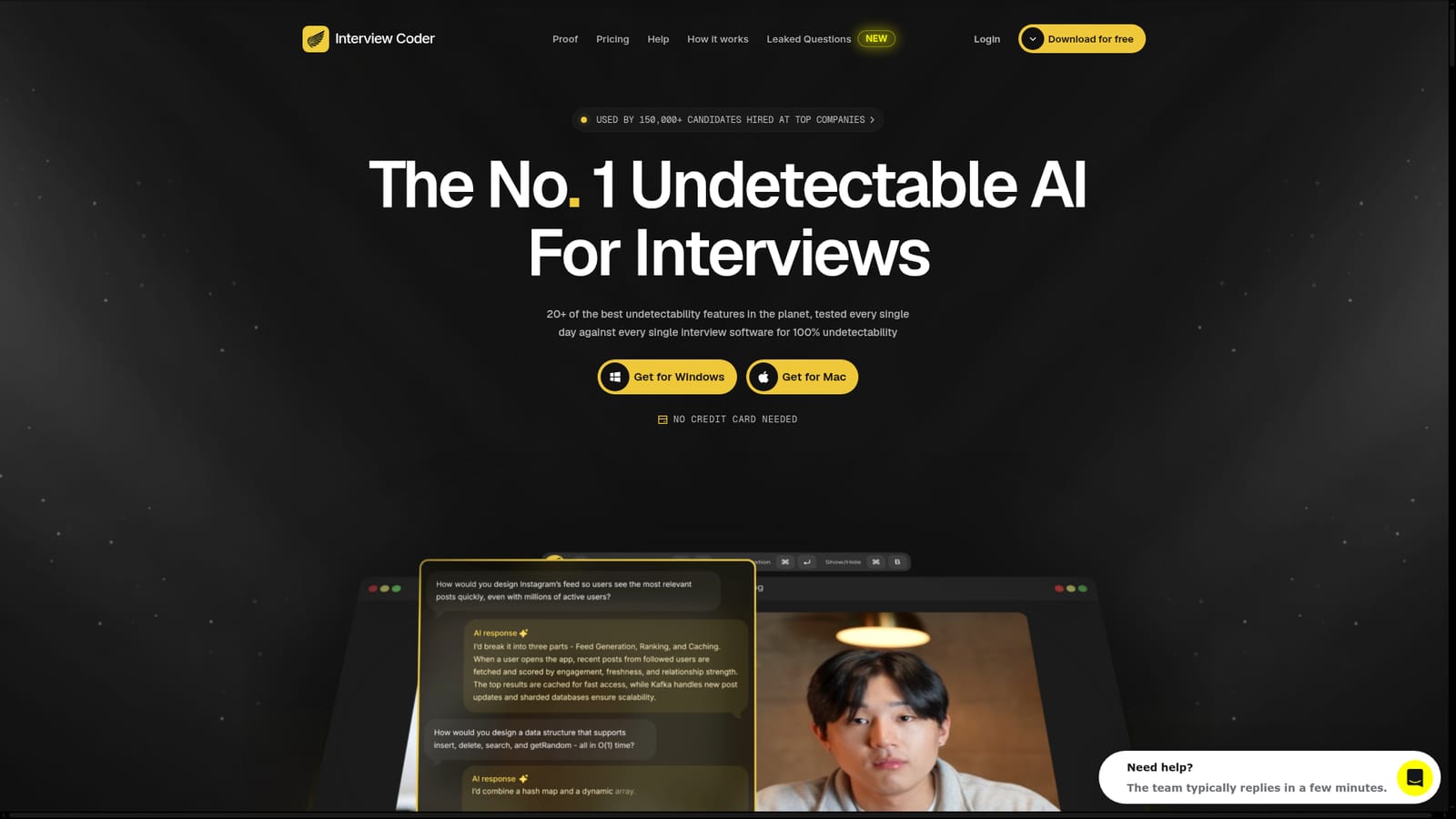
Interview Coder is a ChatGPT overlay tool. A Mac and Windows desktop assistant that transcribes interviewer audio and overlays AI-written code during live LeetCode-style interviews, marketed on hiding itself from screen sharing, dock listings and activity monitors.
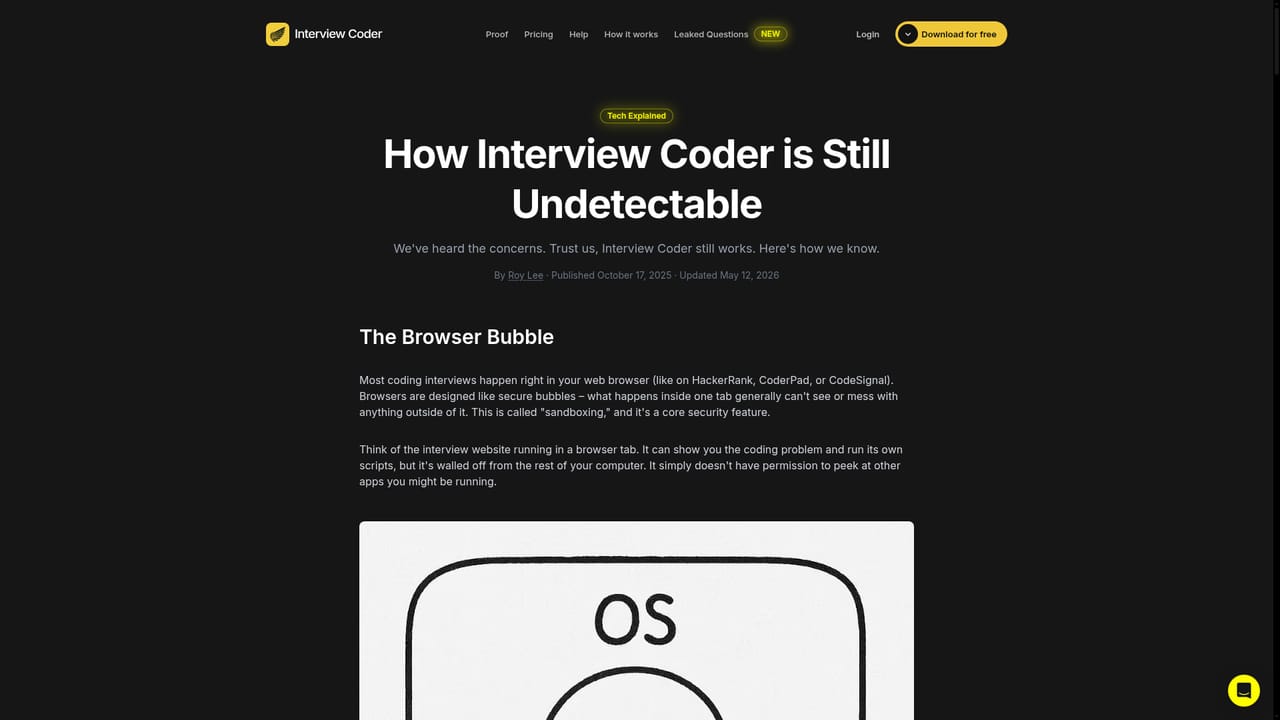
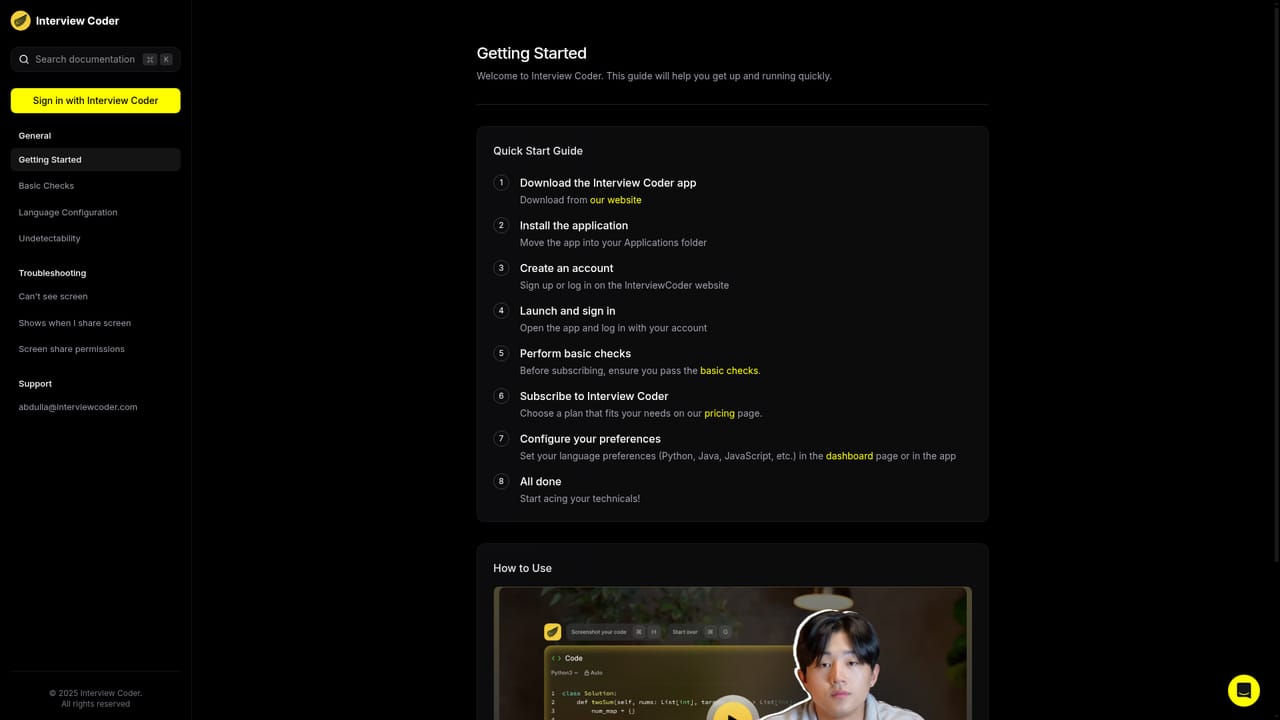
Interview Coder is a desktop application that provides live AI assistance during technical coding interviews, with a particular focus on LeetCode-style problems. It runs as an overlay outside the browser, listens to the interviewer through audio capture and transcription, and feeds the candidate suggested code while the session is in progress. The product is positioned less around practice and more around concealment: its marketing leads with undetectability claims rather than with learning outcomes. The undetectability layer is the core of the offering. The app hides its dock or taskbar icon, disguises its process name so it does not appear under its real identity in a system monitor, lets clicks pass through the overlay to the windows beneath, and stays hidden when the screen is shared or recorded. Because it runs outside the browser, it also avoids the plugin and monitoring scripts that some interview platforms install. The vendor claims this stack is tested daily against interview software and that no user has been documented as caught when using it as intended. In practice the tool suits candidates facing algorithmic screens at large technology and quant firms, where a single timed problem decides the outcome. The workflow is to install the desktop client, sign in, start a session before the call, and rely on transcribed interviewer speech plus the overlay to work through the problem. The site also sells a set of leaked interview questions as a separate resource. The obvious comparison set is other interview copilots that overlay on screen, but most of those are visible to screen sharing or depend on browser context. Interview Coder competes on stealth alone, and that framing carries real risk: recruiting teams increasingly treat assistive overlays as misconduct, and the same features that hide the app from an interviewer also make it hard to audit your own conduct. Mac and Windows builds are offered; no credit card is needed to download.
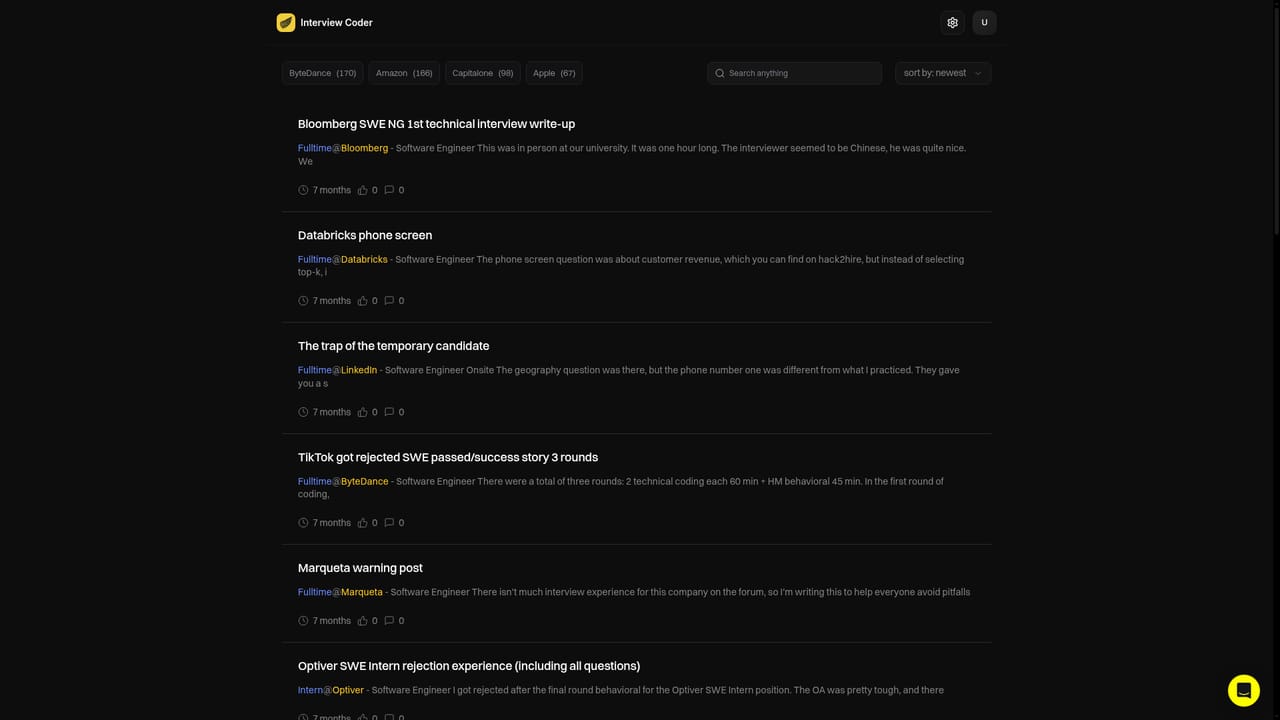
The free download requires no credit card, but the homepage does not describe a time-limited trial of the paid assistance features.
Learn morePricing sits on the homepage as a section rather than a dedicated page. The site advertises lifetime unlimited access to all features and AI assistance at a single price, and states that no credit card is needed to download the app. Exact figures are not listed in the homepage text supplied here.
Learn moreA help page is linked from the main navigation. The homepage does not describe email, chat or priority support channels.
Learn moreReal-time transcription of interviewer audio, an overlay that stays hidden from screen sharing and recordings, a disguised process name and no dock or tray icon. Clicks pass through the overlay, and the app runs outside the browser. The vendor claims daily testing against interview software and more than 20 undetectability features.
Learn more AI Angels400+ customizable AI girlfriends for NSFW chat, voice calls, and roleplay
 Candy AIExperience the future of companionship with AI friends who chat, role-play, and connect with you on a human level.
 ourdream.aiA vast AI roleplay platform with millions of characters for chat, images, video and voiceAI Angels400+ customizable AI girlfriends for NSFW chat, voice calls, and roleplayCandy AIExperience the future of companionship with AI friends who chat, role-play, and connect with you on a human level.ourdream.aiA vast AI roleplay platform with millions of characters for chat, images, video and voice


