Free trial
A 14 day free trial of the full LogRocket feature set is offered, with cancellation any time. The AI feedback analytics product is described as free to use.
Learn moreAn AI product assistant that turns session data into answers
Own LogRocket Galileo? Verify ownership to get a dofollow link

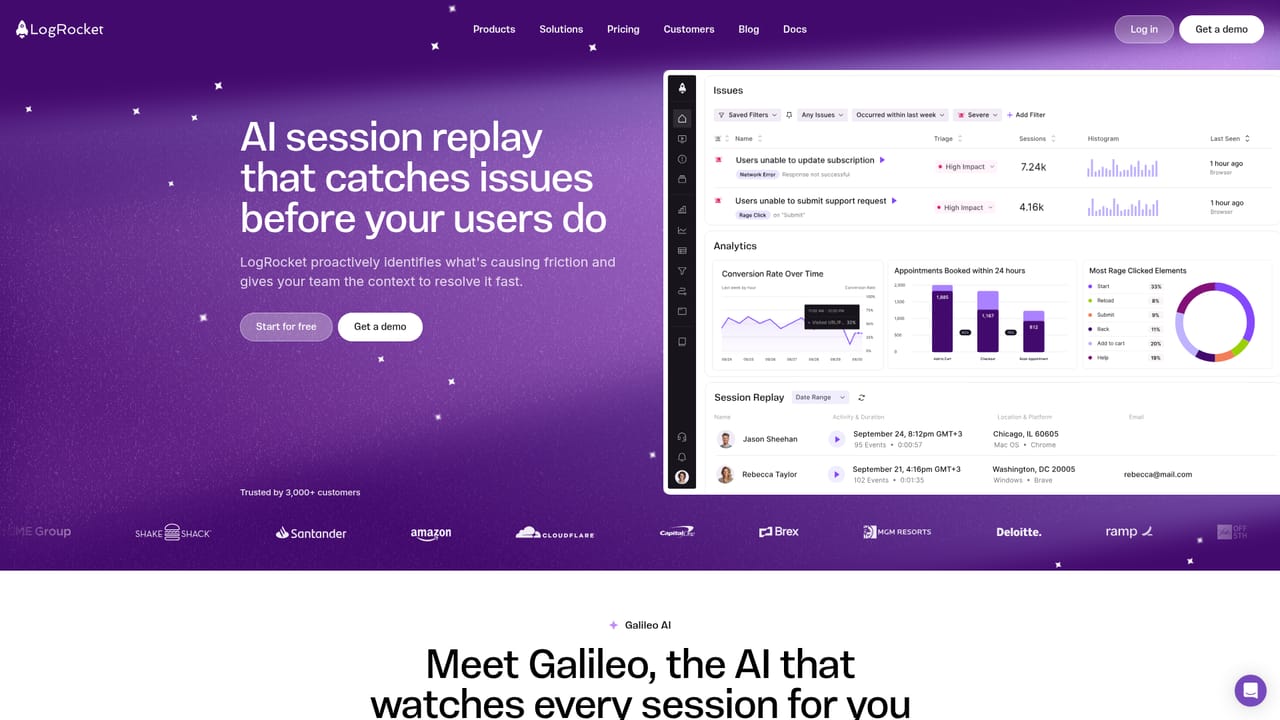
LogRocket Galileo is a proactive AI assistant tool. LogRocket's AI product assistant that watches sessions, clusters user feedback and tracks releases to surface high-impact issues, with conversational querying and delivery into Slack, Teams or MCP-connected assistants.
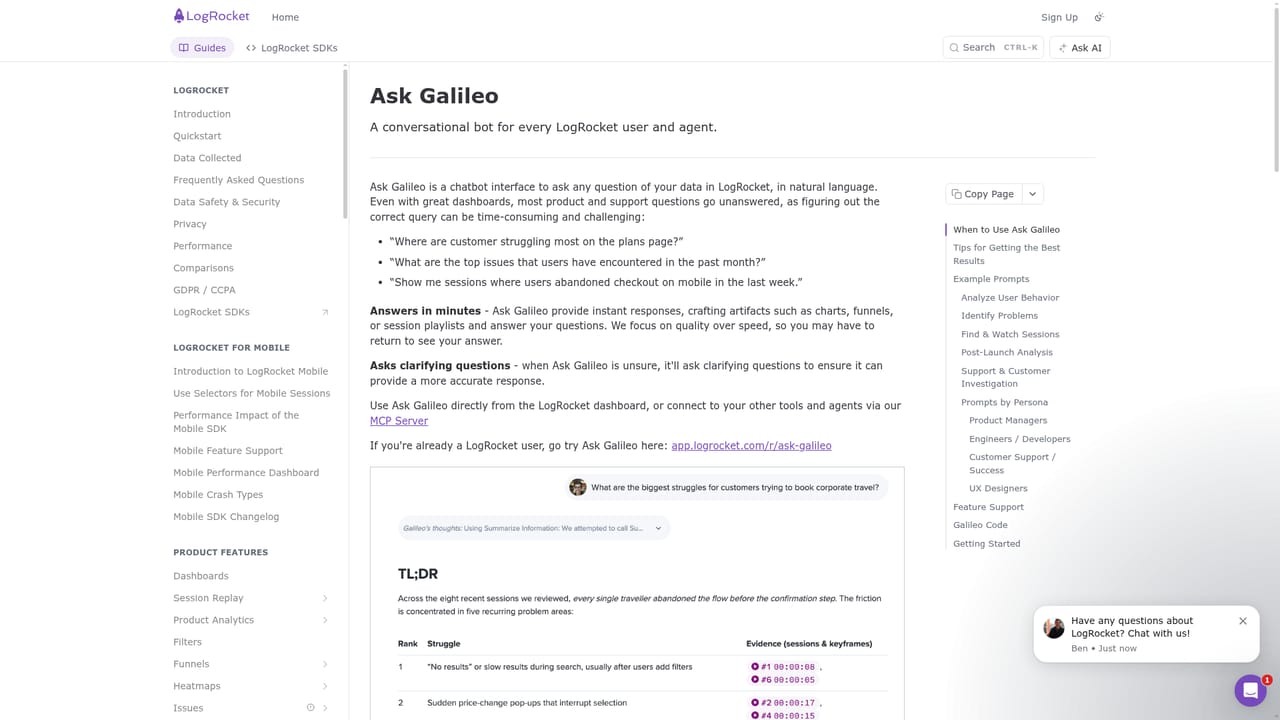
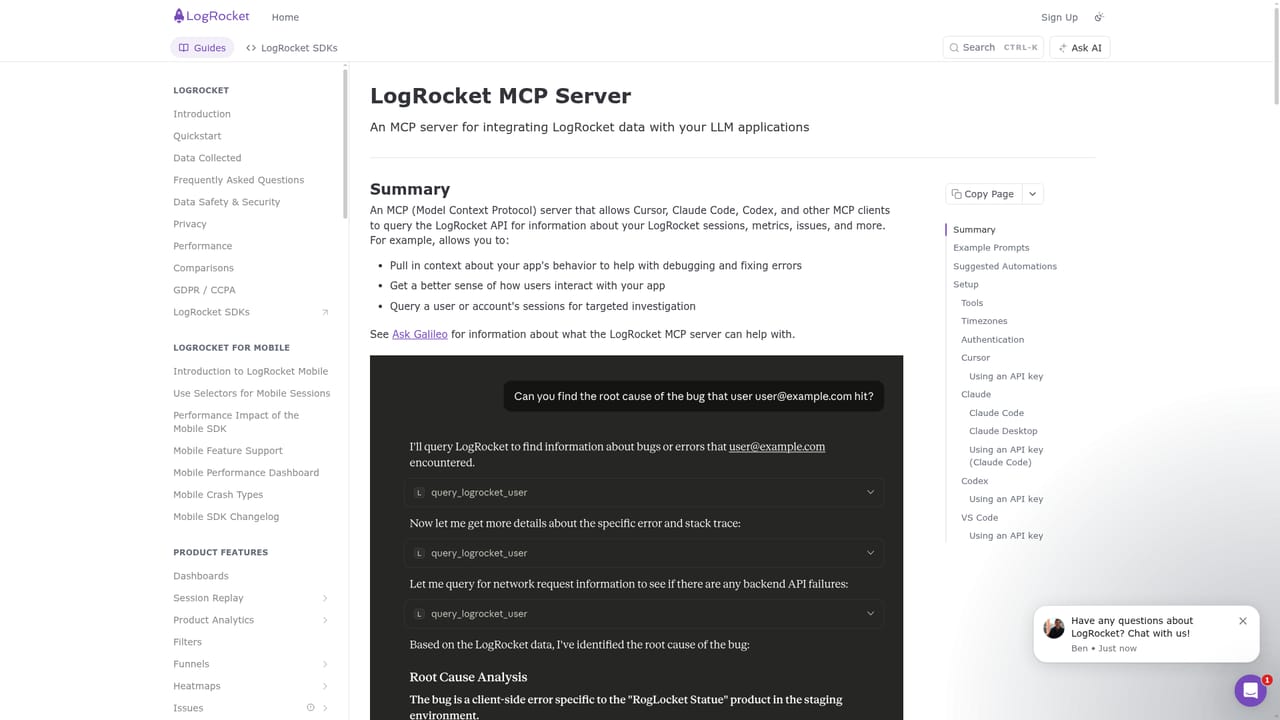
Galileo is LogRocket's AI product assistant. It observes user sessions, reads incoming customer feedback, and follows each release so that product teams can see what is actually affecting users without manually digging through analytics every day. Instead of a dashboard that waits to be queried, it works in the background and pushes the most consequential issues forward in plain language. The core problem it targets is volume. Teams that ship several times a week accumulate far more session recordings and feedback than anyone can review, and the signals that matter get buried. Galileo consolidates feedback from multiple sources, clusters related complaints into grouped issues, and attaches the sessions connected to each one, which gives a rough measure of how many users a problem touches. It also compares behavior before and after a release, so regressions and usability snags surface while there is still time to react. Ask Galileo is the conversational side: a product question gets an answer in seconds rather than a ticket to the data team. Answers can be delivered inside LogRocket, through Slack or Microsoft Teams, via webhooks, or through an MCP connection to assistants such as Claude, Gemini, ChatGPT and Cursor. A separate free AI feedback analytics product is available even for teams that do not use session replay. Product managers, designers and engineering leads at software companies are the obvious audience, particularly those already running LogRocket for session replay. The tradeoff is ecosystem gravity: Galileo is strongest when LogRocket already holds your session and release data, so it complements rather than replaces a standalone analytics stack.
A 14 day free trial of the full LogRocket feature set is offered, with cancellation any time. The AI feedback analytics product is described as free to use.
Learn moreThe product page does not list prices. It advertises a free start with access to all LogRocket features for 14 days, a free AI feedback analytics product that works without session replay, and a demo request path for teams that need a quote.
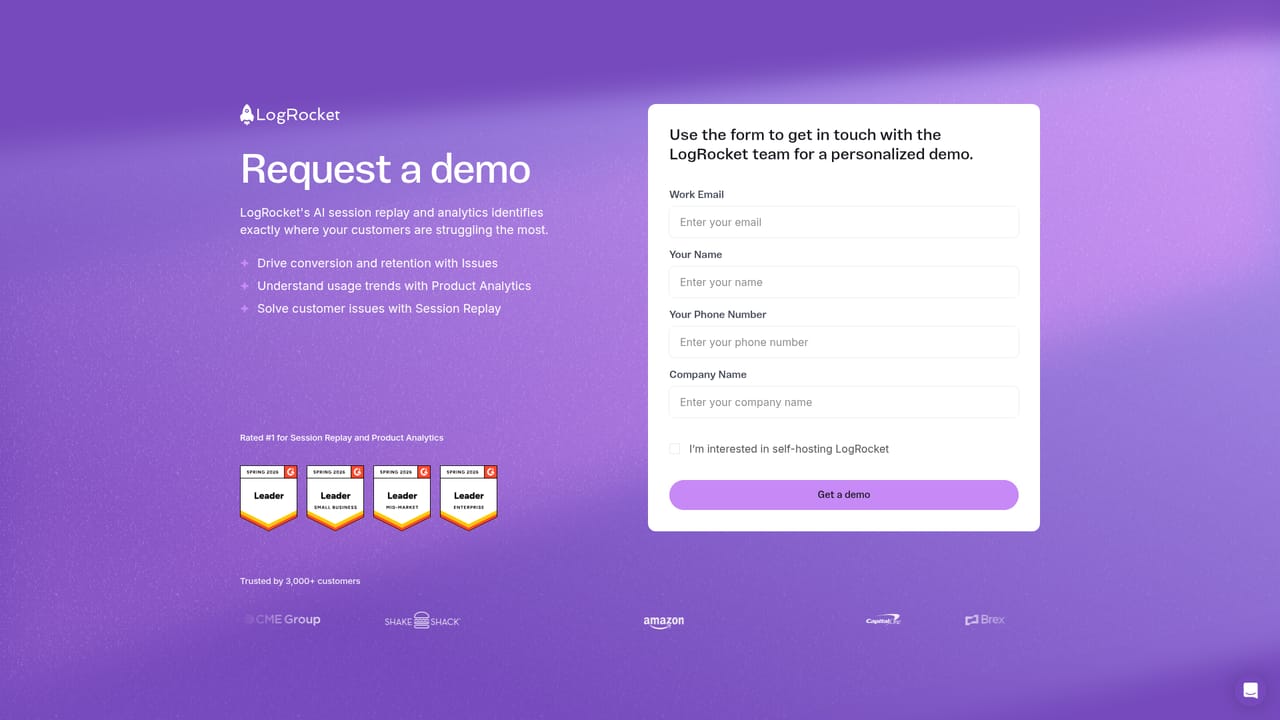
Learn moreSupport details are not described on the product page. A demo request form is the stated route for talking to the LogRocket team about setup or plans.
Learn moreInsights reach Slack and Microsoft Teams, webhooks, or MCP-connected assistants including Claude, Gemini, ChatGPT and Cursor. Feedback can be consolidated from multiple sources per the product page.
Learn moreGalileo watches every session, consolidates and groups user feedback with related sessions attached, tracks releases to show impact and usability issues, and presents findings in natural language. Ask Galileo answers product questions on demand, and insights can be pushed to Slack, Teams, webhooks or MCP clients.
 AI Angels400+ customizable AI girlfriends for NSFW chat, voice calls, and roleplay
 Candy AIExperience the future of companionship with AI friends who chat, role-play, and connect with you on a human level.
 ourdream.aiA vast AI roleplay platform with millions of characters for chat, images, video and voiceAI Angels400+ customizable AI girlfriends for NSFW chat, voice calls, and roleplayCandy AIExperience the future of companionship with AI friends who chat, role-play, and connect with you on a human level.ourdream.aiA vast AI roleplay platform with millions of characters for chat, images, video and voice


