Free trial
Free access exists rather than a timed trial: creation works without an account, and signing in raises the daily free generation allowance.
Learn moreAI image, photo and video creation without an account

MindPic is a web-based AI studio for generating images from prompts, repairing and retouching photos, animating stills into short videos, and producing background music. It runs without a login on the free tier and targets creators, small businesses and casual users who want share-ready visuals without design software.
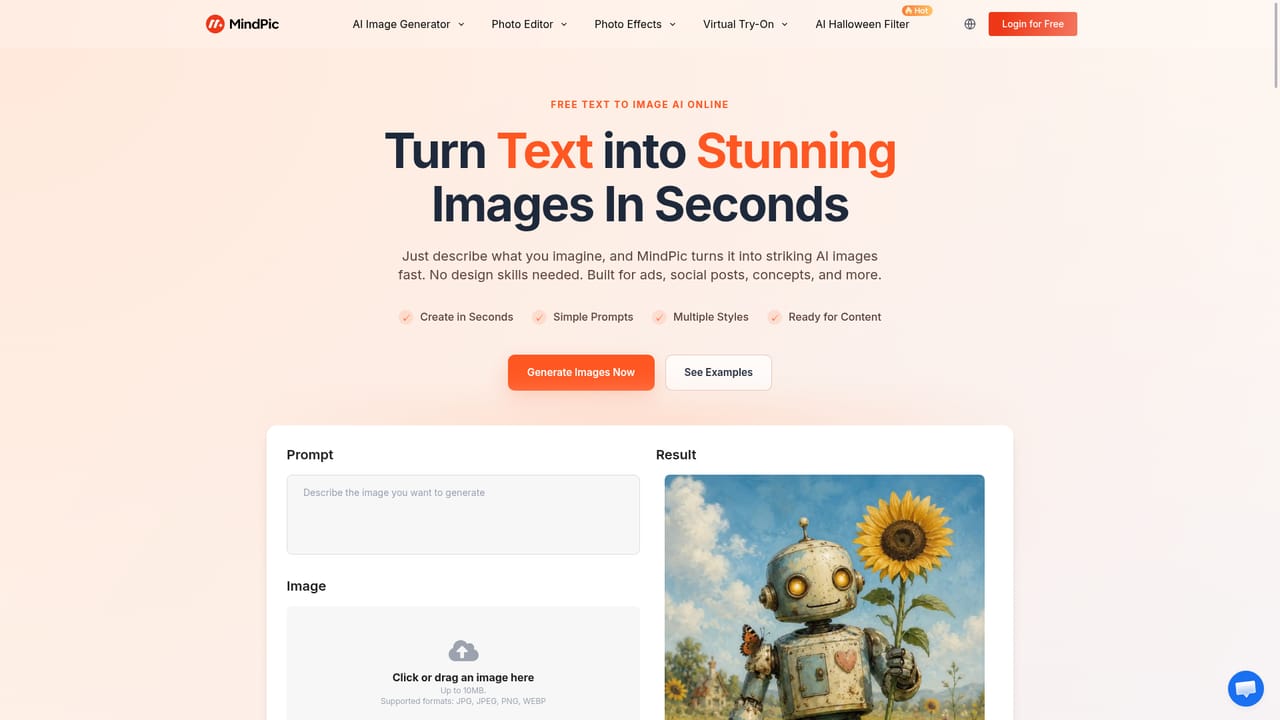
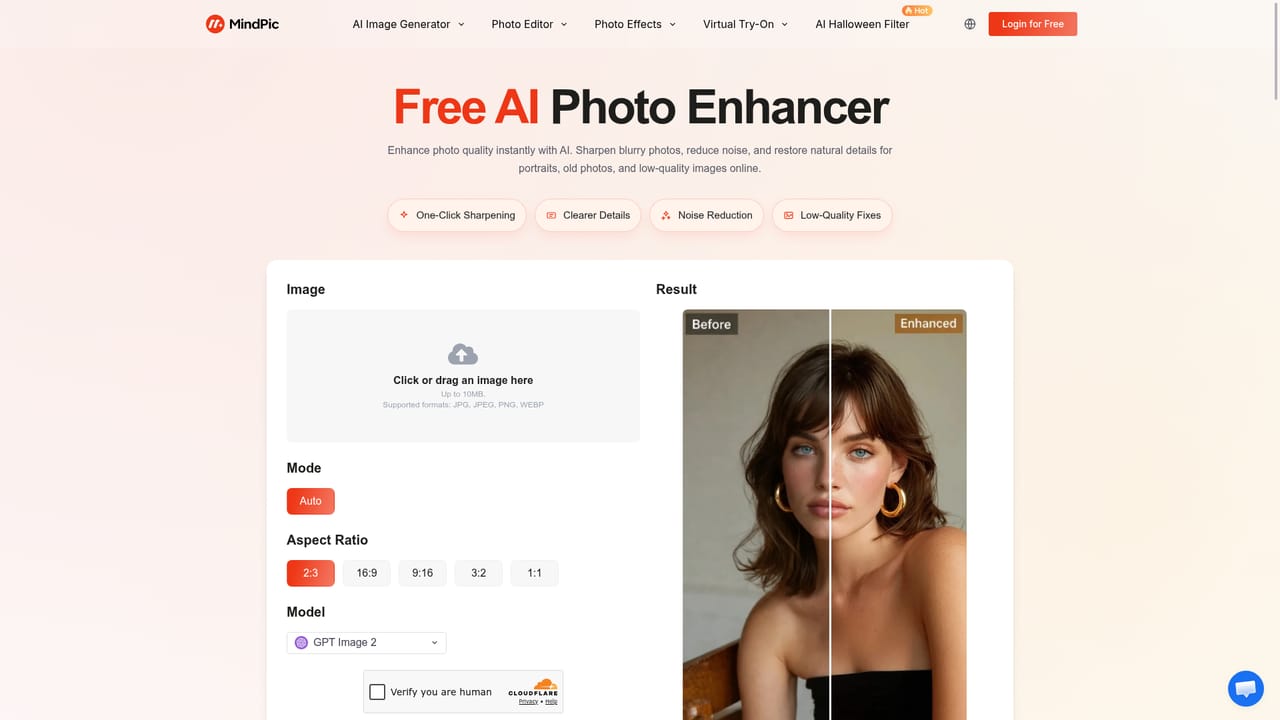
MindPic is a browser-based creative studio that bundles image generation, photo repair and short video creation behind a single upload box. The homepage puts a playground front and centre: drop in a file or type a prompt, pick an aspect ratio and a model, and the result appears in the same panel. That low-friction entry point is the product's main argument. Nothing is gated behind a sign-up wall at the start, which separates it from generators that ask for an account before showing a single output. The toolset splits into two halves. On the generation side there is text to image for prompts, image to image for style shifts and reworked references, photo to cartoon for sketch and anime looks, and an AI music generator that produces background tracks from a mood description. On the editing side sit a background and object remover, a photo enhancer that targets sharpness, lighting, colour and detail, a portrait retoucher that smooths blemishes and adjusts skin tone, and a restoration mode that cleans scratches and colourises old photographs. Image to video closes the loop by animating a still frame into a short clip for social posts or product showcases. The practical audience is broad rather than specialist. Bloggers and social media managers use it for post visuals and thumbnails, small shops use it for product concepts before final photography exists, and casual users use it for portraits and family photo repair. Because the interface is prompt-and-upload rather than layer-and-mask, people without design training can finish a job in minutes. Photographers appear in the homepage testimonials as enhancer users, so there is some appeal beyond amateurs. Against dedicated single-purpose tools, MindPic trades depth for breadth. It will not match a full raster editor for precise masking or a specialist upscaler for extreme resolution work, and the model roster is thinner than on aggregator platforms. What it offers instead is one workspace where a prompt, a photo fix and a moving clip can all be produced without switching services, and a free entry tier that lets a user judge output quality before committing.


Free access exists rather than a timed trial: creation works without an account, and signing in raises the daily free generation allowance.
Learn moreThe homepage states that MindPic is free to start and can be used without logging in, with more free generations per day after signing in. Specific prices, credit packs and plan tiers are not listed on the homepage, and available models, credits and watermark settings vary by tool.
Learn moreSupport is limited to an on-site FAQ plus a linked privacy policy covering how uploaded content and personal data are handled. No help centre, live chat or contact channel is described.
Text to image, image to image, photo to cartoon and other style effects, AI background and object removal, photo enhancement, portrait retouching, old photo restoration, image to video animation, and an AI music generator, all reached from one playground with aspect ratio and model controls.
Learn more AI Angels400+ customizable AI girlfriends for NSFW chat, voice calls, and roleplay
 Candy AIExperience the future of companionship with AI friends who chat, role-play, and connect with you on a human level.
 ourdream.aiA vast AI roleplay platform with millions of characters for chat, images, video and voiceAI Angels400+ customizable AI girlfriends for NSFW chat, voice calls, and roleplayCandy AIExperience the future of companionship with AI friends who chat, role-play, and connect with you on a human level.ourdream.aiA vast AI roleplay platform with millions of characters for chat, images, video and voice


