Support
Support is offered by email at support@pictofly.com, listed in the site footer. The site also publishes About Us, Privacy Policy and Terms of Use pages, but no help centre or documentation is referenced.
Learn moreTurn still images into short AI videos, or generate new pictures from text prompts

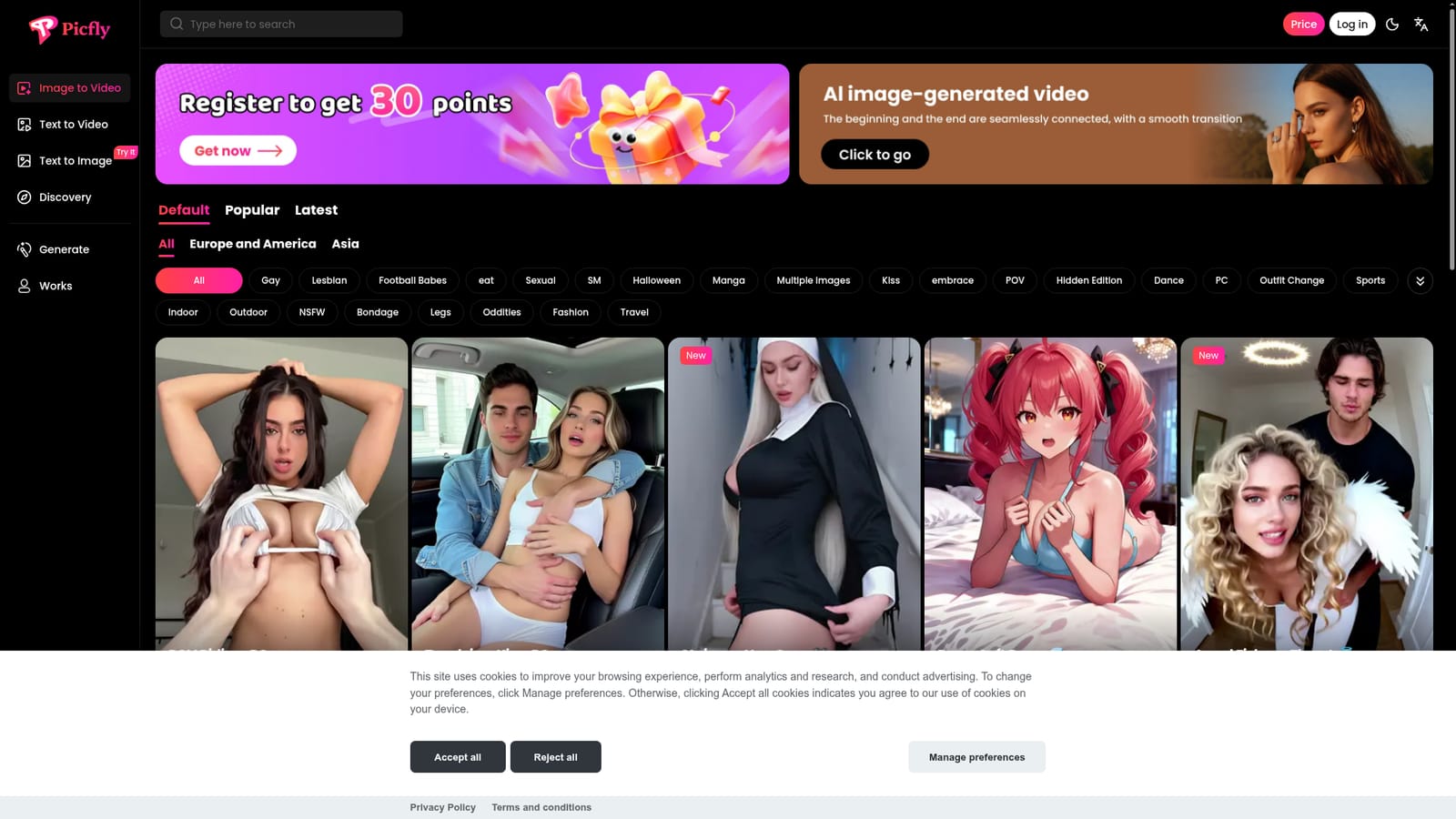
Picfly is a generative image tool that turns still images into short AI videos, or generate new pictures from text prompts. Browser based AI studio that converts still images into short videos with sound, offers text to image generation, and bundles a large tagged template gallery where any style can be reused with one click.
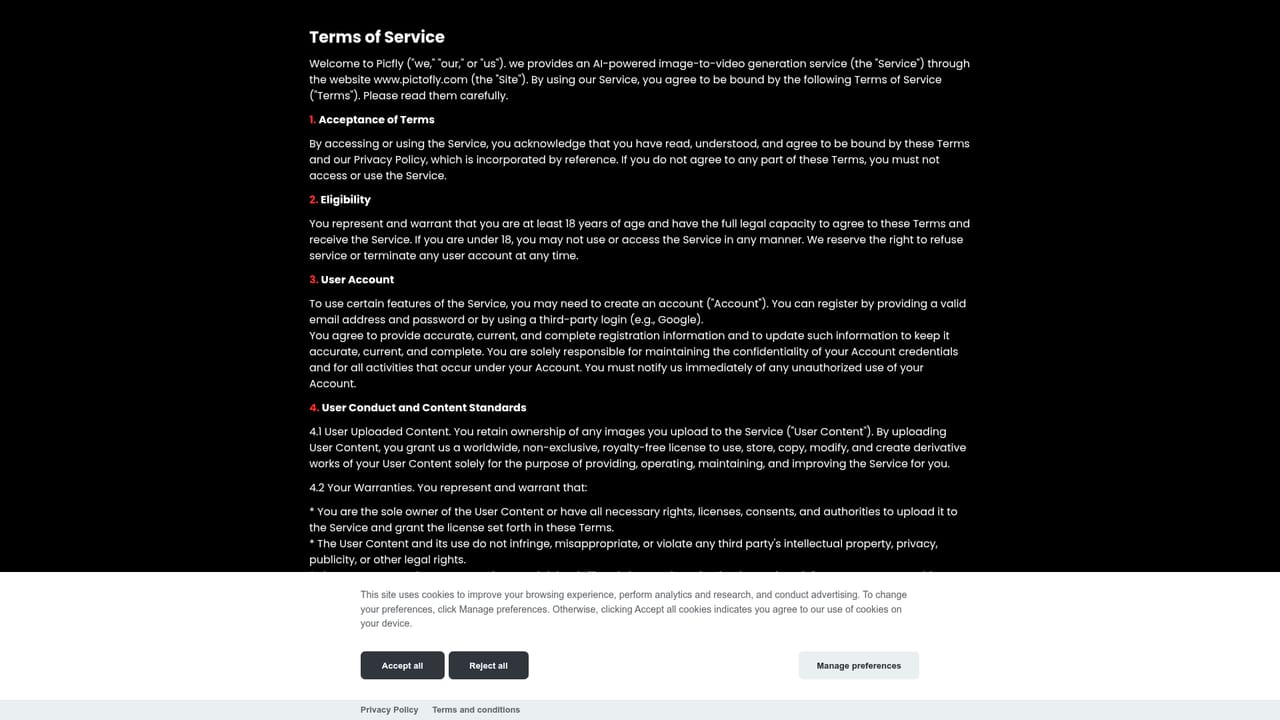
Picfly is a browser based generation studio built around a single idea: take an image you already have and turn it into a moving clip with sound, or start from a phrase and let the model build the picture first. The homepage presents the service as both an image to video and a text to video tool, with an online text to image generator sitting alongside it. A signed in area hosts the actual generation workspace, while a public gallery of templates shows finished examples that can be reused as starting points. The template library is the most distinctive part of the product. Instead of presenting an empty prompt box, Picfly organises styles into browsable rows and tags: categories such as Kiss, Dance, Outfit Change, POV, Fashion, Travel, Manga and Halloween, plus filters for region (Europe and America, Asia) and sorting by popular, latest or default. Each tile carries a name, a preview frame and a "Make same style" link that drops the visitor into the generator with that template preselected. A meaningful share of the catalogue is explicitly adult oriented, and Picfly labels those entries NSFW and organises them into themed collections. The workflow suits people who would rather remix a proven look than write a long technical prompt: hobbyists producing short social clips, creators exploring stylised character animation, and anyone testing image to video output before committing to a larger production pipeline. Compared with general purpose video generators, Picfly leans on curated templates and a narrow image first workflow rather than timeline editing, camera direction or long runtime. There is no sign of asset management, lip sync tooling or collaboration features on the homepage. Picfly is operated by PICFANS AI INC. The site publishes an About page, a Terms of Use document and a Privacy Policy, and lists support@pictofly.com as the contact channel. Visitors only get the full generator after signing in, so anyone evaluating the tool should expect to create an account before judging output quality.

Support is offered by email at support@pictofly.com, listed in the site footer. The site also publishes About Us, Privacy Policy and Terms of Use pages, but no help centre or documentation is referenced.
Learn moreImage to video conversion with sound, text to video, and online text to image generation. A signed in workspace handles generation jobs, while a tagged template gallery (Kiss, Kiss, Dance, POV, Outfit Change, Fashion, Travel, Manga, Halloween, NSFW and more) supplies reusable styles, each with a one click "Make same style" entry point. Filters cover region and popular, latest or default sorting.
 AI Angels400+ customizable AI girlfriends for NSFW chat, voice calls, and roleplay
 Candy AIExperience the future of companionship with AI friends who chat, role-play, and connect with you on a human level.
 ourdream.aiA vast AI roleplay platform with millions of characters for chat, images, video and voiceAI Angels400+ customizable AI girlfriends for NSFW chat, voice calls, and roleplayCandy AIExperience the future of companionship with AI friends who chat, role-play, and connect with you on a human level.ourdream.aiA vast AI roleplay platform with millions of characters for chat, images, video and voice


