Pitch Patterns

AI conversation analytics for call centres and sales teams

Intermediate
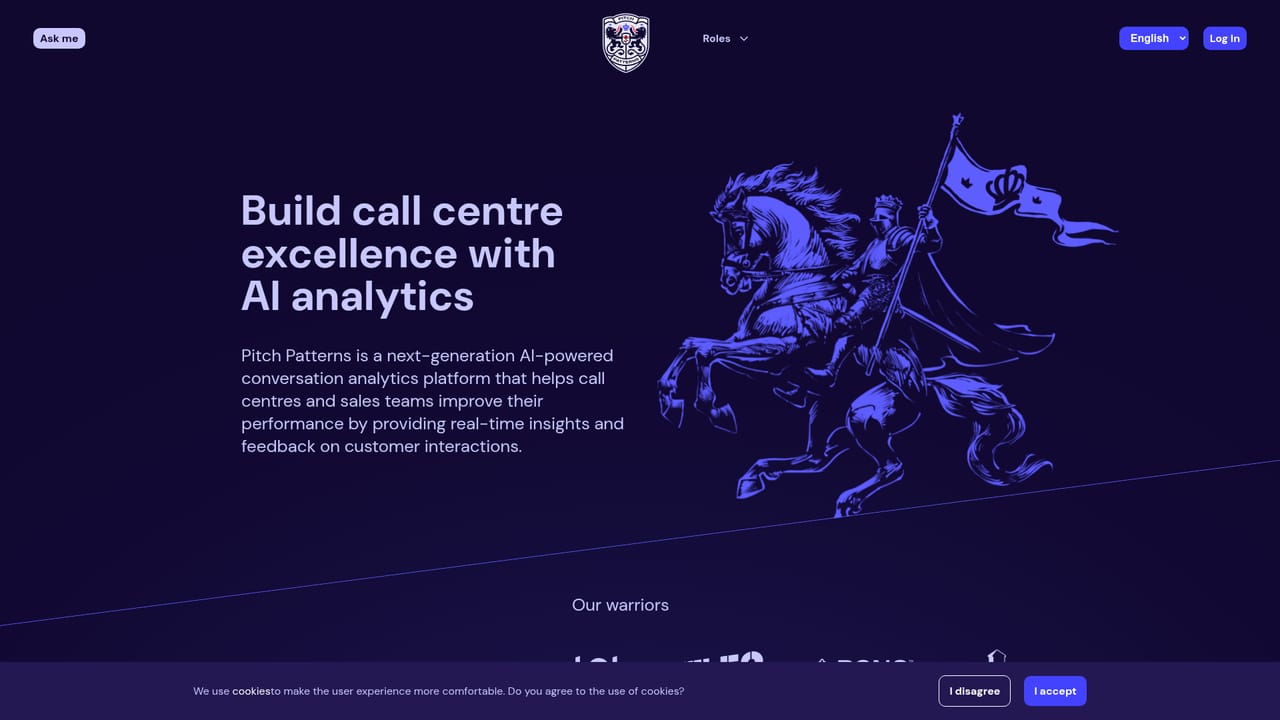
Screenshot of Pitch Patterns, AI conversation analytics for call centres and sales teams

What is Pitch Patterns?

Pitch Patterns is an AI transcriber tool. Pitch Patterns analyses sales and support calls with AI, transcribing conversations and scoring agent mood, talk ratios, topics and intents. It targets call centres and sales teams that need structured quality scoring, AI coaching and leaderboards rather than plain transcription, with a dedicated GDPR page and role-based views for managers.

Pitch Patterns is an AI conversation analytics platform built for call centres, sales teams and customer service operations. It ingests recorded customer interactions, transcribes them and scores each call against a structured set of measures so managers can see how conversations actually unfolded rather than relying on spot checks and memory. The company behind it comes from a mix of AI, data science and call centre operations backgrounds, and the product reflects that operational focus. In practice a finished call is broken into a timeline. Reviewers see a full transcript aligned to audio, a mood track for both the agent and the client (energetic, emphatic, dominant and how those states shift during the call), conversational metrics such as talking ratio, longest monologue, longest pause, tempo, interactivity score and mutual silence, plus topic and intent markers like discovery openers, offerings, objections, apologies and agreements. An AI Coach layer and configurable scorecards turn those signals into ratings, while leaderboards rank agents and calls across teams. The tool is aimed at sales team managers, quality control managers, growth leaders and AI agent managers, with dedicated role pages describing how each of those audiences uses the reports. It is equally relevant to teams running voice agents, since the demo conversations shown on the site include virtual assistants handling baggage claims and delivery questions, and the mood and patience metrics apply to machine agents as well as humans. Data protection is treated as a first class topic, with a dedicated GDPR and data security page. Compared with generic meeting transcription tools, Pitch Patterns is narrower and deeper: it assumes a contact centre workflow with scorecards, coaching and league tables rather than simple note taking. The site offers an interactive demo and a chatbot for questions, but it does not publish self-serve pricing or a list of supported telephony integrations, so buyers should expect to evaluate it through a sales conversation rather than a quick signup.

How do you use Pitch Patterns?

  1. 1Explore the scored call demo
    Open the homepage demo to see a sample customer support and robocall conversation with transcript, mood timeline, topics and scorecard side by side.
    Pitch Patterns — Explore the scored call demo
  2. 2Pick the role view closest to your job
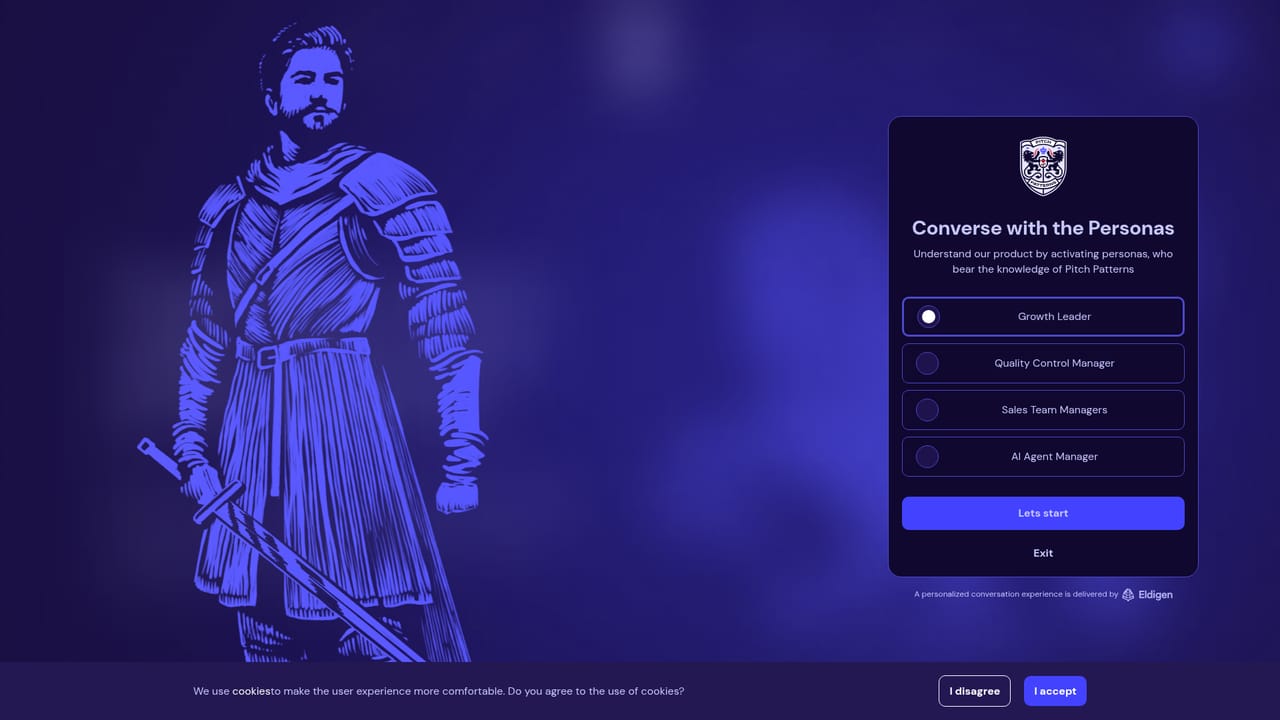
    Read the page for your role (growth leader, quality control manager, sales team manager or AI agent manager) to see which reports and metrics matter most.
    Pitch Patterns — Pick the role view closest to your job
  3. 3Ask the site chatbot your setup questions
    Use the Ask me chatbot to query how conversations are ingested, how scorecards are configured and what data security measures apply.
    Pitch Patterns — Ask the site chatbot your setup questions
  4. 4Review the data security and GDPR page
    Before sharing recordings, check the GDPR page for how call data is handled, stored and processed.
  5. 5Log in to your workspace
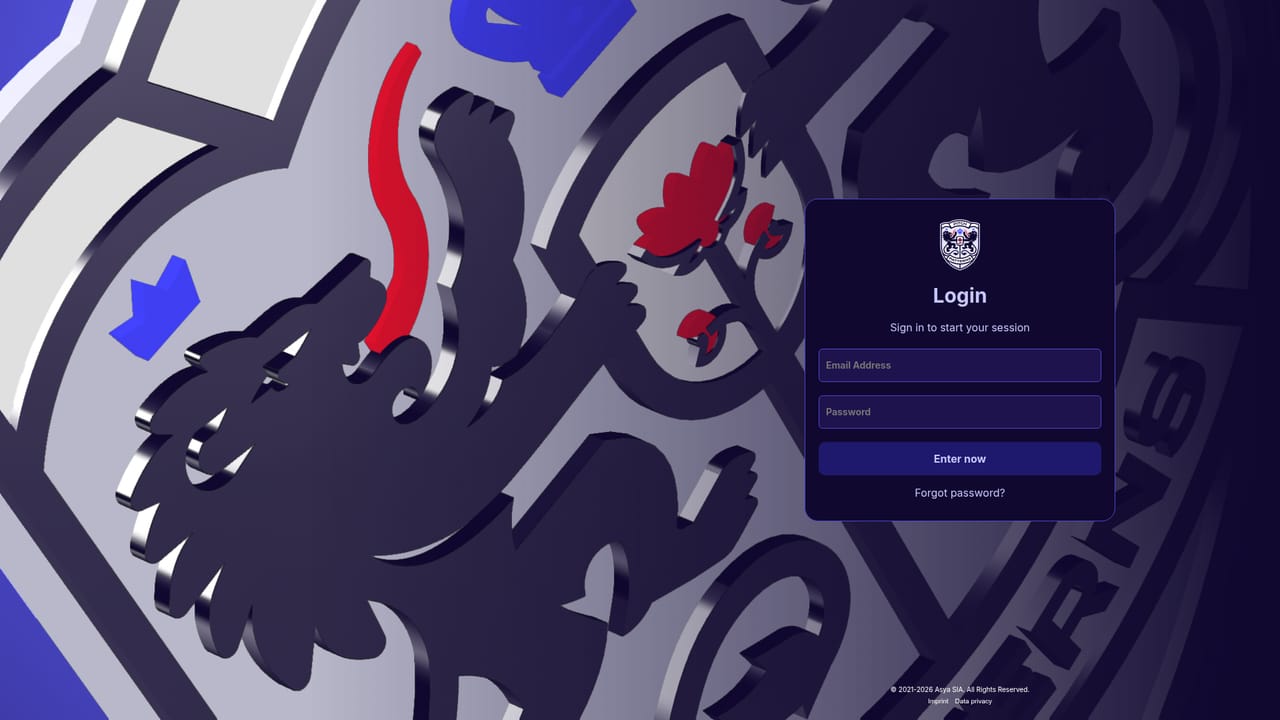
    Sign in at the app to connect call recordings, adjust scorecards and start reviewing leaderboards and reports.
    Pitch Patterns — Log in to your workspace

Pros and cons

Pros

  • Scores far more than text, tracking agent and client mood, talking ratio, pauses, tempo and interactivity per callAI
  • Topic and intent markers map a conversation to sales stages, so coaching can point at specific momentsAI
  • Role-specific pages show how growth leaders, QC managers, sales managers and AI agent managers each use the reportsAI
  • Covers voice agents as well as human agents, with the same metrics applied to bothAI
  • Interactive demo lets you explore a scored call, transcript and leaderboard before talking to salesAI

Cons

  • No public pricing, so cost has to be established through a sales conversationAI
  • No integrations page or supported telephony list is published, leaving setup requirements unclearAI
  • Interface and metric naming feel geared to analysts and QC teams, which may be heavy for small sales teamsAI
  • Mood and intent detection is presented without published accuracy figures or benchmark dataAI
  • No free plan or self-serve trial is described on the siteAI

How much does Pitch Patterns cost?

Features

Core features cover conversation analysis with transcription, agent and client mood tracking, conversational metrics (talking ratio, patience, tempo, pauses), topic and intent markers, AI Coach feedback, configurable scorecards, leaderboards and reports, plus separate role views for sales, QC, growth and AI agent managers.

Frequently asked questions about Pitch Patterns

  • How do you use Pitch Patterns?
    The walkthrough on this page covers 5 steps: 1. Explore the scored call demo 2. Pick the role view closest to your job 3. Ask the site chatbot your setup questions 4. Review the data security and GDPR page 5. Log in to your workspace.
  • What platforms does Pitch Patterns support?
    Pitch Patterns is available on Web App.
  • What are the limitations of Pitch Patterns?
    No public pricing, so cost has to be established through a sales conversation. No integrations page or supported telephony list is published, leaving setup requirements unclear. Interface and metric naming feel geared to analysts and QC teams, which may be heavy for small sales teams.

Status

StatusActive
Views0
Outbound clicks0
Added10/21/2026

Platforms

Web App

Pricing

Paid