Free trial
The homepage invites users to create free clips without a credit card, indicating a free trial or free tier is available. Exact limits are not specified.
Learn moreTurn long videos into viral shorts in minutes
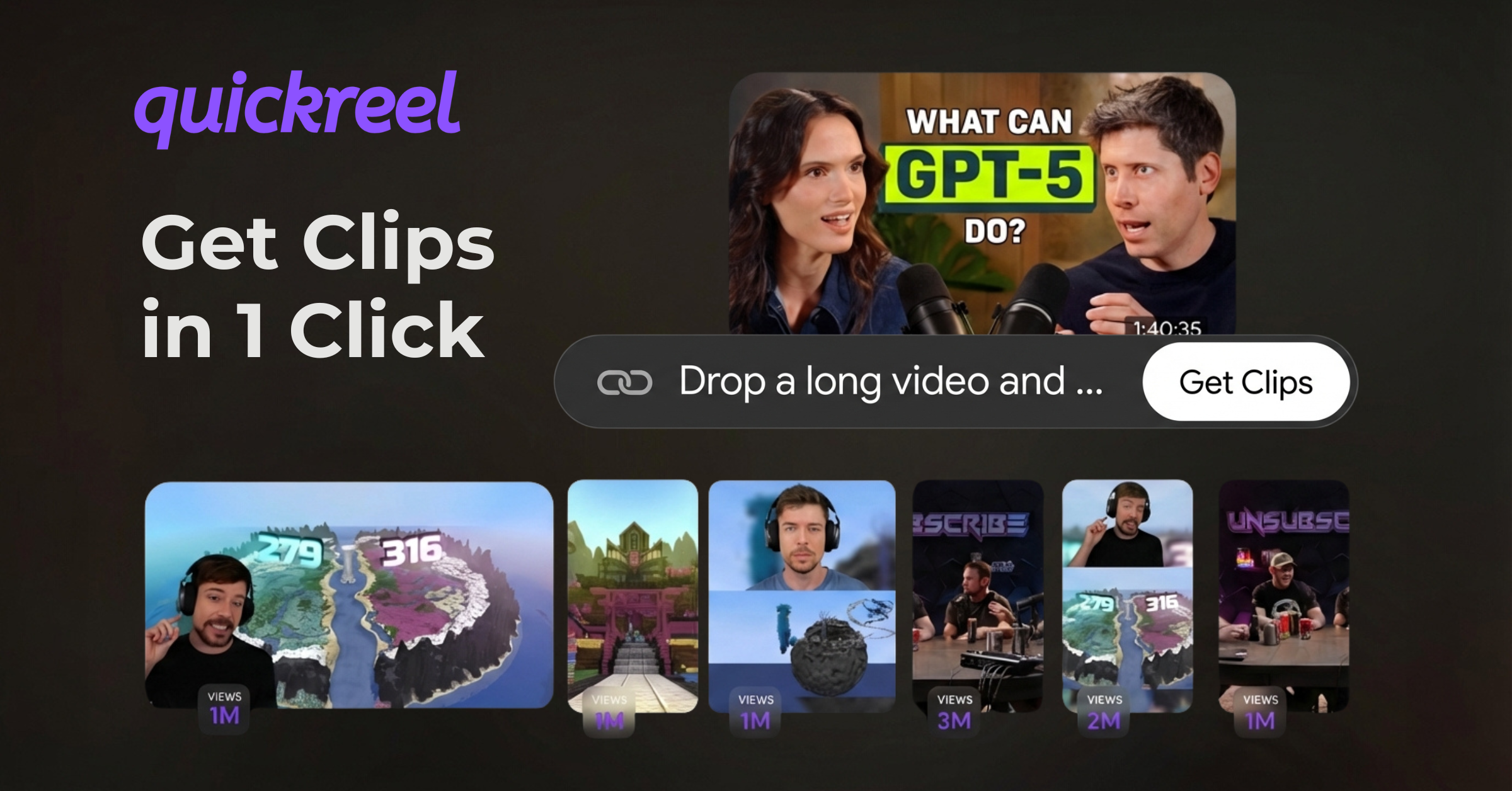
QuickReel is a clip finder tool that turns long videos into viral shorts in minutes. QuickReel is an AI video clipping tool that turns long videos into short, captioned clips for TikTok, Shorts, and Reels. It also offers AI editing, faceless video generation, and team workspaces.
QuickReel is an AI-powered video clipping and editing tool that converts long-form content into short, platform-ready clips for YouTube Shorts, TikTok, Instagram Reels, and Facebook. The core workflow is straightforward: upload a long video, and QuickReel's AI models identify the most clip-worthy moments, then automatically reframe and caption them for vertical formats. The platform claims to produce multiple clips in seconds, with no manual scrubbing required. The tool is built for creators, social media managers, and content teams who need to maintain a consistent short-form presence without hiring editors. Beyond clipping, QuickReel includes an AI editing assistant that works alongside the user to refine clips, add effects, and optimize pacing. Automatic captioning, AI-generated B-roll, background music suggestions, and a silence and filler word remover round out the editing stack. For teams, brand templates let users apply fonts, colors, logos, and captions to every clip in one click, while a shared workspace keeps projects organized and collaborative. QuickReel extends beyond clipping with faceless video generation, AI image creation for thumbnails and graphics, and voice generation for narration. A content calendar supports scheduling across Instagram, YouTube, TikTok, and other platforms, and an API allows teams to generate clips at scale and push them into existing workflows. QuickReel sits in the crowded AI clipping space alongside tools like Opus Clip and Descript, but differentiates through its combined editing, repurposing, and planning features. The homepage cites over 300,000 creators and businesses, including recognizable names such as Andrew Huberman and Valuetainment, though these are marketing claims. Pricing details are not disclosed on the homepage; users are prompted to create free clips before committing.
The homepage invites users to create free clips without a credit card, indicating a free trial or free tier is available. Exact limits are not specified.
Learn moreSupport is available via a contact page on the QuickReel website. No further details on support channels or hours are provided on the homepage.
Learn moreQuickReel offers API and automation integrations to plug into existing stacks, and supports scheduling and publishing across Instagram, YouTube, TikTok, and other social platforms. Specific third-party integrations are not listed on the homepage.
QuickReel's core features include AI clipping that identifies viral moments, automatic reframing for multiple aspect ratios, AI captioning, B-roll generation, background music suggestions, and silence and filler word removal. Additional tools cover faceless video generation, AI image creation, voice generation, content scheduling, brand templates, a team workspace, and API access for automation.
 AI Angels400+ customizable AI girlfriends for NSFW chat, voice calls, and roleplay
 Candy AIExperience the future of companionship with AI friends who chat, role-play, and connect with you on a human level.
 ourdream.aiA vast AI roleplay platform with millions of characters for chat, images, video and voiceAI Angels400+ customizable AI girlfriends for NSFW chat, voice calls, and roleplayCandy AIExperience the future of companionship with AI friends who chat, role-play, and connect with you on a human level.ourdream.aiA vast AI roleplay platform with millions of characters for chat, images, video and voice


