Reve Image

Create, edit and remix images with plain language and a drag-and-drop editor

Beginner
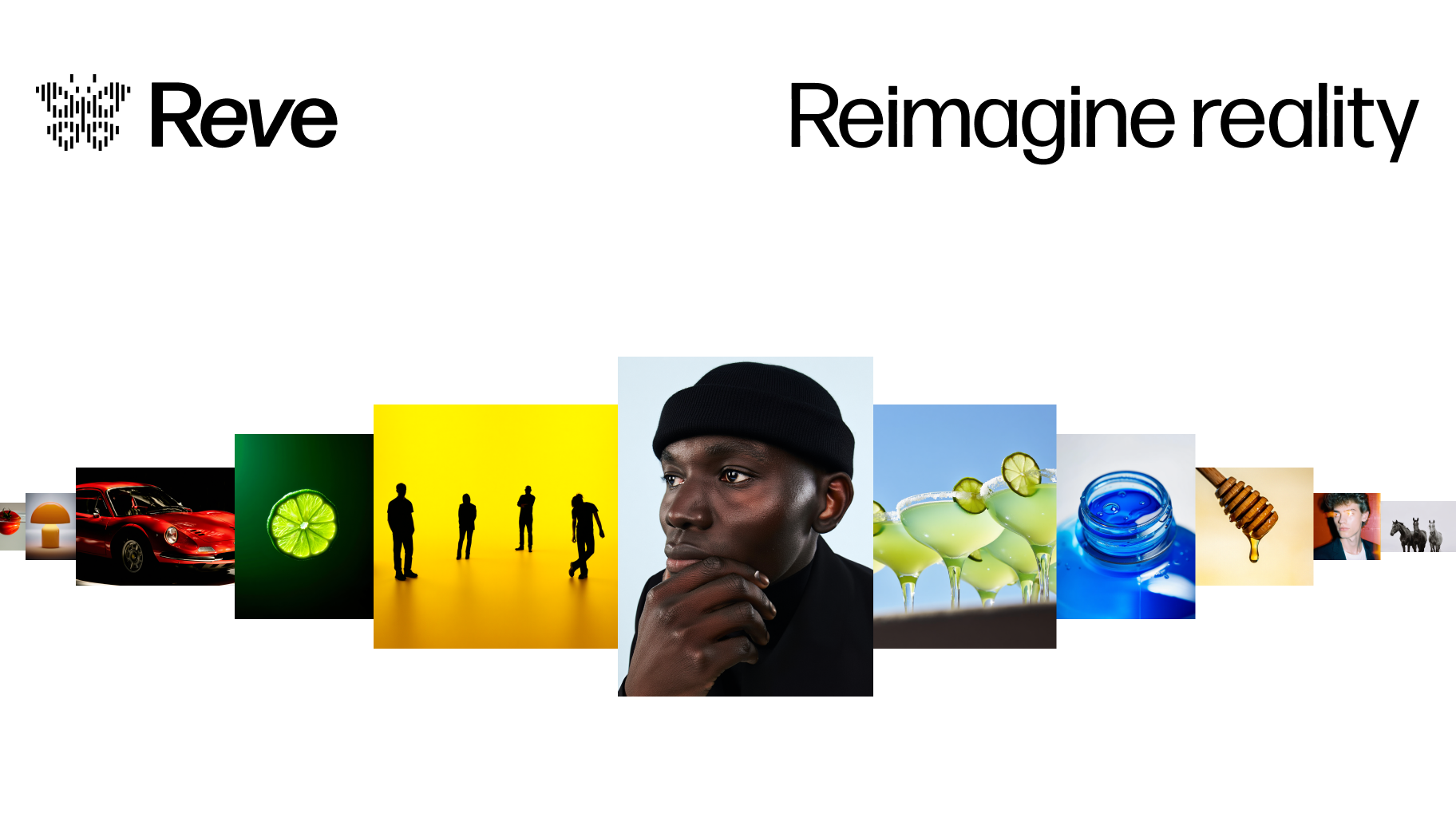
Screenshot of Reve Image, Create, edit and remix images with plain language and a drag-and-drop editor

What is Reve Image?

Reve Image is an image editing tool that creates edit and remix images with plain language and a drag-and-drop editor. Reve Image is a web app for creating, editing and remixing images. It pairs natural-language edit instructions with a drag-and-drop editor, aimed at designers, art directors and creative teams across photography, illustration and rendering.

Reve Image is a web-based image tool built around the Reve model. It covers three jobs in one place: generating pictures from a written idea, editing existing images, and remixing material into new variations. The product describes its approach as combining natural-language edits with a drag-and-drop image editor, so a change can be requested in a sentence or made by hand on the canvas. The homepage gallery shows the range of work it targets: graphic design, art direction, product photography, 3D rendering, portraits, interior design, fashion, filmmaking, architecture, concept development, graphics and illustration, post-production and product rendering. That spread points to an audience of designers, art directors, marketers, photographers and creative teams who need visual drafts or finished assets without moving between several programs. Casual users with an idea and no design background are also a plausible fit, since the starting point is simply describing what should appear. In practice, a visitor signs in from the landing page and opens the app. Images are created from a description, then refined through follow-up edits phrased in everyday language, or adjusted directly with the editor's drag-and-drop controls. A separate page about the Reve model gives more background on the underlying technology. The homepage does not spell out export formats, resolution limits, licensing terms or team features, so those details need checking inside the product before commercial use. Among alternatives, Reve Image sits with general-purpose generative image tools and prompt-driven editors. Its distinguishing angle is the pairing of conversational editing with manual layout control, rather than leaving users to regenerate an entire image whenever one element needs to change. Buyers comparing it with established image generators should weigh that editing workflow against the missing public detail on pricing and integrations.

How do you use Reve Image?

  1. 1Open the Reve app and sign in
    Go to the landing page and use the Sign in or Log in button to access the workspace.
  2. 2Read about the Reve model
    Visit the model page to understand what the underlying model is designed to do before writing prompts.
  3. 3Describe the image you want
    Write a plain-language description of the scene, subject or design to generate a first version.
  4. 4Refine with natural-language edits
    Ask for specific changes in a sentence, such as altering an element, instead of starting over.
  5. 5Adjust manually in the editor
    Use the drag-and-drop editor to reposition or tweak elements, then remix the result into further variations.

Pros and cons

Pros

  • Combines text-based edit instructions with a drag-and-drop editor for flexible controlAI
  • Handles creation, editing and remixing in one workspaceAI
  • Gallery shows wide range of uses, from product photography to architectureAI
  • Browser-based, so nothing needs to be installed to startAI
  • Dedicated page explains the underlying Reve modelAI

Cons

  • Homepage gives no pricing, credit or plan informationAI
  • No stated free trial or free tier details before sign-inAI
  • Integrations, API access and export options are not documented on the landing pageAI
  • Sign-in is required before the tool can be tried, so evaluation takes a commitmentAI
  • No visible support, documentation or licensing information on the homepageAI

How much does Reve Image cost?

Features

Generates images from text, edits them through natural-language instructions, and remixes existing visuals. A drag-and-drop image editor adds manual control. Example work spans graphic design, product photography, 3D rendering, portraits, architecture and illustration.

Learn more

Frequently asked questions about Reve Image

  • How do you use Reve Image?
    The walkthrough on this page covers 5 steps: 1. Open the Reve app and sign in 2. Read about the Reve model 3. Describe the image you want 4. Refine with natural-language edits 5. Adjust manually in the editor.
  • What platforms does Reve Image support?
    Reve Image is available on Web App.
  • What are the limitations of Reve Image?
    Homepage gives no pricing, credit or plan information. No stated free trial or free tier details before sign-in. Integrations, API access and export options are not documented on the landing page.

Status

StatusActive
Views0
Outbound clicks0
Added10/8/2026

Platforms

Web App

Pricing

Freemium