Free trial
Calls to action across the site offer free creation and free trials of the video and image tools, though the homepage does not state how many free generations are included or whether watermarks apply.
Learn moreBrowser studio for AI video, image and audio generation from prompts or photos

Senzia is a web studio for text to video, image to video, AI image generation and audio, drawing on multiple third party models such as Kling, Seedance and Gemini in one credit based workspace.
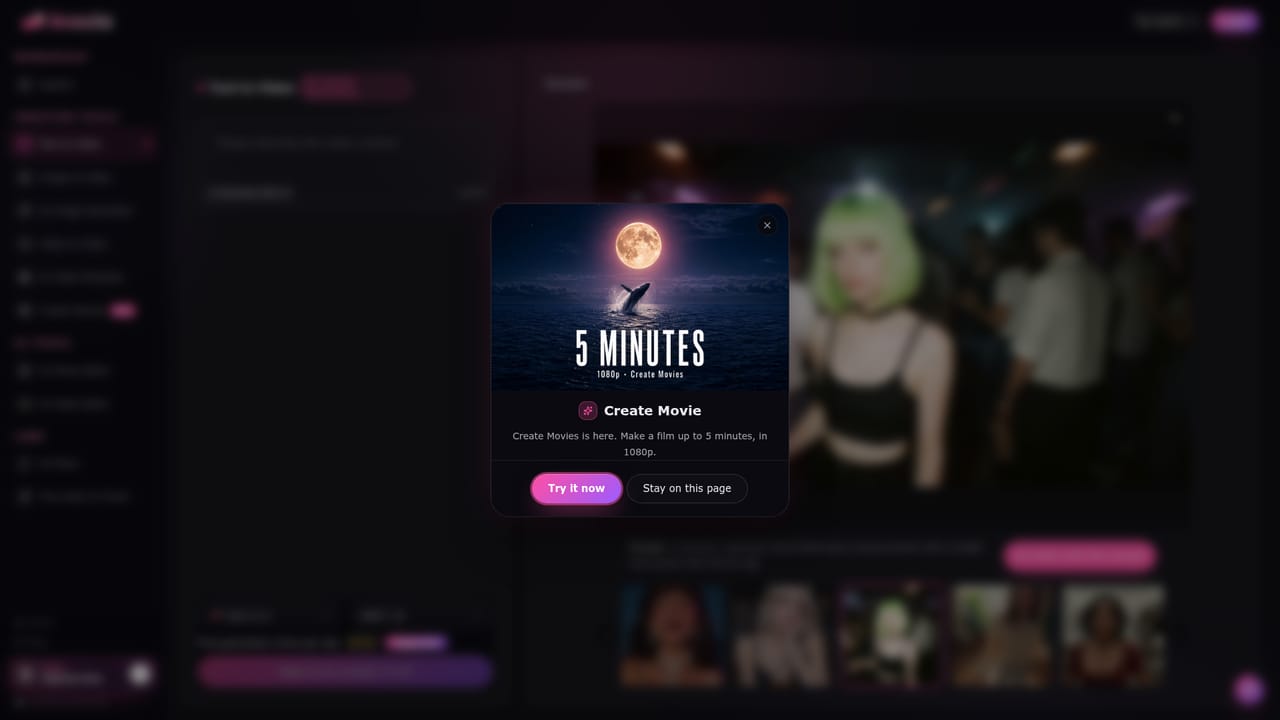
Senzia is a browser based creative studio that bundles text to video, image to video, image generation and audio generation into one workspace. The stated goal is to turn a written prompt, a still photograph or a voice clip into motion footage and stills without any editing background. The homepage positions the product around a free entry point and a library of third party generation engines rather than a single in house model. The tool organises its work around three main pipelines. Text to Video takes a descriptive prompt and returns a short motion clip aimed at social posts, advertising or narrative sequences. Image to Video applies camera movement, depth and physics cues to a supplied reference photo so a single frame becomes a moving shot. The AI Image Generator covers both text to image and image to image work, from photorealism to more stylised output. A model hub lets users pick among engines the site names, including Grok, Kling, Seedance, Wan, Nano Banana and Gemini, alongside Sora and Seedance text to video options. The practical workflow suits marketers, social media managers, small business owners and independent designers who need finished looking visuals on a short turnaround. Senzia reports more than 100,000 creators and a 4.9 average rating from user reviews, and frames itself as beginner friendly, with an explore gallery of prebuilt prompts and cinematic compositions that can be applied to a project instead of starting from a blank field. A Create Movie mode advertises films up to five minutes at 1080p, while the studio badges mention 4K at 60fps rendering. Compared with single purpose generators, the appeal is consolidation: one account, one interface and one credit balance across video, image and audio, so a campaign asset set does not require hopping between subscriptions. The trade off is that quality depends heavily on which underlying model is selected, and credits are consumed per generation, so heavy experimentation costs add up. Buyers comparing it against dedicated video editors should note that Senzia stops at generation and light refinement rather than timeline editing.
Calls to action across the site offer free creation and free trials of the video and image tools, though the homepage does not state how many free generations are included or whether watermarks apply.
Learn moreThe homepage does not publish a price list. It describes purchases as one time payments that add credits to an account immediately, and states that sales are generally final, with duplicate charges reviewed on contact. Free generation is advertised throughout, but no credit allowance or tier details are shown.
Learn moreSupport is handled by email at support@senzia.cc, which the site lists for billing questions and general contact. No live chat, phone line or help centre is referenced on the homepage.
Text to video from prompts, image to video from reference photos, and text to image plus image to image generation. A model hub spans Grok, Kling, Seedance, Wan, Nano Banana and Gemini, with Sora 2, Seedance 2 and Wan 2.6 named as text to video options. An audio generator and AI avatar and face swap features appear in user reviews. An explore gallery supplies prebuilt prompts, and Create Movie supports clips up to five minutes at 1080p.
Learn more AI Angels400+ customizable AI girlfriends for NSFW chat, voice calls, and roleplay
 Candy AIExperience the future of companionship with AI friends who chat, role-play, and connect with you on a human level.
 ourdream.aiA vast AI roleplay platform with millions of characters for chat, images, video and voiceAI Angels400+ customizable AI girlfriends for NSFW chat, voice calls, and roleplayCandy AIExperience the future of companionship with AI friends who chat, role-play, and connect with you on a human level.ourdream.aiA vast AI roleplay platform with millions of characters for chat, images, video and voice


