Free trial
The homepage offers a Try Speak AI Free option that creates an account and opens the workspace; trial length and included limits are not stated on the homepage.
Learn moreConversation intelligence that scores, coaches, and builds custom apps.

Speak Ai is an AI transcriber tool. Speak AI captures, transcribes, and analyzes conversations in 100+ languages, then turns them into scored insights, coaching, and white-label applications. Built for sales, research, and consulting teams that need structured data rather than transcripts alone.
Speak AI is a conversation intelligence and transcription platform built for teams that need more than a raw transcript. Since 2018, it has grown into a system for capturing, transcribing, analyzing, and sharing every conversation, then turning that data into structured insights and custom applications. The platform supports over 100 languages and reports 95% or higher transcription accuracy, with speaker identification and timestamps on every file. In practice, Speak AI pulls conversations from multiple sources into one searchable library. A meeting assistant joins Zoom, Teams, Meet, and Webex calls automatically; an embeddable recorder captures in-person or web sessions; iOS and Android apps handle field recording; and upload or voice agents cover files and inbound calls. Once captured, the platform extracts custom fields, scores calls against a rubric, and runs theme and sentiment analysis. Those structured outputs feed dashboards, shareable widgets, and exports to CSV, JSON, or through an API. The tool is aimed at teams doing serious work with conversations: sales organizations scoring calls on their own methodology, market researchers theming interviews, consulting firms delivering client-ready reports, and agencies that want to white-label the entire capture-to-insight flow on their own domain. It also offers voice, phone, and video agents grounded in a knowledge base, with warm transfer to a human when needed. Among alternatives, Speak AI distinguishes itself by being a build platform rather than a single-purpose meeting notetaker. The company shapes fields, scoring, and prompts around a customer's workflow and primes the application on historical recordings before go-live. An MCP server gives 100+ tools to assistants such as Claude, ChatGPT, and Cursor, and the platform routes across multiple models and speech engines rather than locking users to one vendor. Pricing is not published in detail on the homepage, so buyers should consult the pricing page or book a demo for a quote.
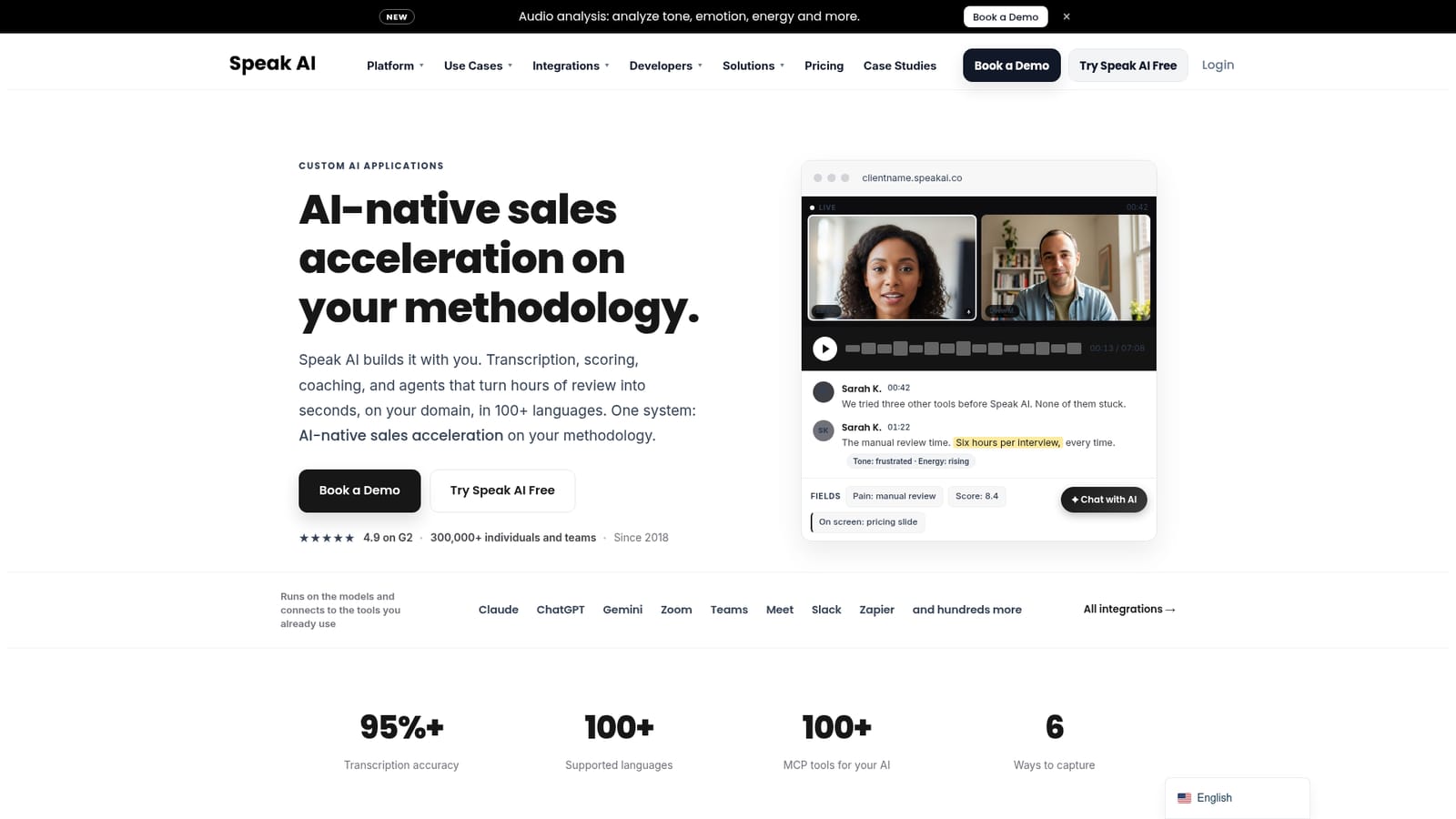
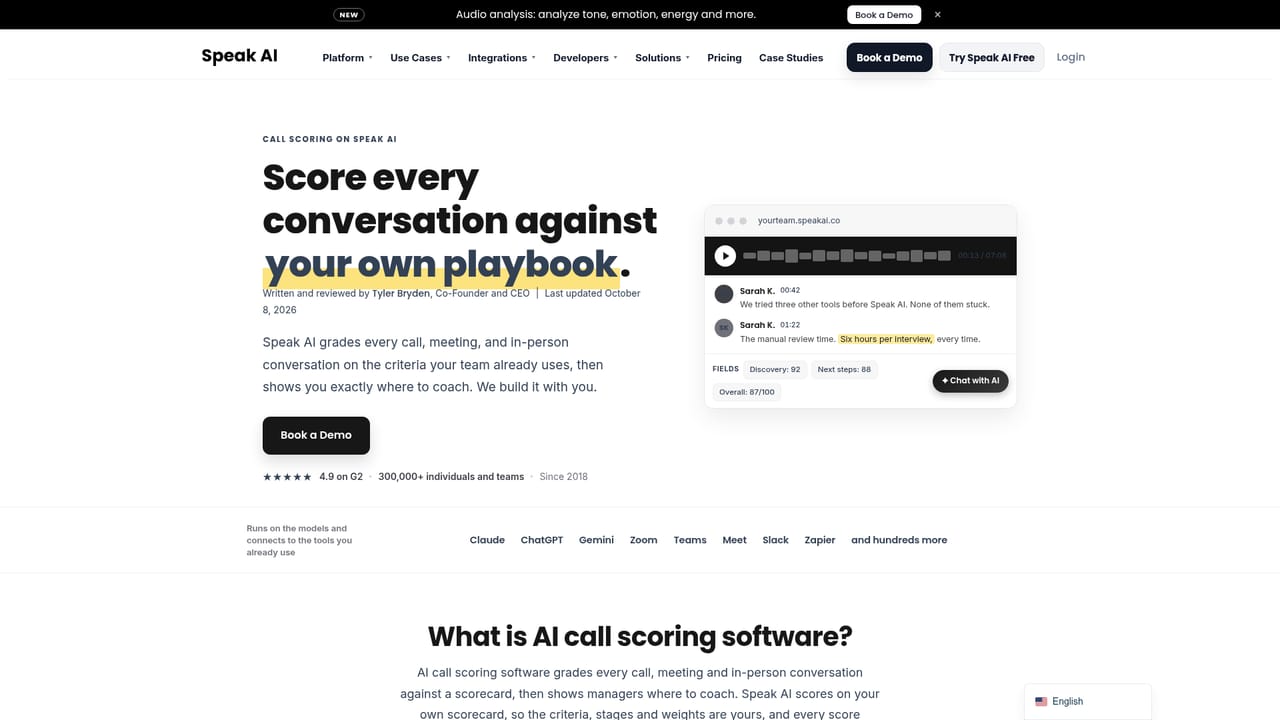
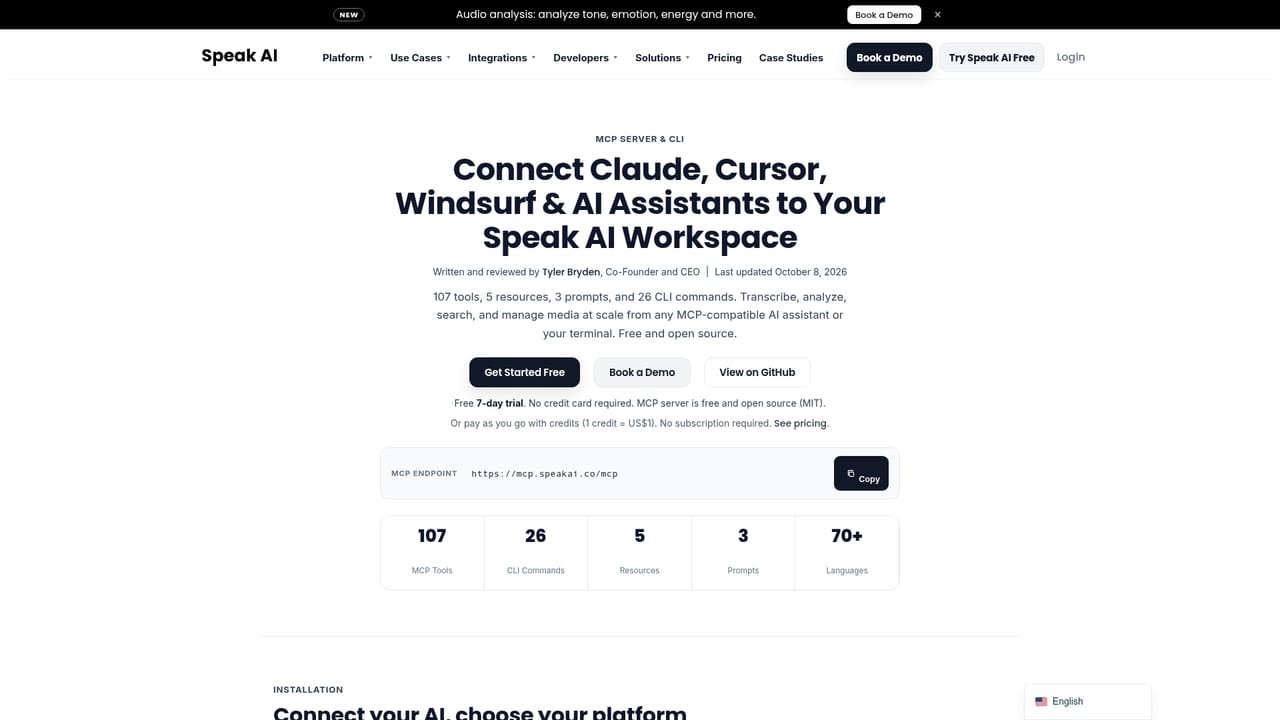
The homepage offers a Try Speak AI Free option that creates an account and opens the workspace; trial length and included limits are not stated on the homepage.
Learn moreConnects with Claude, ChatGPT, Gemini, Cursor, Zoom, Teams, Meet, Slack, Zapier, and hundreds more through an integrations layer, MCP server, and API.
Learn moreCore capabilities include a meeting assistant for Zoom, Teams, Meet, and Webex; an embeddable recorder; iOS and Android apps; file upload and voice agents. Transcripts cover 100+ languages with speaker identification, and analysis includes custom field extraction, call scoring, theme and sentiment tracking, dashboards, and shareable libraries. An MCP server provides 100+ tools for AI assistants, with a developer API for deeper integration.
Learn more AI Angels400+ customizable AI girlfriends for NSFW chat, voice calls, and roleplay
 Candy AIExperience the future of companionship with AI friends who chat, role-play, and connect with you on a human level.
 ourdream.aiA vast AI roleplay platform with millions of characters for chat, images, video and voiceAI Angels400+ customizable AI girlfriends for NSFW chat, voice calls, and roleplayCandy AIExperience the future of companionship with AI friends who chat, role-play, and connect with you on a human level.ourdream.aiA vast AI roleplay platform with millions of characters for chat, images, video and voice


