Free trial
The first video is free and needs no credit card, which lets you check the output before deciding to upgrade for unlimited, watermark-free videos.
Learn moreTurn one pet photo into a talking or singing video in about 30 seconds
Own TalkingPets.ai? Verify ownership to get a dofollow link

TalkingPets.ai is an AI video talk tool that turns one pet photo into a talking or singing video in about 30 seconds. TalkingPets.ai animates one clear pet photo into a short talking or singing video for social posts and messages.
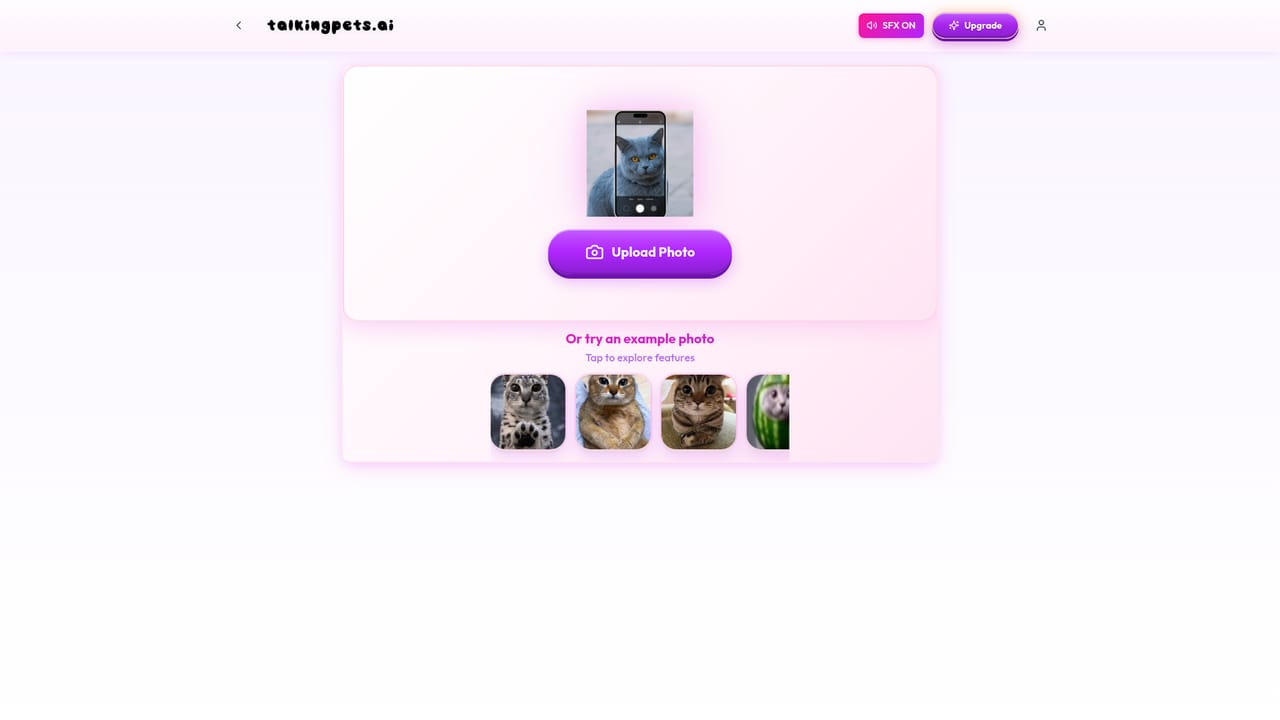
TalkingPets.ai is a web and iPhone app that animates a single photo of a cat, dog or other pet into a short video where the animal appears to speak or sing. The workflow is deliberately narrow: upload a clear, front-facing portrait, type a line of text, record your own voice or pick a popular song, and the service renders a clip ready for TikTok, Instagram Reels, YouTube Shorts, X or a direct message. The site claims a video is ready in roughly 30 seconds and that no editing skill is required. The tool is aimed at pet owners making birthday messages, festive greetings and get well videos, plus creators chasing the talking animal format that dominates short form feeds. It also courts small businesses: the blog carries guides on pet influencers, talking animals in marketing and a grooming business case study, which suggests adoption promos and brand content are part of the intended use. Sample creative output is showcased through featured TikTok accounts, and the homepage reports more than 250,000 videos created and over 4 billion views across social platforms. In practice the quality of the result depends heavily on the source photo. The FAQ recommends a well-lit, front-facing shot and suggests retrying with a clearer image when something looks off. Videos can be posted anywhere, and the watermark is removed on paid plans. Pricing runs at $4.99 per week or $29.99 per year on the web, with the iPhone app priced by the App Store and shown before purchase. The competitive set is other talking pet apps such as My Talking Pet, which the site addresses directly in a comparison article. TalkingPets.ai positions itself on speed, song-based clips and social-first output rather than on broad video editing. Buyers who need general purpose video production, lip sync for human avatars or multi-shot editing should look elsewhere; this is a single-purpose novelty generator built for fast, shareable pet clips.
The first video is free and needs no credit card, which lets you check the output before deciding to upgrade for unlimited, watermark-free videos.
Learn moreThe first video is free with no credit card. After that, unlimited watermark-free HD videos on the web cost $4.99 per week or $29.99 per year (about $2.50 per month). In the iPhone app, prices are set by the App Store and displayed before purchase. Cancellation is available at any time and access runs to the end of the billing period.
Learn moreHelp is offered by email: the FAQ invites users to reply to any message and says the team responds quickly, with photo tips for improving a weak render.
Upload one clear pet photo and add a typed message, a recorded voice or a popular song to generate a short talking or singing animal video in about 30 seconds. Renders are formatted for TikTok, Instagram Reels, YouTube Shorts, X and direct messages. Paid plans remove the watermark and deliver HD. The site reports over 250,000 videos created and 4 billion views across social.
Learn more AI Angels400+ customizable AI girlfriends for NSFW chat, voice calls, and roleplay
 Candy AIExperience the future of companionship with AI friends who chat, role-play, and connect with you on a human level.
 ourdream.aiA vast AI roleplay platform with millions of characters for chat, images, video and voiceAI Angels400+ customizable AI girlfriends for NSFW chat, voice calls, and roleplayCandy AIExperience the future of companionship with AI friends who chat, role-play, and connect with you on a human level.ourdream.aiA vast AI roleplay platform with millions of characters for chat, images, video and voice


