Free trial
The site invites visitors to get started for free, and a separate pricing page is linked. Whether that free access is a limited plan or a time-boxed trial is not stated on the homepage.
Learn moreOne workspace for AI chat, mind maps, whiteboards and documents

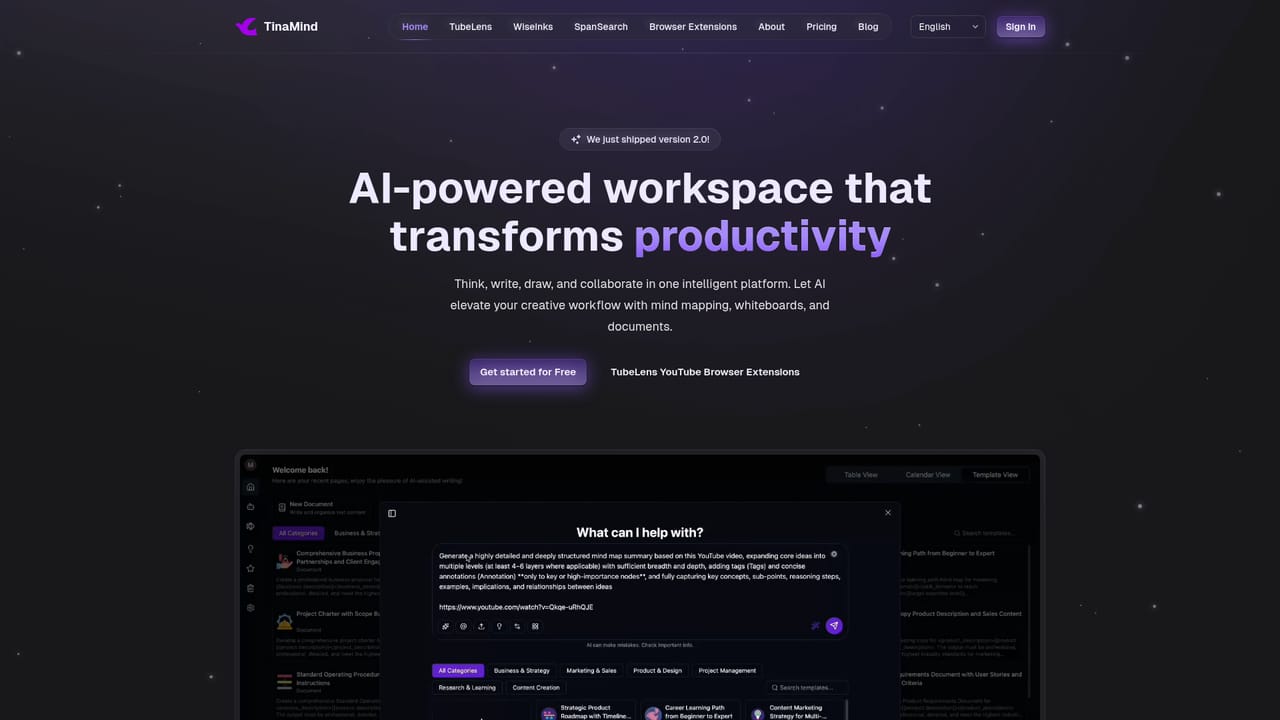
TinaMind is an AI workspace that links a context-aware chatbot, XMind-compatible mind maps, an infinite whiteboard, and an AI document editor in one web app, plus a Chrome extension for summarising pages and YouTube videos. It suits knowledge workers who move constantly between chat, diagrams, and writing.
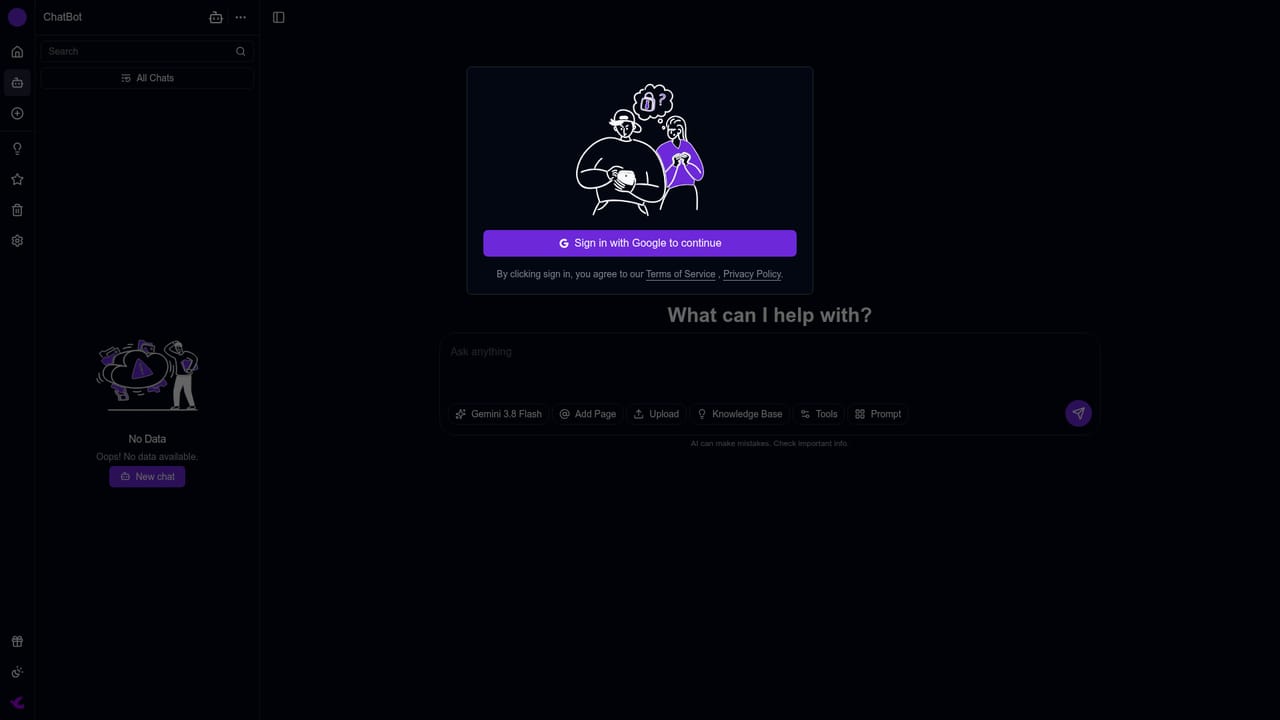
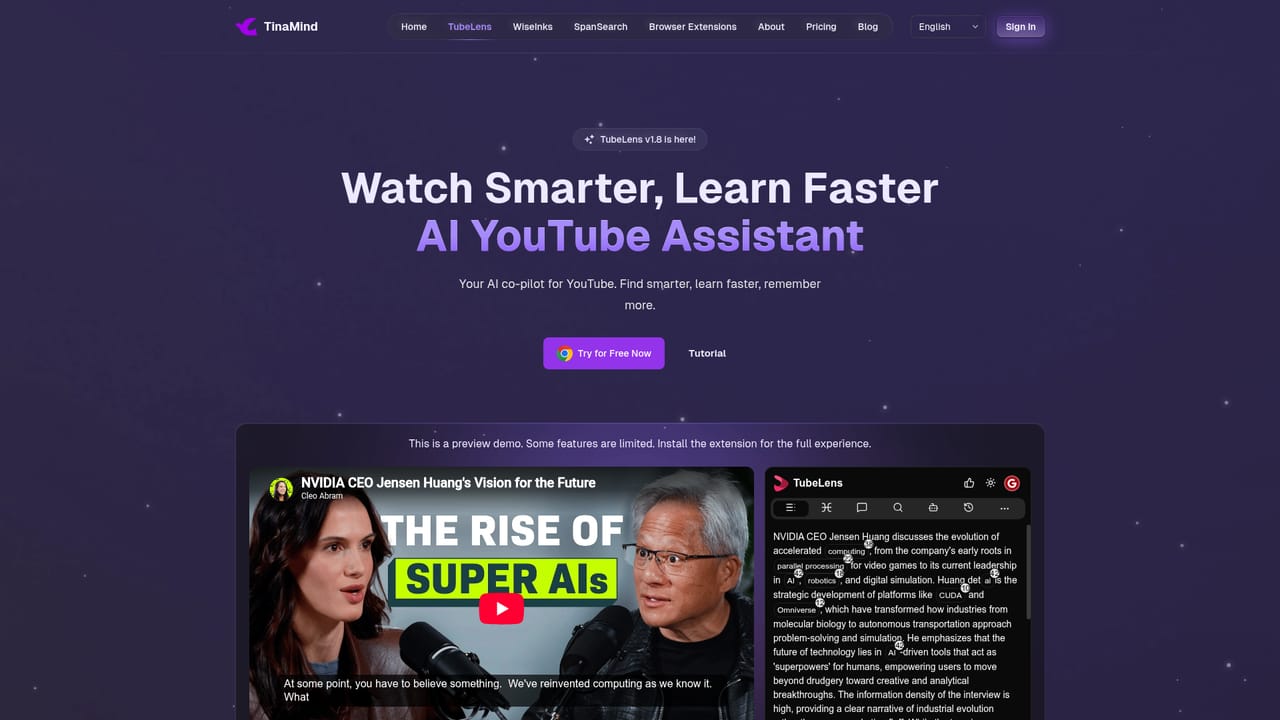
TinaMind is a browser-based AI workspace that bundles four connected modules: an AI chatbot, a mind mapping tool, an infinite whiteboard, and a document editor. The pitch is continuity. An idea can start as a chat prompt, get restructured into a mind map, expanded visually on a canvas, and finally written up as a document without exporting files or switching tabs. The company markets the product under the WiseInks name on its app subdomain, and a companion Chrome extension called TubeLens adds on-page summarising, translation, and YouTube video analysis. The chat module is positioned as context-aware: it keeps a memory of prior exchanges, accepts uploaded files, and can search the web for answers. Mind maps are advertised as XMind-compatible with clean auto-layout and export options. The whiteboard is a limitless canvas for sketching, diagramming, and real-time team collaboration, and the document editor provides AI drafting and rewriting suggestions alongside shared editing. The strongest fit is knowledge work that moves between formats. Product managers turning meeting notes into roadmaps, researchers condensing long documents or videos into structured summaries, designers running remote brainstorming sessions, and content teams building a reusable prompt library all fall inside the target audience. The homepage leans heavily on the idea of a personal knowledge base where past conversations and documents stay searchable. TinaMind competes less with single-purpose chatbots and more with suites that pair a canvas with an assistant. Against a standalone mind mapping app it offers generation and writing; against a plain chatbot it offers persistent visual and document artefacts. The trade-off is depth: buyers who need specialist diagramming, publishing-grade layout, or heavy spreadsheet work will likely keep their existing tools alongside it. The claim of access to several frontier models is made broadly, and the underlying page does not spell out per-model quotas or data handling details.
The site invites visitors to get started for free, and a separate pricing page is linked. Whether that free access is a limited plan or a time-boxed trial is not stated on the homepage.
Learn moreA free starting option is promoted throughout the homepage, and a dedicated pricing page exists, but the homepage itself does not list tiers, prices, or what each plan includes. Check the pricing page before committing a team.
Learn moreA contact page exists under the WiseInks settings area, and an about page plus a blog are published on the main site. No response times, live chat, or documentation portal are described on the homepage.
Learn moreThe homepage shows logos for XMind, YouTube, Chrome, Google, Gmail, Mermaid, and wiki-style sources, suggesting import, export, and extension ties to those services. No developer API or third-party app directory is described.
Learn moreFour modules share one workspace: an AI chatbot with conversation memory, file understanding, and web search; XMind-compatible mind mapping with AI expansion and auto layout; an infinite whiteboard with real-time collaboration; and a smart document editor with AI drafting. A prompt library, personal knowledge base, multitasking between modules, and the TubeLens Chrome extension for page and YouTube analysis round it out.
Learn more AI Angels400+ customizable AI girlfriends for NSFW chat, voice calls, and roleplay
 Candy AIExperience the future of companionship with AI friends who chat, role-play, and connect with you on a human level.
 ourdream.aiA vast AI roleplay platform with millions of characters for chat, images, video and voiceAI Angels400+ customizable AI girlfriends for NSFW chat, voice calls, and roleplayCandy AIExperience the future of companionship with AI friends who chat, role-play, and connect with you on a human level.ourdream.aiA vast AI roleplay platform with millions of characters for chat, images, video and voice


