Integrations
TwinMind connects to ChatGPT, Claude and Gemini through an MCP connection, and creates output in Notion, Figma, Gmail and Calendar.
An AI second brain that records your day and remembers it for you

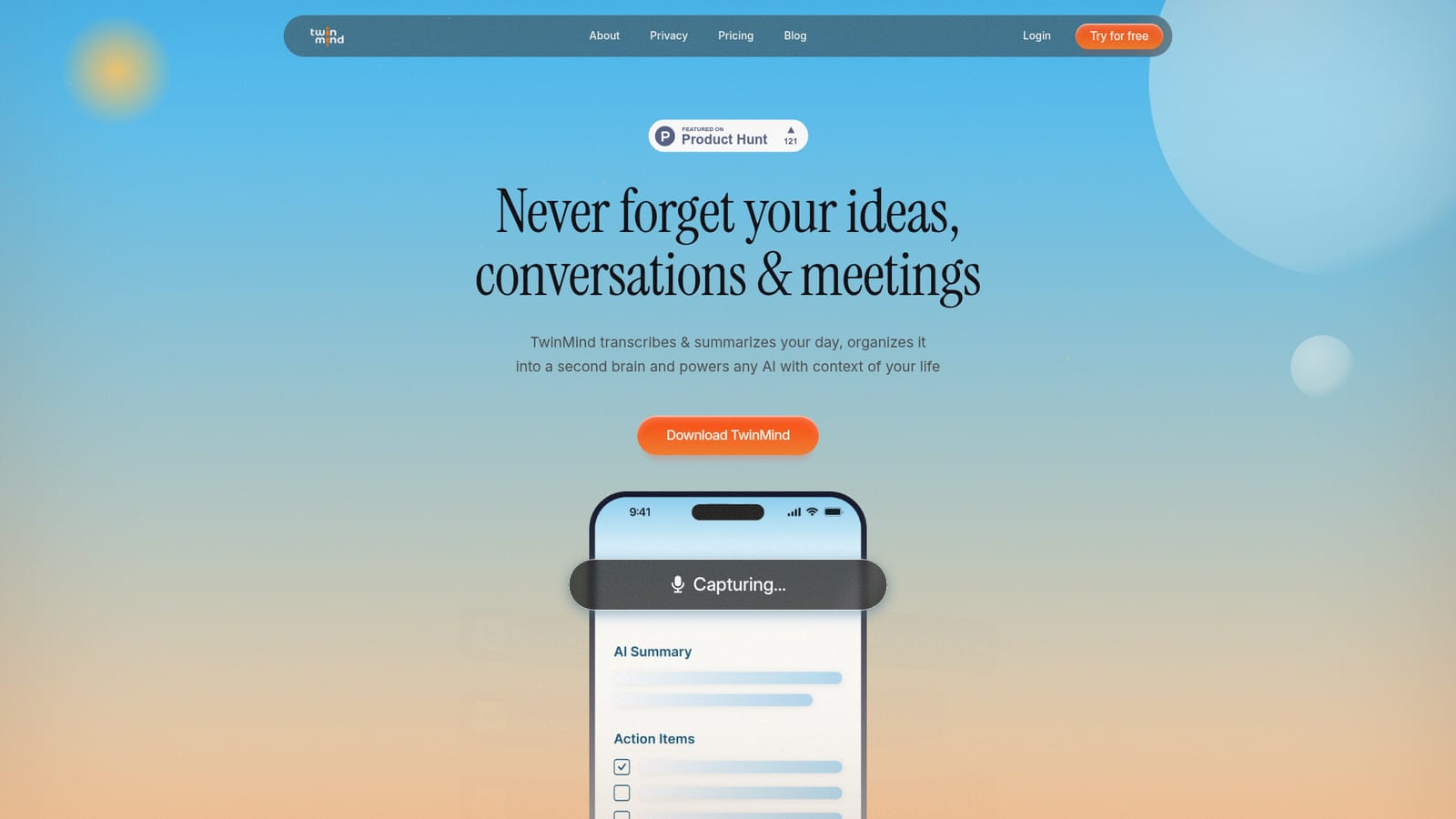
TwinMind is an AI memory app that records conversations all day, transcribes them in 140+ languages, and turns them into a searchable second brain. It prepares daily plans, answers questions from your own history, and feeds your context into ChatGPT, Claude and Gemini through an MCP connection.
TwinMind is a memory layer for everyday life rather than a single-purpose note taker. The phone app captures conversations throughout the day, with the company claiming 16 or more hours of recording without draining the battery, and it handles speech in more than 140 languages with automatic detection and real-time translation. Transcripts become the raw material for a personal knowledge base that sorts people, places and projects into something the company describes as a private Wikipedia. The pitch is that ordinary assistants answer from general training data, while TwinMind answers from what actually happened in your week. The product runs on four routines. Prepare produces a morning plan and drafts replies to messages you have been avoiding. Ask lets you query your own history across conversations, email and the web. Create turns a sales call into a deck, a brainstorm into a document or a spoken idea into an image inside apps like Notion, Figma, Calendar and Gmail. Organize files the day's material away by evening. The company also exposes your memories to ChatGPT, Claude and Gemini through an MCP connection, so external models can draw on your context instead of starting cold. Privacy is the main differentiator in the marketing. Audio is deleted after transcription by default, cloud backups keep only text unless you opt in to storing recordings, and an offline on-device mode keeps data off the cloud entirely. TwinMind states that data is never sold or used to train models, and it lists SOC 2 Type II and Google CASA Tier 2 among its credentials. The company reports more than 500,000 users and cites coverage from Forbes, Business Insider, Fast Company and TechCrunch. It suits founders, investors, consultants and anyone whose work happens in meetings, conferences and calls, plus individuals who want a searchable record of daily life. Compared with meeting-only transcription tools or generic chatbots, TwinMind bets on accumulation: the longer you use it, the more context it holds. The tradeoff is dependence on continuous capture and on the connections you set up, since much of the value only appears after the memory has been built.
TwinMind connects to ChatGPT, Claude and Gemini through an MCP connection, and creates output in Notion, Figma, Gmail and Calendar.
All-day conversation capture with 140+ language detection and real-time translation, morning preparation with to-dos and email drafts, question answering across conversations, email and the web, content creation inside Notion, Figma, Gmail and Calendar, evening organization of people, places and projects, an MCP connection for ChatGPT, Claude and Gemini, on-device mode, transcript-only cloud backup, and deletion of audio after transcription by default.
 AI Angels400+ customizable AI girlfriends for NSFW chat, voice calls, and roleplay
 Candy AIExperience the future of companionship with AI friends who chat, role-play, and connect with you on a human level.
 ourdream.aiA vast AI roleplay platform with millions of characters for chat, images, video and voiceAI Angels400+ customizable AI girlfriends for NSFW chat, voice calls, and roleplayCandy AIExperience the future of companionship with AI friends who chat, role-play, and connect with you on a human level.ourdream.aiA vast AI roleplay platform with millions of characters for chat, images, video and voice


