Free trial
No timed free trial is described. New users get 20 credits on first signup plus daily credit rewards, which functions as a free starting allowance.
Learn moreBrowser-based hub for AI video generation and AI image editing
Own Video Studio AI? Verify ownership to get a dofollow link

Video Studio AI is a generative video tool. A single web workspace combining text to video, image to video and a wide set of AI image generation and editing tools, with model choices such as GPT Image 2, Nano Banana and Veo 3.1.
Video Studio AI is a browser-based creative workspace that bundles AI video generation with a broad set of image generation and editing tools in a single account. Text to video and image to video sit alongside AI image creation, so a project can move from a written prompt to a still frame to a short moving clip without switching products. The platform routes work through several named models, including GPT Image 2, Nano Banana, Nano Banana 2, Nano Banana Pro and Veo 3.1, which lets users pick a model to suit the look they want rather than relying on one fixed engine. The image side is where the toolset is deepest. Dedicated pages cover image to image transformation, background changing, object removal, inpainting, image extending, photo restoration, upscaling and background removal. In practice that covers the whole cleanup loop: generate a concept, remove unwanted objects, repaint awkward areas, extend the canvas for a wider crop, then upscale the result for print or high resolution display. The homepage examples lean heavily on commercial and editorial output, with storyboards, character series, product packaging, infographics, fashion editorials, dashboards and presentation slides among the samples, which hints at the intended audience. That audience is fairly clear: marketers, small design teams, indie creators and social media producers who need usable visuals quickly and do not want a stack of separate subscriptions. The consistent character and storyboard examples suggest storyboarding and previsualization work too. Generation runs on a credit system, with a signup bonus and recurring daily rewards, and annual plans are promoted with a discount. Anyone weighing this against single-purpose tools should note that the appeal is breadth and model choice, not one best-in-class generator. Video Studio AI sits in the crowded middle ground between cheap single-model generators and professional suites. It suits people who value having video, image creation and photo repair under one login, and who are comfortable learning which model to reach for. Buyers who need deep manual control, team collaboration features or published API access will want to check the pricing page before committing.
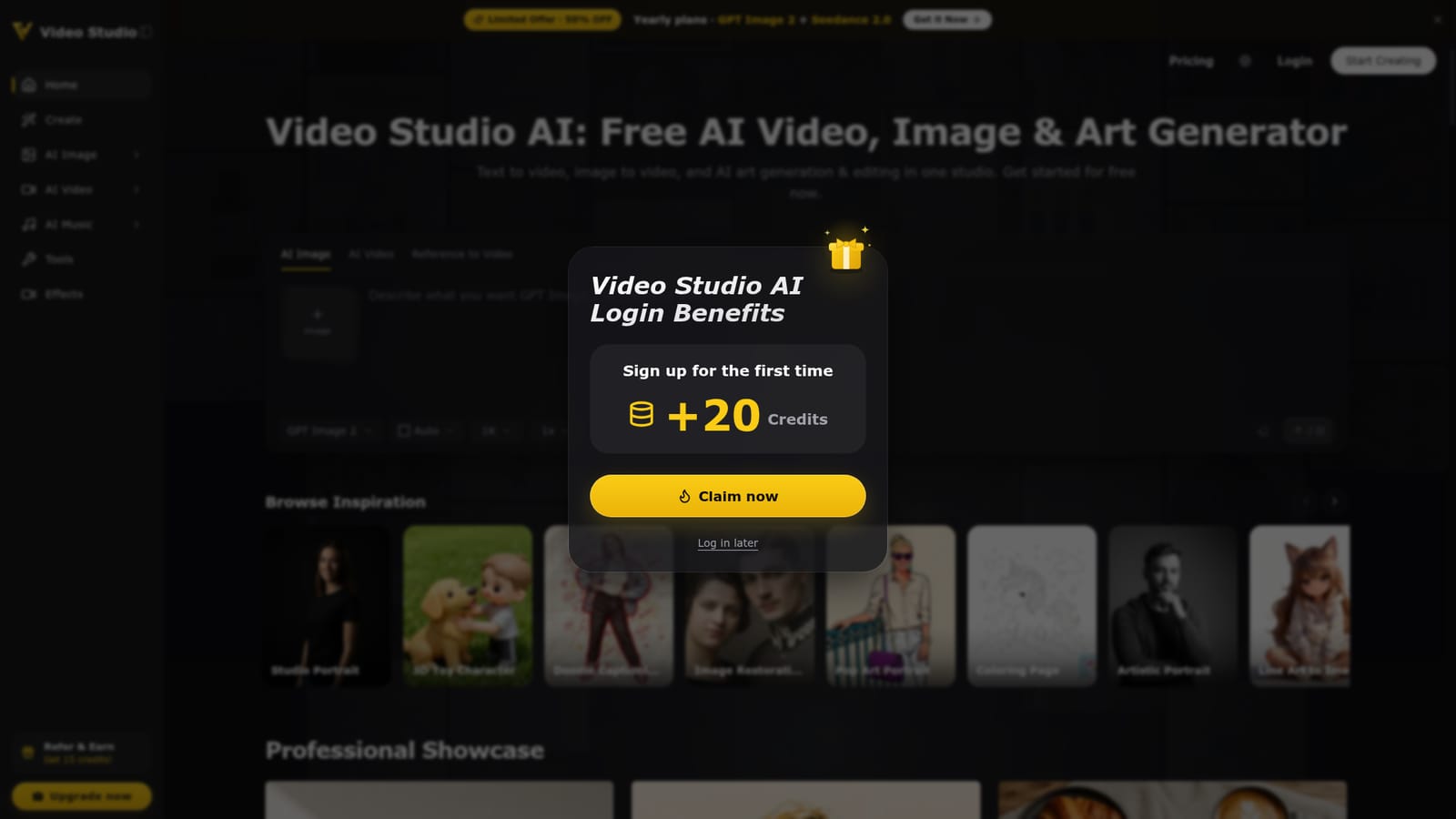
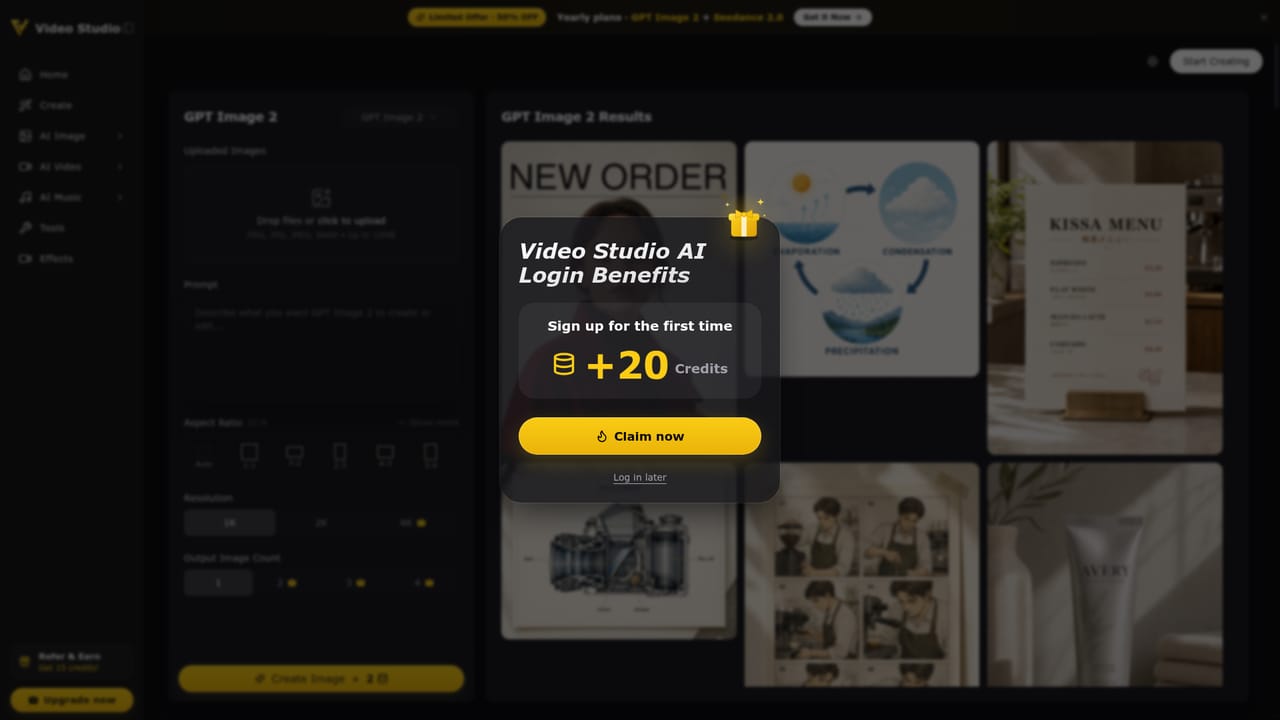
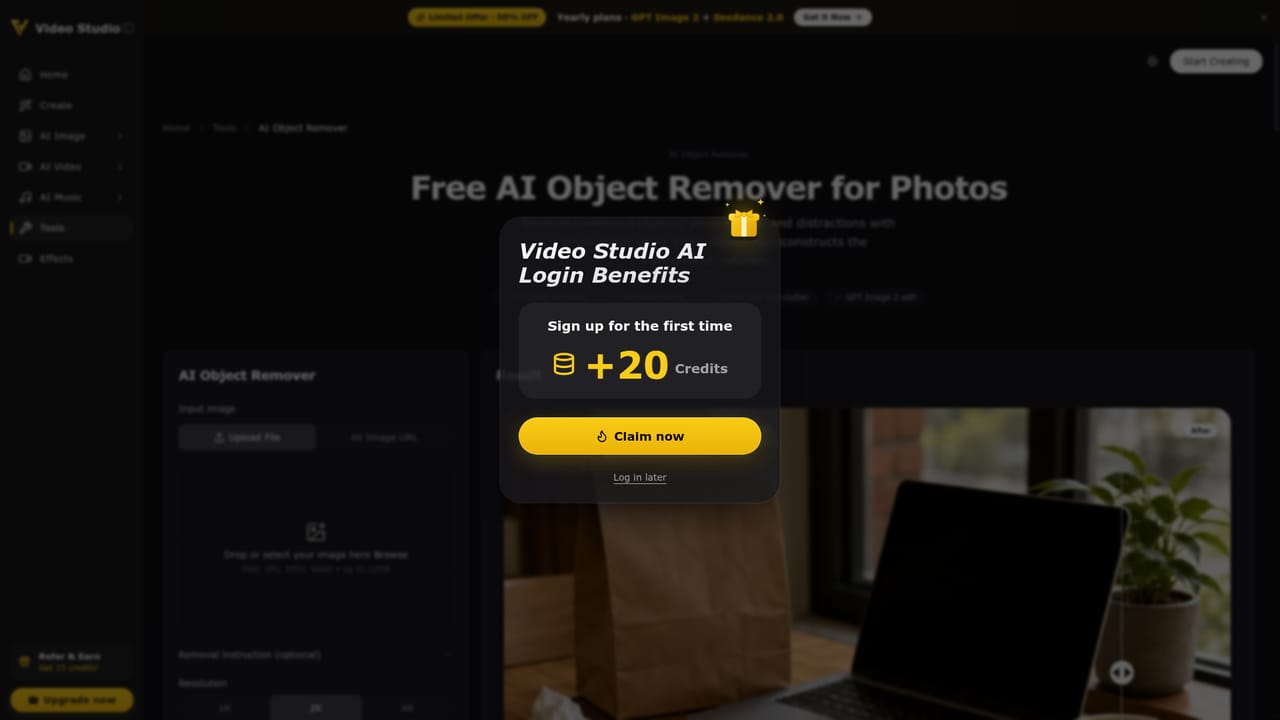
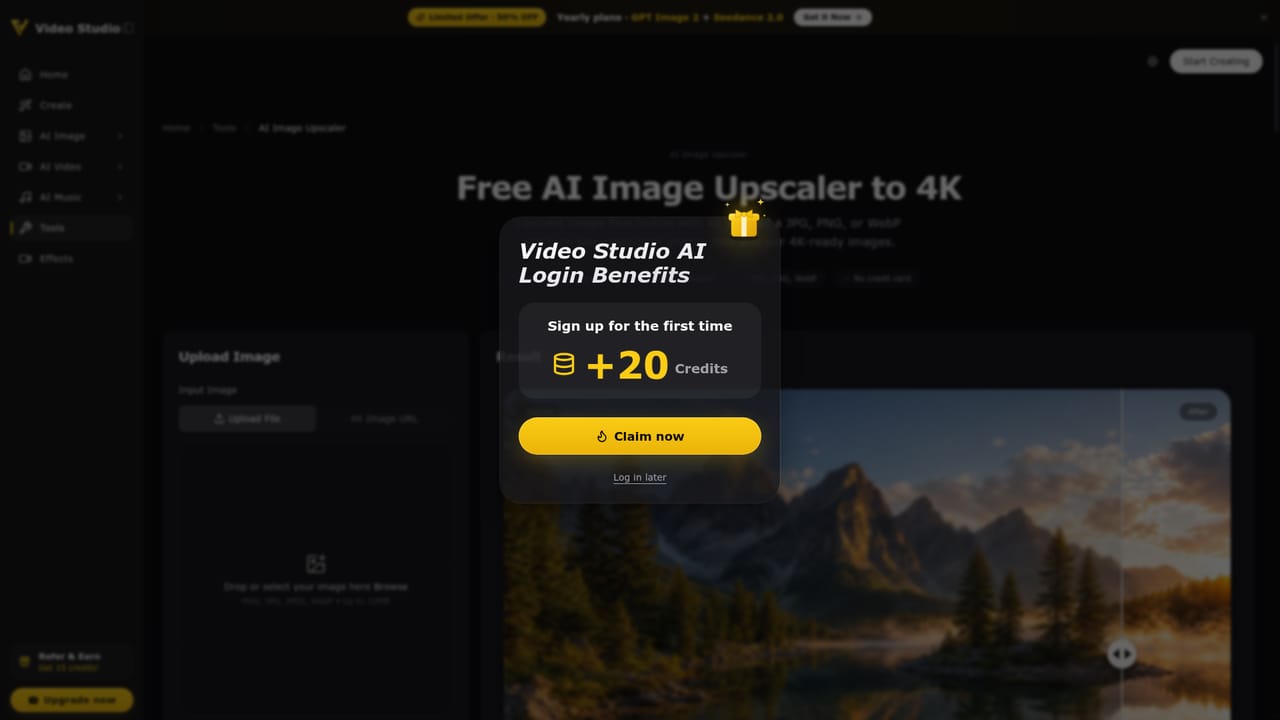
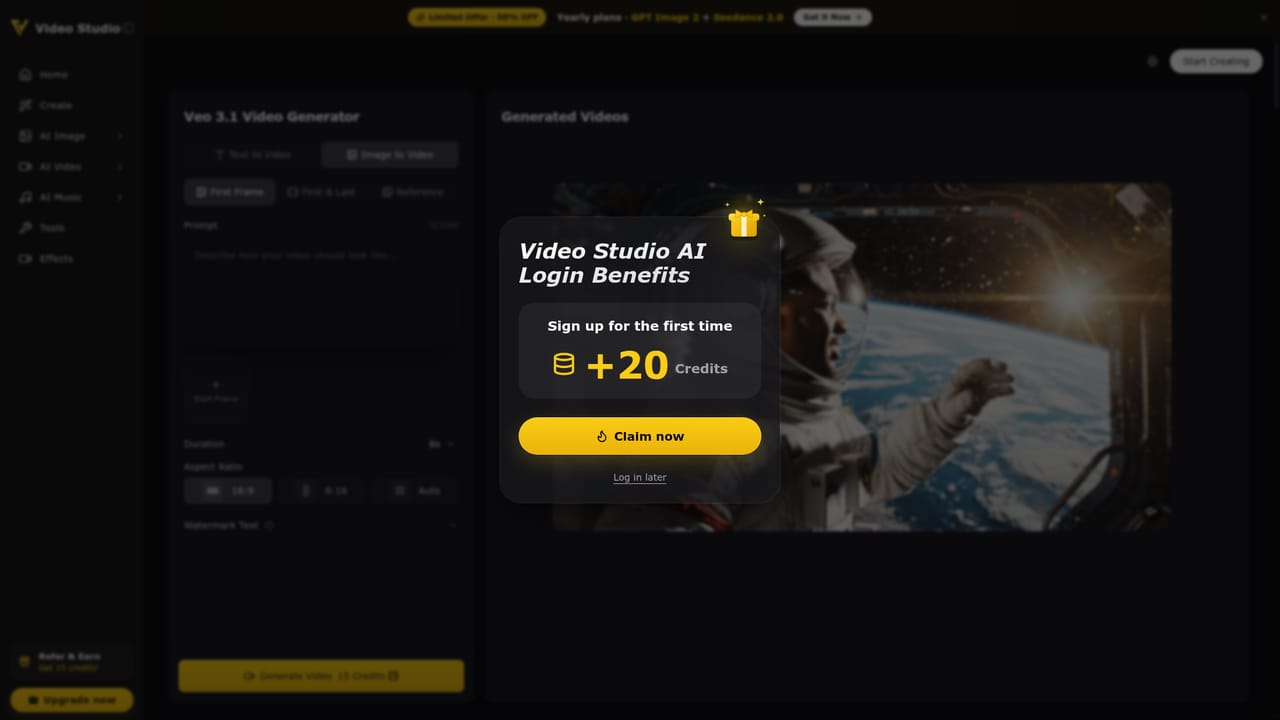
No timed free trial is described. New users get 20 credits on first signup plus daily credit rewards, which functions as a free starting allowance.
Learn moreCredit based pricing with 20 credits on first signup and daily rewards mentioned on the homepage. Annual plans are advertised at 50 percent off, and a bundle combining GPT Image 2 and Seedance 2.0 is promoted. Exact plan tiers and per generation credit costs are not stated on the homepage, so check the pricing page.
Learn moreText to video, image to video and AI image generation across GPT Image 2, Nano Banana, Nano Banana 2, Nano Banana Pro and Veo 3.1. Editing tools include image to image, background changer, object remover, inpainting, image extender, photo restore, image upscaler and background removal, with a personal image library.
Learn more AI Angels400+ customizable AI girlfriends for NSFW chat, voice calls, and roleplay
 Candy AIExperience the future of companionship with AI friends who chat, role-play, and connect with you on a human level.
 ourdream.aiA vast AI roleplay platform with millions of characters for chat, images, video and voiceAI Angels400+ customizable AI girlfriends for NSFW chat, voice calls, and roleplayCandy AIExperience the future of companionship with AI friends who chat, role-play, and connect with you on a human level.ourdream.aiA vast AI roleplay platform with millions of characters for chat, images, video and voice


