Free trial
A free trial of the VOCALOID6 Editor is available for download. The mobile editor includes a 14 day free period using the VY1 Lite and asa voices.
Learn moreSinging synthesizer software that turns lyrics and melody into vocals

Vocaloid6 is a music creator tool. Yamaha's singing synthesizer line: a desktop editor, an iOS editor, a vocal changer plugin and a shop of character Voice Banks. Lyrics plus melody in, a sung performance out, with the editing and mixing finished in your DAW.
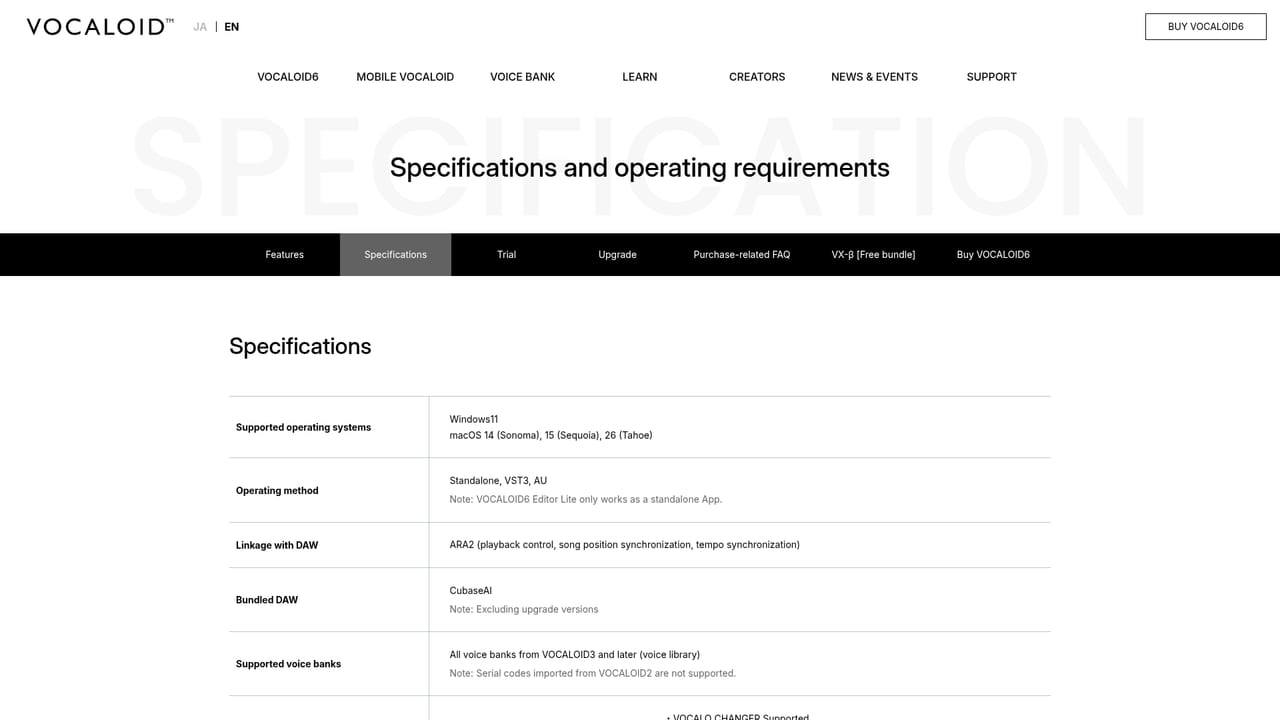
VOCALOID6 is the current generation of Yamaha's singing synthesizer, sold as a downloadable editor for desktop plus a catalog of Voice Banks that supply the actual voices. The workflow is narrow and well defined: you import or draw a melody, type lyrics under the notes, pick a singer, and the software renders a sung performance. The pitch and expression can then be shaped with the editor's parameter tools, which the site describes as generating parameters automatically to reach a more natural delivery. A Starter Pack pairing the editor with the Hatsune Miku voice is offered to lower the entry cost. Buyers are not limited to one product. A separate Mobile VOCALOID Editor for iPhone and iPad delivers the same core idea on a touchscreen, aimed at people who write on the move or want to hear a character sing without a full studio setup. VOCALO CHANGER is a plugin that runs VOCALOID:AI voice banks over an existing vocal take, so a recorded performance can be re-voiced rather than replaced. The Voice Bank shop carries a mix of AI banks and character voices, spanning multiple languages and genders, and some titles ship in both V5 and V6 versions or as combined sets. In practice the tool fits songwriters who hear a vocal line before a singer exists, producers building demos or backing tracks, and hobbyists working with the vocal synth community. It is not a general purpose music production suite: arrangement, mixing and mastering stay in a DAW, and the Vocaloid work is one track inside that larger session. Compared with sample-library vocal instruments, the appeal here is a defined cast of character voices and an established catalog rather than a neutral studio singer. Anyone considering a purchase should read current notices first. The site lists a VOCALOID7 release scheduled for November 11, 2026, temporary sales suspensions for certain products, and platform notes covering macOS and iOS updates. Those announcements matter more than usual in a product line with paid voice libraries that carry forward between versions.
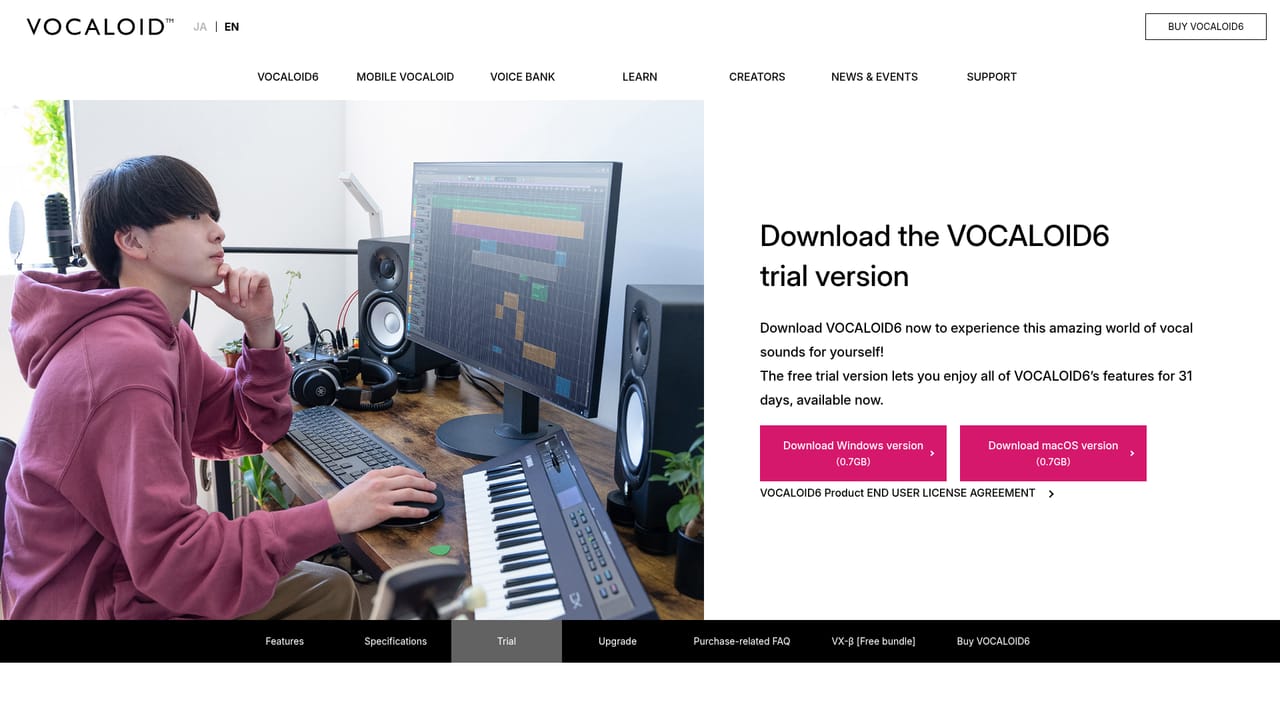
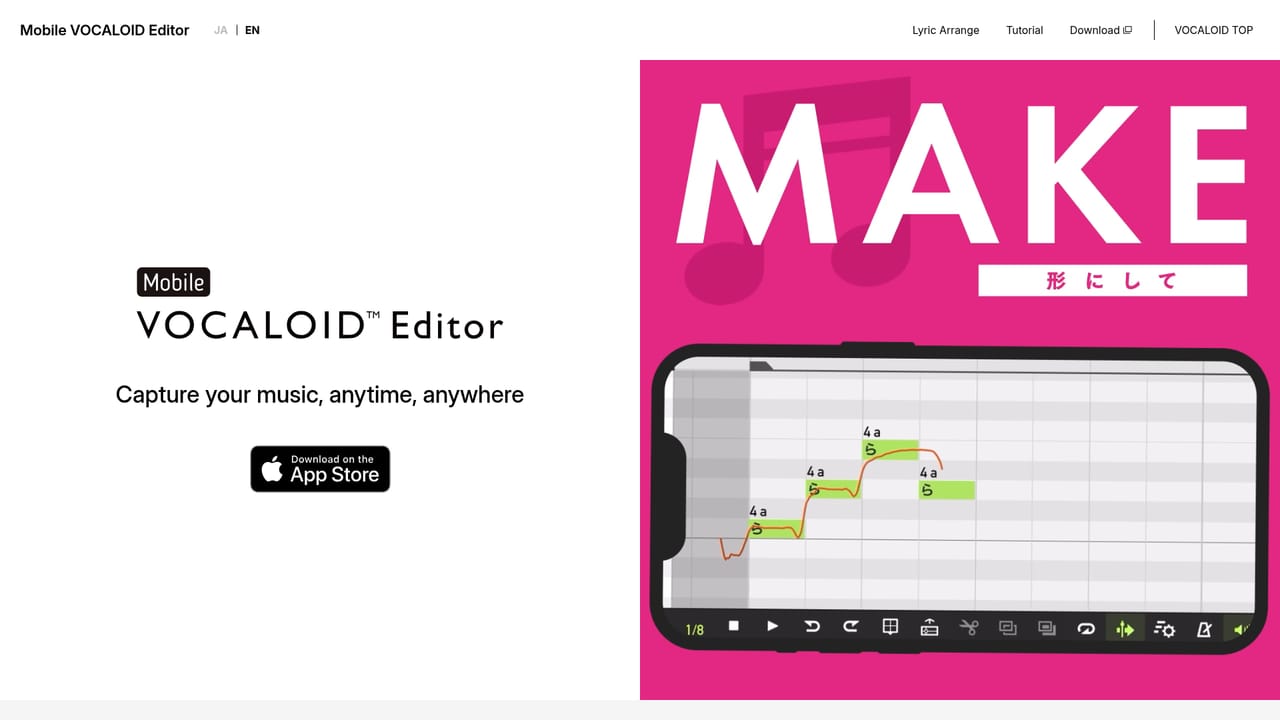
A free trial of the VOCALOID6 Editor is available for download. The mobile editor includes a 14 day free period using the VY1 Lite and asa voices.
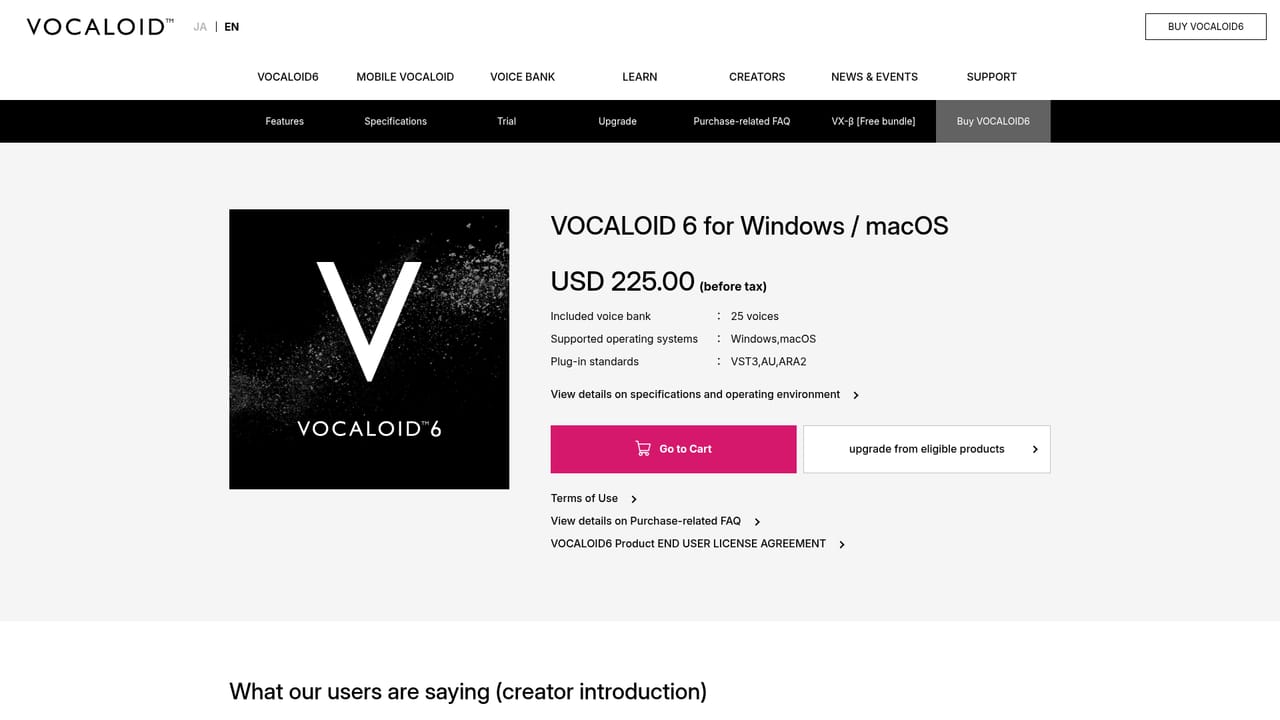
Learn moreThe desktop editor and individual Voice Banks are sold as separate downloadable purchases through the official shop, with a Starter Pack bundling the editor and a voice. The Mobile VOCALOID Editor is a subscription at USD 3.99 per month before tax. The site also notes a price revision for the mobile app.
Learn moreSupport covers a searchable FAQ for troubleshooting, a download page for updates and installers, and an inquiry form. A separate purchase guide answers buying questions, and release notices flag current software and platform issues.
Learn moreVOCALO CHANGER ships as a plugin for re-voicing recorded vocals with VOCALOID:AI voice banks. The homepage does not list named DAW hosts or other third party integrations.
Learn moreVOCALOID:AI driven vocal editing with automatically generated parameters for more natural phrasing, lyrics plus melody input that produces a sung performance, a parameter toolkit for shaping expression, a Voice Bank library spanning characters, languages and genders, a vocal changer plugin for re-voicing existing takes, and an iOS editor with lyric arrangement and tutorial material.
Learn more AI Angels400+ customizable AI girlfriends for NSFW chat, voice calls, and roleplay
 Candy AIExperience the future of companionship with AI friends who chat, role-play, and connect with you on a human level.
 ourdream.aiA vast AI roleplay platform with millions of characters for chat, images, video and voiceAI Angels400+ customizable AI girlfriends for NSFW chat, voice calls, and roleplayCandy AIExperience the future of companionship with AI friends who chat, role-play, and connect with you on a human level.ourdream.aiA vast AI roleplay platform with millions of characters for chat, images, video and voice


