Support
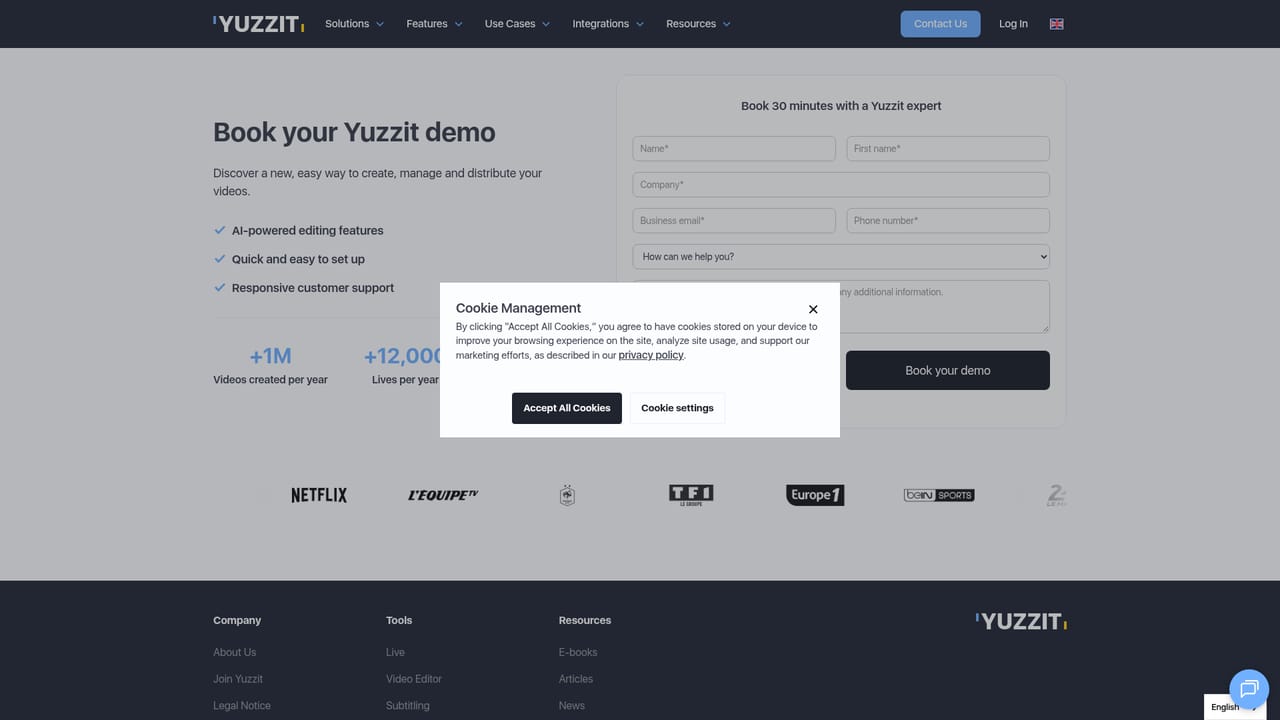
Support runs through a contact form and demo booking, and customer quotes mention a responsive team. No public help centre or documentation is linked from the homepage.
Learn moreClip, edit and publish live stream highlights in real time.

Yuzzit is a web platform for clipping live streams in real time, reframing and subtitling the results automatically, then publishing to social platforms, CDNs or storage backends. It targets sports, TV and media teams that need highlights out fast, with team collaboration and secure hosting built in.
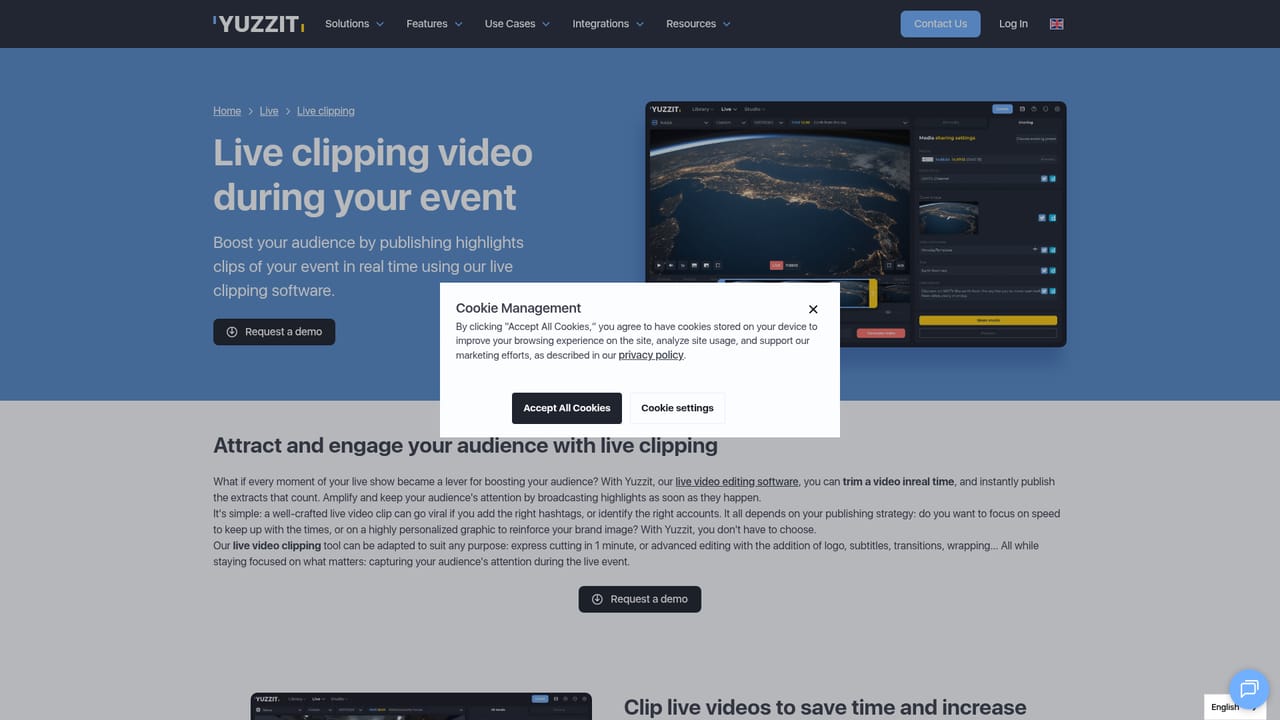
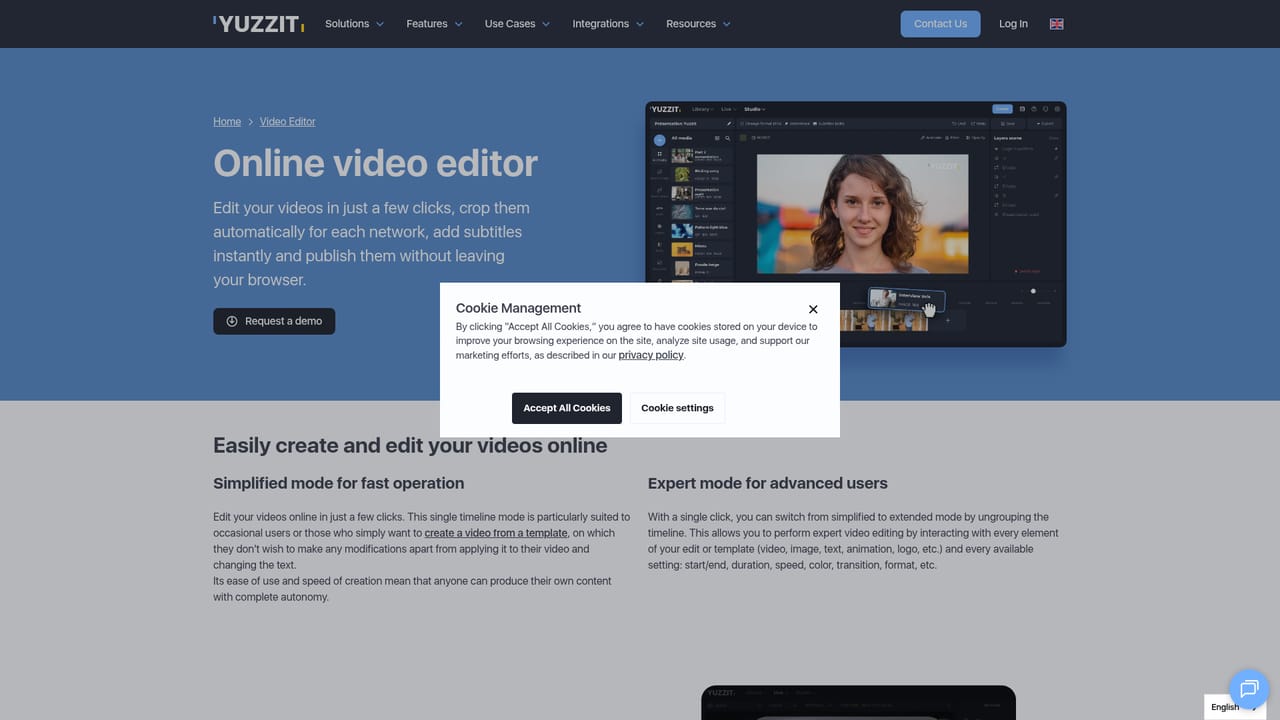
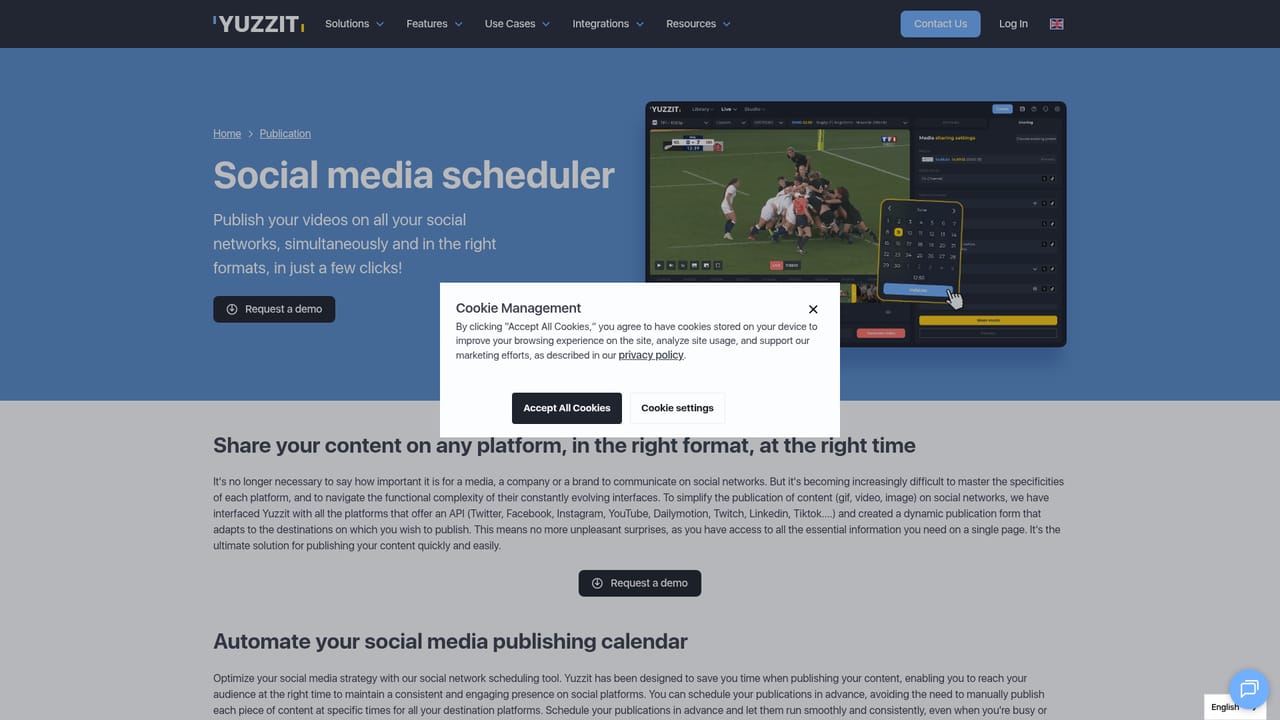
Yuzzit is a browser based video platform built around one specific problem: getting highlights out of a live stream and onto social channels while the moment still matters. A live clipping module captures the feed, lets an operator cut segments in seconds and exports them in broadcast quality, all without leaving the workspace. There is no separate capture card, recorder and editor to chain together, and no latency to wait out before the cut is possible. Once a clip exists, the editing studio handles the work that usually slows down a social team. Automatic vertical reframing tracks the speaker or the motion so horizontal footage fits short form formats, subtitles are generated automatically and audio is transcribed instantly. Brand templates carry logos, overlays and lower thirds, so repeated formats stay consistent between operators. AI generated captions and descriptions sit on top of that, aimed at trimming the copywriting step rather than the creative one. Yuzzit's own framing is that AI accelerates production without replacing editorial judgement, and the feature set reflects that: assistance, not automation of the whole pipeline. Distribution is the third pillar. Clips and live streams can be published on a schedule or pushed out immediately to YouTube, Instagram and Reels, TikTok, X, Facebook, proprietary platforms and CDNs, plus FTP, S3 and MAM targets. Finished material lands in hosted storage with access and user controls, and teammates can share and approve cuts inside the same platform. The audience is telling. Yuzzit's client list leans on sports broadcasters, TV networks and media groups, and the testimonials describe newsroom and social desk workflows where speed to publication decides who owns the conversation. Smaller creators can use it, but the product is shaped around teams that produce live content on a daily schedule and need non editors to turn out clean clips. The site does not publish prices, plan tiers or a free tier online, so buyers should expect a sales conversation before committing. Alternatives include standalone clipping tools and general editors, which typically require more manual reframing and lack the hosted library and approval layer.
Support runs through a contact form and demo booking, and customer quotes mention a responsive team. No public help centre or documentation is linked from the homepage.
Learn morePublishing targets include YouTube, Instagram and Reels, TikTok, X, Facebook, proprietary platforms and CDNs, plus FTP, S3 and MAM systems. No other integrations are documented on the homepage.
Learn moreLive clipping with one click capture and real time cuts; automatic vertical reframing using speaker or motion detection; automatic subtitling and instant transcription; custom brand templates with overlays and lower thirds; AI generated captions and descriptions; publishing to YouTube, Instagram, TikTok, X, Facebook, CDNs, FTP, S3 and MAM; hosted storage with access control and team review.
Learn more AI Angels400+ customizable AI girlfriends for NSFW chat, voice calls, and roleplay
 Candy AIExperience the future of companionship with AI friends who chat, role-play, and connect with you on a human level.
 ourdream.aiA vast AI roleplay platform with millions of characters for chat, images, video and voiceAI Angels400+ customizable AI girlfriends for NSFW chat, voice calls, and roleplayCandy AIExperience the future of companionship with AI friends who chat, role-play, and connect with you on a human level.ourdream.aiA vast AI roleplay platform with millions of characters for chat, images, video and voice


