ZenCreator

Unrestricted AI image and video studio in one browser workspace

Beginner
Screenshot of ZenCreator, Unrestricted AI image and video studio in one browser workspace

What is ZenCreator?

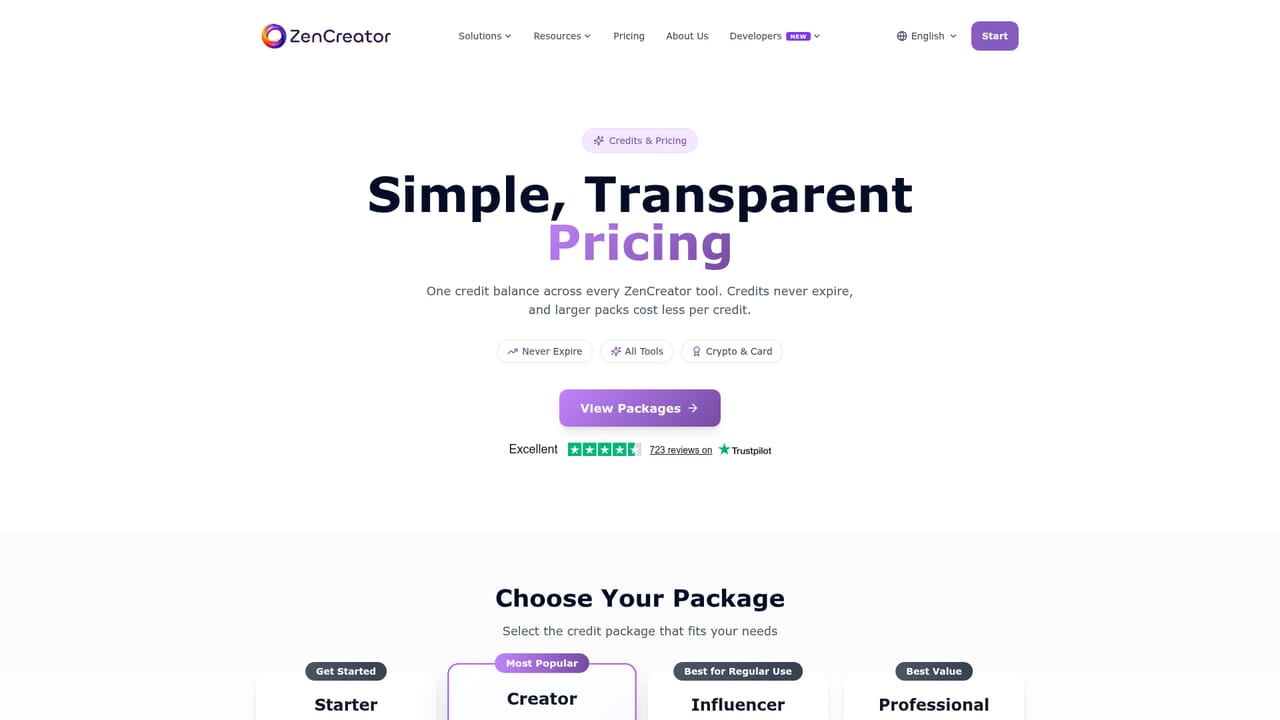
ZenCreator is a browser-based AI studio for unrestricted image generation, prompt-based photo editing, and video creation, sharing one non-expiring credit balance across more than a dozen tools. Credit packs range from $19.99 to $499.00, paid by card or crypto.

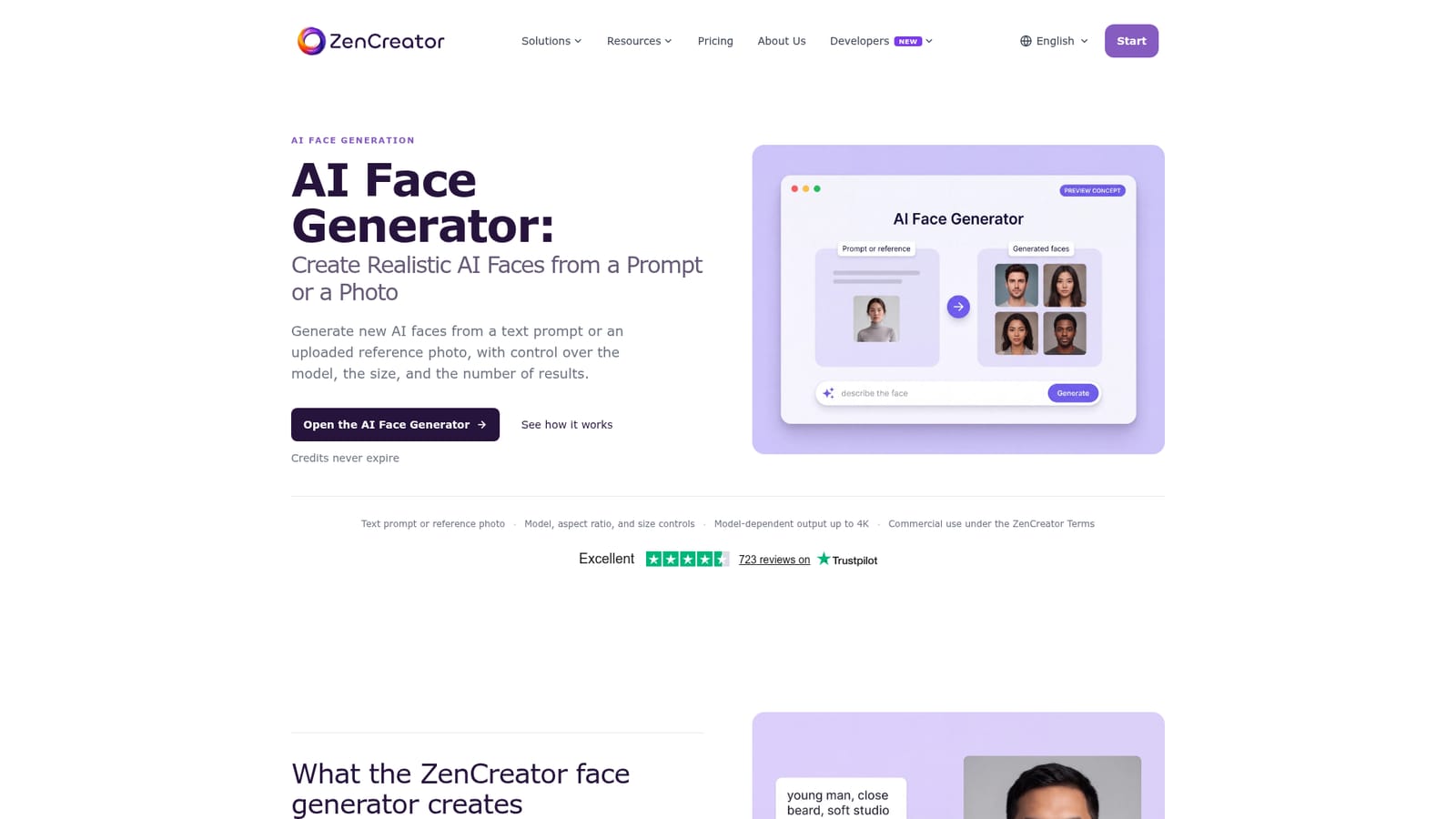
ZenCreator is a browser-based creative suite that bundles image generation, prompt-driven photo editing, and AI video production behind a single credit balance. The core idea is continuity: a starting visual can be generated, edited, restyled, animated, and exported without moving the file into a separate application. The platform advertises 4K image output, HD video, more than 12 creative tools, and credits that never expire. Its positioning is explicitly unrestricted, and the solution library includes dedicated entry points for mature workflows alongside its general image and video tools. The toolset covers a wide range of practical jobs. Text to image and image to image handle generation from a prompt or a reference photo, while the photo editor and clothes changer let a user describe an edit in plain language and keep the face and pose intact. Cleanup tools include an image enhancer, an unblur and upscale pass, a background remover, and a video upscaler. On the video side there is text to video, image to video, video to video, clip merging, lip sync from a photo plus audio track, and face swap across both stills and footage. Headshots, collages, hairstyle previews, face generation, and image variations round out the library for social and portrait work. It suits creators who produce visual series and short-form video, particularly those who want fewer content restrictions than mainstream generators impose and who dislike hopping between subscriptions. The workflow is organized around four stages the site itself describes: generate, refine, animate, export, with a solutions page that routes users to the right starting tool rather than a blank canvas. Pricing is credit-based. Packs run from 200 credits at $19.99 to 6,300 credits at $499.00, with the per-credit cost falling on larger packs, and payment accepted by card or crypto. An AI University section publishes comparisons and model guides for buyers still evaluating options.

How do you use ZenCreator?

  1. 1Pick the workflow that matches your outcome
    Open the solutions hub and start from the result you need, such as photo generator for stills or video generator for motion, rather than browsing a blank canvas.
    ZenCreator — Pick the workflow that matches your outcome
  2. 2Create an account and check your credits
    Register through the tools link, then review the pricing table to pick a credit pack sized to your expected volume. Credits carry over between months.
    ZenCreator — Create an account and check your credits
  3. 3Generate your first asset
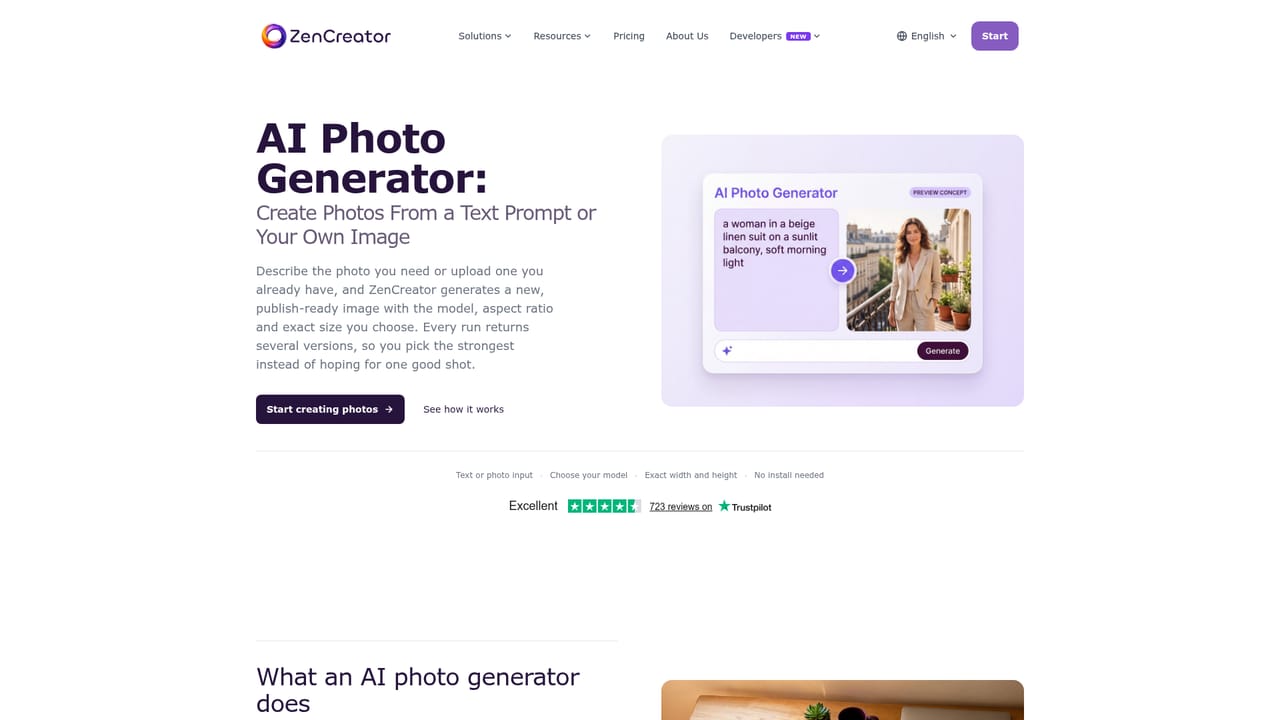
    Write a text prompt or upload a reference photo in the photo or art generator, then generate a batch and pick the strongest result.
    ZenCreator — Generate your first asset
  4. 4Refine with prompt-based edits
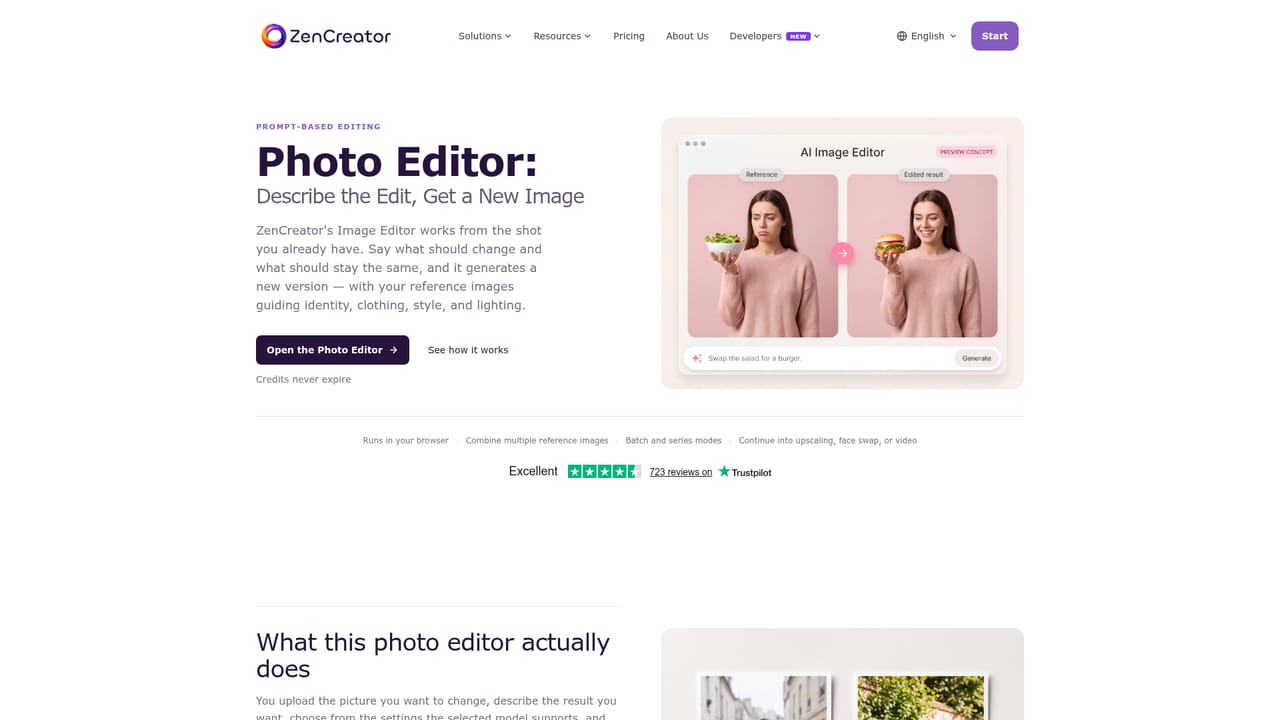
    Send the chosen image to the photo editor, describe the change you want in plain language, and use the enhancer or upscaler where detail needs recovery.
    ZenCreator — Refine with prompt-based edits
  5. 5Animate the still into video
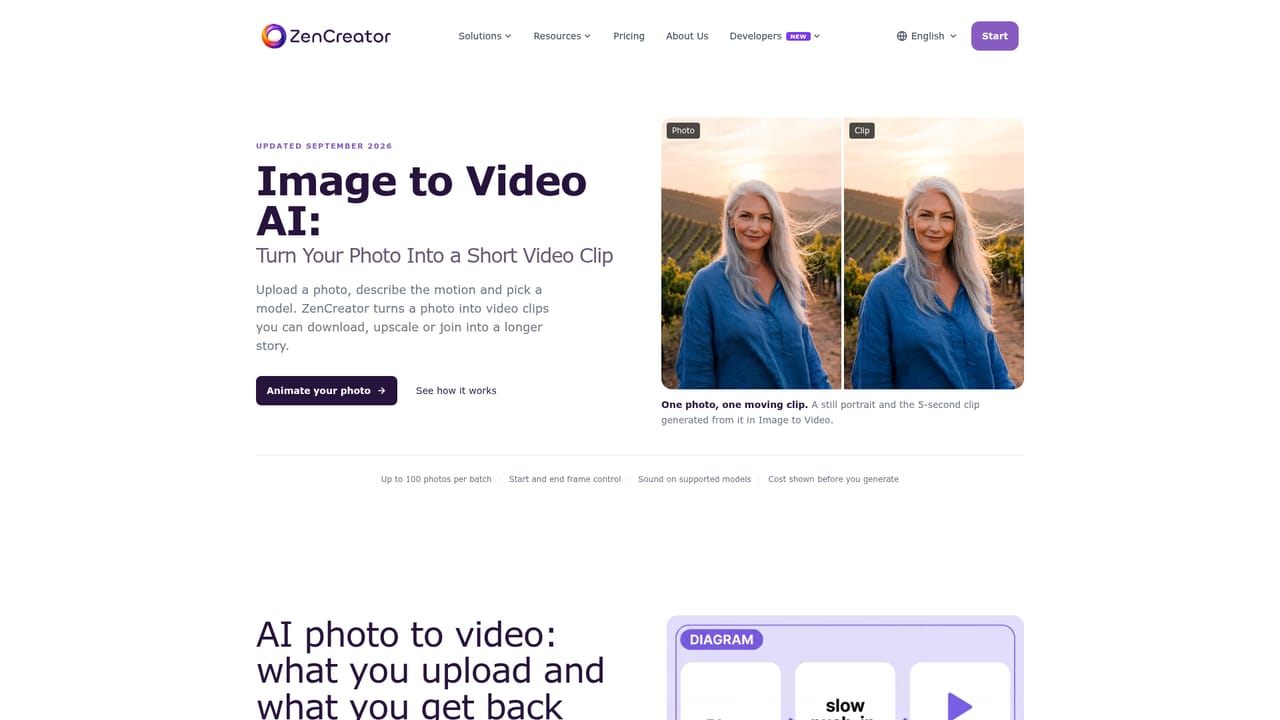
    Move the edited image into image to video, describe the motion, and select a model for the shot before rendering.
    ZenCreator — Animate the still into video
  6. 6Read the content policy before publishing
    Check the content policy so your uploads and outputs comply with the rules and any applicable law.

Pros and cons

Pros

  • One credit balance and asset library span every image, editing, and video toolAI
  • Uncommonly broad toolset, from background removal and unblur to lip sync and face swapAI
  • Credits never expire, so occasional users are not penalized for slow outputAI
  • Explicitly unrestricted positioning gives creators fewer arbitrary content limitsAI
  • Per-credit price drops as packs get larger, and crypto payment is acceptedAI

Cons

  • No free tier is described on the homepage, so evaluating output quality carries upfront costAI
  • Credit costs per generation are not published, making pack value hard to compareAI
  • Browser only: no native desktop or mobile app is listedAI
  • Mature-content focus means some workplaces and clients will rule it out entirelyAI
  • The 23-tool library overlaps heavily, so choosing the right tool takes orientationAI

How much does ZenCreator cost?

Pricing

Credit packs: Starter 200 credits at $19.99, Creator 550 at $49.99, Influencer 1,200 at $99.00, Professional 6,300 at $499.00. Per-credit cost falls with larger packs. All tools are included, credits never expire, and payment is by card or crypto.

Learn more

Support

Priority support is included with the Creator and Influencer packs, and dedicated support with the Professional pack. The Starter tier lists no support level.

Learn more

Features

Image generation from text or reference, prompt-based photo editing, clothes and hairstyle changers, background removal, unblur, enhancement and upscaling, headshots, collages, face generation and swapping, image variations, text to video, image to video, video to video, clip merging, lip sync, and video upscaling. Output is advertised at up to 4K for images and HD for video.

Learn more

Frequently asked questions about ZenCreator

  • How much does ZenCreator cost?
    Credit packs: Starter 200 credits at $19.99, Creator 550 at $49.99, Influencer 1,200 at $99.00, Professional 6,300 at $499.00. Per-credit cost falls with larger packs. All tools are included, credits never expire, and payment is by card or crypto.
  • How do you use ZenCreator?
    The walkthrough on this page covers 6 steps: 1. Pick the workflow that matches your outcome 2. Create an account and check your credits 3. Generate your first asset 4. Refine with prompt-based edits 5. Animate the still into video 6. Read the content policy before publishing.
  • What platforms does ZenCreator support?
    ZenCreator is available on Web App.
  • What are the limitations of ZenCreator?
    No free tier is described on the homepage, so evaluating output quality carries upfront cost. Credit costs per generation are not published, making pack value hard to compare. Browser only: no native desktop or mobile app is listed.

Status

StatusActive
Views0
Outbound clicks0
Added11/3/2026

Platforms

Web App

Pricing

Paid