Free trial
New users get 5 free generations to evaluate the generator before subscribing.
Learn moreImage generation that plugs into a 3D asset pipeline

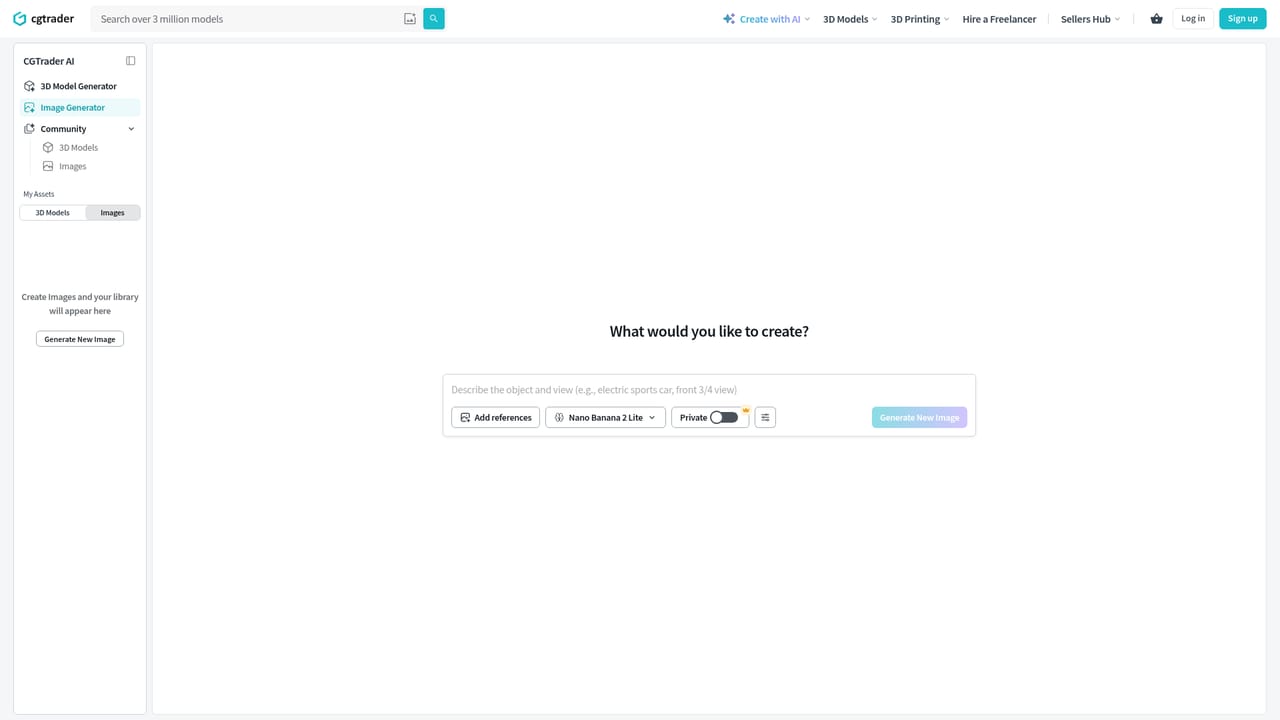
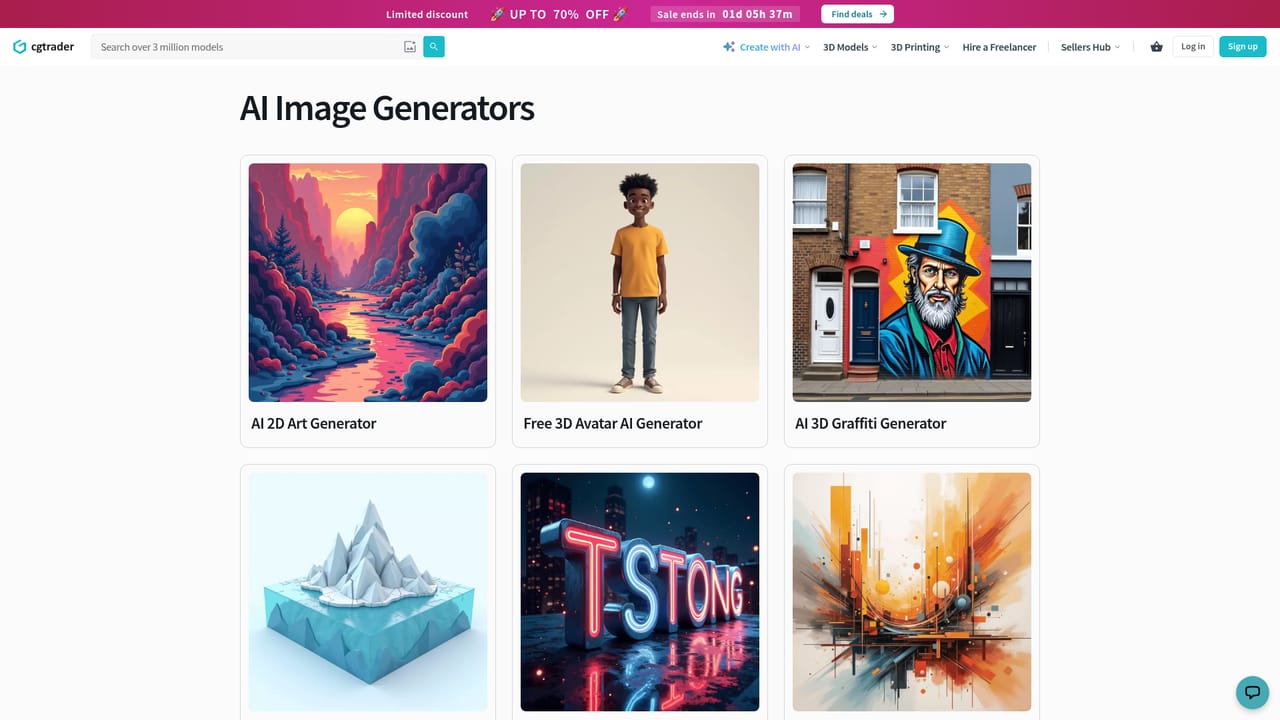
CGDream is CGTrader's AI image generator with a 3D-aware angle: generate from text, photos or 3D models, then refine with inpainting, upscaling and 300 filters. It now lives inside CGTrader AI.
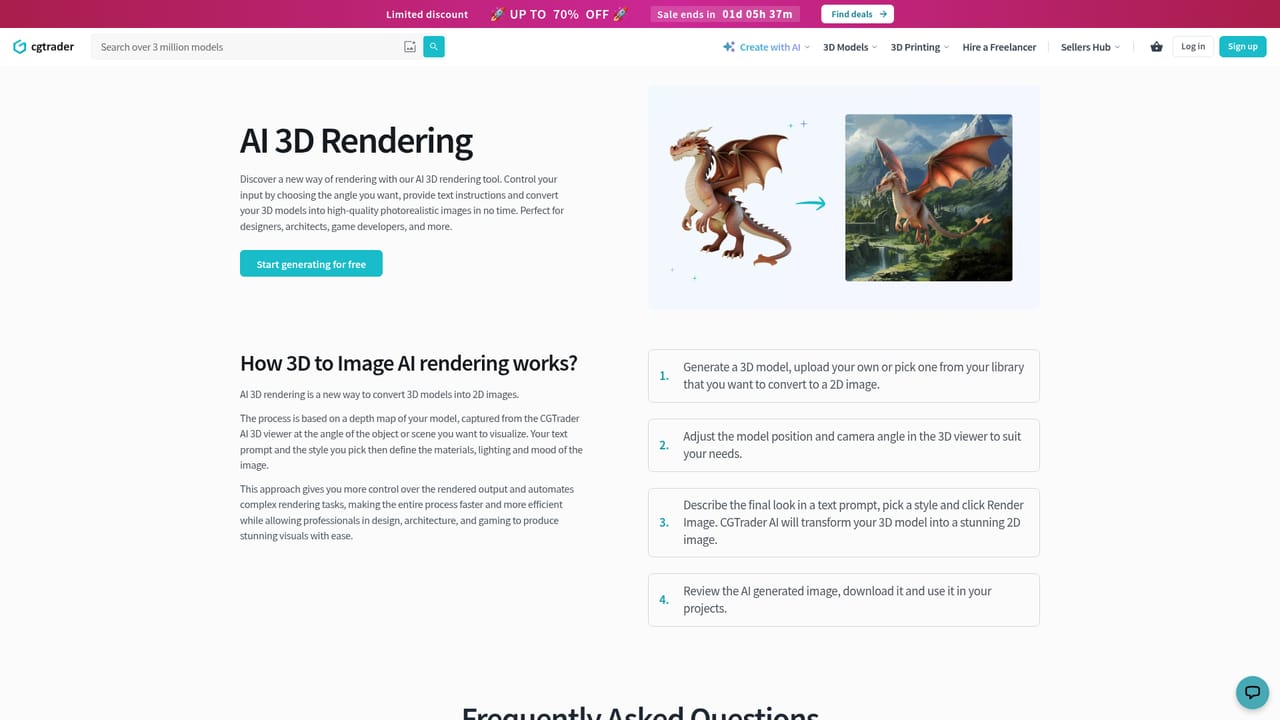
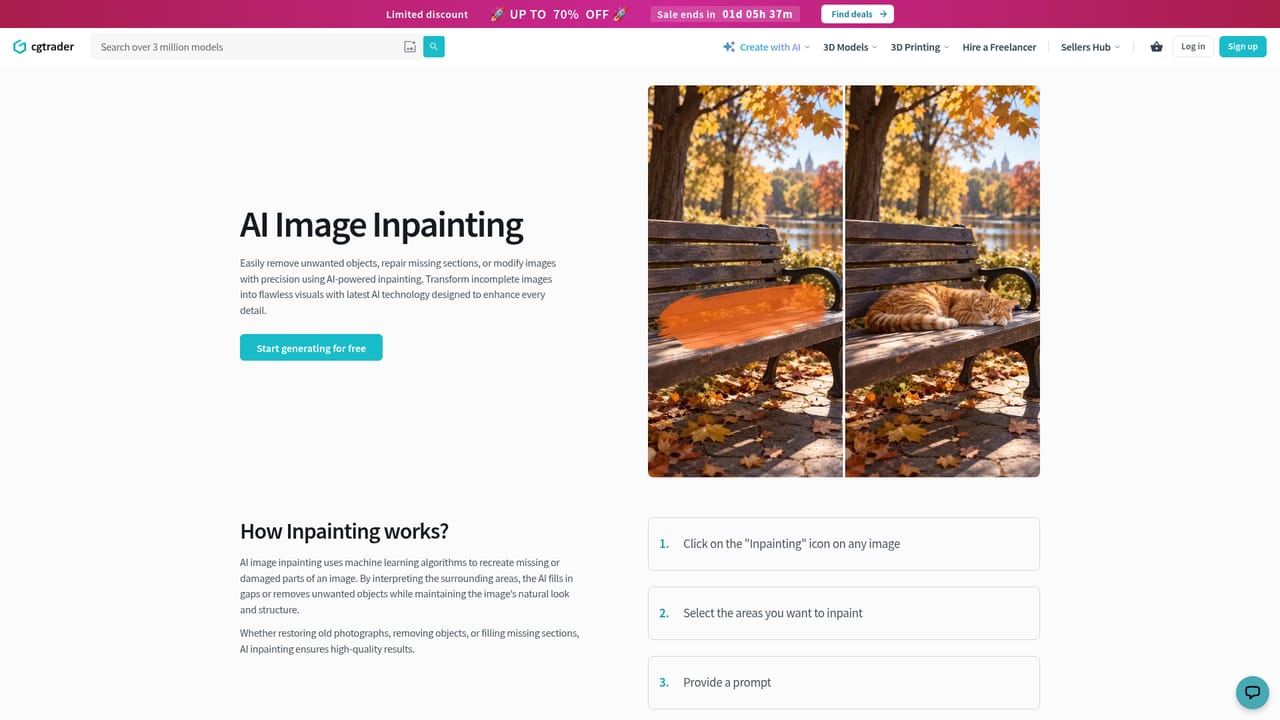
CGDream is the image generation side of CGTrader, a marketplace long associated with 3D models. The product accepts text, an uploaded photo, or an existing 3D model as the starting point and returns rendered visuals. Its distinguishing layer is a 3D viewer that lets the user set camera angle, proportions and dimensions before a frame is committed, so the output is not purely a matter of luck with a prompt. From there the same workspace offers an upscaler, an inpainting brush for repairing or replacing regions, and a filter library of 300 styles that can be combined for a specific look. The tool is aimed at people producing visual assets rather than pure experimentation: game and product designers, illustrators building mood boards, and 3D artists who want a fast concept pass before committing to geometry. In practice a session starts with a source (typed description, reference image, or 3D scene), moves through style selection and framing in the viewer, and finishes with cleanup using inpainting and upscaling. Generated images can then be converted into 3D models, which is the part that separates CGDream from standalone image generators. That distinction matters when comparing it with dedicated tools: image quality is only one axis. The catalog favors workflow continuity, keeping generation, rendering and model conversion under one subscription. CGTrader has also stated that CGDream is being retired as a standalone product and that its generation features are moving into CGTrader AI, a tool built into the 3D workflow. Users should expect differences: Flux Dev, Juggernaut and LoRA support are not part of the new environment, so output can look unlike earlier CGDream results.
New users get 5 free generations to evaluate the generator before subscribing.
Learn moreThe homepage mentions a single subscription covering CGTrader AI tools, with 5 free generations for new users. No tier names or prices are published on the page.
Learn moreAn on-site chat widget is present on the homepage; no help center or documentation page is listed.
Text to image, image to image, 3D model rendering from adjustable angles, image to 3D conversion, an inpainting brush, an upscaler, and 300 combinable filters for style control.
Learn more AI Angels400+ customizable AI girlfriends for NSFW chat, voice calls, and roleplay
 Candy AIExperience the future of companionship with AI friends who chat, role-play, and connect with you on a human level.
 ourdream.aiA vast AI roleplay platform with millions of characters for chat, images, video and voiceAI Angels400+ customizable AI girlfriends for NSFW chat, voice calls, and roleplayCandy AIExperience the future of companionship with AI friends who chat, role-play, and connect with you on a human level.ourdream.aiA vast AI roleplay platform with millions of characters for chat, images, video and voice


