Free trial
DoMax AI states users can start creating for free, though available credits, models, and generation limits depend on the current plan.
Learn moreOne workspace, multiple AI models for video, image, and soon audio creation.

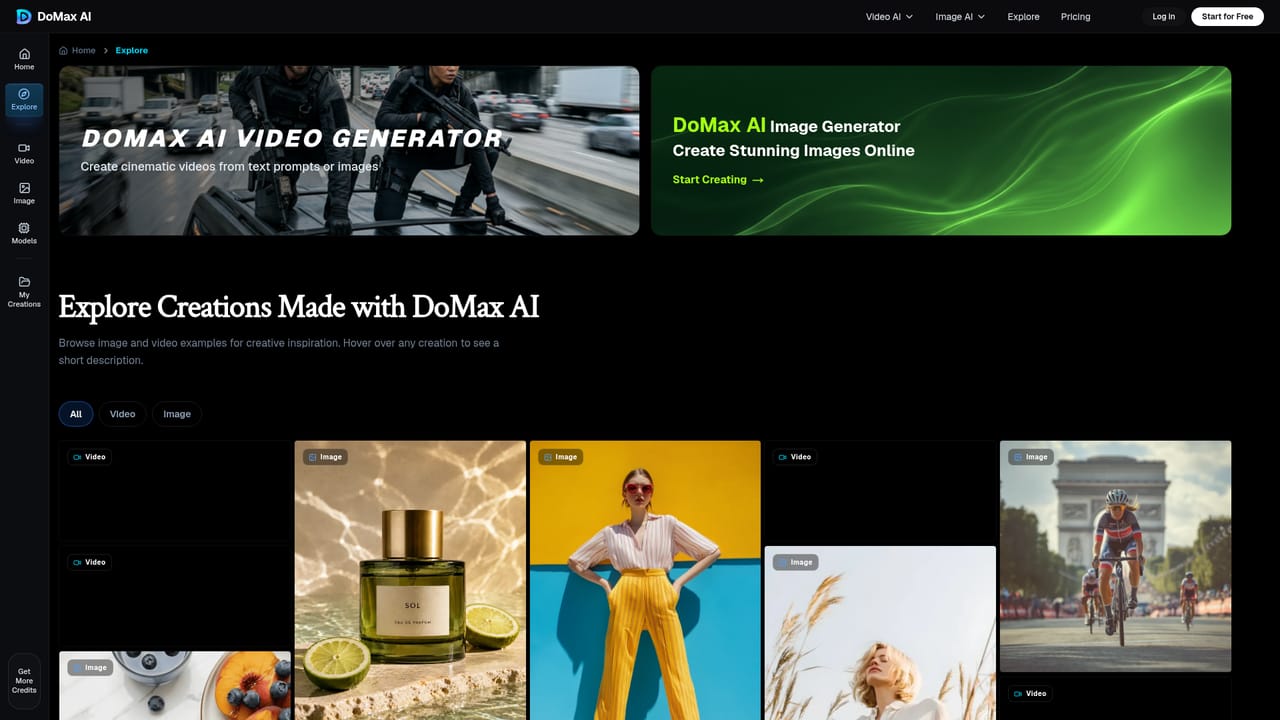
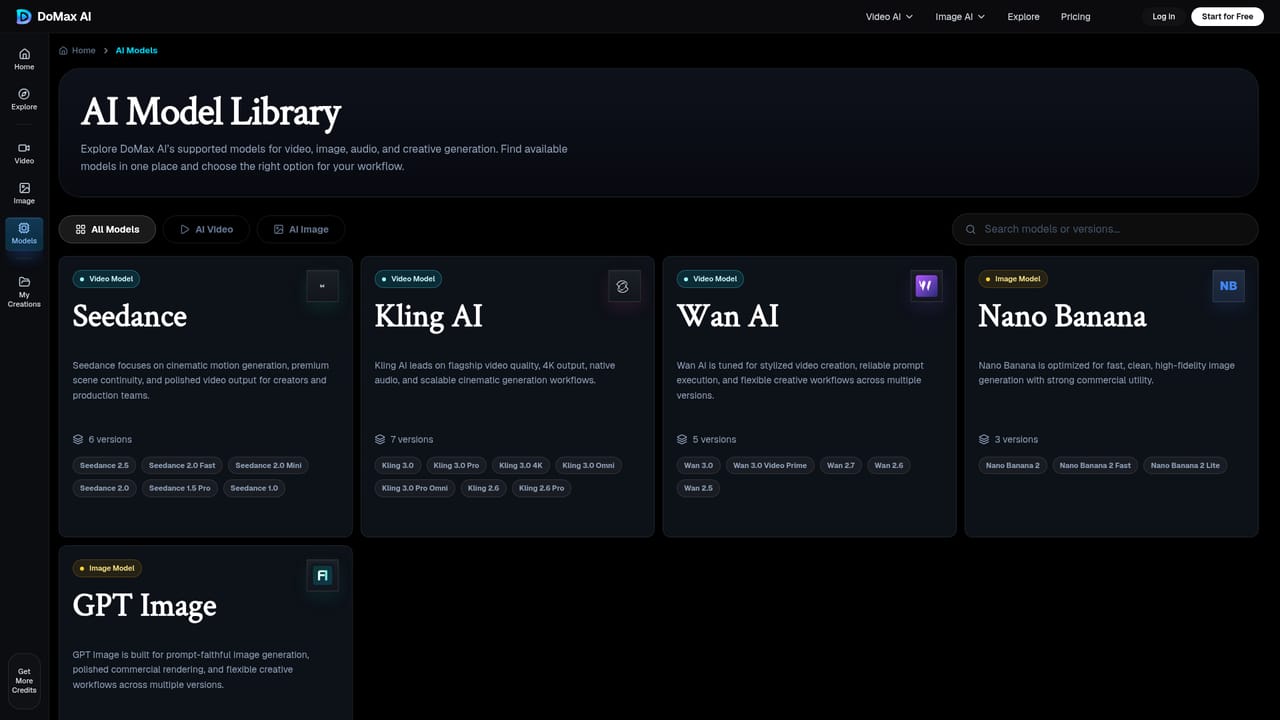
DoMax AI is a web workspace that gives creators access to multiple generative video and image models (Seedance, Kling, Wan, Nano Banana, GPT Image) from one place, letting them compare outputs and pick the best model per project without juggling separate tools.
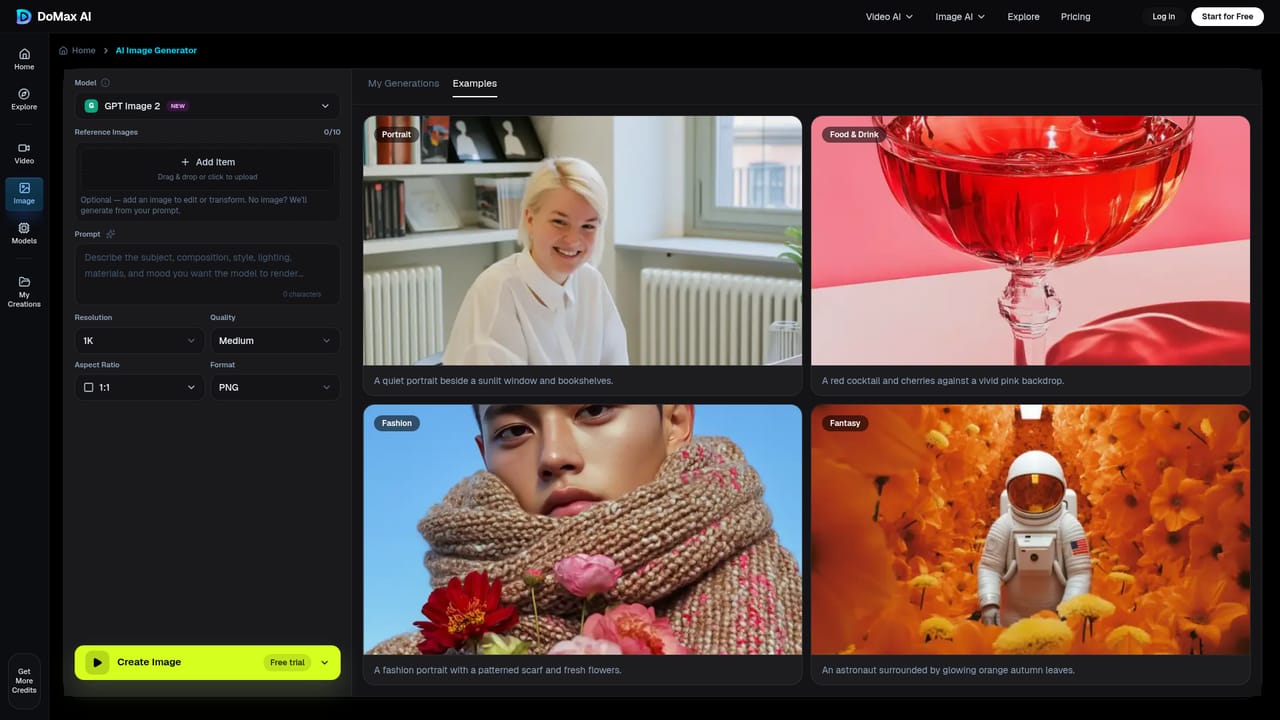
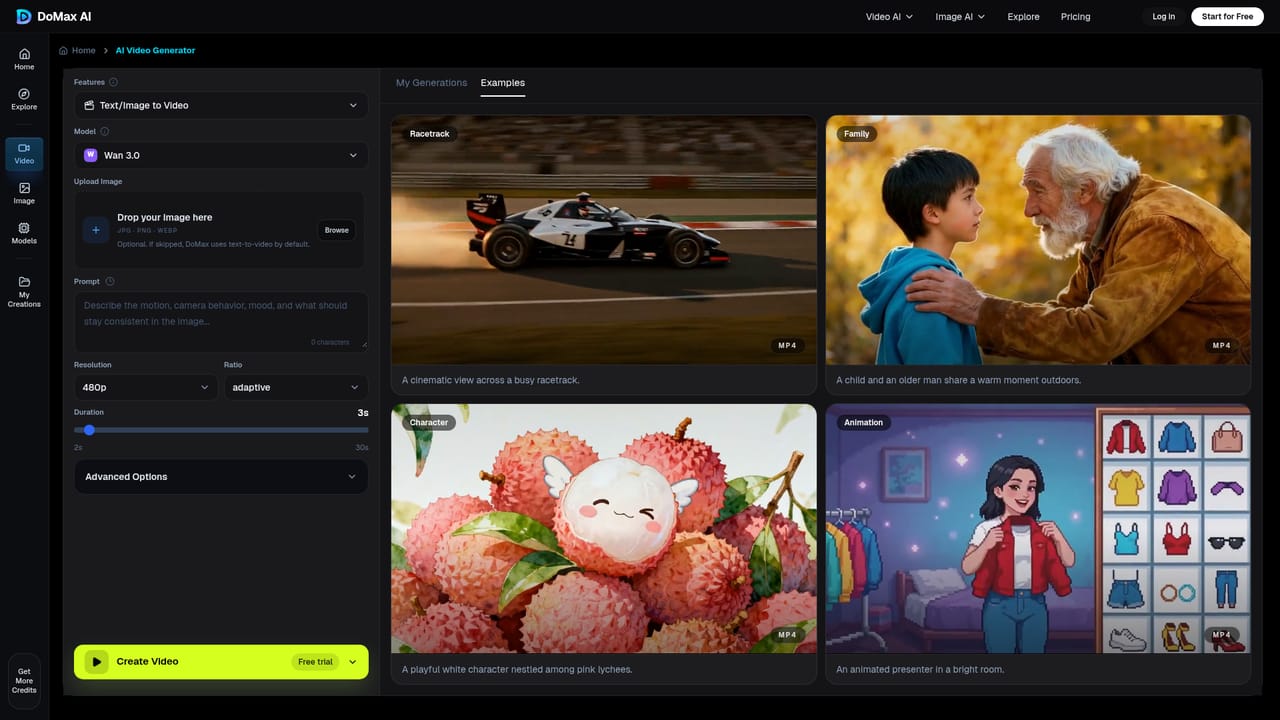
DoMax AI is a web-based creation platform that consolidates several generative AI models for video and image production into a single workspace. Rather than subscribing to separate tools for each provider, users can generate content from text prompts or reference images and switch between models such as Seedance, Kling, Wan, Nano Banana, and GPT Image depending on the style, fidelity, or motion quality a project requires. An audio generation module for speech and music is listed as coming soon but is not yet active. The platform is aimed at creators, marketers, designers, and small teams producing visual content for campaigns, social channels, product concepts, or early-stage storytelling. It is built around a straightforward four-step flow: pick a generator (video, image, or audio), add a prompt or upload a reference image, generate and compare outputs across models, then download the finished asset. No editing or design background is required to use it, which positions it toward exploratory and production use cases alike rather than technical post-production work. In practice, DoMax AI functions less as a single-model specialist and more as a comparison layer over multiple third-party generative engines. This is useful for teams that want to test which model best fits a specific creative brief (a cinematic scene, a product photo, an anime-style portrait) without maintaining several accounts. It sits alongside dedicated single-model video or image generators as an alternative for those who value flexibility and model choice over depth in any one engine. Because the platform explicitly notes that model availability, features, and pricing may change, it is best suited to users comfortable with a still-evolving toolset rather than those needing a fixed, long-term feature set. Commercial usage rights also depend on the selected plan and the terms of the underlying model provider, which buyers should confirm before using outputs commercially.
DoMax AI states users can start creating for free, though available credits, models, and generation limits depend on the current plan.
Learn moreThe homepage references paid plans and a credits system ('Get More Credits') but does not list specific tiers or prices; details are pointed to the dedicated pricing page.
Learn moreDoMax AI provides a Help Center and a Contact Us page for support, along with an FAQ section covering usage, models, and licensing questions.
Learn moreCombines AI video, AI image, and (upcoming) AI audio generation in one workspace, letting users create from prompts or reference images and switch between multiple third-party generative models for different creative styles and outputs.
Learn more AI Angels400+ customizable AI girlfriends for NSFW chat, voice calls, and roleplay
 Candy AIExperience the future of companionship with AI friends who chat, role-play, and connect with you on a human level.
 ourdream.aiA vast AI roleplay platform with millions of characters for chat, images, video and voiceAI Angels400+ customizable AI girlfriends for NSFW chat, voice calls, and roleplayCandy AIExperience the future of companionship with AI friends who chat, role-play, and connect with you on a human level.ourdream.aiA vast AI roleplay platform with millions of characters for chat, images, video and voice


