Free trial
A free trial is mentioned and the playground allows prompt testing before credits are spent, though the page gives no details on trial credit amounts or duration.
Learn moreGoogle Veo 3 video generation through a low cost credit based API
Own Kie.ai Veo 3 API? Verify ownership to get a dofollow link

Kie.ai Veo 3 API is a dialogue generator tool. Kie.ai resells Google Veo 3 as a credit priced API and playground, offering Veo 3 Fast and Veo 3 Quality for text to video and image to video clips up to 8 seconds with synchronized audio, plus extras for extending clips and upgrading to 1080p.
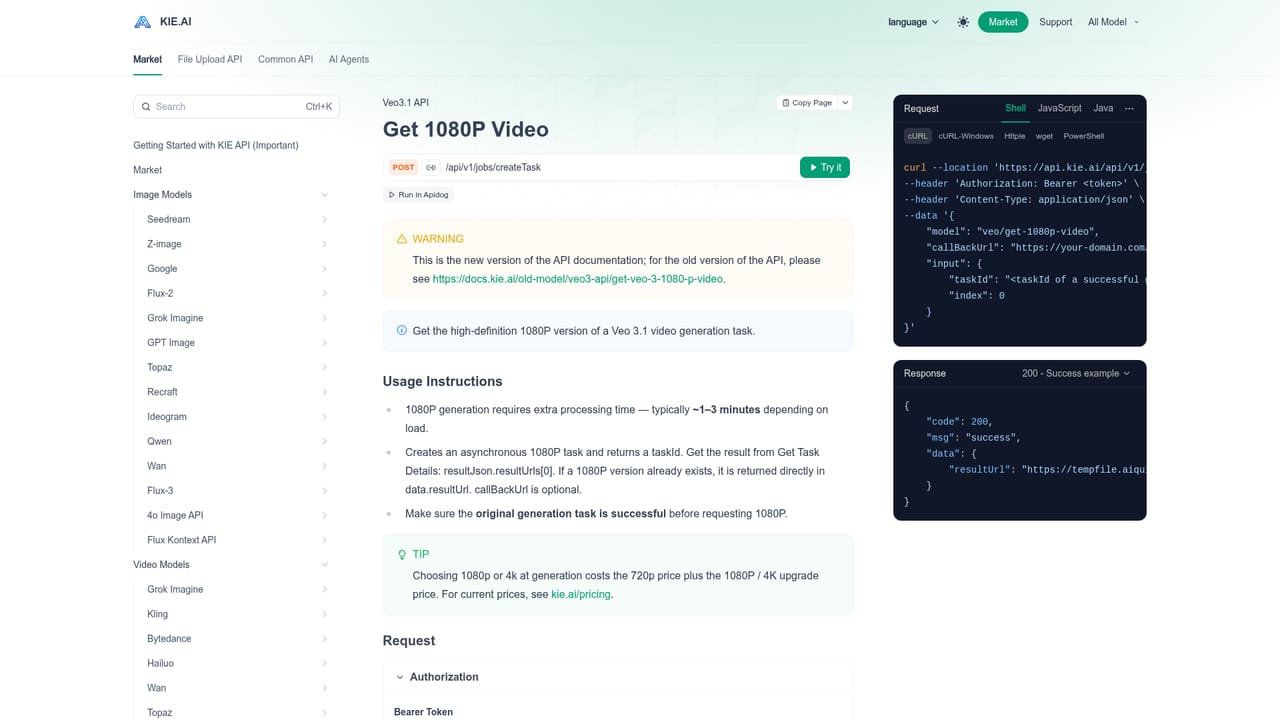
Kie.ai Veo 3 API is a hosted gateway to Google DeepMind's Veo 3 video model, wrapped in a developer friendly interface with credit based billing and a browser playground. The underlying model turns text prompts or reference images into short cinematic clips with native synchronized audio, including dialogue, ambient sound and lip sync. Kie.ai exposes two variants: Veo 3 Fast for quick, inexpensive iteration and Veo 3 Quality for higher fidelity output with realistic lighting and physics. The site also lists Veo 3.1 Fast alongside resolution options from 720p through 1080p and 4k, aspect ratios of 16:9 and 9:16, and clip durations of 4, 6 or 8 seconds. Generation types cover text to video, image to video and reference to video. The service targets two audiences. Developers get an API key, documented endpoints and a choice between polling and callback mechanisms for tracking tasks, which suits product teams embedding video generation into apps, ad pipelines or creative tools. Solo creators and marketing teams get the same engine through a dashboard with a playground for prompt testing before credits are spent. Audio is flagged as experimental according to Google and may be missing on some outputs, so dialogue heavy work should be reviewed clip by clip rather than assumed. In practice the workflow is straightforward: generate a task, poll for its status or supply a callback URL, then fetch the finished file. Helper endpoints extend an existing clip, upgrade a task to 1080p for 120 credits, or pull a 1080p version for 5 credits, with a note that videos produced after a 1080p upgrade cannot be extended. An optional watermark field can be attached at generation time. Among alternatives, Kie.ai positions itself on price rather than exclusivity, claiming up to 70 percent savings against Fal.ai and Replicate, which the page lists at $6.00 for an 8 second clip versus $0.30 on Veo 3 Fast or $2.00 on Veo 3 Quality. The tradeoffs are the short maximum clip length, a narrow set of ratios and resolutions, and a model surface that is still marked partly experimental.
A free trial is mentioned and the playground allows prompt testing before credits are spent, though the page gives no details on trial credit amounts or duration.
Learn moreCredit based, no subscription required. The page lists Veo 3 Fast at $0.30 (60 credits) per 8 second clip and Veo 3 Quality at $2.00 (400 credits). The 1080p upgrade costs 120 credits and a 1080p fetch costs 5 credits. Kie.ai claims up to 70 percent savings versus Fal.ai and Replicate at $6.00 per clip.
Learn moreSupport is limited to the API documentation and playground linked from the homepage. No help centre, ticket system or contact channel is listed.
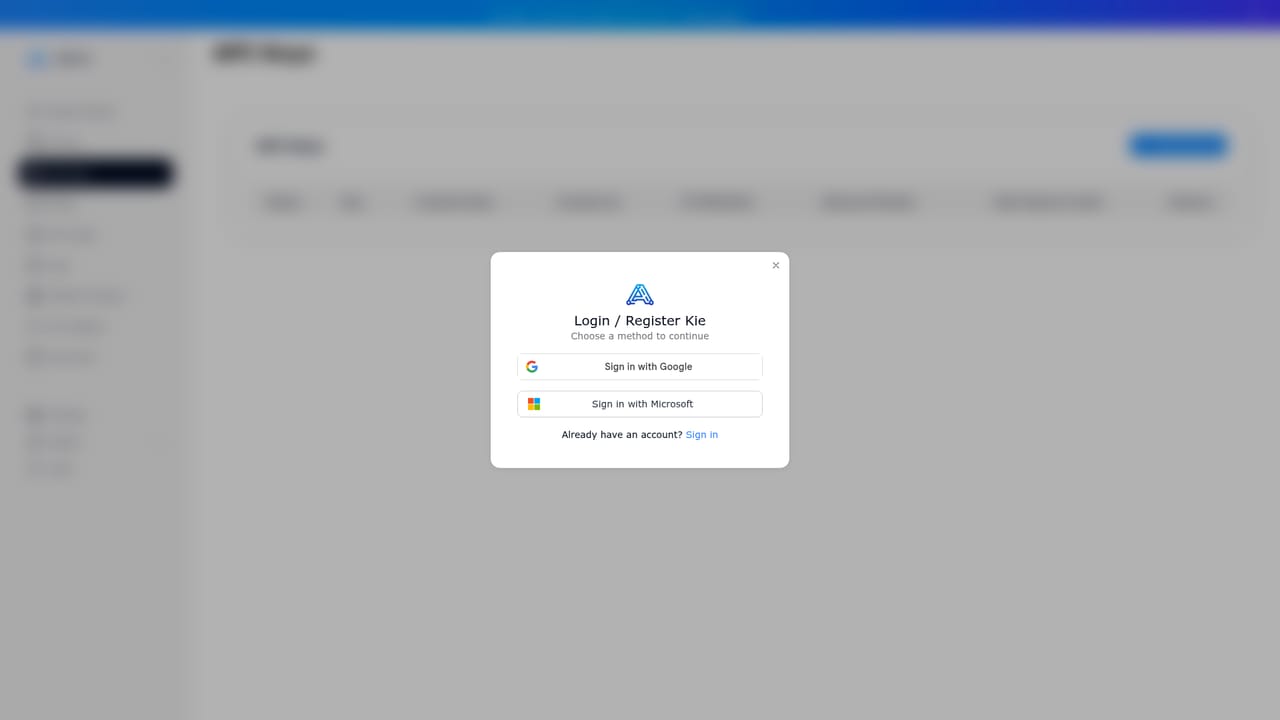
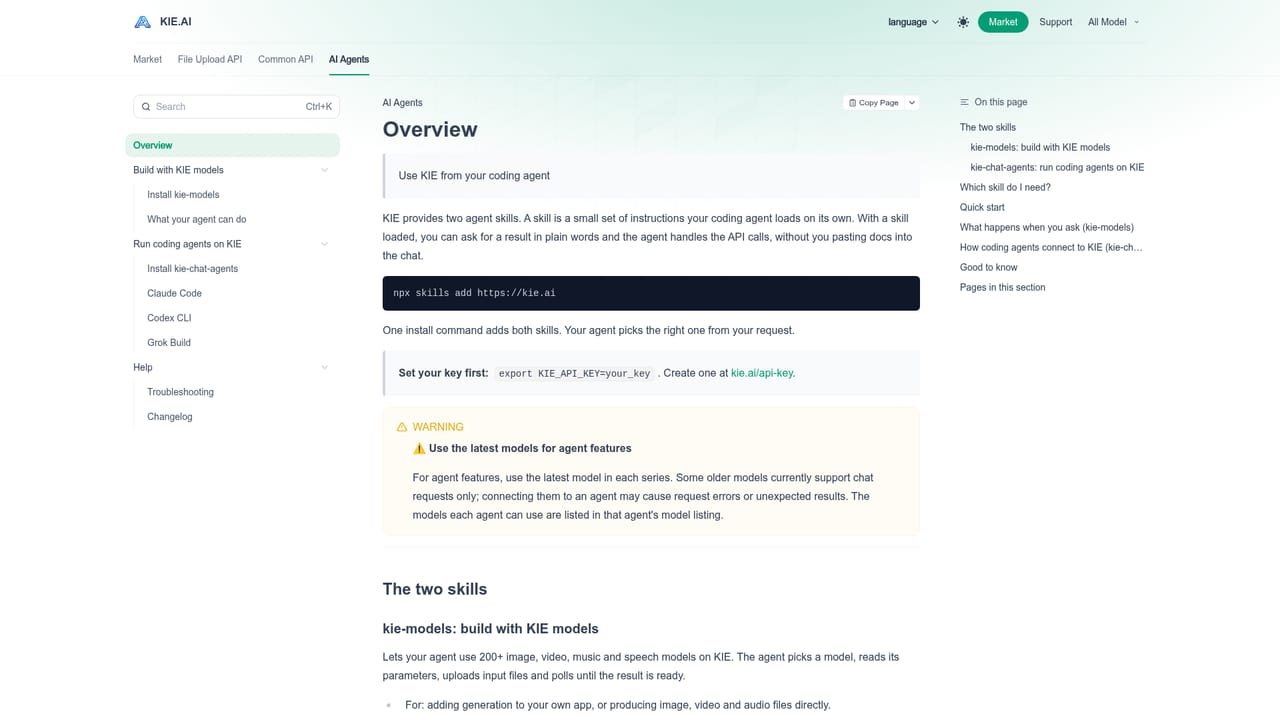
Learn moreREST style API with documented endpoints, an API key dashboard and a browser playground. The site also points to an overview for calling Kie models from coding agents.
Learn moreText to video, image to video and reference to video generation with native synchronized audio and lip sync. Veo 3 Fast and Veo 3 Quality models, 720p, 1080p and 4k options, 16:9 and 9:16 ratios, 4, 6 or 8 second durations, clip extension, 1080p upgrade and retrieval endpoints, optional watermark, and polling or callback task tracking.
 AI Angels400+ customizable AI girlfriends for NSFW chat, voice calls, and roleplay
 Candy AIExperience the future of companionship with AI friends who chat, role-play, and connect with you on a human level.
 ourdream.aiA vast AI roleplay platform with millions of characters for chat, images, video and voiceAI Angels400+ customizable AI girlfriends for NSFW chat, voice calls, and roleplayCandy AIExperience the future of companionship with AI friends who chat, role-play, and connect with you on a human level.ourdream.aiA vast AI roleplay platform with millions of characters for chat, images, video and voice


