Pricing
Each live model lists a credit cost per output: 5 or 10 credits per image, and 10 credits per layer for Qwen Layered. Usage is metered by the production backend; preview models are unavailable and unpriced until launched.
Learn moreOne API key, five live Qwen image models, documented async generation and editing.

Qwen API is a developer tool. Qwen API gives developers one key and base URL to call five live Qwen image generation and editing models, with documented async tasks and published per model credit costs.
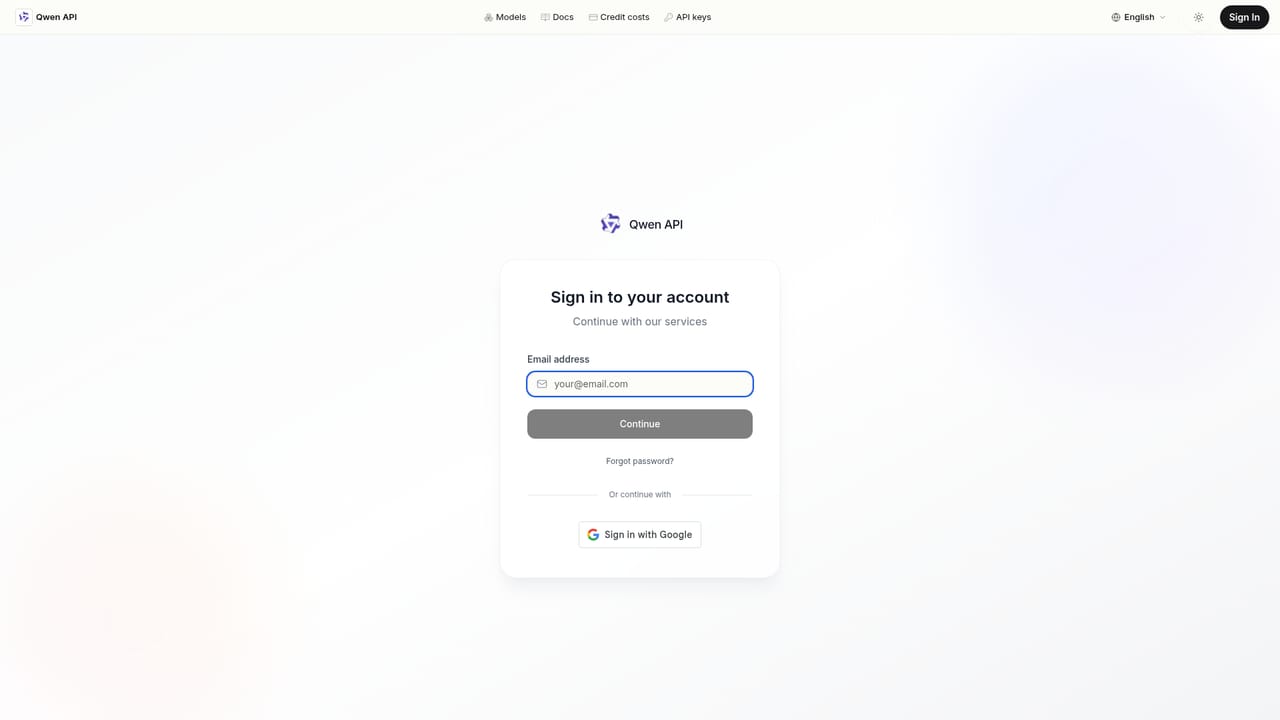
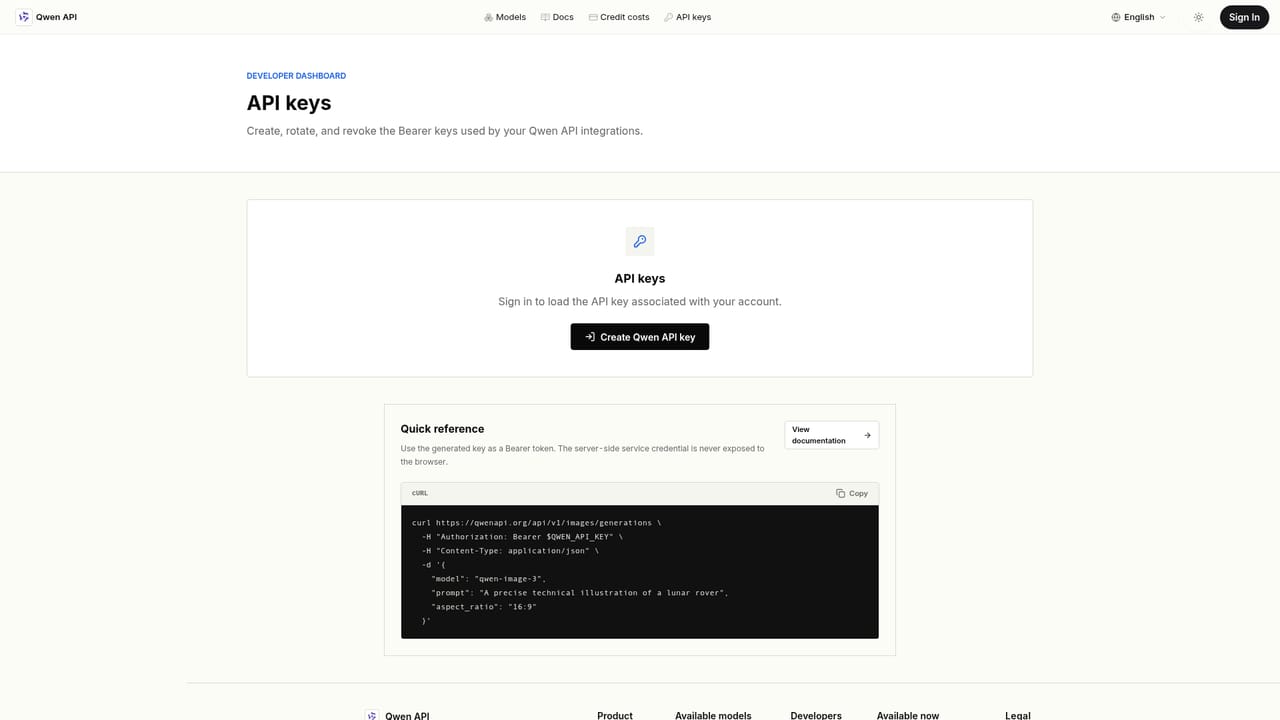
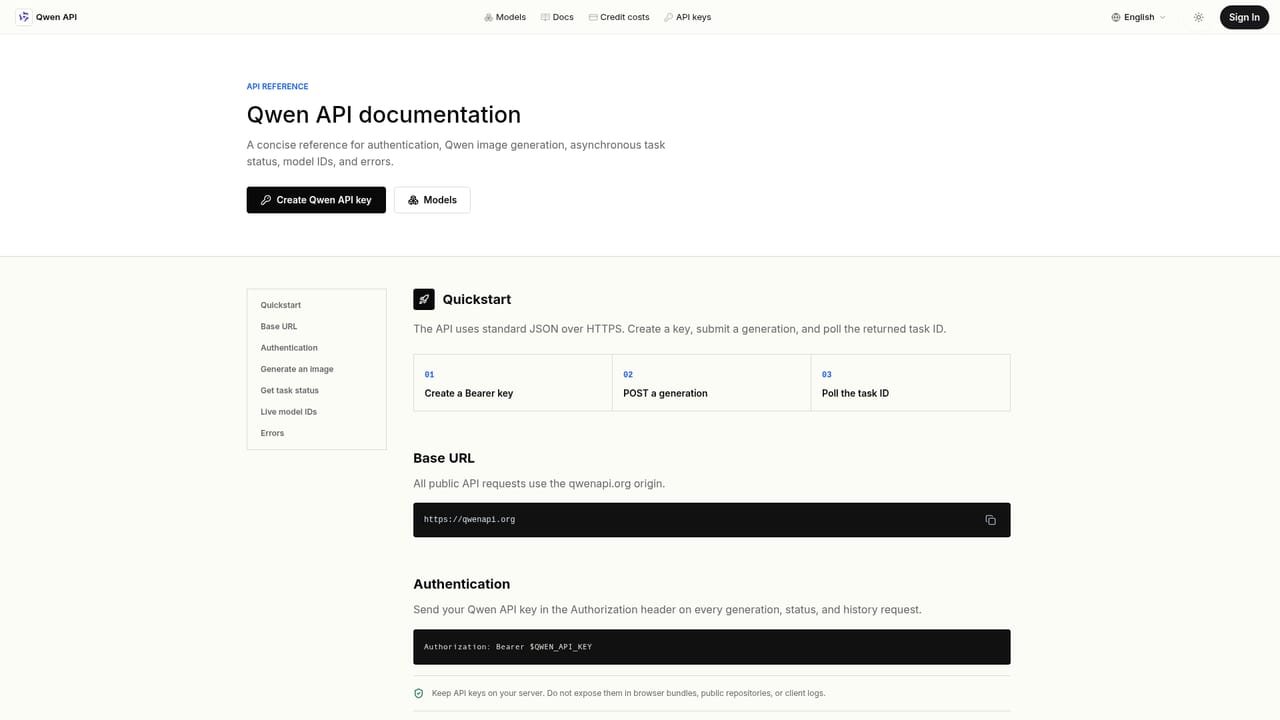
Qwen API is a developer focused gateway to Qwen's image generation and editing models, exposed through a single base URL and one Bearer key. Rather than juggling separate credentials or endpoints for each model, developers send requests to one REST surface and select from five callable models: Qwen Image 3, Qwen2 Image, Qwen Image 2512, Qwen Multi Angles, and Qwen Layered. Each model page documents its accepted inputs, whether that is a text prompt, a reference image URL, or multiple angle inputs, along with its current credit cost per image or layer. The API is built around an asynchronous task model. A generation request returns a task ID immediately, and the caller polls a documented status route with the same key to retrieve progress, output URLs, or structured error messages. This pattern suits backend integrations where image generation happens as part of a longer pipeline rather than a synchronous, blocking call. A browser based playground lets developers validate a live route and inspect a real response before writing integration code. Qwen API is aimed at product engineers, creative tooling teams, and platform teams building features around image generation, editing, multi angle product shots, or layered compositing. It fits teams that want to compare several image models under one contract instead of maintaining bespoke authentication and polling logic per provider. The site is explicit about what is production ready: live models are separated from preview entries that are not yet callable or billed, which helps buyers avoid planning around unavailable functionality. Compared to broader multimodal AI APIs that also cover chat and text generation, Qwen API as documented here is narrowly scoped to image generation and editing. Teams needing conversational or text based Qwen capabilities alongside image tooling will need to look at the coverage of live routes before committing production traffic.
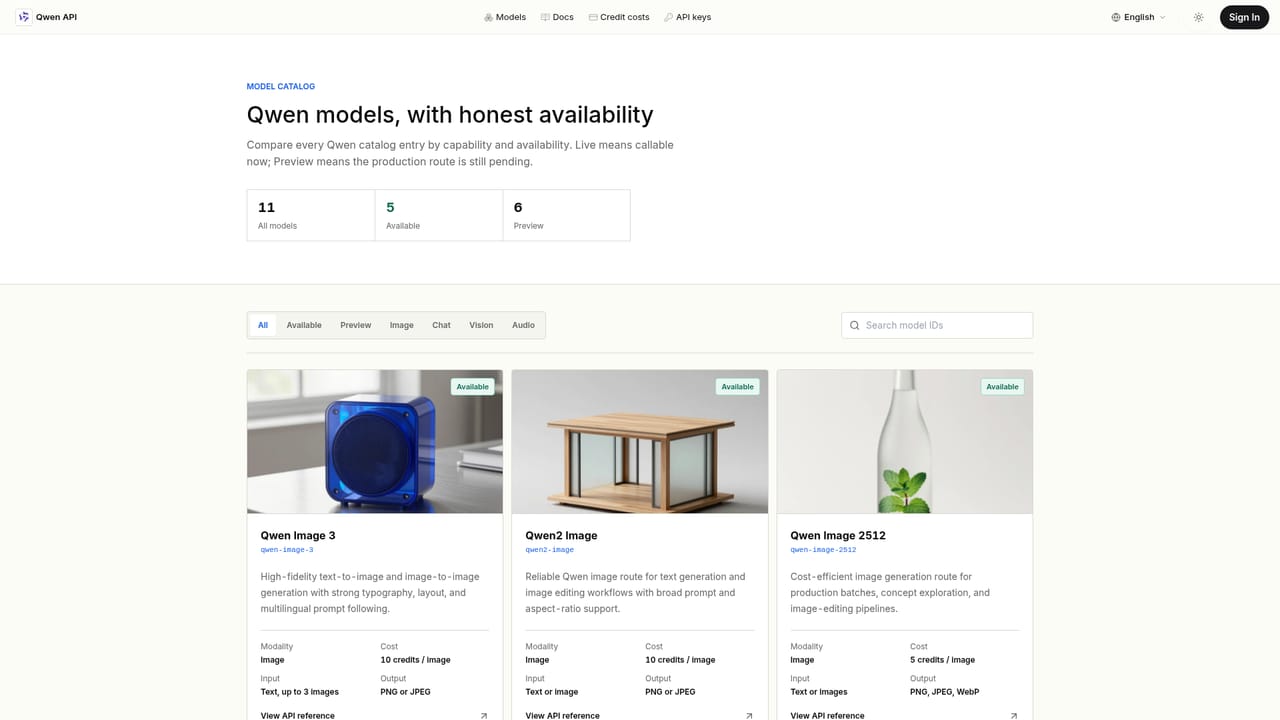
Each live model lists a credit cost per output: 5 or 10 credits per image, and 10 credits per layer for Qwen Layered. Usage is metered by the production backend; preview models are unavailable and unpriced until launched.
Learn moreSupport resources include API documentation and reference pages covering authentication, request formats, and task status, plus a listed email contact for direct inquiries.
Learn moreOne base URL and API key across five live image models, documented asynchronous task submission and status polling, per model input documentation, published credit costs, and a playground for testing a live route before integrating.
Learn more AI Angels400+ customizable AI girlfriends for NSFW chat, voice calls, and roleplay
 Candy AIExperience the future of companionship with AI friends who chat, role-play, and connect with you on a human level.
 ourdream.aiA vast AI roleplay platform with millions of characters for chat, images, video and voiceAI Angels400+ customizable AI girlfriends for NSFW chat, voice calls, and roleplayCandy AIExperience the future of companionship with AI friends who chat, role-play, and connect with you on a human level.ourdream.aiA vast AI roleplay platform with millions of characters for chat, images, video and voice


