Free trial
The homepage offers a free sign up and invites visitors to try the tool for free, and the agent is described as available on every plan. No trial length or usage caps are stated.
Learn moreGenerate and edit AI images together on one infinite canvas

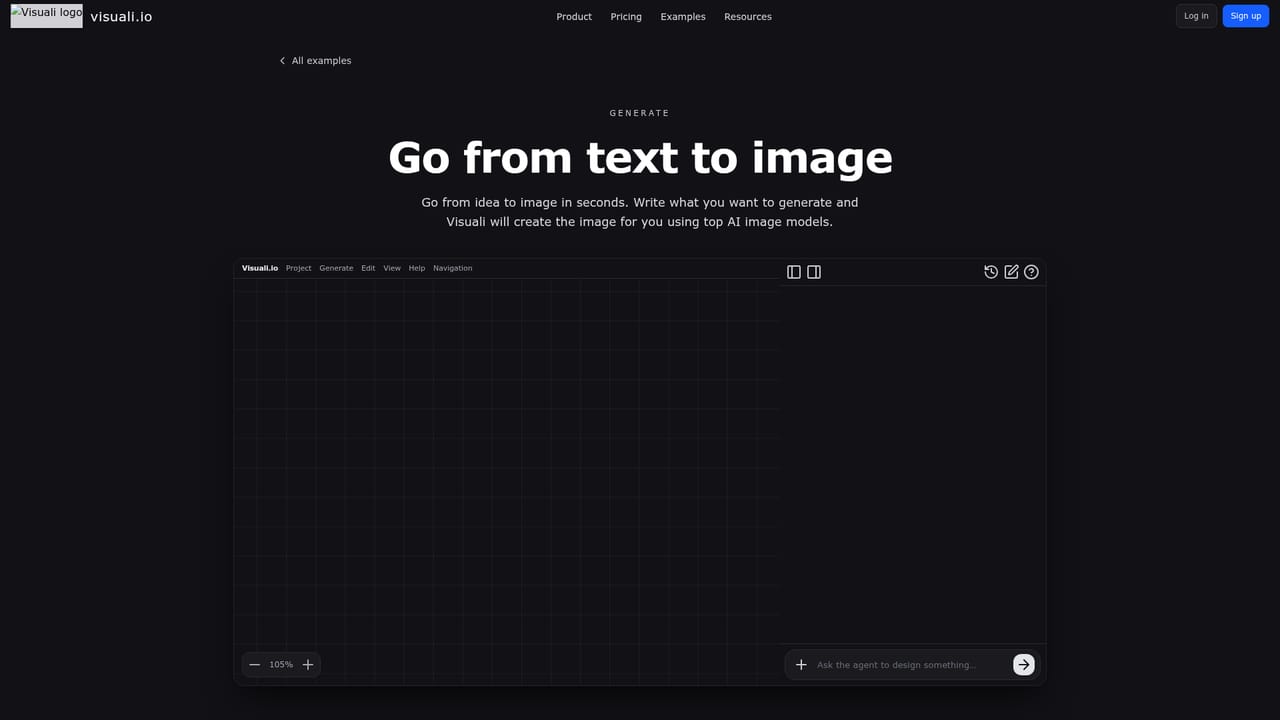
Visuali is an extend images tool that generates and edits AI images together on one infinite canvas. Visuali is an AI image generator and photo editor built around an infinite canvas.
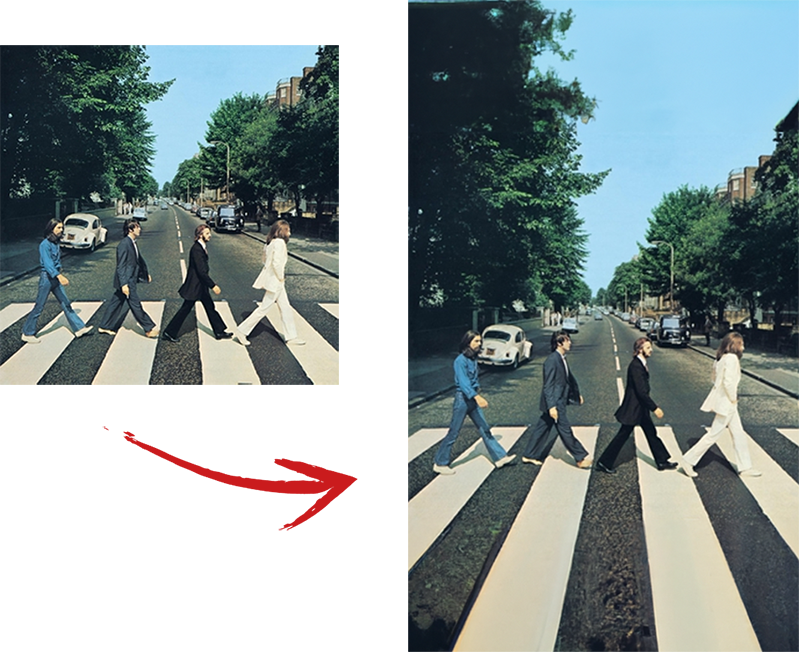
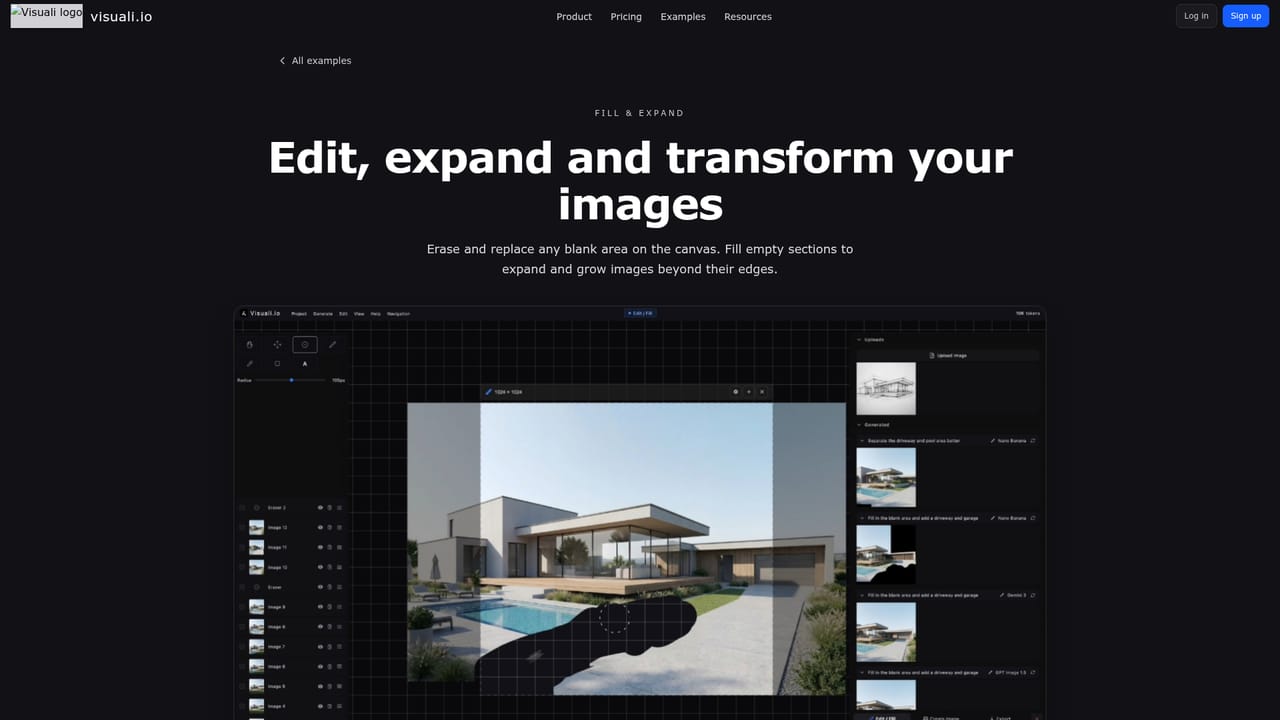
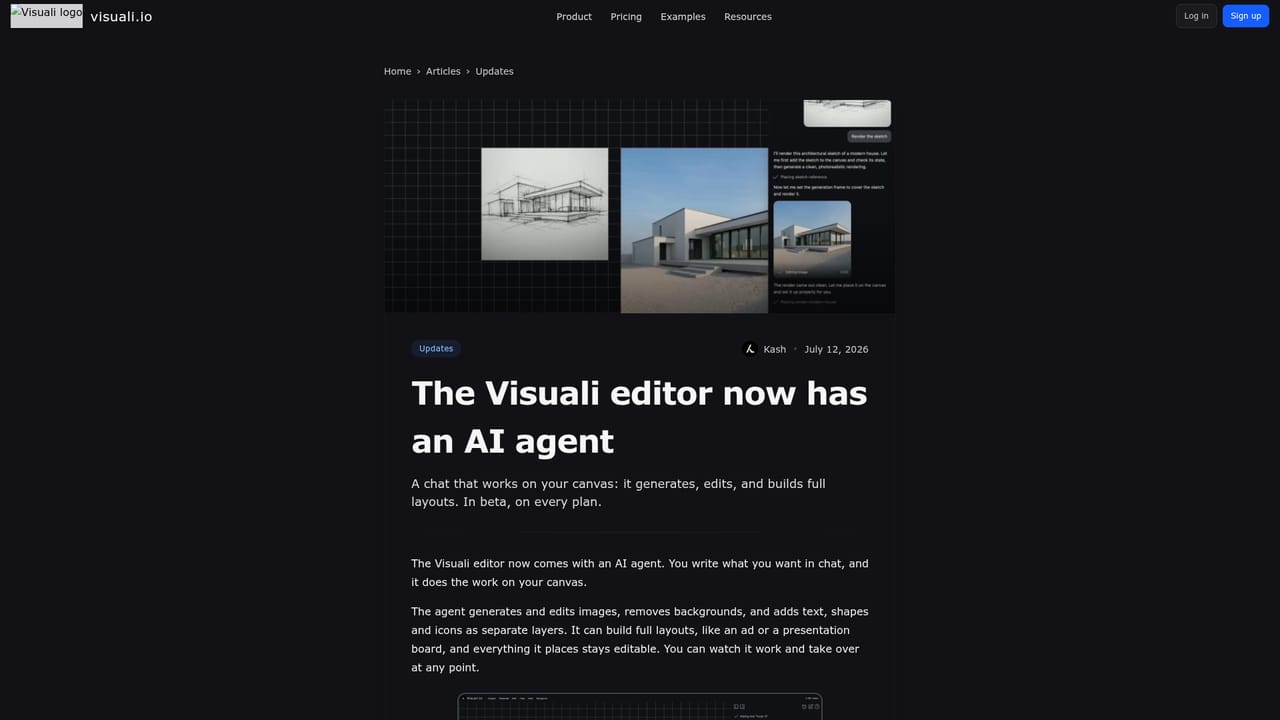
Visuali is a browser based image workspace that puts generation and editing on the same infinite canvas. Instead of bouncing between a prompt box, a raster editor and a file manager, you work on one surface where every generated image, reference photo, text block and shape is an editable layer. The editing side covers inpainting and outpainting, so you can erase and replace objects or extend a picture in any direction without hitting a frame edge, plus background removal and transparent export. Under the hood it routes prompts across a long list of third party models, including GPT Image 2, Nano Banana 2, Gemini 3, Seedream 4.0, Flux 2 Pro, Stable Diffusion XL and several Flux variants. Multiple reference images can be selected at once, and each selected image becomes context for the next generation or edit. A chat based agent, currently in beta on every plan, can carry out those operations for you and also add text, shapes and icons, so a session can produce moodboards and full layouts rather than only single pictures. Bulk work is handled by writing the brief once and letting the agent lay out a campaign set or a product in many variations across the canvas. The manual side is aimed at people who want control: layer groups, drag and drop ordering, nondestructive undo and redo, multi font text, on canvas drawing, a color picker and pipette, and transforms on any layer. Projects can be saved, renamed and copied, and exports run as PNG or JPEG with custom quality and resolution, including a transparent background option. The canvas is built for high resolution and DPI work. It suits designers, marketers and illustrators who already think visually and want a lighter replacement for a stack of separate tools. Visuali runs in any browser and can be installed to the home screen or desktop for a full screen app. The tradeoff is that it is not an editor for retouchers who need precise masks and channels, and model quality and pricing sit with third parties it does not fully control.
The homepage offers a free sign up and invites visitors to try the tool for free, and the agent is described as available on every plan. No trial length or usage caps are stated.
Learn moreHelp and documentation are published on the site, alongside a blog of product updates and a Discord community for creators. No email or live chat support channel is listed on the homepage.
Learn moreText to image generation across a large model list (GPT Image 2, Nano Banana 2, Gemini 3, Seedream 4.0, Flux 2 Pro, Stable Diffusion XL and more), inpainting and outpainting, background removal, multiple reference inputs, an infinite canvas with layers and groups, on canvas text, drawing and shapes, a chat based AI agent for generation and layout, bulk asset creation, project saving and PNG or JPEG export with custom resolution and transparency.
Learn more AI Angels400+ customizable AI girlfriends for NSFW chat, voice calls, and roleplay
 Candy AIExperience the future of companionship with AI friends who chat, role-play, and connect with you on a human level.
 ourdream.aiA vast AI roleplay platform with millions of characters for chat, images, video and voiceAI Angels400+ customizable AI girlfriends for NSFW chat, voice calls, and roleplayCandy AIExperience the future of companionship with AI friends who chat, role-play, and connect with you on a human level.ourdream.aiA vast AI roleplay platform with millions of characters for chat, images, video and voice