Free trial
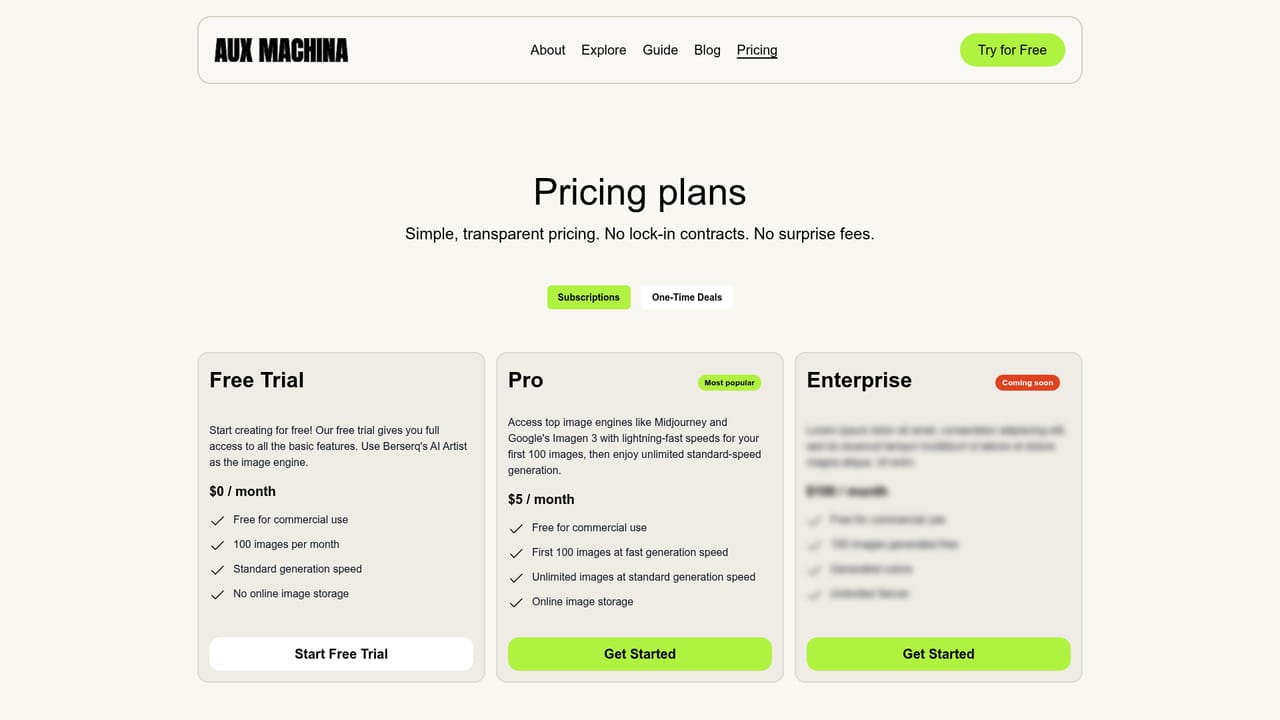
The homepage offers a Try for Free entry point in several places, so first-time users can test image generation before paying. The length or limits of that free access are not stated on the homepage.
Learn moreTurn images into eye-catching custom visuals in seconds

AUX MACHINA is an AI image upscaler tool that turns images into eye-catching custom visuals in seconds. Aux Machina generates custom visuals from prompts or images in a few clicks, aimed at marketers, small businesses, and creators who want affordable royalty-free images with full ownership.
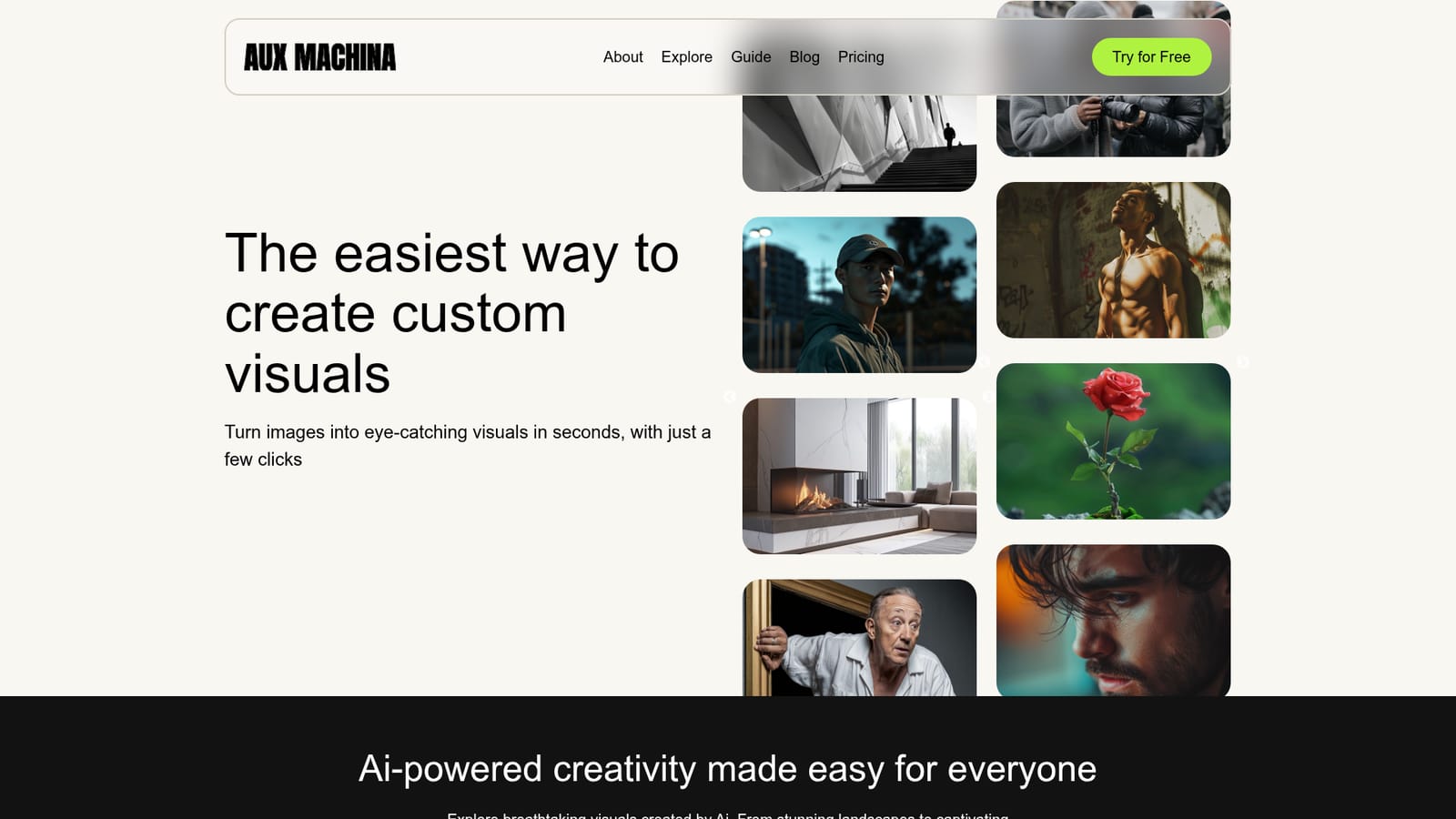
Aux Machina is a web based image creation service built around a simple promise: upload a picture or describe an idea, and get a polished visual back in a few clicks. The homepage positions the product as the easiest route to custom visuals rather than a deep professional editing suite. The gallery samples (a figure in a pink biker helmet, an origami cat, a Maasai warrior portrait at twilight, black and white architecture, a board game rendition of the Eiffel Tower) show the intended range: stylized portraits, objects, and concept pieces rather than documentary photography. The tool is aimed at people who need presentable imagery without a designer on hand. Testimonials on the site name marketing teams, creative teams, advertising agencies, small businesses on tight budgets, florists, and individual content creators posting to Instagram. Common threads are speed, cost, and the ability to quickly iterate on an idea. The site states that generated images come with full ownership and are royalty-free, with no licensing fees or restrictions, which matters most for commercial and brand use where stock licensing is a recurring cost. The workflow described is prompt or image in, visual out. You start on the homepage with the free option, describe what you want, and refine the result. A set of one-click editing tools sits alongside generation: background removal, background replacement, vectorize to SVG, upscaling, sketch to image, magic eraser, text correction inside images, and automatic variations. Every one of those editing features is labeled coming soon on the homepage, so today the practical experience is generation first, editing later. Positioning is value and simplicity, not control. Compared with heavyweight editors or API-first generation services, Aux Machina competes on price, ownership terms, and a short learning curve, and its partner list (Nvidia Inception, Scale AI, Google for Startups, Weights & Biases) signals an AI infrastructure background behind the product.
The homepage offers a Try for Free entry point in several places, so first-time users can test image generation before paying. The length or limits of that free access are not stated on the homepage.
Learn moreGeneration of custom visuals from a prompt or an uploaded image in a few clicks, with images described as royalty-free and fully owned by the user. One-click editing tools are announced but marked coming soon: vectorize to SVG, background removal, background replacement, upscaling, sketch to image, magic eraser, text correction inside images, and automatic variations.
 AI Angels400+ customizable AI girlfriends for NSFW chat, voice calls, and roleplay
 Candy AIExperience the future of companionship with AI friends who chat, role-play, and connect with you on a human level.
 ourdream.aiA vast AI roleplay platform with millions of characters for chat, images, video and voiceAI Angels400+ customizable AI girlfriends for NSFW chat, voice calls, and roleplayCandy AIExperience the future of companionship with AI friends who chat, role-play, and connect with you on a human level.ourdream.aiA vast AI roleplay platform with millions of characters for chat, images, video and voice


