What these tools do
A GIF enhancer repairs the problems that animated GIFs collect over time: compression artifacts, soft edges, banded color and frames that were saved at a fraction of a useful size. The tools here upscale frames, sharpen detail and in some cases rebuild the animation from scratch so the result holds up on a modern screen. They are aimed at people who already have a GIF and cannot go back to the original footage: social media managers reusing old clips, designers cleaning up assets, and anyone who has downloaded a loop that looks blurry next to everything else on the page. What they replace is a manual round trip through a video editor and a separate frame sequence, where each frame gets processed by hand.
How to choose one
The search phrases split into two jobs. If the goal is to enhance GIF quality at a fixed size, a single pass of sharpening and artifact removal is enough, and a free browser tool will usually do it. If the source is small and you need to push it larger, look for stated upscale limits and whether the tool works on animation or only on still frames, since a stills-only enhancer means exporting every frame and reassembling the loop yourself. For an AI GIF enhancer, check what the model does besides resizing: interpolation smooths motion between frames, colorization fixes washed-out palettes, and detail reconstruction is what actually rescues a low-resolution source. File size matters too, because an upscaled GIF grows fast, so check whether the output is still a GIF or gets handed off as video. Finally, look at pricing: one paid job on a large clip can be cheaper than a subscription you use twice.
Notable tools
imaig is a browser studio that generates, crops, masks and animates images in one place. For GIF work its value is the animation and masking side, so it suits someone building or restructuring a loop rather than only sharpening an existing one.
bigmp4 handles AI upscaling, interpolation and colorization for video files directly in the browser. Because GIFs sit close to video, its interpolation and upscaling are the parts that matter for rough, low-frame-rate animations that need smoothing as much as enlargement.
BigJpg AI does one-click AI enlargement that holds detail up to 16x the original size. It is the straightforward choice when a single frame or a small image is the weak point and you need a large, detailed version to work from.
Common questions
Can I enhance GIF quality without the original footage?
Yes, that is the normal case. The tools work from the frames in the file itself, reconstructing detail that compression removed and sharpening edges that blurring softened. The ceiling is set by how much information survived in the source, so a heavily compressed GIF will improve but will not become pristine.
What does an AI GIF enhancer do that a normal resize does not?
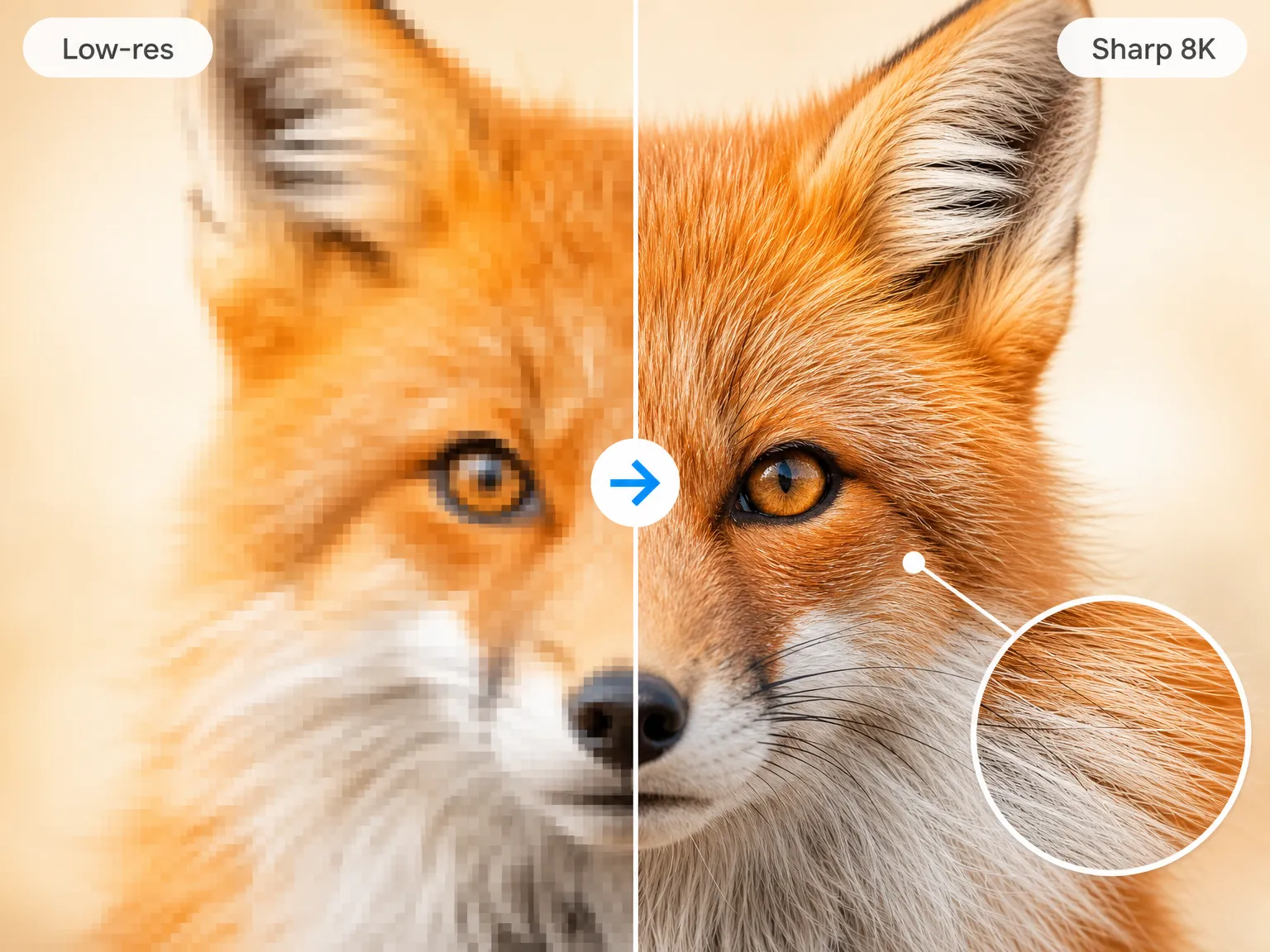
A plain resize stretches existing pixels and makes artifacts more visible. An AI enhancer predicts missing detail, smooths compression blocks and can interpolate motion between frames. That is why the result usually looks cleaner even when the output dimensions are only modestly larger.
Which tool should I try first?
If the problem is a small, soft image behind the animation, start with BigJpg AI to get a larger detailed frame. If the animation itself stutters or the color is flat, bigmp4 covers upscaling, interpolation and colorization in one pass. Use imaig when the loop needs rebuilding or masking rather than repair.
When to look elsewhere
If the file is not animated, the Image Enhancer category covers stills and is the better fit. If the GIF is already large and the only problem is resolution, the GIF Upscaler category deals with size alone, while this page covers the wider repair job.