What these tools do
Turn into gigachad tools reshape an ordinary portrait into the exaggerated, hyper-muscular look of the gigachad meme. Most work from a single upload: the tool detects the face or body, applies an AI filter or template, and returns a stylised image ready to share. They replace the manual work of masking, warping and compositing in a full editor, which is why they suit casual users, meme makers and social posters rather than retouchers who need frame-by-frame control.
The category overlaps with other restyling tools under Image Editing. Some entries here are general photo transformation engines with a gigachad-style effect among many, and some are built around face or character templates rather than a dedicated body build. Knowing which kind you are opening saves time.
How to choose one
Start with the input. If you plan to turn yourself into gigachad from a normal selfie, check that the tool accepts a single photo and handles face detection automatically. Tools that need a clean, front-facing shot will fail on group photos or angled portraits.
Next, decide whether you want a dedicated gigachad filter or a broader effect library. A general transformation engine gives you more styles after the first edit, while a meme-specific generator is faster if the gigachad look is the only thing you need.
Check the output format and platform. Web apps are the norm, but a few tools also ship mobile apps, which matters if you edit on a phone. Finally, confirm the pricing model: free tiers often watermark or cap exports, and a one-off meme rarely justifies a subscription.
Notable tools
AI Kirkify Meme Generator is a meme generator built around the Kirkify tiny-face effect. It is the closest match here for users who want a face-distortion meme template rather than a body transformation.
Anime AI transforms a picture into anime-style images. It is useful when the gigachad edit is part of a wider set of stylised portraits rather than a standalone result.
GifStar puts your own face into popular GIFs from a single photo. That face-swap approach suits moving meme formats, though it is not a dedicated gigachad filter.
ZestyGen is a photo transformation engine with more than 100 AI effects and style transfer. Its range makes it a practical choice if you want a gigachad-style pass and other looks from the same upload.
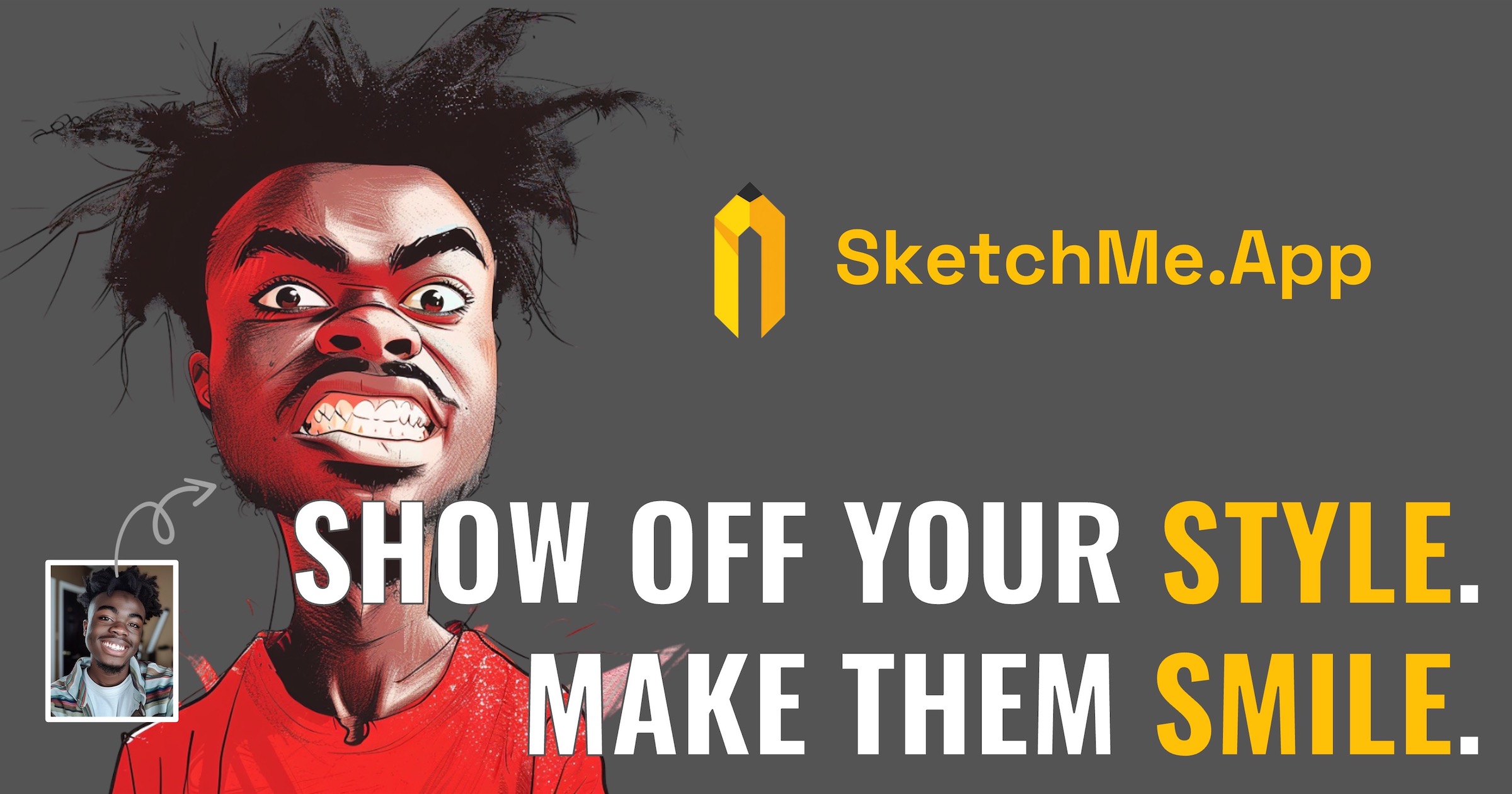
SketchMe.App turns a handful of selfies into illustrated profile pictures. It leans toward illustrated avatars, so expect a drawn result rather than a photographic gigachad face.
Vizbull combines collage layouts and cartoon portrait styles in one browser editor. It fits users who want to arrange several portraits or apply a cartoon treatment in the same session.
Common questions
What is gigachad AI?
Gigachad AI refers to AI tools that apply the gigachad meme look to a photo, usually by stylising the face and body into a hyper-muscular, square-jawed form. The tools here do this through filters, templates or face-swap effects. Results vary by tool, and none of them replace a full manual retouch.
How do I turn myself into gigachad?
Upload a clear, well-lit portrait to a tool that supports single-photo input, apply the gigachad or meme-style effect, and export the result. A front-facing photo with the head and shoulders visible gives the face detection the best chance. If the first result looks off, try a different source photo before switching tools.
Can I turn into gigachad from a group photo?
Some tools detect only one face and may pick the wrong subject or fail on a crowded frame. Cropping to a single person before upload is the safer approach. Tools built around face templates are generally stricter about input than general style-transfer engines.
When to look elsewhere
If the goal is to swap one face onto another body rather than apply a gigachad style, the Face Swap category is the better fit. For a different kind of full-body transformation, see Full Body Gender Swap. And if the source image is a generated artwork that needs repair rather than restyling, AI Art Fixer covers that.